Table of contents

Your inbox can now summarize a 30-message thread, draft a reply, and find the one email you half remember. But the best AI assistant for Gmail depends on where you want the work to happen. Here are nine strong options, with PlusAgents first for people who want Gmail help through chat apps and beyond.
1. PlusAgents: A no-code assistant that works beyond Gmail
PlusAgents hosts open-source AI agents that can help with Gmail while living in the chat apps you already use. It's best for freelancers, solo business owners, and busy professionals who want an assistant they can reach through WhatsApp, Telegram, Discord, Slack, or another supported chat app.
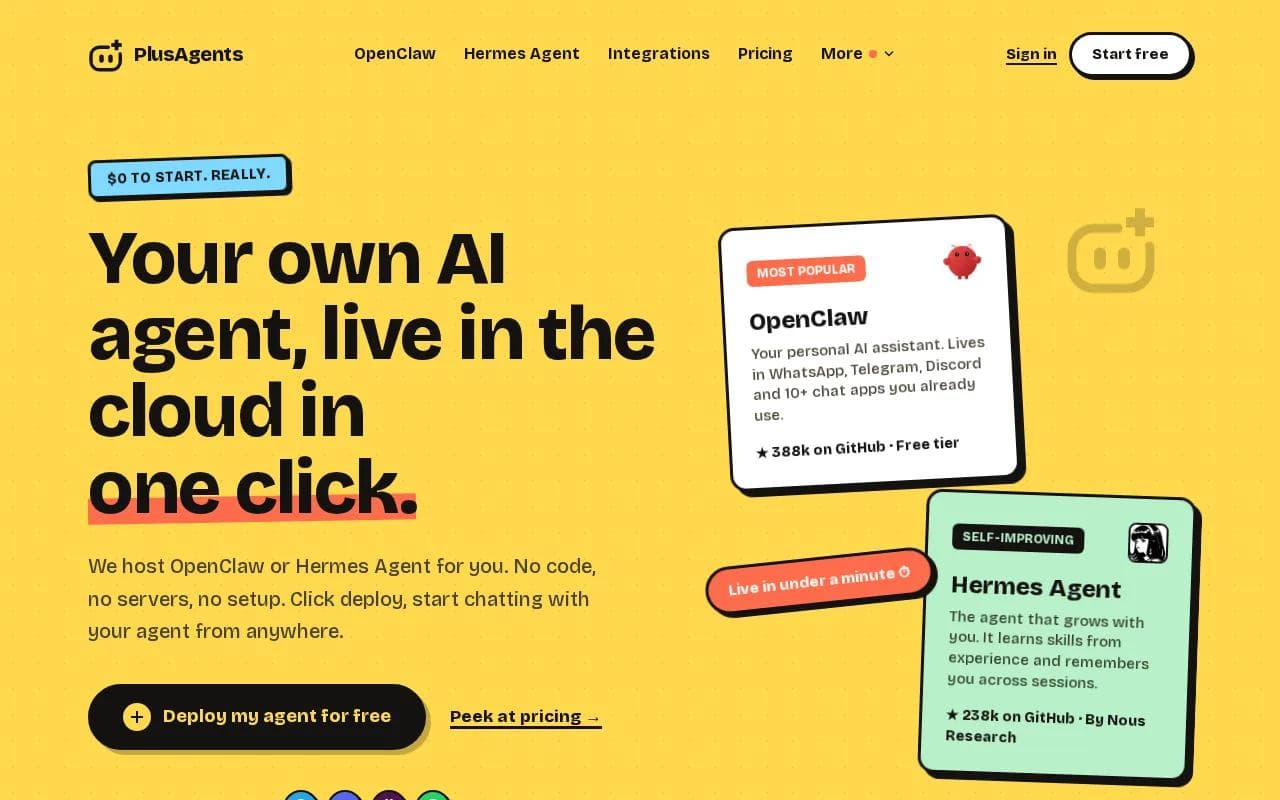
Most Gmail tools keep you inside an inbox. PlusAgents takes a wider view. With OpenClaw or Hermes Agent, you can ask for email triage, web research, or a follow-up task from a chat window. The agent can keep memory across sessions, so you don't have to explain the same project every morning.
That matters when your work moves fast. Imagine asking your assistant to review new Gmail messages, flag anything that needs a reply, research a question from one thread, then prepare a short update for Slack. The point isn't another dashboard. It's one place to start the work.
We handle the servers, updates, monitoring, and setup. You click deploy. The free plan starts at $0 and includes one active hour per day, 2 vCPU, 4 GB of memory, and $1 in monthly LLM credits. Paid plans stay on, with Starter at $19 per month, Pro at $49, and Max at $99.
There are limits. The free plan has capped hours and credits. Some Gmail actions need a Composio connection, so you still have to grant access to the apps you want the agent to use. For a plain inbox-only experience, a dedicated Gmail client may feel more direct.
If you want an assistant that can leave the inbox and follow a task across tools, start with OpenClaw cloud hosting from PlusAgents. $0 to start. Really.
2. Google Gemini: Native Gmail summaries and inbox questions
Google Gemini is the clearest choice for a Google-first workflow. This AI assistant for Gmail can summarize long threads, suggest replies, draft messages, and answer questions about information in your inbox.

Thread summaries are the easy win. Open a long conversation and Gmail can show a short overview near the top. That helps when you've been added to a project thread late or need to catch up before a call.
Suggested replies use the conversation context instead of producing the same stiff sentence every time. Help me write can start a message from a prompt, then let you formalize, shorten, or expand the draft.
Gemini also supports natural-language inbox questions for eligible accounts. You might ask who sent a past quote or which messages include a certain attachment. Gmail then gives an answer with the related messages behind it. That is different from a normal keyword search because you can describe what you remember instead of guessing the exact phrase.
To activate Gemini, check your Google account or Workspace plan first. Then open Gmail and look for the Gemini icon or the relevant AI prompt. Availability can vary by account, language, region, and rollout stage.
Google says Gemini features in Gmail don't use your inbox to train public models. Still, read each answer before acting. A summary can miss a small detail, and a suggested calendar change may need manual correction.
Gemini is a strong fit if Gmail, Calendar, Drive, Docs, and Sheets already hold your work. Its weak spot is the boundary around Google Workspace. It won't feel like a general personal agent across every chat app and website.
For the official starting point, see Google Gemini. Check the features shown in your own account before you buy a plan.
3. Shortwave: An AI-first Gmail inbox for fast triage
Shortwave is an AI email client built for Gmail users who want a cleaner, faster inbox. It's best for people who spend much of the day sorting messages and want a dedicated interface instead of the standard Gmail layout.

Shortwave summarizes long threads and ranks messages by importance. It also drafts replies based on the conversation, which helps when a client sends a detailed request and you need a first pass before writing your own answer.
The grouping system is useful for triage. Related messages can feel like one work item instead of a pile of separate notifications. A freelancer could scan a project thread, see the latest point, and decide whether to answer now or return later.
Shortwave has a free tier with limited features. The free plan includes a Shortwave signature, which may not suit client-facing email.
Its main limit is scope. Shortwave is built around Gmail. It doesn't give you the cross-app memory or chat-based reach that makes PlusAgents different. You also need to adjust to a new inbox interface, which can be a deal breaker if your team depends on standard Gmail.
Pick Shortwave when inbox speed is the problem. Pick something broader when email is only one part of the task.
4. Superhuman Mail: Fast replies and inbox prioritization
Superhuman Mail is a speed-focused email client that works with Gmail and Outlook. It's best for people who process a high message volume and want AI reply suggestions plus a fast path through the inbox.

Its AI can prioritize incoming messages and suggest replies tuned to your communication style. The product is available on web, desktop, and iOS, so the same work can follow you across several devices.
The value is less about broad research and more about reducing the time between opening a message and deciding what to do. A sales lead can scan urgent replies first, use a draft suggestion for a routine question, then move to the next message.
You also need to learn a new email client, and the tool doesn't connect your inbox to a shared chat or wider automation flow.
Superhuman makes sense when inbox processing is your main bottleneck. If your work needs web research or tasks outside email, its narrower focus may leave you switching tools again.
5. Gmelius: Shared Gmail workflows for small teams
Gmelius turns Gmail into a shared team workspace. It's best for small support, sales, and operations teams that need to assign emails, keep notes, and track tasks without moving into a separate help desk.

Instead of three people replying to the same customer, one person can take the message while the rest of the team sees the status.
Consider a shared sales inbox. A new inquiry can be assigned to an owner, linked to a task, and discussed through internal notes. The customer still sees a normal email, while the team gets a clearer handoff behind the scenes.
Gmelius is a better fit for collaboration than solo inbox cleanup. Its strength is the workflow around an email, not only the text inside it. Teams that want a simple personal assistant may find the shared-workspace layer more than they need.
It also deserves a look if you're comparing Gmail-based tools by team role rather than by writing quality. Our guide to AI email assistants by features and workflow covers that broader buying question.
Choose Gmelius when the missed handoff is costing more than the slow draft.
6. Missive: Team chat and task coordination inside email
Missive combines email with internal chat and task coordination. It's best for teams that need to discuss a message privately before sending a customer-facing reply.

The key feature is internal chat inside an email thread. A support agent can ask a teammate for context without forwarding the conversation or opening a separate chat app. Missive also supports task integration, so the discussion can lead to a clear owner and next action.
This setup helps with tricky messages. Say a customer asks for a refund and a product change in the same email. One teammate can check the policy while another reviews the product issue. The customer gets one clean answer after the team agrees on the response.
Missive is a good choice when email and team chat are already tangled together. It is less compelling if you're a solo user who mainly wants summaries or personal inbox search.
7. Hiver: AI support for Gmail-based customer service
Hiver focuses on customer service inside Gmail. It's best for support teams that want suggested answers and risk signals without moving their whole workflow into a traditional help desk.

Its AI can suggest answers based on past tickets. It can also detect customer satisfaction risks in incoming messages. That gives an agent a warning when a short reply may not be enough, such as when a customer has repeated the same complaint.
The useful part is the link between draft quality and service context. A generic writing tool can make a sentence sound polite. Hiver is aimed at helping the team answer in line with prior support work.
Hiver is less useful as a general productivity assistant. If your goal is to find old invoices, research a web question, or manage personal tasks, its customer-service focus may feel too narrow.
Teams should also review permissions before connecting old tickets and customer messages. An AI draft is still a draft. An agent should confirm the facts, policy, and tone before sending.
8. Front">8. Front: Automated routing and assignment for shared inboxes
Front is a shared inbox and communication platform with AI routing, tagging, and assignment. It's best for teams that need incoming messages sent to the right person or department with less manual sorting.

Routing is the main reason to consider it. A team can separate sales questions from support requests before an employee opens every message. Automatic tags add structure, while assignment makes ownership clear.
This helps when the same inbox receives different types of work. A support message can go to the service team, while a partnership request reaches the right business owner. The goal is to reduce the silent gap where everyone assumes someone else handled the email.
Front is broader than a personal Gmail add-on. That can be an advantage for a growing team, but it can also mean more setup and process change. It is designed for shared communication, not for a solo worker who wants an assistant in Telegram.
Pick Front when routing and accountability matter most. If you need a personal agent that can research, remember context, and work across chat apps, PlusAgents is the more natural fit.
9. Sai by Simular: Desktop automation beyond the inbox
Sai by Simular is a desktop automation assistant that can handle Gmail tasks alongside work in other apps. It's best for executives, founders, and power users who want multi-step computer work rather than an email drafting tool alone.

It also describes desktop automation and web research. That combination lets Sai work across the browser and desktop instead of staying inside one inbox surface.
A workflow might start with a Gmail request, move to a document, then return to email with a prepared follow-up. The value is the handoff between steps. You don't have to copy each result into the next app yourself.
The listed early-adopter price is $50 per month. Sai also requires comfort with a more advanced automation model. A desktop agent can do more, but users need to watch approvals and review actions before anything sensitive is sent or changed.
Sai is a strong option for people who want computer control. For a simpler no-code path with chat-app access and hosted open-source agents, PlusAgents asks less of you at the start.
You can compare the setup tradeoffs in the OpenClaw deployment guide. One-click hosting is the easier route when you don't want to manage a server or configuration file.
Compare the 9 AI assistants for Gmail
These tools solve different inbox problems. The right pick depends on whether you need personal automation, native Gmail help, fast triage, or team routing.
Tool | Best fit | Strongest Gmail use | Main tradeoff |
|---|---|---|---|
PlusAgents | Solo workers and freelancers | Email triage through a broader AI agent | Some app actions need connection setup |
Google Gemini | Google Workspace users | Summaries and inbox questions | Limited outside Google tools |
Shortwave | Fast Gmail triage | Thread summaries and priority views | Gmail-focused interface |
Superhuman Mail | High-volume email users | Priority and reply suggestions | |
Gmelius | Small teams | Assignments and shared workflows | More team-focused than personal |
Missive | Email and team chat users | Internal discussion inside threads | AI usage can add separate costs |
Hiver | Support teams | Suggested answers and CSAT risk checks | Not a broad personal assistant |
Front | Shared inbox operations | Routing, tags, and assignments | More process-heavy for solo use |
Sai by Simular | Desktop automation users | Triage, drafts, and follow-ups | Higher price and more oversight |
The market has a pricing paradox. Many tools sit near the middle of the monthly range, while higher-cost plans pull the average up. Low-cost inbox tools can help with sorting, but they don't usually connect Gmail to the messengers where freelancers already work.
That is where PlusAgents stands apart. OpenClaw and Hermes Agent can bring email work into chat apps while adding web research, task automation, and memory across sessions. The tradeoff is that you need to choose the apps and permissions you want to connect.
FAQ
What is the best AI assistant for Gmail?
PlusAgents is the best fit if you want Gmail help through chat apps plus wider task automation. Google Gemini is the better pick for native Gmail summaries and Google Workspace questions. Shortwave suits fast Gmail triage, while Gmelius, Hiver, and Front fit shared team workflows.
Can AI summarize Gmail emails?
Yes, several AI assistant for Gmail tools can summarize long email threads. Google Gemini places a thread overview near the top of eligible conversations. Shortwave also summarizes long threads, while other tools focus more on drafts, routing, or support workflows.
Can Gemini answer questions about my Gmail inbox?
Yes, eligible Gemini users can ask natural-language questions about inbox content. You might ask who sent a past quote or which messages contain a certain detail. Availability depends on your account, plan, region, language, and Google's rollout. Always check the source emails before acting on an answer.
How do I use an AI assistant with Gmail and WhatsApp?
Use a connected agent such as OpenClaw through PlusAgents, then grant access to the apps you want it to use. The assistant can receive requests in supported chat apps and handle Gmail-related tasks through its connected tools. Review permissions first, especially if messages contain private customer or business data.
Are AI assistants for Gmail safe?
Safety depends on the tool, permissions, and account controls. Google says its Gmail Gemini features don't train public models on your inbox. Other tools may process email to draft or classify messages. Give access only to the apps you need, review generated replies, and keep approval in place for sending or changing records.
Can an AI assistant send emails for me?
Some AI assistants can prepare or send email actions after you connect Gmail and approve the required permissions. The safest setup keeps a human review before sending. PlusAgents can help with triage and follow-up workflows, but you should set clear limits before allowing any agent to act on sensitive messages.
Conclusion
Choose Google Gemini for deep Google Workspace support, Shortwave for a fast Gmail client, or a team tool when shared ownership is the problem. For a broader assistant that can reach Gmail through chat apps and handle research or tasks, start with PlusAgents. See how to use OpenClaw in your first week, then deploy the free plan and test one inbox workflow.
Ready to meet your agent?
Deploy OpenClaw or Hermes Agent in one click. Free to start.
Deploy my agent for free