If you have been anywhere near tech Twitter, Discord or a group chat with one suspiciously helpful member this year, you have probably heard of OpenClaw. It is the open-source AI assistant with the space lobster mascot, the fastest-growing repository on GitHub in recent memory, and the reason thousands of people now delegate their inbox to a piece of software. We host OpenClaw all day, every day at PlusAgents, so this is our attempt at the clearest possible answer to the question: what exactly is it?
The short answer
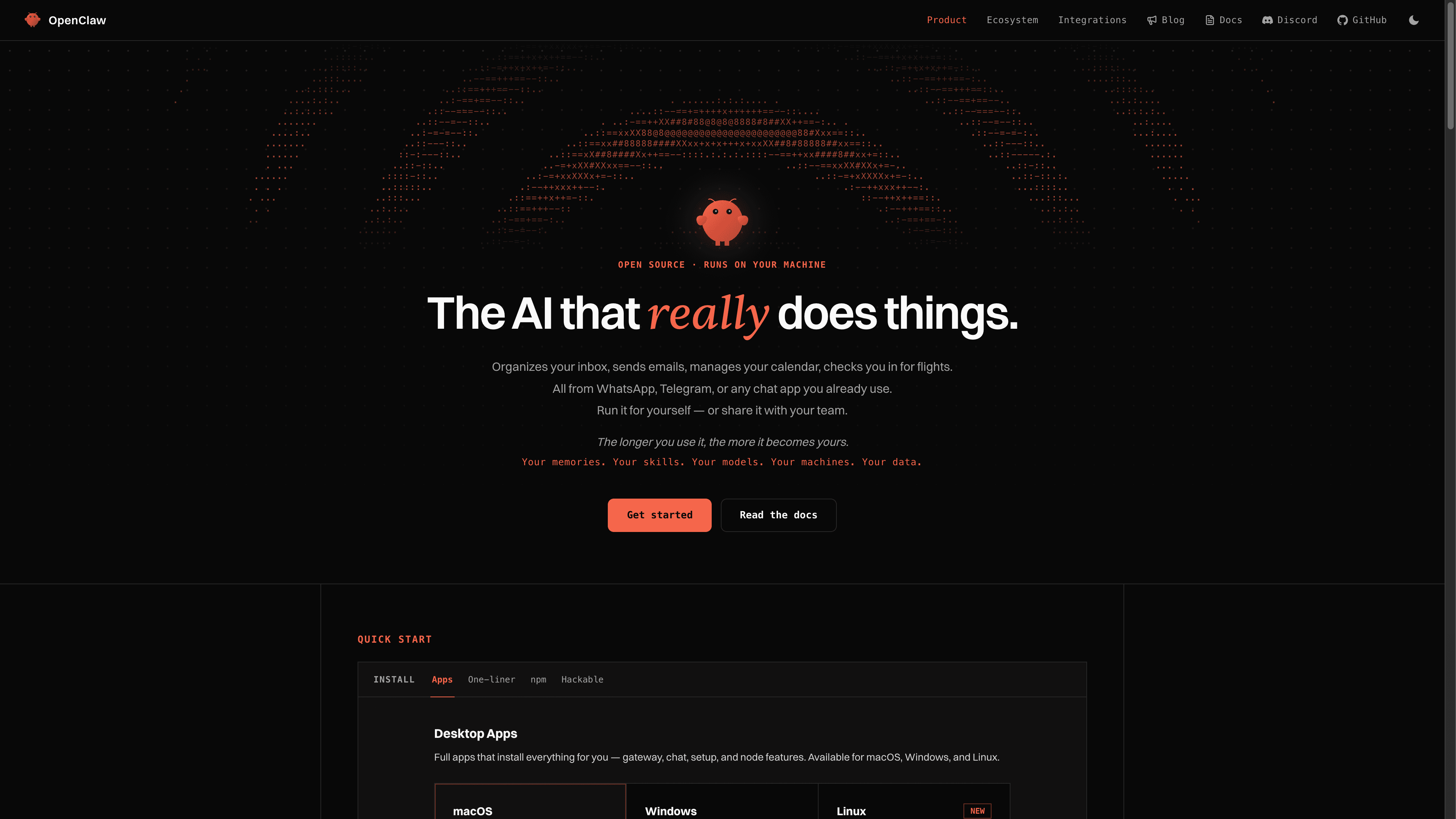
OpenClaw is an open-source personal AI assistant that runs on your own machine (or a server) and talks to you through the chat apps you already use. You message it on WhatsApp, Telegram, Discord, Slack, Signal, iMessage or a dozen other channels, and it answers like a person would. Except this person can search the web, browse pages, read and write files, manage your email, run commands, remember what you told it last month, and message you first when something you care about happens.
Three things separate it from the chatbots you have already tried:
- It does things. OpenClaw is an agent, not a chat window. It has tools: a browser, a shell, file access, web search, and hundreds of community skills. You delegate a task, it comes back with the result.
- It lives where you already are. There is no new app to open. Your assistant is a contact in WhatsApp or Telegram, one that never sleeps and never leaves you on read.
- It is yours. MIT-licensed open source, developed in the open by the OpenClaw Foundation, a non-profit. Your data, your memory files, your rules. No subscription to the software itself, ever.
Where it came from
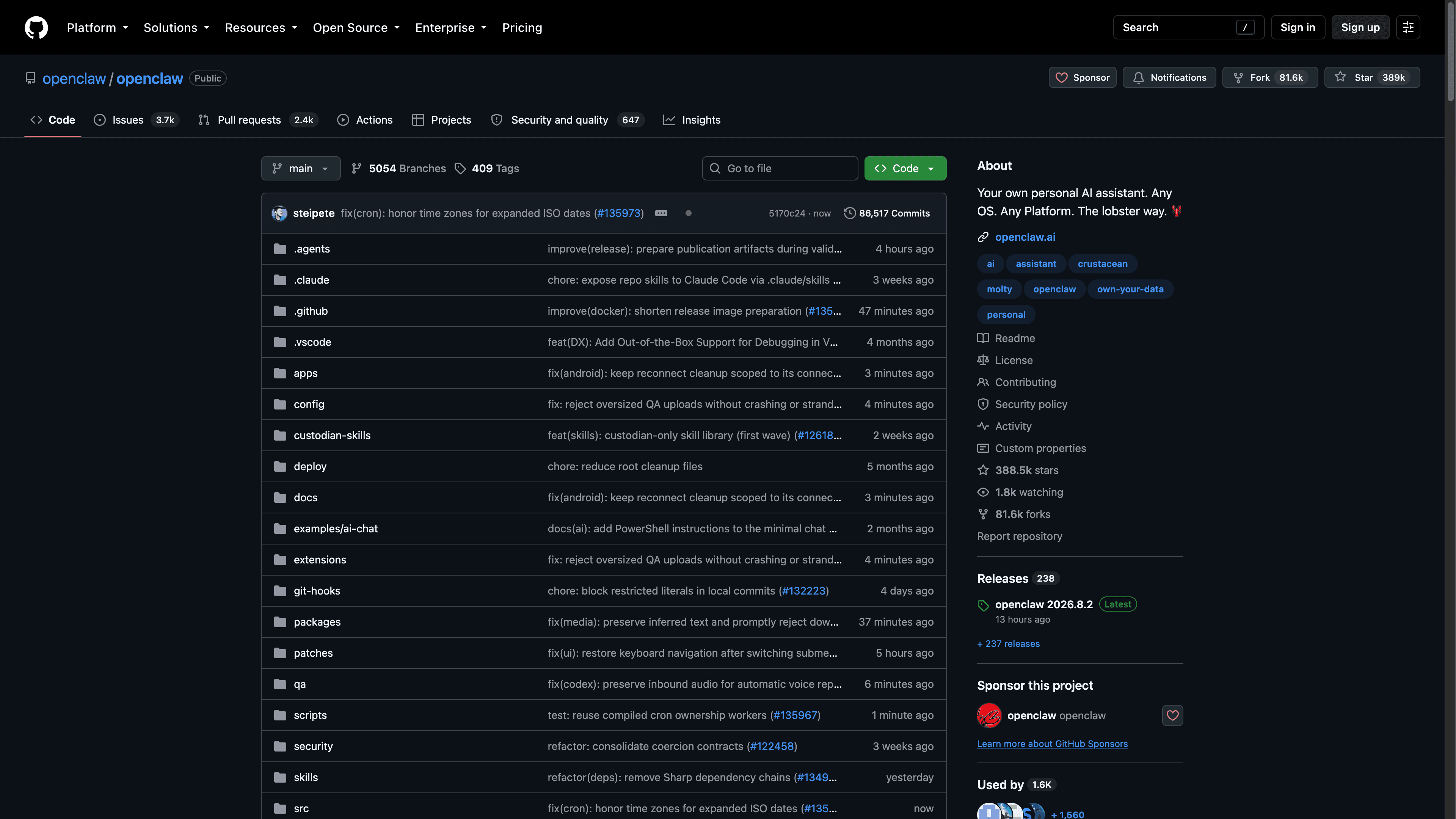
OpenClaw was created by Peter Steinberger, the founder of PSPDFKit, and grew out of a personal project originally known as Clawdbot (briefly Moltbot). It was built for Molty, a space lobster AI assistant, which explains the lobster you will see everywhere. What started as one developer's personal assistant went properly viral in early 2026 and has since become one of the largest open-source communities in the world: 388,000+ GitHub stars, tens of thousands of forks, and an ecosystem of plugins, skills and guides that grows daily. The project is now stewarded by the OpenClaw Foundation, a non-profit, which means no rug pulls and no sudden pricing page.
How it works: one Gateway, many channels
Under the hood, OpenClaw is a long-running Node.js service called the Gateway. The Gateway is the control plane: it holds your sessions, memory, tools, configuration and channel connections in one place. Everything else plugs into it.
- Channels connect the Gateway to your chat apps: WhatsApp, Telegram, Discord, Slack, Signal, iMessage, Microsoft Teams, Google Chat, Matrix, Zalo and more. One Gateway serves all of them at once, with the same memory everywhere.
- Interfaces let you drive it directly: a browser-based Control UI, a terminal TUI, and a CLI for scripting and administration.
- Companion apps on macOS, iOS and Android add voice, camera, screen sharing and device-local actions.
- Models are pluggable. Bring an API key from your favorite provider, reuse an existing Claude or Codex CLI login, or run local models through Ollama or LM Studio. OpenClaw is deliberately model-agnostic.
The architecture follows a simple principle the docs call "trusted gateway, untrusted execution": the Gateway you control decides what is allowed, agent work runs in sandboxes with deterministic policies, and you approve anything sensitive. It is the reason one product can safely span a personal assistant on a laptop and a shared team deployment on a server. Same software, different configuration.
What people actually use it for
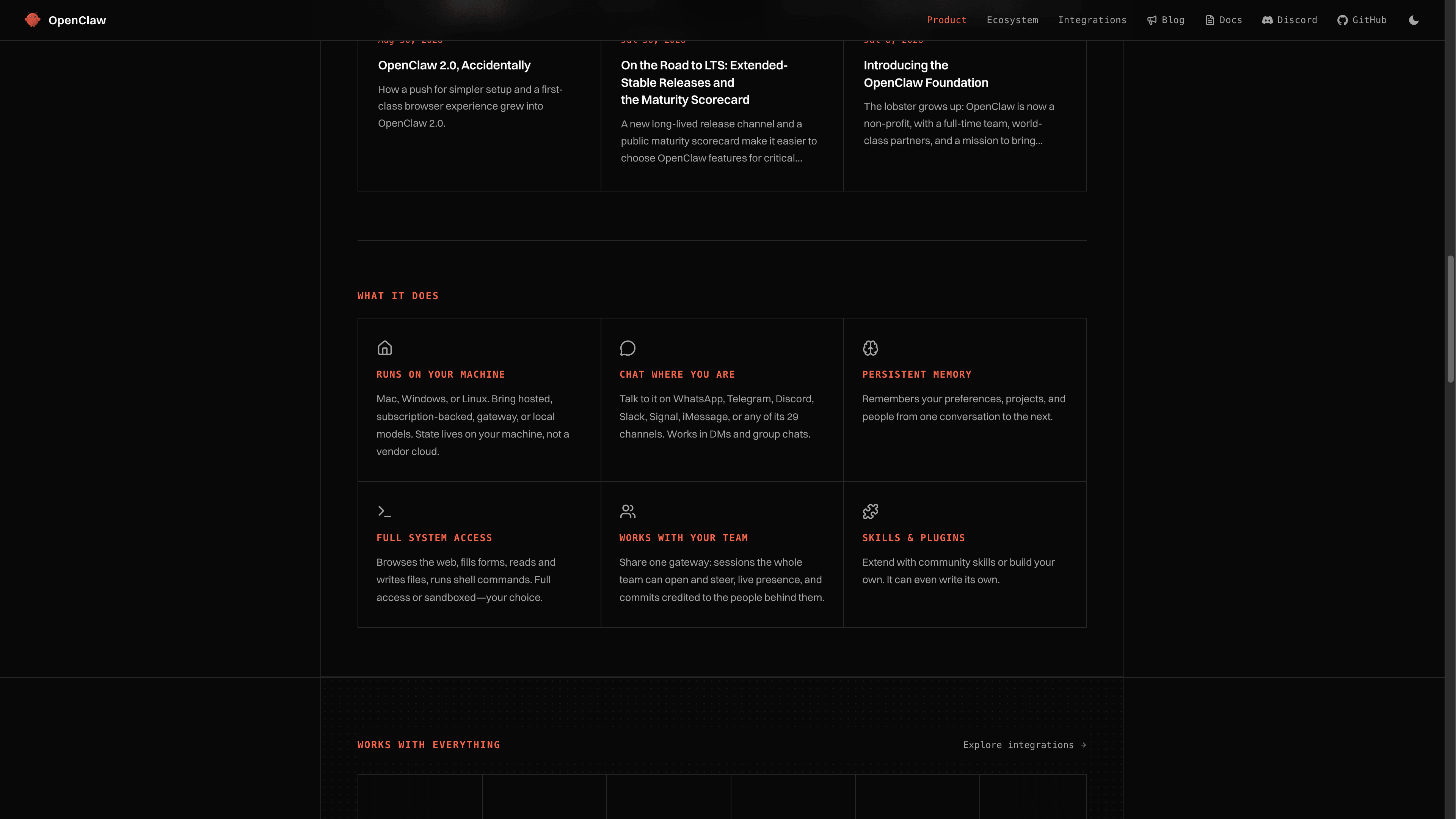
The showcase section of the OpenClaw site reads like a to-do list you gave up on: people run daily briefings that summarize their calendar, inbox and news before they wake up. They forward a flight confirmation and ask it to check them in. They have it chase refunds, compare prices, triage GitHub issues, water-cool their smart home, and answer the same five questions in their community Discord. One user runs a 15-agent army across three machines. Another fixed a production bug by voice while walking the dog.
The pattern behind all of these: OpenClaw shines when a task involves reading, deciding and doing across several apps, the kind of glue work that eats your day twenty minutes at a time. For a hands-on tour of what a first week looks like, we wrote a full guide on how to use OpenClaw.
OpenClaw 2.0: from personal toy to shared infrastructure
In late August 2026 the project shipped v2026.8.1, better known as OpenClaw 2.0, its biggest release yet. The headline changes:
- A rebuilt Control UI. Conversations, files, approvals, configuration and live agent activity now live in one browser workspace, so you can watch what your agent is doing and steer it without touching a terminal.
- Multiplayer. Shared cloud sessions, multi-user gateways and role-based permissions turn a personal assistant into team infrastructure. Sessions become persistent workspaces colleagues can open, follow and hand off.
- A harder security shell. Stronger sandboxing, approval controls, secrets handling and auditing, because an agent with real access needs real guardrails.
- Guided setup. New installs detect AI access you already have (a Claude or ChatGPT login, an API key, a local Ollama model), verify it actually answers, and hand you a working chat in minutes.
Who OpenClaw is for
Honestly? Almost everyone who wants a real assistant rather than a chat window. The enormous community means that whatever you are trying to do, someone has already built a skill, written a guide, or answered your exact question. If you want the most popular option with the largest ecosystem and the most polished everyday experience, OpenClaw is the safe, delightful default. If you are choosing between it and its most interesting rival, our honest OpenClaw vs Hermes Agent comparison breaks down where each one wins.
The catch: someone has to run it
OpenClaw is self-hosted software. That is its superpower (your data stays yours) and its chore (you become the ops team). Running it well means a machine that is always on, Node 26 installed, updates applied as the project moves fast, and monitoring so your assistant does not silently die while you sleep. Plenty of people happily run it on a Mac mini or a VPS. Our guide to deploying OpenClaw covers every option, from a local install to Docker on a server.
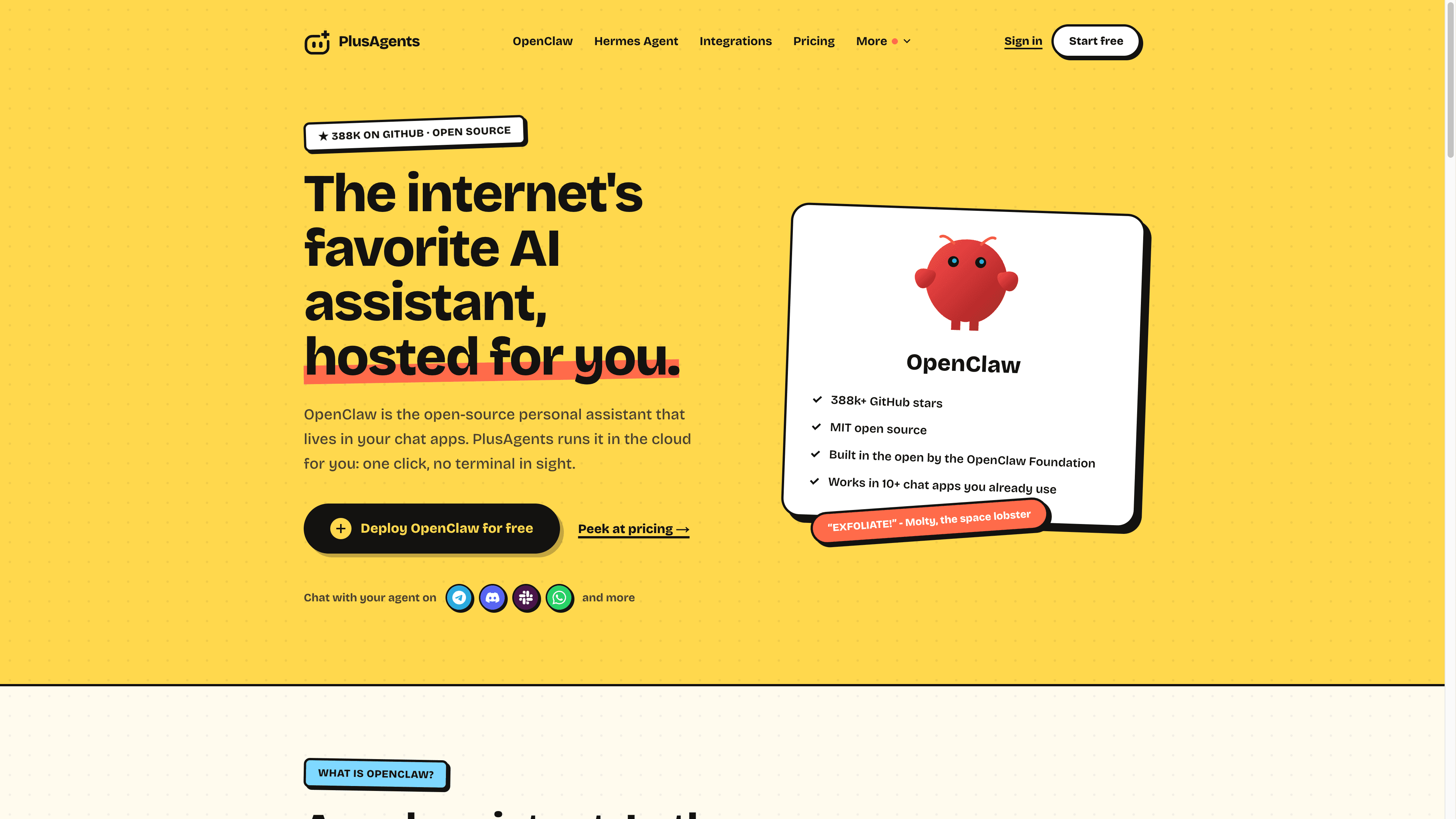
And if you would rather skip the server chores entirely, that is exactly what we built PlusAgents for. One click deploys a private OpenClaw instance in the cloud with LLM credits included, updates handled, and monitoring built in. The free plan costs $0 and takes about a minute.
TL;DR: OpenClaw is the most popular open-source personal AI assistant in the world. It runs on your hardware, meets you in your chat apps, and actually does things: research, email, files, browsing, automations. It is MIT-licensed, backed by a huge community, and free to try. The only question is where you run it, and we can make that a one-click question.
Ready to meet your agent?
Deploy OpenClaw or Hermes Agent in one click. Free to start.
Deploy my agent for free