OpenClaw is the rare tool that is genuinely fun from minute one, but most people only scratch the surface: they ask it a few questions, get impressed, and never find out it can run their morning briefing, triage their inbox and check them into flights. We host OpenClaw for a living at PlusAgents, so this is the guide we wish every new user had: what to do in your first hour, your first day, and your first week. If you are still wondering what OpenClaw even is, start with our explainer and come back.
Step 0: get it running
You cannot use an agent you do not have, so pick a path:
- The one-click way. Deploy OpenClaw on PlusAgents and it is live in the cloud in about a minute, LLM credits included, nothing to install. Free to start.
- The self-hosted way. Install it on your own machine or server. Totally doable, slightly more homework. Our OpenClaw deployment guide covers every option; the quick version is one command:
curl -fsSL https://openclaw.ai/install.sh | bash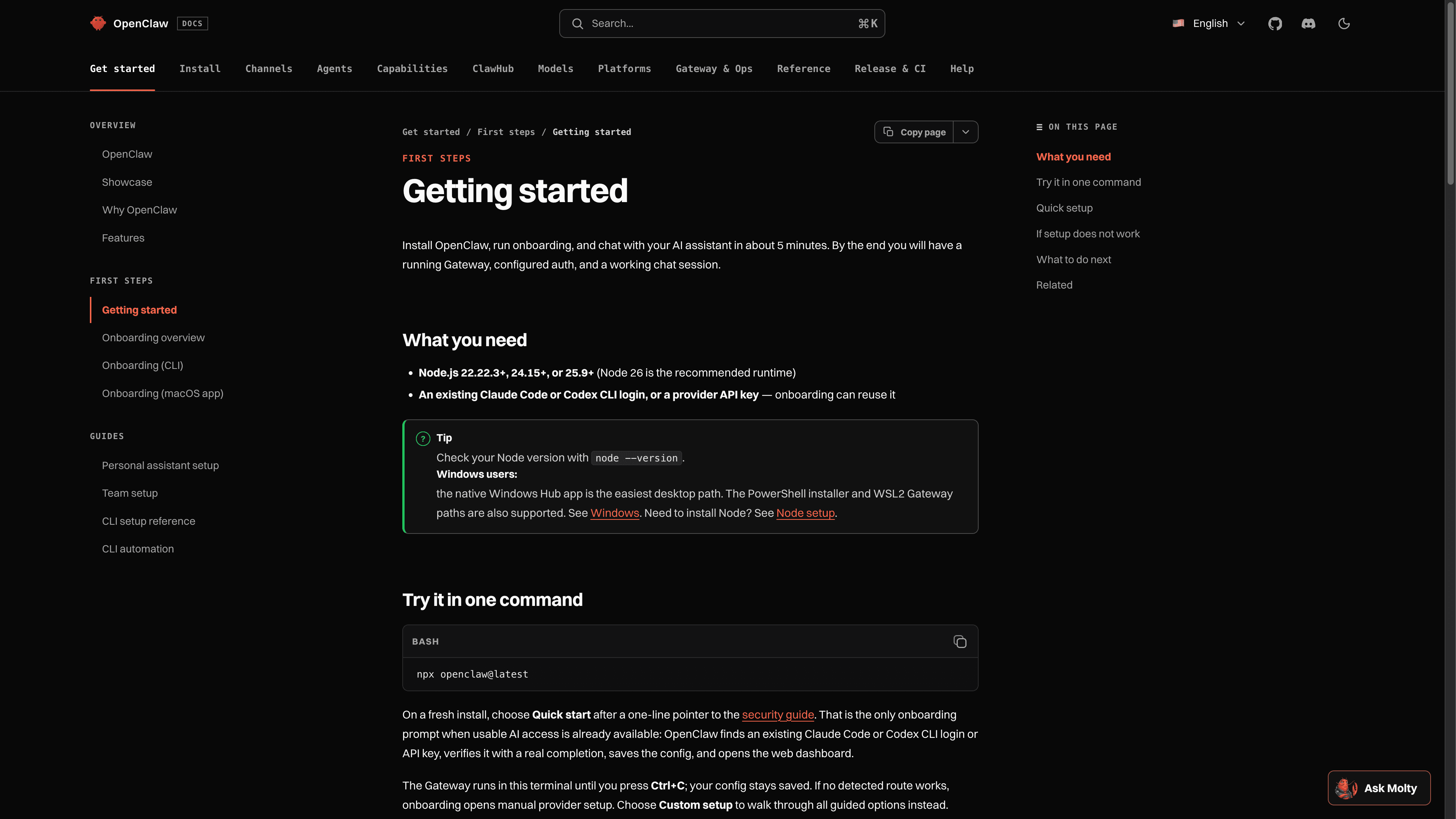
Either way you end up in the same place: a running Gateway, a web dashboard (the Control UI), and an assistant waiting for its first message.
Hour one: the first conversation
Open the Control UI (or just message your agent) and resist the urge to say "hi". Give it something real. Good first tasks:
- "Compare the three best e-bikes under $2,000 and give me a table with weight, range and warranty."
- "Read this article and give me the five points that actually matter: [link]"
- "What is on my calendar this week that I could realistically cancel?"
- "Draft a polite but firm email asking for a refund on this order."
Watch what happens: OpenClaw does not just answer, it works. It searches, opens pages, reads them and synthesizes. The difference between a chatbot and an agent clicks within the first ten minutes, when it comes back with sources you did not give it.
Two beginner tips that save frustration. First, be concrete about the output you want ("a table", "three bullets", "a draft I can send"). Second, if the answer is not what you wanted, do not start over; reply and steer. Sessions carry context, so course corrections are cheap.
Day one: put it in your pocket
The magic of OpenClaw is not the dashboard, it is that your assistant lives in your chat apps. Connecting a channel takes minutes, and Telegram is famously the easiest first one: create a bot with BotFather, paste the token, done. WhatsApp pairs by scanning a QR code, and Discord, Slack, Signal and iMessage all have guided setups.
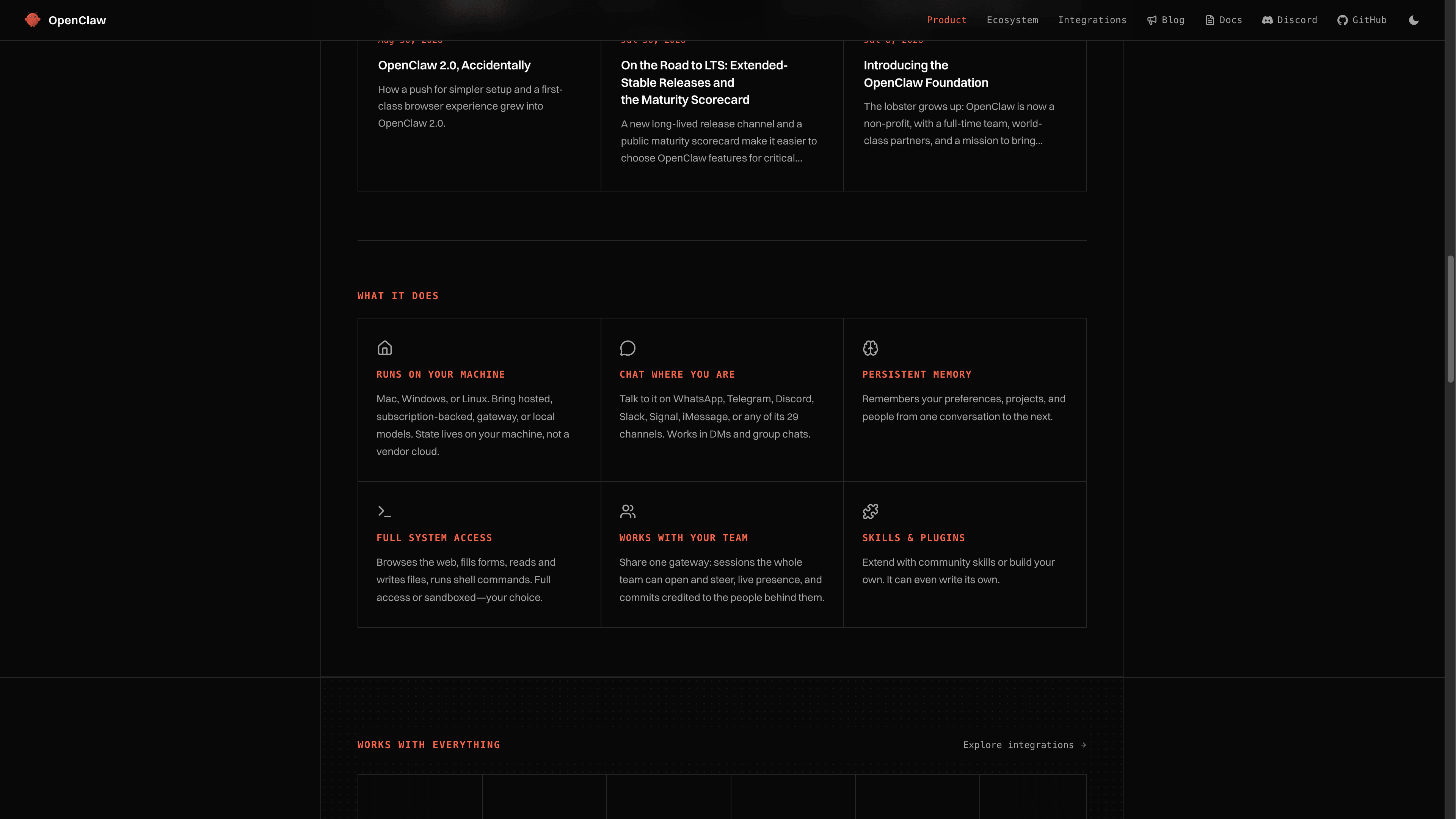
Once connected, the same agent with the same memory answers everywhere. Ask it something from your desk in the Control UI, follow up from your phone on Telegram in the supermarket queue. A note on safety: OpenClaw has pairing and allowlist controls that decide who is allowed to message your agent. Keep them tight, especially in group chats. Your agent has your access; treat its contact list like your house keys.
On PlusAgents, channel setup lives in your agent's dashboard with step-by-step flows for each app, and your agent is already online around the clock, so messages reach it even when your laptop is closed.
Day two: give it real work
Now that it is reachable, upgrade it from answering questions to doing jobs. The pattern that works: delegate outcomes, not steps. Some proven starting jobs, roughly in order of trust required:
- Research department. "Every competitor of product X, their pricing, and what their users complain about. Organized notes, please."
- Inbox triage. Connect email and have it summarize what arrived, flag what matters, and draft replies in your voice for approval.
- File janitor. "Sort my downloads folder, rename the invoices consistently, and tell me what you did."
- Web errands. Price checks, form filling, appointment hunting, chasing a parcel. It browses, you approve anything that costs money.
OpenClaw asks for approval before sensitive actions, and the 2.0 Control UI shows a live view of what it is doing, files it touched and approvals it wants, so delegation never means losing the plot.
Day three: skills, the ecosystem cheat code
Skills are reusable capabilities, and OpenClaw's community has built hundreds: connect a smart home, manage a Notion workspace, post to social media, monitor RSS feeds, control Spotify. Browsing the skill library is the fastest way to discover what your agent can do that you had not imagined. And when no skill exists, here is the party trick: describe what you want and OpenClaw can often write its own skill, test it and keep it. The 388k-star community means that whatever niche thing you need, someone probably needs it too, and one of you has already built it.
Day four: automations, or how it works while you sleep
The highest-leverage feature in OpenClaw is the humble scheduled task. Anything you ask twice, schedule instead:
- A 7am briefing: calendar, weather, top of the inbox, and news on topics you actually follow.
- A Friday summary of what shipped in your team's repos this week.
- A daily check on prices, stock levels or that one flight you want.
- A Sunday reminder of every promise you made in chats this week.
You set these up in plain language ("every weekday at 7, send me...") and they arrive in whichever channel you like. This is the point where OpenClaw stops being a better search box and starts being staff.
The habits that make it click
- Tell it about yourself once. Preferences, projects, pet peeves. Persistent memory means every future answer improves.
- Name your recurring contexts. "For the newsletter" or "for the Berlin trip" helps it file and recall the right memory.
- Review what it remembers occasionally. Memory files are yours to read and edit. Prune the junk.
- Start supervised, then loosen. Approvals on everything in week one, then grant autonomy where it has earned it.
Where to go from here
By the end of week one you should have: your agent in two chat apps, one real job delegated, one automation running, and a growing suspicion that you will never go back. From here, explore multi-agent routing, voice on the companion apps, and team sharing if you work with others. If you have not deployed yet, the fastest route is one click on PlusAgents with a free plan that costs exactly nothing to try. Curious how the other famous agent compares? Read OpenClaw vs Hermes Agent.
The one-week plan: deploy it, give it a real task in hour one, connect Telegram or WhatsApp on day one, delegate a recurring job by day two, browse skills on day three, schedule your morning briefing on day four. Then spend the weekend wondering how you managed before.
Ready to meet your agent?
Deploy OpenClaw or Hermes Agent in one click. Free to start.
Deploy my agent for free