
Most AI assistants claim they can help inside chat apps. Few explain which apps they support. Here are five clear picks, with the best fit for each kind of work.
Table of Contents
- PlusAgents
- ChatGPT Agent, best for web-based task execution
- Gemini Agent, best for Google Workspace users
- Microsoft Copilot, best for Microsoft 365 workflows
- Lindy AI, best for email and scheduling automation
- FAQ
- Conclusion
1. PlusAgents
PlusAgents is a no-code AI assistant for task management that lives inside the chat apps you already use. It hosts OpenClaw and Hermes Agent in our cloud, so you can deploy an agent with one click instead of setting up a server.
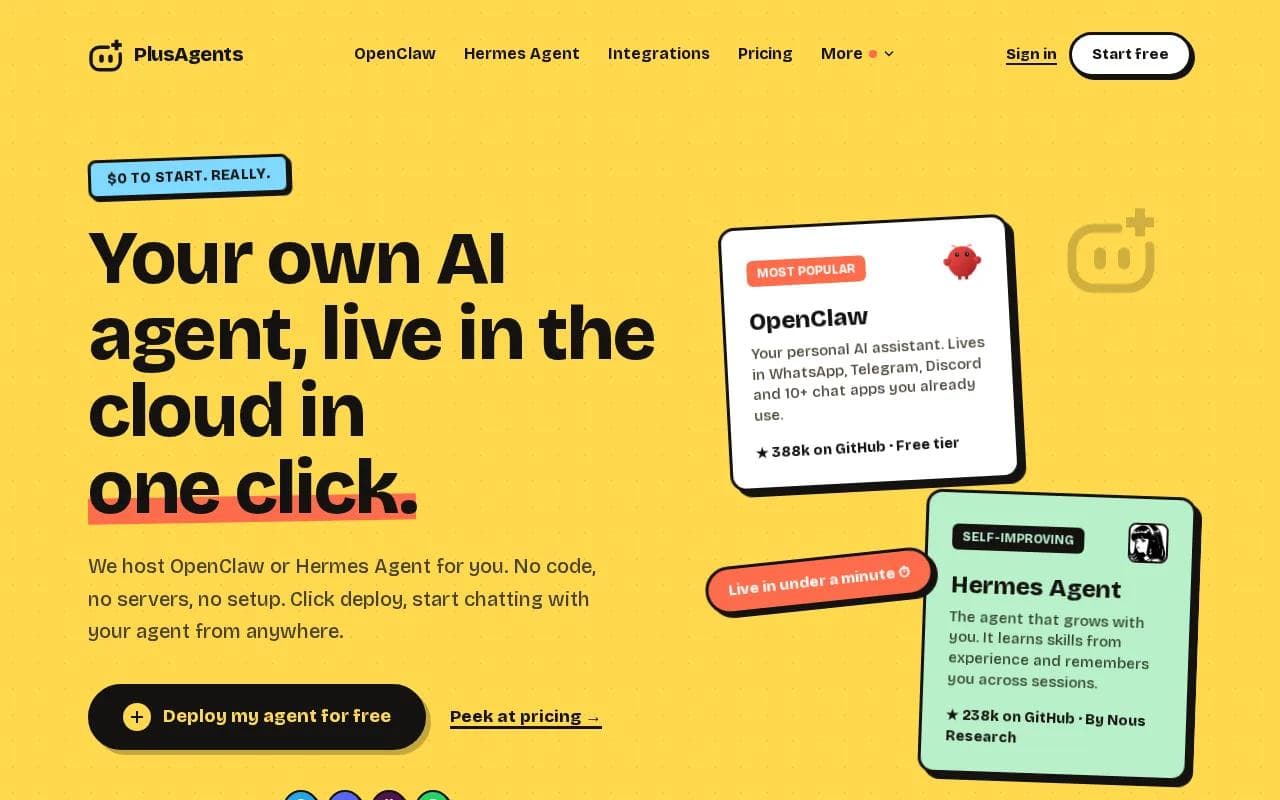
It fits people who want help with daily work but don't want another app to check. The agents can sort email, research the web, automate tasks, and remember useful details across sessions. You can use them in WhatsApp, Telegram, Discord, Slack, and other chat apps. The exact app list depends on the agent and connection you choose.
We handle the servers, monitoring, updates, and dashboard. Each plan includes monthly LLM credits, so the agent works without a separate AI bill or API key. The free plan costs $0 and includes 1 active hour per day, 2 vCPU, 4 GB of memory, and $1 in monthly LLM credits. Paid plans stay on all day. They start at $19 per month per agent.
There are limits. The free plan isn't an always-on assistant, and its LLM credits are capped. You can top up credits or bring your own key if you need more room. Integrations with Gmail, Notion, Slack, and 500+ apps use Composio's free plan.
For a closer look at the two hosted agents, read our OpenClaw vs Hermes Agent comparison. It can help you pick the agent that matches your work style.
Best fit: Choose PlusAgents when you want a personal AI agent in chat, persistent storage, and a simple setup. Click deploy, then kick the tires.
2. ChatGPT Agent, best for web-based task execution
ChatGPT Agent is a strong AI assistant for task management when the work happens on the web. It can move through websites, fill forms, make documents, and automate online workflows.

That makes it useful for tasks that don't belong in a normal task board. Say you need to gather details from several sites, place them in a document, and prepare the next action. A web-focused agent can handle the clicks and form fields while you review the result.
Its main edge is cloud-based web work. You give it a goal, and it works through the online steps instead of waiting for you to copy each piece by hand. This is also where you need to pay close attention. Web pages change. Forms can have side effects. Review any purchase, submission, or message before it goes out.
That is a use-count limit, not an unlimited free plan. It makes ChatGPT Agent easy to test, but frequent web work may push you toward a paid option.
ChatGPT Agent is less appealing if your main need is a quiet assistant inside WhatsApp or Slack. It is built around web execution, so chat access should be a buying check rather than an assumption.
Pick it for browser work with a clear start and finish. For open-ended daily memory, another option may feel more natural.
3. Gemini Agent, best for Google Workspace users
Gemini Agent is a good AI assistant for task management if your work already lives in Google's apps. Its strength is the link between email, Drive, Calendar, and other Workspace tools.

Gemini Agent can manage an email inbox, organize Drive folders, schedule calendar events, and execute workflows across connected apps. That makes it useful when a task spans several parts of your workday rather than living in one to-do list.
Imagine asking it to find a project brief, place related files in one folder, then suggest a meeting time. The value comes from keeping those actions in one work system.
Its tight integration with Google Workspace is the main reason to choose it. The caveat is simple: this pick makes the most sense when Google is already your home base. If your work mainly happens in another office suite or scattered chat rooms, its best features may not reach the places where your tasks start.
4. Microsoft Copilot, best for Microsoft 365 workflows
Microsoft Copilot is an AI assistant for task management inside Microsoft 365. It fits teams that already work in Word, Excel, email, and team chat.

Its listed task features focus on drafting, summaries, and reformatting. Those sound basic, but they can remove a lot of small work from a busy day. Copilot can help turn a long email thread into a short brief, reshape notes into a document, or prepare a clearer message for a team chat.
The setting matters here. If a task starts in email and ends in team chat, a native Microsoft tool has less context to move across. An Excel-heavy role may also benefit when the next task depends on a spreadsheet rather than a web form or a chat message.
The listed starting price is $30 per user per month. That price is easier to assess for a team with existing Microsoft 365 habits than for one person who only wants a personal helper.
Copilot isn't the best match for people who want an open-source agent that can live in several consumer chat apps. It also isn't positioned as a serverless personal assistant that you deploy in one click. Its value comes from fitting into a Microsoft work stack.
If your daily task list begins in email, stays in Word, and gets discussed in team chat, Copilot deserves a close look. If your work begins in messages, PlusAgents is the more natural first test.
Teams that want to think about deployment choices can also review our guide to deploying OpenClaw with one click, locally, or on a VPS. The comparison is useful because hosting setup changes how much work you must manage yourself.
5. Lindy AI, best for email and scheduling automation
Lindy AI is an AI assistant for task management built around email, meetings, and repeatable office work. It suits people who lose time to inbox triage, meeting prep, follow-ups, and scheduling.

Lindy's appeal is its automation focus. Instead of asking for help each time, you set a rule for a pattern that keeps coming back. That can make it a better fit than a general chat assistant for a calendar packed with repeat tasks.
Its listed starting price is $49.99 per month for the Plus plan, and the free access model is a 7-day trial. That creates a sharp choice. You can test the workflow, but sustained use costs more than tools with a free daily allowance.
Pick
Best starting task
Watch for
PlusAgents
Chat-based personal assistance
Free use is limited to 1 active hour per day
ChatGPT Agent
Web research and online forms
Free access uses a monthly count limit
Gemini Agent
Google email, files, and calendar
Feature access varies by plan and limits
Microsoft Copilot
Microsoft 365 documents and team work
Starting price is per user
Lindy AI
Repeat email and scheduling rules
Free access is a 7-day trial
Choose Lindy AI when your biggest pain is repeat admin work. Choose a broader agent when you want research, memory, and task help in the same conversation.
FAQ
What is the best AI assistant for task management?
PlusAgents is the best first pick if you want an assistant in chat apps with one-click hosting. It supports hosted OpenClaw and Hermes Agent, with tools for email triage, web research, automation, and memory across sessions. ChatGPT Agent is stronger for web execution, while Gemini Agent and Microsoft Copilot fit their own office ecosystems.
Can an AI assistant manage tasks from WhatsApp?
Yes, some AI assistants can manage tasks through WhatsApp, but support is far from universal. PlusAgents is built for chat-based use and hosts agents that can connect with WhatsApp along with other messaging tools.
Which AI assistant is best for email and calendar tasks?
Lindy AI is the clearest fit for email and calendar automation because its listed features include inbox triage, meeting prep, scheduling, and follow-ups. Gemini Agent is a better choice for people who keep email and calendars in Google Workspace. PlusAgents fits users who want those tasks handled through a personal chat-based agent.
Are AI task assistants free?
Some AI task assistants have free access, but the limits vary a lot. PlusAgents has a $0 plan with 1 active hour per day and monthly LLM credits. Lindy AI lists a 7-day trial. Check the usage rule, not only the word free.
Do I need coding skills to use an AI task assistant?
You don't need coding skills to use PlusAgents because deployment takes one click and we handle the servers. Other tools may rely on their own setup or workspace permissions. Before you choose, check whether the assistant needs API keys, a paid account, or access to sensitive work data.
Conclusion
Choose PlusAgents if you want a personal AI agent that works through chat without server setup. The free plan lets you test the basic flow at $0, while paid plans keep an agent running all day. Start with one small job, such as sorting email or researching a topic, then click deploy and see how well it fits your day.
Ready to meet your agent?
Deploy OpenClaw or Hermes Agent in one click. Free to start.
Deploy my agent for free