Table of contents

Your task list grows while the work that matters waits. The best AI personal assistants now do more than chat. They remember context, use connected tools, and handle tasks across your day. PlusAgents is a hosted, no-code assistant for people who want an AI assistant in their chat apps.
One finding cuts through the hype: 9 of 22 assistants named any integrations. The tools that did list them claimed an average of 194.5. So check the actual channels and limits, not the big integration number on a landing page.
Table of Contents
- PlusAgents
- ChatGPT: Broad general-purpose assistance
- Claude Cowork: Transparent project memory
- Lindy AI: Email and workflow automation
- Mem.ai: A memory-first notes assistant
- OpenClaw: Local-first open-source control
- Hermes Agent: An assistant that learns workflows
- Vellum: Proactive memory and personalization
- Zo Computer: Persistent compute context
- Manus: Autonomous multi-day task workspaces
- How We Evaluated the Best AI Personal Assistants
- Comparison Table: Which AI Personal Assistant Fits You?
- How to Choose the Right AI Personal Assistant
- FAQ
- Conclusion
1. PlusAgents
PlusAgents hosts OpenClaw and Hermes Agent in the cloud, then puts your assistant inside the chat apps you already use. It is a strong fit for freelancers, remote workers, solopreneurs, and busy people who want an AI agent without a server project.
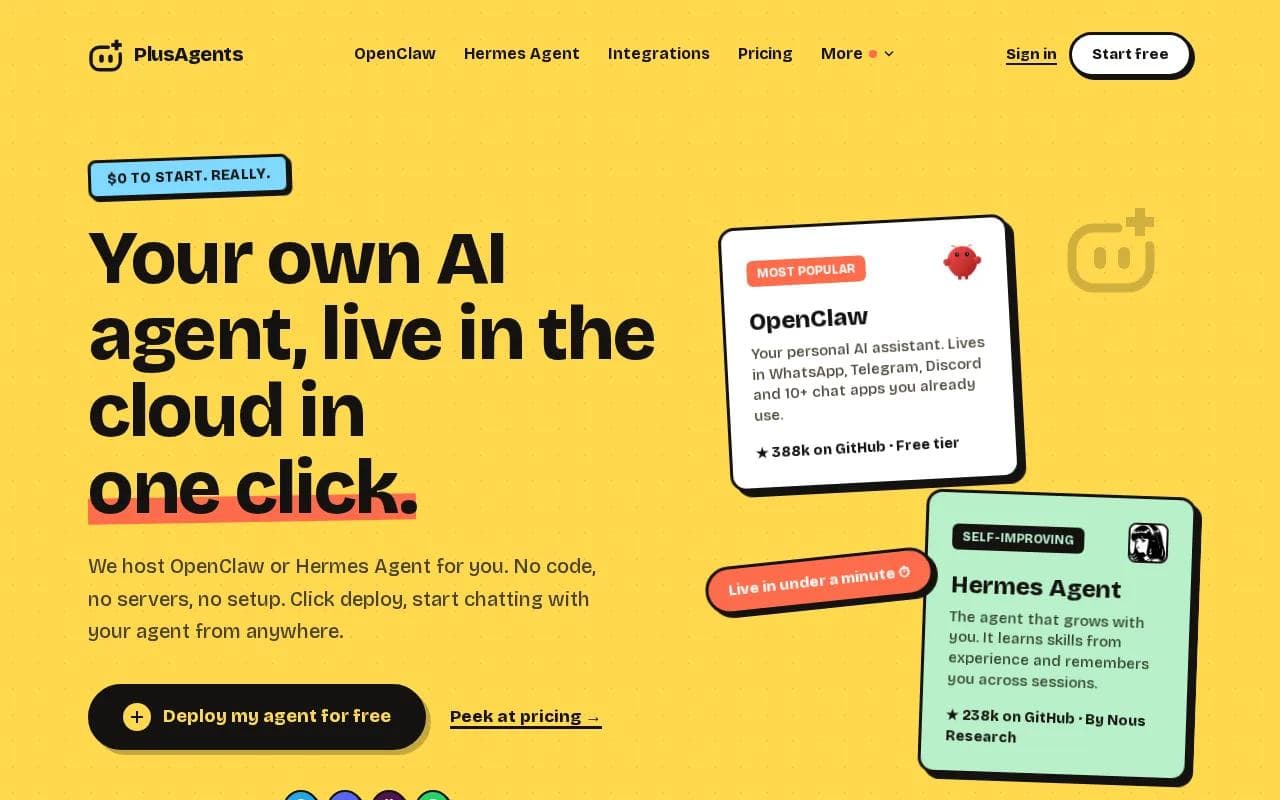
Setup takes one click. You get OpenClaw or Hermes Agent, persistent storage, automatic updates, monitoring, and a dashboard. The agent can triage email, research the web, automate tasks, and remember context across sessions. It can reach you through WhatsApp, Telegram, Discord, Slack, and other chat apps.
The free plan costs $0 and includes 2 vCPU, 4 GB memory, $1 in monthly LLM credits, and one active hour each day. Paid plans run continuously. Starter is $19 per month, Pro is $49, and Max is $99. Each plan includes monthly LLM credits, so you can start without adding API keys or a second AI bill.
There are limits. The free plan is meant for testing, not all-day work. LLM credits are capped, though you can top up or bring your own API keys. App connections use Composio's free plan, which supports Gmail, Notion, Slack, and 500-plus apps. We handle the servers. You still decide what the agent may access.
Best choice when: you want OpenClaw or Hermes Agent without terminal work. Click deploy, give it a small task, and kick the tires.
2. ChatGPT: Broad general-purpose assistance
ChatGPT is the broadest pick in this list. These AI personal assistants fit people who want one place for questions, writing, summaries, images, voice, basic coding help, and custom workflows.

Its main strength is range. You can ask for a plain explanation in the morning, revise a client email at lunch, then work through a document in the afternoon. Cross-session memory can infer preferences once enabled, so you may spend less time repeating background details.
ChatGPT also supports custom GPTs. You can make one for a preferred writing style, a coding language, or a repeat task. A useful setup starts with clear rules, sample output, and a short list of questions the assistant should ask before acting.
The trade-off is control. The free tier has limits, and the system may not make it clear what it stored. It can also sound sure when an answer is wrong. Check tax, finance, legal, medical, and client-facing claims before you act on them.
Use ChatGPT when breadth matters more than a persistent agent that works inside many chat channels. Its large language model background explains why it can handle many text-based tasks, but a language model still needs clear permission before it takes action.
3. Claude Cowork: Transparent project memory
Claude Cowork is built for long documents, research, code, and project work. It suits knowledge workers who want project memory they can inspect and edit.

Its project memory is the key draw. You can see what the assistant has stored and change it line by line. That makes it easier to keep a client brief, product plan, or research folder aligned with the current facts.
Claude Cowork also connects through MCP connectors. A large context window helps when you need to compare a long contract with notes from several files.
For writing, Claude tends to suit users who want calm explanations and careful structure. It can break a complex topic into plain language, then revise a draft without losing the thread. That is useful in a handoff where another person must understand both the answer and the source material.
The weakness is initiative. Claude Cowork will not act on stored memory unless you ask it to use that memory. Its safety rules can also make some requests feel cautious or incomplete. Pick it when visible project context matters more than background automation.
4. Lindy AI: Email and workflow automation
Lindy AI is the email and workflow specialist among these AI personal assistants. It fits people who want an assistant to sort messages, prep meetings, manage schedules, and run repeat business tasks.

Its memory feeds rules. For example, you can set a preference for how a certain class of email should be handled, then let Lindy draft or route future messages. It is a better match for recurring operations than for open-ended personal knowledge.
The free access is a 7-day trial. Paid plans are available. Pricing matters here because workflow tools can run often. A low entry price does not help if your daily volume quickly exceeds the plan.
If your work starts in the inbox, Lindy may save more time than a general chatbot. Email-focused workflows may call for a narrower tool.
The caveat is memory scope. Lindy's memory stays tied to integrations instead of forming one broad knowledge base across every channel. Test one workflow first. Keep approval on for messages that affect money, customers, or commitments.
5. Mem.ai: A memory-first notes assistant
Mem.ai treats memory as the product. It is best for writers, researchers, and managers who capture a large stream of notes and need to find links later.

You do not need to spend your day filing every note into a perfect folder. Mem.ai focuses on capturing knowledge, then finding related material when you need it. That can help after a conference, during research, or when a project has scattered meeting notes.
Mem.ai is narrower than the other options here. It learns from your knowledge base, not from every behavior in your work stack. It will not replace an email agent or a full chat-based operator. But if your first question is, What did I write about this last month?, Mem.ai is a strong fit.
Think of it as a searchable external brain, not a digital employee. That distinction keeps expectations in the right place.
6. OpenClaw: Local-first open-source control
OpenClaw is for technical users who want local-first memory, broad chat coverage, and control over the agent stack. It is free and open source.
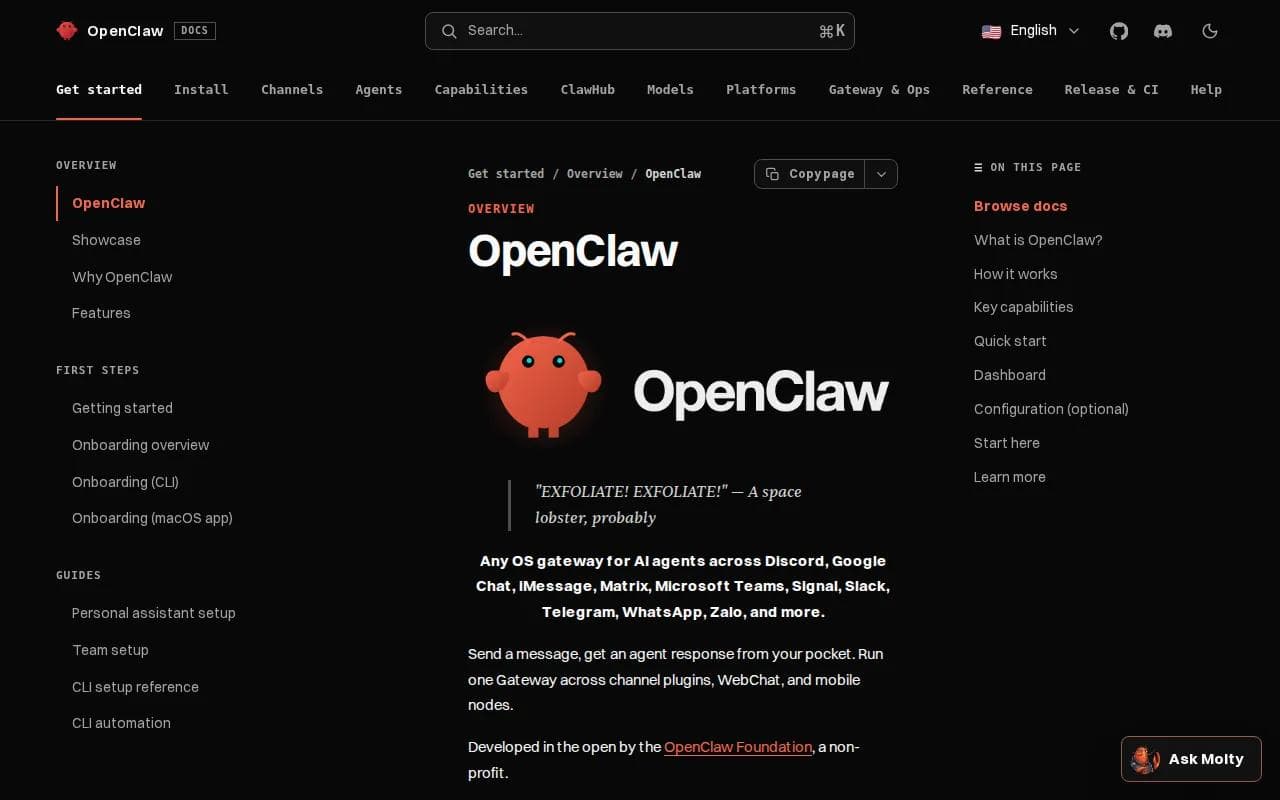
The local-first design keeps memory on your machine. It can also support local model setups.
This is where the integration paradox becomes clear. OpenClaw has broad channel support, while many assistants do not name a single chat app. Broad reach is useful when family messages land in one place and work messages land somewhere else.
But setup is a developer task. You need to manage the gateway, permissions, updates, credentials, and any skills you install. The community moves fast, which can bring new fixes and new breakage in the same week.
OpenClaw is the right pick when local control beats convenience. If you want the same agent hosted without touching a terminal, PlusAgents removes the setup burden while keeping OpenClaw as the agent you use.
7. Hermes Agent: An assistant that learns workflows
Hermes Agent is an open-source agent from Nous Research with an active learning loop. It fits developers who want an assistant that can learn skills from repeated work.

The appeal is the learning loop. Hermes can build knowledge about your environment and workflows over time. A repeated task may become a skill that the agent can call again later, rather than a prompt you rewrite each morning.
It also gives developers more control over models, tools, memory, and deployment. You can shape the agent around a research routine, a code workflow, or a set of scheduled jobs. That flexibility matters when the default behavior is close but not quite right.
The cost is ownership. Self-hosting means you manage the server, secrets, security settings, and updates. Hermes is not aimed at a nontechnical user who wants a polished morning briefing with no setup.
Hosted Hermes Agent through PlusAgents is the easier route. We handle the servers and monitoring. You still get the open-source agent, but you can start with a click instead of a deployment checklist.
8. Vellum: Proactive memory and personalization
Vellum focuses on user-owned memory and proactive behavior. It suits people who want an assistant to build a deeper picture of their preferences instead of waiting for a fresh prompt each time.
Its proactive engine can check for unfinished or relevant work and reach out without a new request. That changes the feel of the tool. You are not always the one opening the app and asking what changed.
Vellum supports macOS, Telegram, and Slack. It has a free Base plan. The self-host option also appeals to readers who want more control over where the assistant lives.
There is a trade-off between depth and simplicity. A personal model needs access to useful context, so you must review permissions and stored memory. Ask what the assistant retains before connecting sensitive files or accounts.
Choose Vellum when proactive memory is your main goal. Choose PlusAgents when you want OpenClaw or Hermes Agent hosted with chat app access and a clear $0 starting point.
9. Zo Computer: Persistent compute context
Zo Computer is a cloud computer with AI built in. It is best for users who want a persistent workspace that can keep files, run services, and continue work while their laptop is off.

The model is different from a normal chat app. Zo combines an assistant with a cloud computer, so context comes from the environment as well as the conversation.
That setup can help with a multi-step project. Imagine asking the assistant to build a small site, keep related files in one workspace, and return to the same project later. The computer remains the anchor.
The free option has sleep mode and daily credits. Everything lives in the provider's infrastructure, with no local option in the cited research.
Zo makes sense if cloud continuity matters more than local control. It is less suitable for someone who wants private memory stored on their own machine.
10. Manus: Autonomous multi-day task workspaces
Manus is a cloud-based autonomous agent for long tasks. It suits users who want to assign a project, let the agent work inside a dedicated environment, and review the result later.

Its strength is workspace context across multi-day tasks. This can help with research packs, document production, or a project that needs several rounds of browsing and file work.
Manus is less focused on building a personal model of you. Its memory is environmental, which means the workspace remembers the task better than it learns your habits. That makes it a project worker, not a long-term personal companion.
A free tier is available, while paid pricing varies by usage. Credit-based systems need close attention when a task can run for a long time. Set a clear scope and review the output before handing it to a client.
Pick Manus when the job is large and self-contained. Pick PlusAgents when you want a daily assistant that stays close to your messages and recurring routines.
How We Evaluated the Best AI Personal Assistants
The key questions are: Can it remember useful context? Can it take action? Where does it run? Which chat apps and work tools does it support? What limits or setup work will slow you down?
We also checked the gap between a claimed feature and a usable workflow. An assistant that drafts an email is different from one that can sort it, ask for approval, send it, and record what happened.
The comparison includes 22 assistant entries from seven sources. Automation appeared in 19 entries, or 86 percent. The common jobs were email triage, calendar work, browsing, document creation, and code execution.
That result changes the meaning of personal assistant. The category is moving toward end-to-end task work, but memory and permission controls still separate a useful assistant from a risky one.
Free access is also thinner than many roundups suggest. Only 11 assistants listed free-plan information. Every reported limit in that data centered on seven days, usually as a trial. A free trial is enough to test one workflow, but not enough to judge long-term memory.
Comparison Table: Which AI Personal Assistant Fits You?
Use this table by starting with the job you need done. Do not choose on model name alone. Your best fit depends on where your messages live, how much setup you accept, and how much control you need over memory.
Assistant | Best fit | Memory approach | Setup and access | Main limit |
|---|---|---|---|---|
PlusAgents | No-code hosted agent | Persistent agent memory | One click, chat apps | Credits and free-hour cap |
ChatGPT | Broad daily help | Automatic cross-session inference | Low setup | Storage can feel opaque |
Claude Cowork | Projects and long documents | Editable project memory | Low setup, desktop focus | Needs prompts to use memory |
Lindy AI | Email and scheduling | Integration-based memory | Low setup | Not a broad knowledge base |
Mem.ai | Notes and knowledge | Knowledge-base memory | Low setup | Narrower task scope |
OpenClaw | Local control | Local-first memory | Developer setup | Setup and security work |
Hermes Agent | Learning workflows | Active learning | Developer setup or hosted access | Not aimed at casual users |
Vellum | Proactive personal memory | User-owned layered memory | Cloud or self-hosted | Requires careful permission review |
Zo Computer | Persistent cloud workspace | Compute context | Cloud-first | No local option |
Manus | Multi-day project work | Environmental workspace memory | Cloud workspace | Not focused on personal modeling |
For email, Lindy is the focused choice. For notes, Mem.ai is clearer. For local privacy, OpenClaw leads. For a no-code path to an open-source agent in multiple chat apps, PlusAgents is the most direct choice.
Cross-tool automation deserves its own check. If your work moves between a CRM, email, calendar, and chat, review the connector layer before you buy. Review the CRM integration tools as part of that decision.
Key Takeaway: Pick the assistant that fits your main workflow, then test one complete task before connecting more data.
How to Choose the Right AI Personal Assistant
Start with the task you repeat most. If email steals your time, test email triage. If you lose notes, test recall. If you need a daily operator, test a message that asks the agent to plan, act, and report back.
- Choose PlusAgents when you want hosted OpenClaw or Hermes Agent with no terminal work.
- Choose ChatGPT when you need broad help and custom GPTs.
- Choose Claude Cowork when project memory must be visible and editable.
- Choose Lindy AI when inbox and calendar work drive your day.
- Choose Mem.ai when your notes are the main source of truth.
- Choose OpenClaw or Hermes Agent when you want open-source control and can manage setup.
- Choose Vellum when proactive memory is worth a dee.
- Choose Zo Computer or Manus when persistent cloud work matters more than local storage.
Then check four risks. Look at where data lives. Review what the assistant may send or change. Confirm the free-plan limit. Finally, see how you can export or delete memory.
For finance, accounting, or wealth planning, use the assistant for categorizing records, spotting questions, and preparing drafts. Do not let it make a final investment, tax, or payment decision without human review.
Pro Tip: Give a new assistant one low-risk task, such as sorting a sample inbox or summarizing a project folder. Expand access only after the result is easy to check.
FAQ
What is the best AI personal assistant for most people?
PlusAgents is a strong fit for people who want a hosted assistant without technical setup. It puts OpenClaw or Hermes Agent in your chat apps and includes monthly LLM credits. ChatGPT is a better first stop if you mainly want broad answers, writing help, image work, or custom GPTs.
Which AI personal assistant works across chat apps?
OpenClaw has the broadest named chat coverage in this shortlist, with more than 24 messaging channels in the research. PlusAgents hosts OpenClaw so you can use that type of multi-chat setup without managing a server. Vellum names macOS, Telegram, and Slack as supported surfaces.
What is the best AI assistant for email?
Lindy AI is the clearest pick for email because its memory feeds repeat rules for triage, scheduling, meeting prep, and follow-up. PlusAgents can also support email workflows through connected tools, but it is a broader agent platform. Start with a review step before allowing automatic sends.
Which AI personal assistant is best for privacy?
OpenClaw is the strongest privacy fit when you can run it locally because its memory stays on your machine. That control comes with setup and security duties. PlusAgents is easier because it hosts the agent, while Vellum also provides a self-host option. Always inspect permissions before linking mail or private files.
Can AI personal assistants manage finances?
AI personal assistants can help organize expenses, explain terms, draft questions, and prepare a review sheet. They should not make final tax, investment, accounting, or payment decisions on their own. Use read-only data where possible, hide account numbers, and check every figure against the original statement.
Are free AI personal assistants actually free?
Some have free tiers, but the limits vary. PlusAgents starts at $0 with one active hour per day and capped LLM credits. Other assistants may limit messages, use daily credits, or provide a short trial. Test a complete workflow during the free period instead of judging the tool from a single chat.
Conclusion
For most nontechnical readers, PlusAgents is the clearest place to start because it turns OpenClaw or Hermes Agent into a one-click, multi-chat assistant. Start free, give it one low-risk task, and see whether the memory and workflow fit your day. If they do, choose the paid plan that matches your active hours and credit needs.
Ready to meet your agent?
Deploy OpenClaw or Hermes Agent in one click. Free to start.
Deploy my agent for free