Table of contents
A Discord AI chatbot can answer member questions, keep a support channel moving, or act like a custom character. The hard part is picking one that fits your server instead of adding another bot nobody uses. Here are eight named options, plus the tradeoffs that matter for setup, safety, cost, and always-on access.
1. PlusAgents
PlusAgents is the best fit when you want a personal AI agent inside Discord without managing a server. We host OpenClaw and Hermes Agent in our cloud, so you can deploy an assistant with one click.
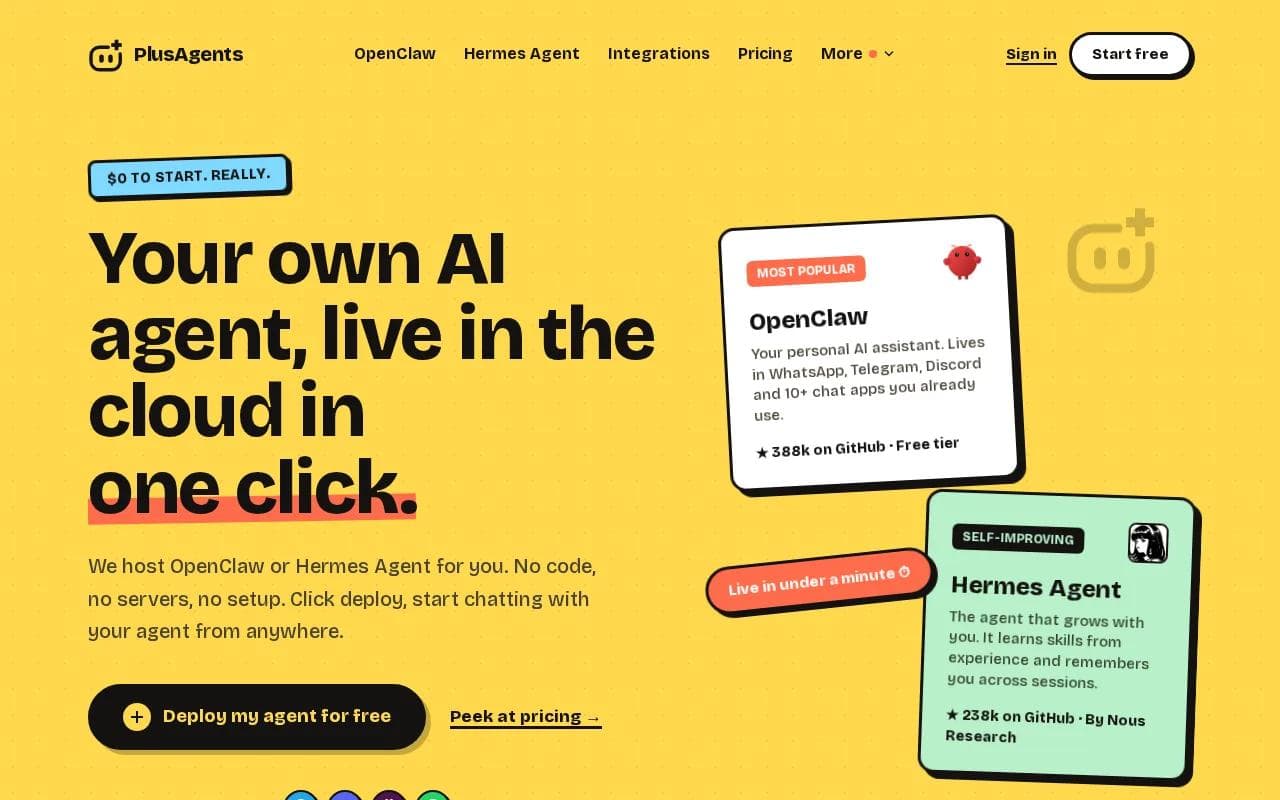
It suits freelancers, remote workers, and small business owners who want help with email triage, web research, task automation, or ongoing memory across chats. The agent can live in Discord alongside WhatsApp, Telegram, Slack, and other chat apps.
Setup takes less than a minute. You don't need a terminal, config file, or API key. Each plan includes monthly LLM credits, automatic updates, monitoring, and persistent storage. The free plan costs $0 and includes one active hour per day. Paid plans keep the agent active, with Starter at $19 per month, Pro at $49, and Max at $99.
There are limits. The free plan has capped credits and limited active time. Paid plans are billed per agent. Still, if your goal is a useful assistant rather than a weekend coding project, PlusAgents removes most of the fiddly work.
See the official PlusAgents hosting page for the current deployment path.
2. Visual Builders for Custom Discord AI Bots
A visual builder is for teams that want to build a custom Discord AI chatbot around their own knowledge and workflows. Its visual canvas lets you map conversation paths without writing every part by hand.
The main draw is control. You can connect documents, websites, spreadsheets, and structured data to a knowledge base. You can then test the bot in a built-in emulator before it reaches your server. That helps when a support bot must answer from approved material instead of guessing.
Visual builders can also support custom actions and external integrations when the builder isn't enough. The bot can choose the next action in a workflow, while rules and fallback logic keep it within set limits.
The tradeoff is time. This is a builder for a serious custom agent, not a one-click character bot. Someone still needs to design the flows, check answers, and maintain the knowledge base.
Choose a visual builder when your Discord server is tied to a product, help desk, or internal knowledge system.
3. No-Code Discord Bot Customization
No-code Discord bot tools target users who want to shape a bot without starting from code. They are worth a look when your server needs custom commands and a dashboard-led setup.
This kind of tool makes sense for a community owner who wants to set a reply channel, change a bot's behavior, or add server actions without opening a code editor. You can test the basic flow in a private channel before giving the bot wider access.
But “no code” doesn't mean “no decisions.” You still need to set permissions with care. A bot that can read or post across every channel has more access than a bot limited to one help channel.
Hosting is another question. DIY tutorials often pair a bot builder with an outside host and a monitoring service to keep it online. That can work, but it adds another account and another point of failure.
This kind of tool is a better match for hands-on server owners than for someone who wants an assistant ready now.
4. Shapes: Character-Style AI Companions for Discord
Shapes is aimed at character-style conversations. A Discord AI chatbot in this group may act like a fictional persona, remember past exchanges, or keep a dedicated channel active.
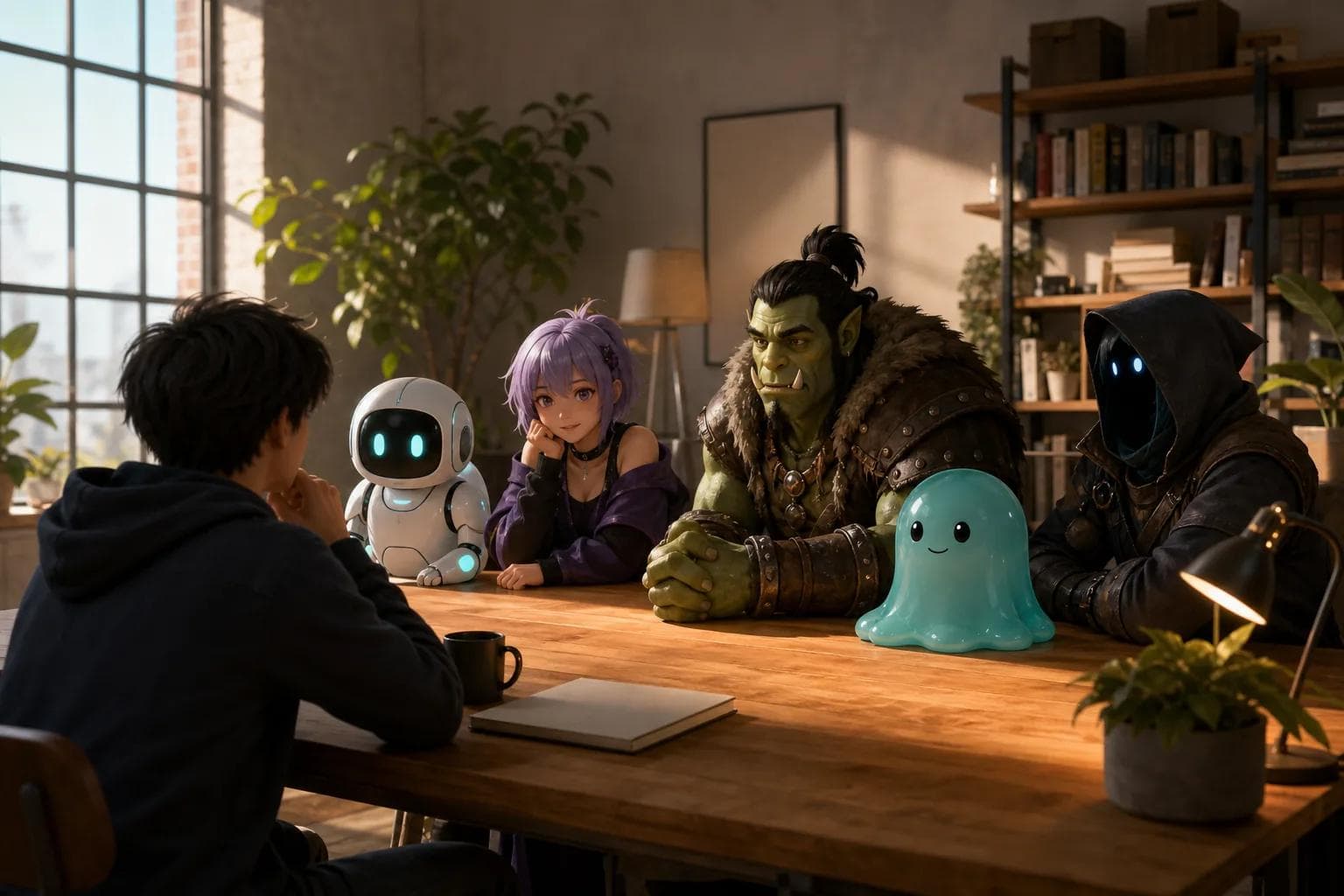
That makes Shapes appealing for role-play servers and communities built around character chat. Personality is the point. A general support bot gives a useful answer, while a character bot tries to keep a consistent voice.
Safety needs more attention here. Some character systems include adult themes or user-made personas. Keep those out of mixed-age spaces, restrict permissions, and review the bot's data policy before members start sharing private details.
Review the bot provider's own terms before members share private details, because a Discord bot can involve more than one data flow.
Shapes makes sense for entertainment. It is a weaker choice for a customer support channel where answers must stay factual and on topic.
5. MEE6: Community Management With AI Features
MEE6 is a familiar community bot with management tools and AI-style features. It fits server owners who want one dashboard for common community tasks, with conversational features added where they help.
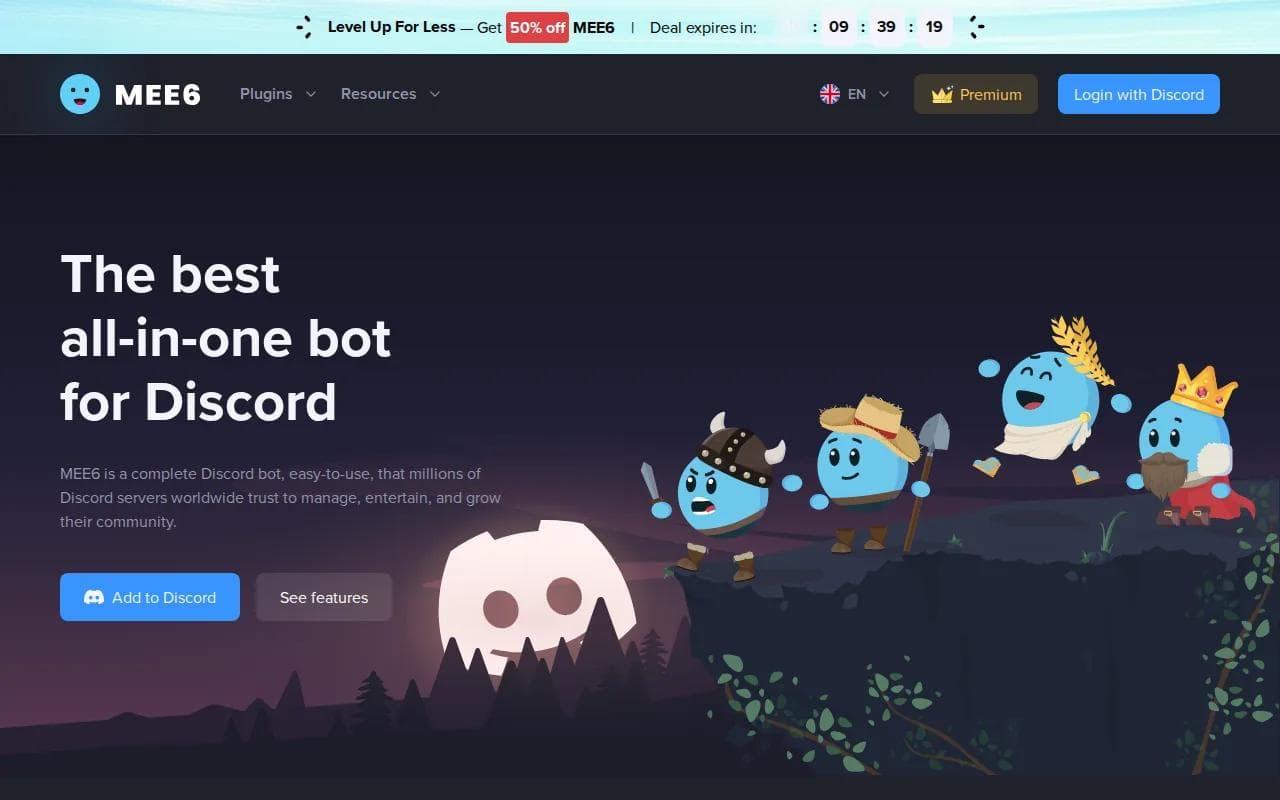
Its appeal is breadth. A large server may need welcome messages, role flows, moderation settings, and a place for members to interact with an AI character. Keeping those controls in one service can be easier than stitching together several small bots.
Watch the plan limits. Community tools often split free and paid features, so check which commands, character settings, or usage caps apply before you build your whole server around them.
Also set clear channel rules. An AI companion in a general channel can derail normal chat quickly. A dedicated channel gives members a clear place to ask questions or play with the bot.
MEE6 is best when community management comes first and AI chat is a secondary feature.
6. Moderation-First Discord Automation
A moderation-first Discord bot with a web dashboard is useful when your main problem is keeping a busy server orderly, not building a companion with a deep personality.
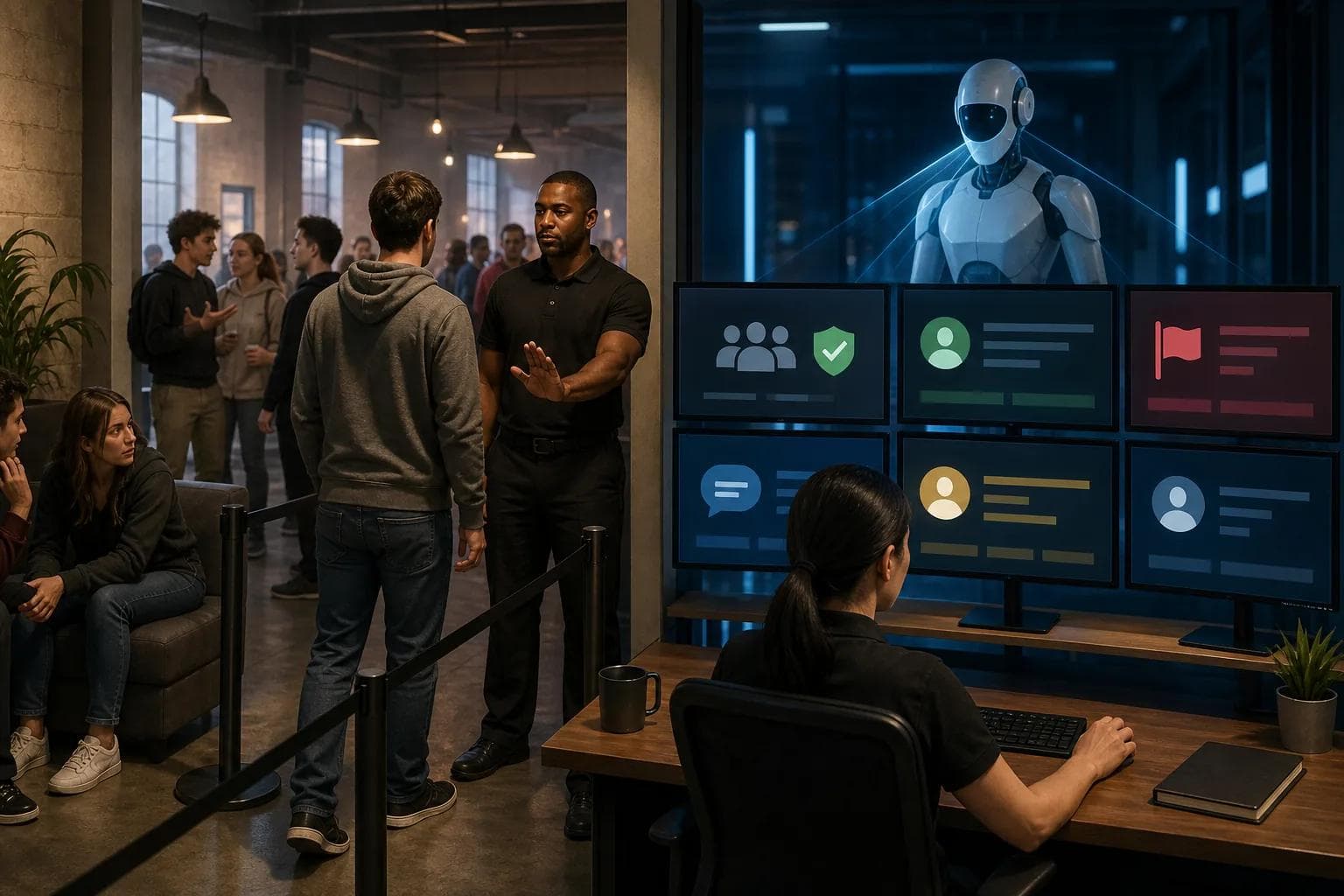
Choose this type of bot when you want customizable moderation and server management controls. That points to a usable role: manage rules and routine actions, then use a separate AI bot if your members need open-ended answers.
This split can be smart. Moderation should follow clear rules. Generative AI can produce odd or unsafe replies, especially when members try to bait it. A moderation-first bot gives you a firmer control layer.
The caveat is obvious. This is not the pick for a memory-heavy AI assistant or a knowledge-base Q&A bot. It belongs in the safety and housekeeping column of your stack.
Pro Tip: Limit any AI bot to one test channel first. Check its replies, permissions, and logs before adding it to general chat.
7. Server Support for Rules, Roles, and Server Support
A rules-and-roles support bot belongs on a shortlist for servers that need rule prompts, role support, and routine member actions around an AI chat area.
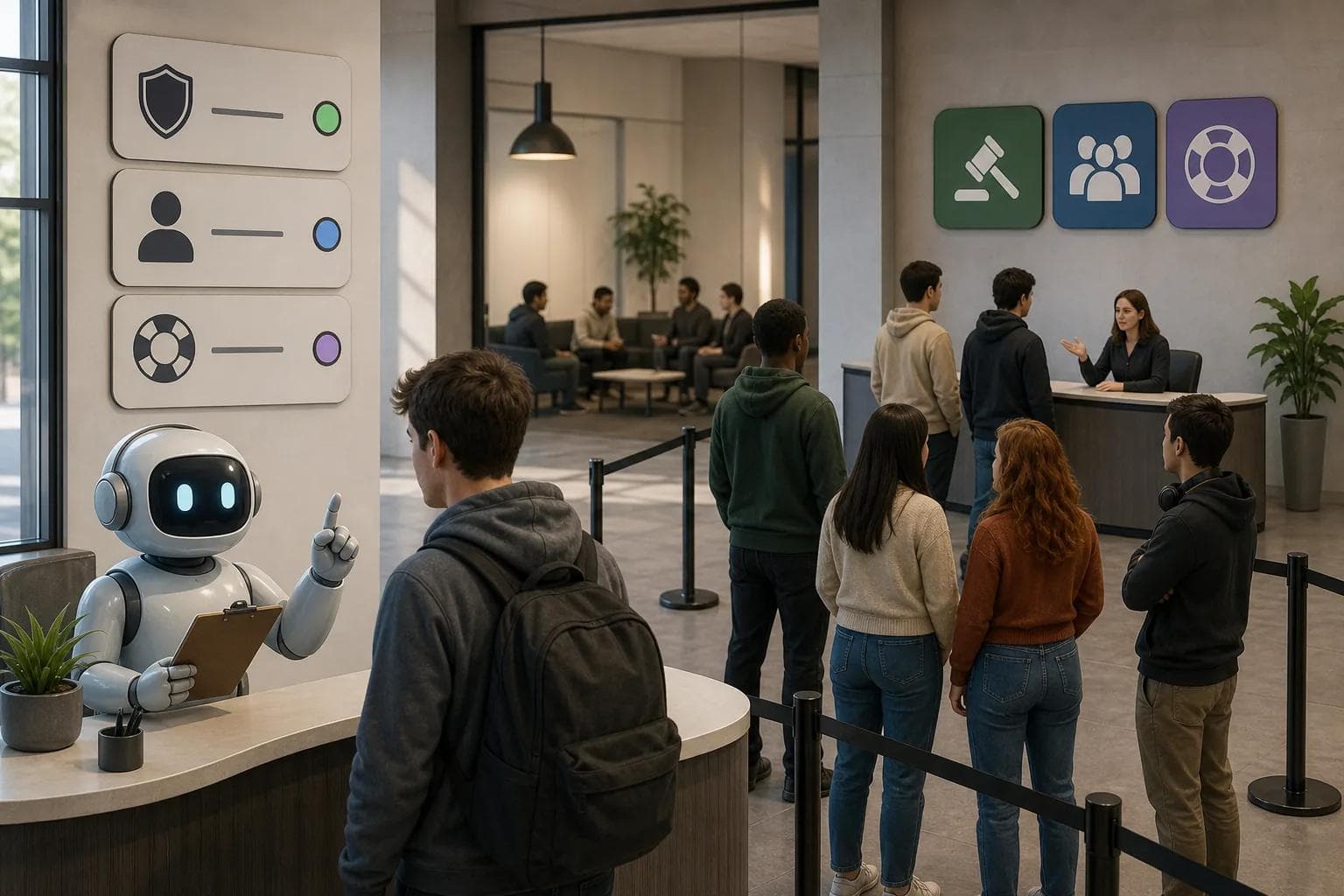
It is useful to think of this type of bot as the traffic cop. The AI handles a question. The support bot helps direct members to the right channel, applies server rules, or gives access to a role after a member completes the required action.
That setup reduces clutter. Your AI channel can stay focused on questions instead of becoming a dumping ground for every join message and role request.
Don't choose it as your main AI brain without checking its current feature set.
For many servers, that is enough. A small, reliable helper often beats an ambitious bot that needs constant tuning.
8. Desktop Bot-Building Tools: A Desktop Route for Custom Chatbots
Desktop bot-building tools are worth considering when you prefer a desktop route to bot building. They may suit a hobbyist who wants more control than a ready-made invite gives them.
The strength of a desktop workflow is ownership. You can shape the bot around your own server instead of accepting a fixed personality or command set. That can be useful for a private community with unusual rules.
The cost is maintenance. A self-managed bot needs a place to run, a safe way to store credentials, and a plan for updates. It also needs testing after Discord or model changes.
If you want 24/7 access without watching a process yourself, hosted deployment is simpler. With PlusAgents, we handle the servers while you choose the agent and connect it to your chat apps. That is the cleaner route for busy users who want the outcome, not another side project.
Discord AI Chatbot Comparison: Features, Setup, and Safety
The right Discord AI chatbot depends on the job. A personal assistant, a support agent, a character bot, and a moderation bot should not be judged by the same test.
Option | Best use | Setup feel | Main caution |
|---|---|---|---|
PlusAgents | Personal AI assistant across chat apps | One-click hosted deployment | Free usage has active-time and credit limits |
Custom workflow builders | Custom support and knowledge workflows | Visual builder | Needs design and upkeep |
No-code server customization tools | No-code server customization | Dashboard-led | Hosting may need extra planning |
Shapes | Character chat and role-play | Invite and configure | Review age controls and privacy terms |
MEE6 | Community management with AI features | Dashboard-led | Check free and paid feature limits |
Moderation-focused server tools | Moderation and server control | Web dashboard | Not a full companion assistant |
Roles-and-rules server tools | Roles, rules, and member flows | Server support setup | Do not assume deep AI features |
Desktop bot-building tools | Desktop-led custom bot work | More hands-on | You own hosting and maintenance |
Before inviting anything, check four things: what messages it can read, where it can post, how long it stores data, and who can change its settings. For adult character bots, use age-restricted channels and keep them away from mixed-age areas. For support bots, give them approved source material and a clear fallback when they don't know an answer.
If you want a hosted assistant that can move beyond Discord, our guide to WhatsApp AI chatbot tools shows how the same chat-first model can support other daily workflows.
Key Takeaway: Pick the bot by its job. Use PlusAgents for a hosted personal assistant, custom workflow builders for custom workflows, character tools for role-play, and moderation bots for firm server rules.
FAQ
What is a Discord AI chatbot?
A Discord AI chatbot is software that reads a permitted message and generates a reply inside a Discord server. Some bots answer questions from a knowledge base. Others act as characters, analyze files, or help with support. The key difference is access: the bot can only do what its permissions and connected services allow.
Can I host a Discord AI chatbot 24/7?
Yes, you can host a Discord AI chatbot 24/7, but the method affects upkeep. A self-hosted bot needs a running service, secret storage, updates, and monitoring. A hosted option handles that work for you. Check the plan terms closely, because free tiers may limit active time, message volume, or AI credits.
Which Discord AI chatbot is best for beginners?
PlusAgents is the simplest choice for beginners who want an AI assistant without code or server work. You deploy an agent with one click and use it through chat apps. A custom workflow builder is better when you want to design custom flows. A desktop builder may suit hobbyists who are comfortable maintaining their own setup.
Are Discord AI chatbots safe for private conversations?
Discord AI chatbots are only as private as their permissions, provider policy, and data settings. Limit access to the channels the bot needs. Don't paste passwords, payment data, or sensitive client records into open chat. Review the platform's privacy terms and the bot provider's retention and training rules before launch.
Can a Discord AI chatbot moderate a server?
Some Discord AI chatbots can assist with moderation, but a moderation-first bot is often safer for rule enforcement. Use fixed rules for actions such as removing spam or managing roles. Keep generative replies in a separate channel. That way, an unexpected AI answer doesn't decide a high-impact moderation action on its own.
For most people, PlusAgents is the sensible first pick because it removes hosting work while keeping the assistant available across chat apps. Start free, connect Discord, and test one focused task before you expand its permissions.
Ready to meet your agent?
Deploy OpenClaw or Hermes Agent in one click. Free to start.
Deploy my agent for free