Table of contents

AI agents sound hard until you see what the good ones actually do. The right no code AI agent platform lets you set a goal, connect useful tools, and let the agent handle the busy work. Here are eight named options, with the best fit, key strengths, tradeoffs, and cost notes for each.
1. PlusAgents: One-click AI assistants in your favorite chat apps
PlusAgents is the best fit when you want a personal AI assistant running now, without a server, terminal, or config file. We host OpenClaw and Hermes Agent in our cloud, so you can deploy with one click and start chatting in under a minute.
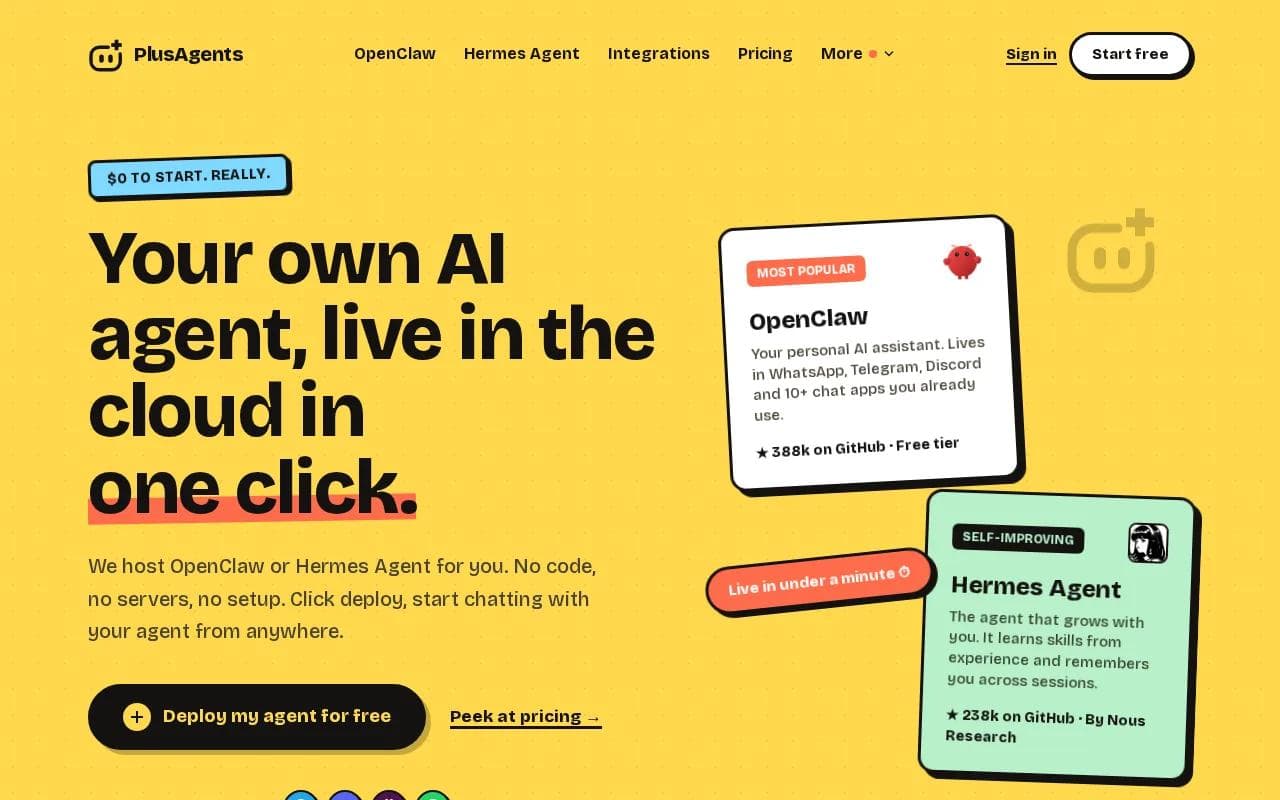
The big difference is where the agent lives. PlusAgents connects your assistant to WhatsApp, Telegram, Discord, and Slack without asking you to set up each channel by hand. The agent keeps memory across sessions, which means you don't need to explain your work style every morning.
You can ask the agent to sort email, research a topic, draft a reply, or handle a repeat task. OpenClaw is a broad personal assistant. Hermes Agent learns skills through repeated work and remembers you across sessions. Both are open source and MIT-licensed. PlusAgents charges for hosting, not for building the agents.
What you need | How PlusAgents fits | What to watch |
|---|---|---|
Fast setup | One-click deployment with servers handled for you | The free plan has one active hour per day |
Chat access | WhatsApp, Telegram, Discord, Slack, plus other channels | Channel choice depends on your daily workflow |
Tool access | Gmail, Notion, Slack, and 500+ apps through Composio | Some tools need account approval |
Cost control | $0 plan with monthly LLM credits, plus paid tiers | Credits are capped, so heavy use may need a top-up |
Always-on work | Paid plans keep the agent active | The free plan is for testing, not round-the-clock work |
The free plan starts at $0 and includes 2 vCPU, 4 GB of memory, $1 in monthly LLM credits, and one active hour each day. Starter costs $19 per month. Pro costs $49, while Max costs $99. Each paid plan includes more monthly LLM credits, and you can bring your own API key if that suits your setup. See the PlusAgents pricing details before choosing a plan.
For tool connections, Composio's free plan supports 100,000 tool calls per month with no card required. The connection step is still yours, but the agent does not need a separate API key for every task. You can review the available PlusAgents integrations when deciding which apps to connect.
Agentic systems work best when they can reason before taking action. They can make decisions and act through tools. That is the useful mental model here. You give the destination. The assistant works through the route.
If you want the least friction, start with a free PlusAgents account. Click deploy, pick an agent, and kick the tires. Really.
2. Arahi AI: Operations automation for growing SMB teams
Arahi AI suits founders, operations managers, and small business teams that want an agent to run parts of the business. This is a better match for process work than for a simple personal inbox helper.
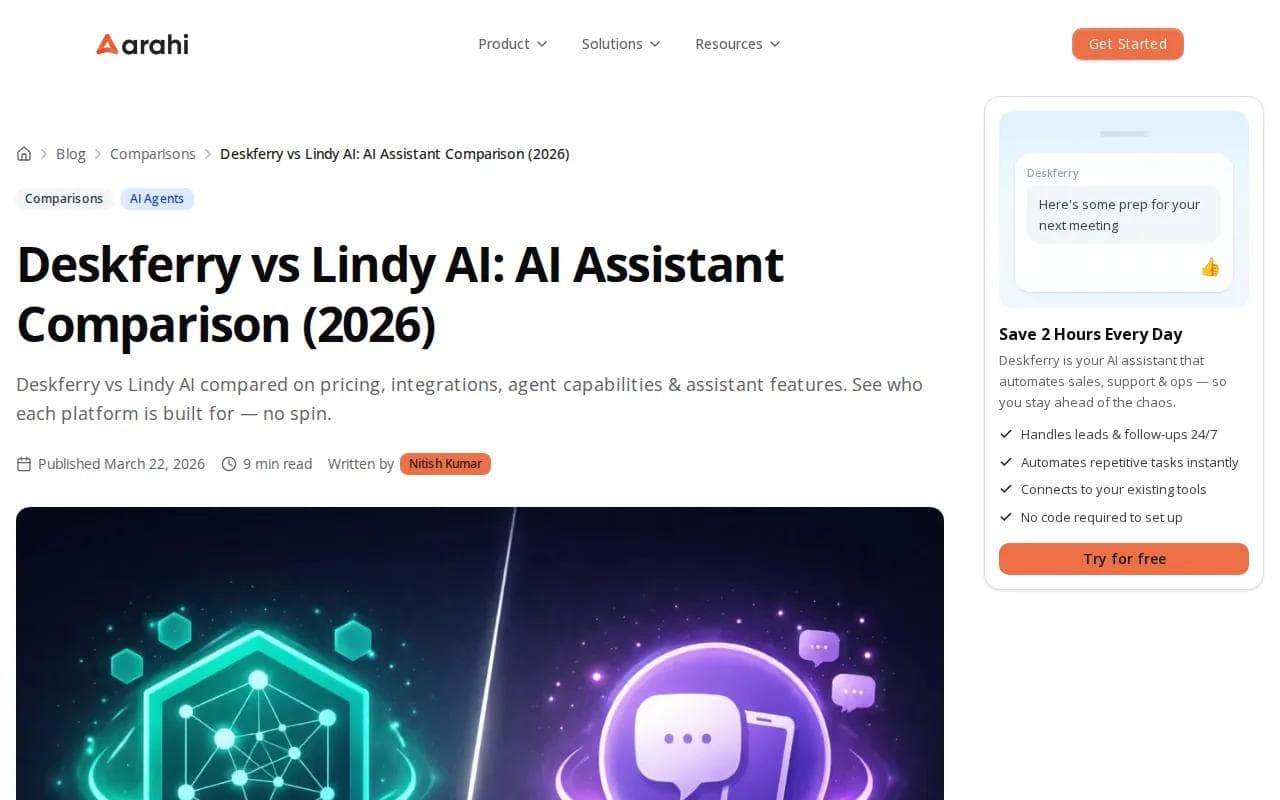
Arahi AI offers 1,500+ app connections through the Composio integration framework. That range covers business systems such as CRMs and email. For a small team, the appeal is clear: an agent can sit closer to the process instead of stopping at a drafted answer.
Imagine a founder who gets a lead through email. The useful test is not whether Arahi AI can write a reply. It is whether the agent can understand the lead, find the right record, and move the next approved task forward.
That kind of work needs clear rules. Tell the agent which fields it may change. Set a point where a person must approve an action. Add a safe answer when the agent lacks enough context. No-code doesn't mean no planning.
Arahi AI is also worth a look if your team has several systems that rarely speak to one another. A CRM may hold the customer record while email holds the request. An integration framework can connect those steps, but setup time still depends on the systems involved.
The tradeoff is focus. A broad operations agent can feel like too much if your real need is a chat-based assistant for research or daily admin. It may also take more time to define the rules than a one-click personal assistant.
For a small business owner, the decision rule is simple: choose Arahi AI when the work crosses business systems. Choose PlusAgents when you want your own assistant in the chat apps you already use.
3. Lindy AI: Textable personal assistance across business tools
Lindy AI is aimed at individual professionals, executives, and consultants who want to text an assistant about daily admin. It is a strong fit when your work already lives across common business tools.
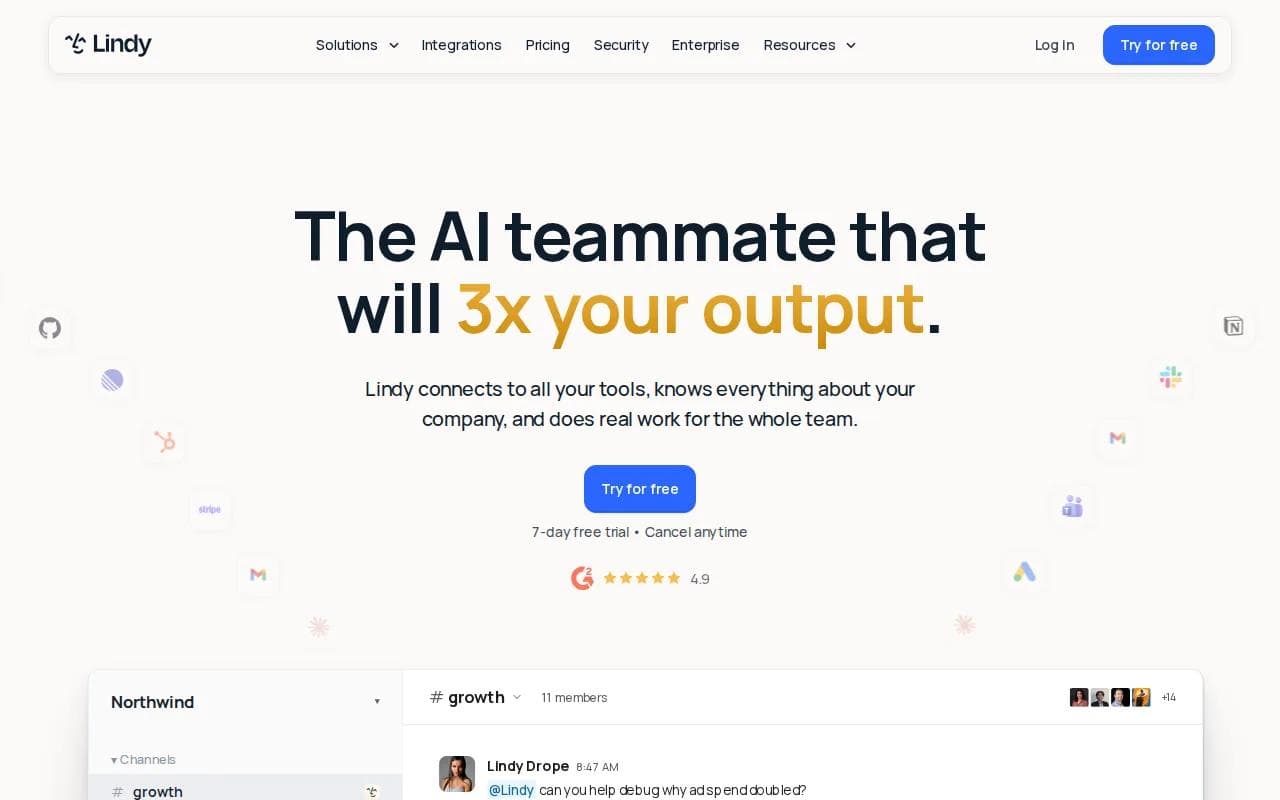
Lindy AI lists more than 5,000 integrations, the largest count in this set. Those connections cover tools such as Gmail and Slack. Lindy AI also lists a broader business stack that includes Notion, HubSpot, Google Drive, Calendar, Meet, Zoom, and Teams.
That breadth can reduce the need to rebuild an assistant each time your workflow changes. A consultant might ask for a meeting brief, then need the result saved in a work space. A connected assistant can handle both parts if the accounts and permissions are set up.
Lindy AI is a useful reminder that integration count does not always predict price.
There is a catch. More integrations can mean more choices to manage. You still need to check what the agent may read, write, or send. A textable assistant should ask before it sends a client email or changes a calendar event.
Lindy AI makes sense when app breadth is your first filter. If your first filter is instant access across several chat channels with built-in session memory, PlusAgents has the cleaner starting point.
That same setup can help a marketing team gather campaign notes before a review. If you also need outside campaign strategy, a comparison of the best digital marketing agency Dubai options may help with the human side of that work. An agent can prepare the brief, but it should not pretend to replace specialist judgment.
4. Vellum: Open-source personal assistance with a security focus
Vellum is for people who want an open-source personal assistant with a clear focus on security, identity, and persistent memory. It is a better fit for readers who want to inspect the architecture before trusting an agent with private work.
Vellum offers access through iOS, a web app, voice, email, Telegram, and Slack. That gives Vellum a useful mix of personal and work channels. Its persistent identity also helps the assistant keep a stable sense of who it is serving.
Proactive reach-outs are another reason to consider it. A passive chatbot waits for a prompt. A personal assistant with proactive behavior can contact you when a rule or task calls for it. That can help with reminders, but it also raises the bar for permission control.
Security needs more than a privacy label. Before you connect an account, check whether the agent can write data or only read it. Limit access to the smallest useful scope. Review active sessions and remove old credentials when a project ends.
Vellum's pricing is available on request, while OpenClaw, QwenPaw, and AnythingLLM are listed as free or open-source choices. A higher price does not automatically mean more channels or more integrations.
The main limitation is fit. Vellum may be too much for someone who wants to deploy a personal assistant in a favorite chat app and get to work. It suits a privacy-minded buyer who is willing to spend more time checking the setup.
5. OpenClaw: Broad chat coverage for technically confident users
OpenClaw is for technically confident users who want broad channel coverage, local control, and a large community ecosystem. It is powerful as a self-managed project, but the setup is a poor match for someone who never wants to touch infrastructure.

OpenClaw integrates with WhatsApp, Telegram, and Slack, along with broad chat-app coverage. That reach is attractive when your group or clients use different messaging tools.
OpenClaw can also give technical users more control over where data lives. Local control matters when company policy limits cloud access. But control brings work. You must handle updates, access rules, credential storage, and the health of the host system.
Credential safety deserves special care. An assistant that can act through email or other connected tools is only as safe as the permissions behind those connections. Use separate accounts where possible. Avoid giving a broad key to an agent that only needs one narrow task.
OpenClaw is free as software, but free software still has a time cost. Hosting, maintenance, model use, and troubleshooting may all sit with you. That is why PlusAgents hosts OpenClaw in the cloud. You get the agent without taking on the server work.
Use OpenClaw directly when local control is your top need and you understand the security tradeoffs. Use PlusAgents when you want OpenClaw's assistant model with one-click hosting, monitoring, automatic updates, and a dashboard.
For buyers comparing agents by app count, be careful. More channels do not always mean a better daily experience. Four channels that your team uses every day can beat fifteen channels that nobody checks.
6. Vellum: Open-source personal AI assistant
Vellum fits anyone who wants an open-source personal AI assistant with real security architecture, a persistent identity, and proactive reach-outs.
It supports iOS, a web app, voice, email, Telegram, and Slack, giving you several ways to interact with the assistant.
Vellum is a useful fit when security architecture and a persistent identity matter. Its proactive reach-outs can help the assistant stay useful beyond one-off questions.
The setup choice depends on how you want to work. Vellum offers several channels, including voice, email, Telegram, and Slack, while its web app and iOS support give you additional options.
A persistent identity can make an assistant feel more consistent over time. Proactive reach-outs can also reduce the need to start every interaction yourself.
Vellum is an open-source option for people who want a personal assistant with security architecture and multiple ways to connect. For a regular professional who wants a ready assistant in WhatsApp, Telegram, Discord, or Slack, PlusAgents removes more setup.
Key Takeaway: Choose Vellum for an open-source personal assistant with a persistent identity, proactive reach-outs, and support for iOS, web, voice, email, Telegram, and Slack. Choose hosted deployment when setup time matters more than managing the details yourself.
7. AnythingLLM: Private document chat without building RAG
AnythingLLM is a good fit for privacy-minded people and small teams that want to chat with their own documents. It focuses less on broad personal assistance and more on making private document chat easier to start.
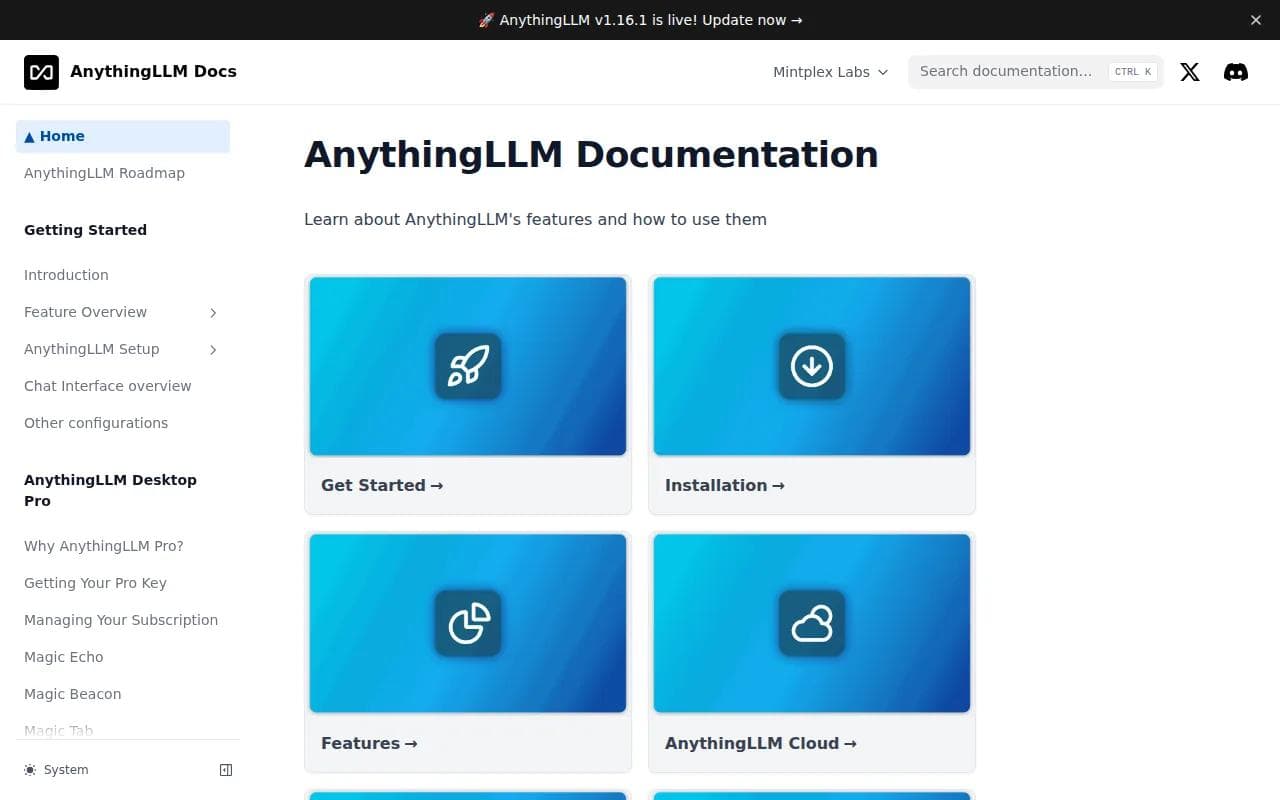
AnythingLLM supports more than 30 LLM providers. It also describes a no-code approach to retrieval augmented generation, or RAG. In plain English, RAG lets an AI look up supplied documents before it answers.
That setup can help an internal team ask questions about policy files, product notes, or a project folder. The important part is the source set. If the needed fact is missing, the agent should say so instead of filling the gap with a guess.
A useful system prompt might say: “Answer only from the uploaded files. If the files do not contain the answer, say that you do not know. Quote the document name and page when available.” Short rules like that make review easier.
AnythingLLM is free or open source, which lowers the cash cost. You still need to think about model use, storage, updates, and who can access the documents. Private hosting does not remove the need for access control.
The limitation is scope. Document chat may solve a knowledge problem, but it will not automatically become a full assistant for email, calendars, or customer tasks. If your work is mostly “find this in our files,” AnythingLLM is a sensible choice. If your work is “take this goal and act across apps,” look at an agent platform instead.
Business owners also use agents while weighing bigger decisions. An assistant can gather facts for a due-diligence checklist, while a marketplace for buying and selling companies can help owners explore acquisition opportunities. Keep the human review step for legal, financial, and deal decisions.
8. Kommunicate: Accessible chat automation for customer support
Kommunicate is built for customer support teams that want no-code chat automation with a human handoff. It is less about a private personal assistant and more about answering repeat customer questions across support channels.
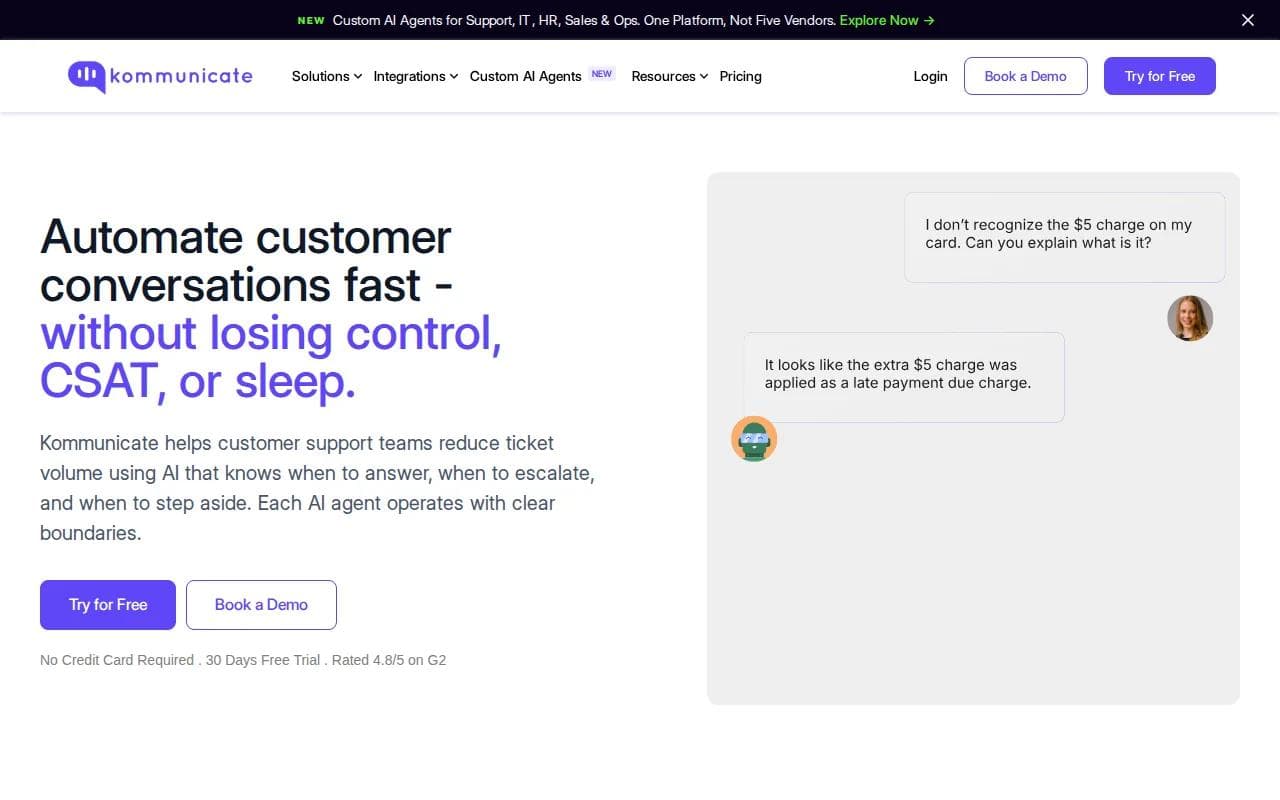
Its ease of setup and intuitive interface are standout qualities. That makes the starting workflow easy to understand: give the agent approved content, then let it handle safe questions.
Human handoff is the key point. When a customer has an emotional complaint or an unusual case, the agent should pass the conversation to a person with the context intact. That is safer than forcing automation to answer every question.
Kommunicate supports integrations with WhatsApp, Facebook, and Dialogflow. A setup that connects with existing support channels can help a team keep customer conversations in one place.
For a shop, the first use case might be order questions or return rules. For a school, it might be common student support requests. For a telecom team, it might be billing or outage questions. In each case, start with content that changes slowly and has a clear answer.
The caveat is that Kommunicate is designed around support operations. It may not be the right choice for someone who wants a personal assistant that remembers private preferences across everyday tasks. Its value rises when a team needs routing, visibility, and a person ready to step in.
A gradual approach is sensible. Start with a narrow FAQ set. Review failed answers. Add more content only after the first group of questions behaves well.
Pro Tip: Give a support agent a short list of approved answers and a clear handoff rule before adding more channels. More reach won't fix weak source content.
How to choose between these AI agent platforms
The best choice depends on the work you want to hand off. Integration counts are useful, but they are only one part of the decision. In this set, Lindy AI lists more than 5,000 integrations, while AnythingLLM lists more than 30 LLM providers. Those numbers describe different kinds of reach.
- Pick PlusAgents when you want one-click hosting and a personal assistant in several chat apps.
- Pick Arahi AI when your work crosses business systems and operations.
- Pick Lindy AI when app breadth matters most for personal admin.
- Pick Vellum when open-source identity and security design come first.
- Pick OpenClaw when you want broad channels and can manage technical risk.
- Pick QwenPaw when enterprise messaging and local models matter.
- Pick AnythingLLM when private document chat is the main task.
- Pick Kommunicate when customer support needs safe automation and handoff.
Then test one real workflow. Do not test with a vague prompt such as “help with my business.” Try a task with a clear finish line, like “read these three documents, list the open issues, and ask before sending anything.”
Check four things during the test:
- Does the agent ask for missing details?
- Can you see what it did?
- Can you stop or approve risky actions?
- Can you estimate model and hosting costs?
Pricing needs the same care. Three options in the comparison set are free or open source. Paid options vary in price, while integration breadth does not always rise with cost.
Privacy also changes the answer. Cloud hosting is easier. Local hosting gives you more direct control. Neither removes the need to manage permissions. Give an agent access to the smallest useful set of accounts, then expand only when the workflow proves safe.
For prompt design, write the agent's role, goal, limits, and handoff rule. Add a few examples of good output. Then test an edge case where the source does not contain the answer. A good agent should stop and ask, not invent.
FAQ
What is a no code AI agent platform?
A no code AI agent platform lets you set up an AI worker without writing software. You describe the goal, add knowledge or tools, and define rules for action. Unlike a basic chatbot, an agent can work through a task, use connected tools, and ask for clarification when the request is incomplete.
Which no code AI agent platform is best for beginners?
PlusAgents is the easiest starting point for beginners who want a personal assistant in chat. You deploy OpenClaw or Hermes Agent with one click, and we handle the servers. The free plan lets you test the setup, while paid plans keep the agent active for longer work.
Can I build an AI agent without coding?
Yes, you can build many useful AI agents without coding. Start with a plain-language role and goal. Add approved documents or connect a tool. Then set a rule for unknown questions and risky actions. Hosted tools remove the need to manage servers, but you still need to test prompts and permissions.
What should I look for in an AI agent platform?
Look for task control, tool permissions, memory, data handling, support for your chat channels, and clear costs. Integration count matters only when it includes the apps you use. A platform with fewer channels may suit you better if it gets your main workflow live faster.
Are open-source AI agents free?
Open-source AI agents can be free to download, but running them may still cost money or time. You may need hosting, model access, storage, updates, and security checks. OpenClaw and QwenPaw are open-source options, while hosted services charge for convenience.
Is PlusAgents free to start?
Yes, PlusAgents has a $0 plan for testing an agent. It includes one active hour per day and a limited amount of monthly LLM credit. Paid plans start at $19 per month and keep the agent active for longer use. You can also top up credits or bring your own API key.
Conclusion
For most nontechnical users, PlusAgents is the clearest first choice because it combines one-click hosting, chat access, and session memory. Start with one repeat task, deploy an agent, and test it for a week before adding more permissions. You can also browse the PlusAgents AI agent guides and updates as you refine the workflow.
Ready to meet your agent?
Deploy OpenClaw or Hermes Agent in one click. Free to start.
Deploy my agent for free