Table of contents

“Open source” doesn't always tell you how a personal assistant is licensed, hosted, or paid for. Here are five named tools and services worth checking, with the trade-offs that matter when you want an assistant that can act, not only chat.
1. PlusAgents
PlusAgents is a managed way to run an open source AI personal assistant without touching a server. You pick OpenClaw or Hermes Agent, click deploy, and get an agent that lives in the chat apps you already use.
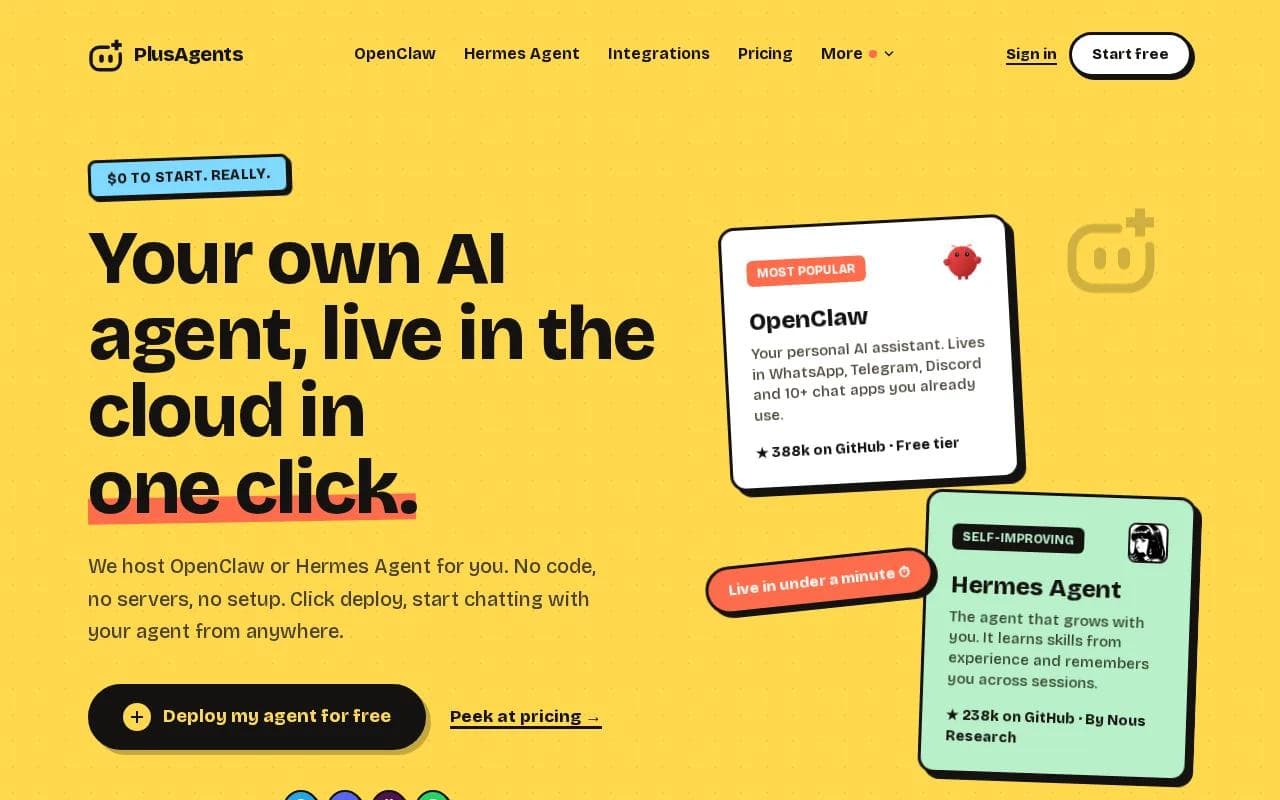
This is the clearest fit for non-developers, freelancers, remote workers, and small business owners. We handle provisioning, updates, monitoring, and restarts. You get a dashboard with logs, a terminal, and a file browser, but you don't need to use any of them to get started.
Your agent can connect to WhatsApp, Telegram, Discord, Slack, and other supported apps. It can help with email triage, web research, file work, recurring reports, and task automation. Persistent storage keeps your files and memory with the agent across updates.
The pricing model is easy to understand. The Free plan costs $0 and includes one active hour per day. Starter is $19 per month, Pro is $49, and Max is $99. Each plan includes monthly LLM credits, so you don't need an AI provider key on day one. Paid plans stay on, while free use is limited.
OpenClaw has more chat connections and a large plugin ecosystem. Hermes Agent is the better match if you want a learning loop and deeper memory. You can run both, but each agent has its own plan, files, memory, and credits.
For a closer look at the first option, see OpenClaw cloud hosting from PlusAgents. If you can click a button, you can deploy an agent. Really.
Key Takeaway: Choose PlusAgents when you want open source agent software with hosting, updates, LLM credits, and chat access handled for you.
2. OpenClaw: Flexible automation across popular chat apps
OpenClaw is an open source AI personal assistant built for people who want broad chat coverage and task automation. It can work with Slack, Discord, iMessage, and WhatsApp, while its broader ecosystem includes more than 50 integrations.
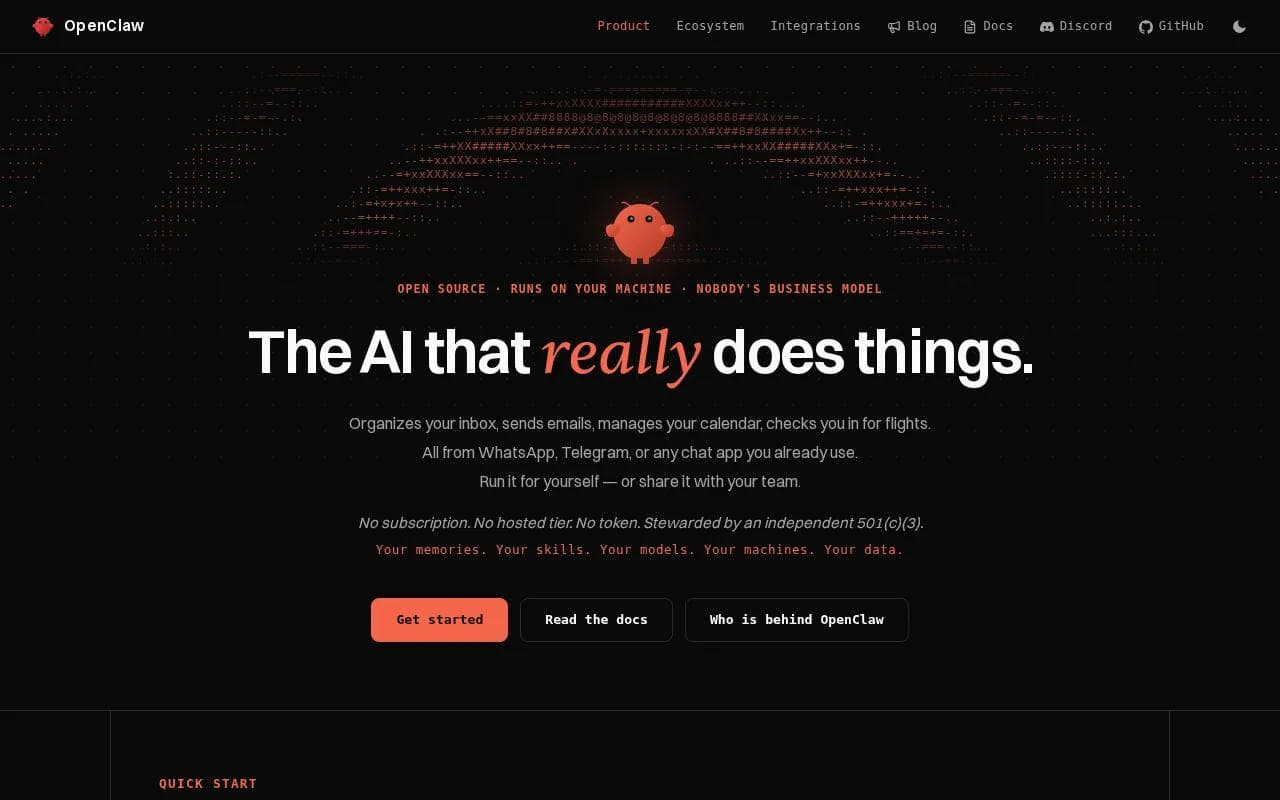
It suits technical users who want control, as well as busy users who want an assistant that can research the web, remember context, generate code, and run tasks. Installation and updates may require hands-on work.
The main trade-off is setup. A self-hosted install means you manage the machine, updates, model access, and permissions. You may also need an API key, depending on the model route you choose. That can be fine for a developer. It is a lot for someone who only wants to message an assistant from WhatsApp.
OpenClaw makes more sense when your assistant needs to touch several tools. Imagine asking it to research a vendor, save notes to a file, draft an email, then send a short summary to Slack. The value comes from the chain of actions, not from a single clever answer.
The name also creates some confusion. OpenClaw, Clawdbot, and “OpenClaw formerly Clawdbot” may refer to related or overlapping projects. Check the exact project and hosting model before you install anything.
If you want the OpenClaw feature set without server work, PlusAgents removes that first hurdle. If you want to control every file and process yourself, the self-hosted path gives you more direct control.
3. Hermes Agent: A memory-focused assistant for research and tasks
Hermes Agent is an open source AI personal assistant from Nous Research with a built-in learning loop. It can remember past work, write reusable skills after complex tasks, and improve how it handles repeat jobs.
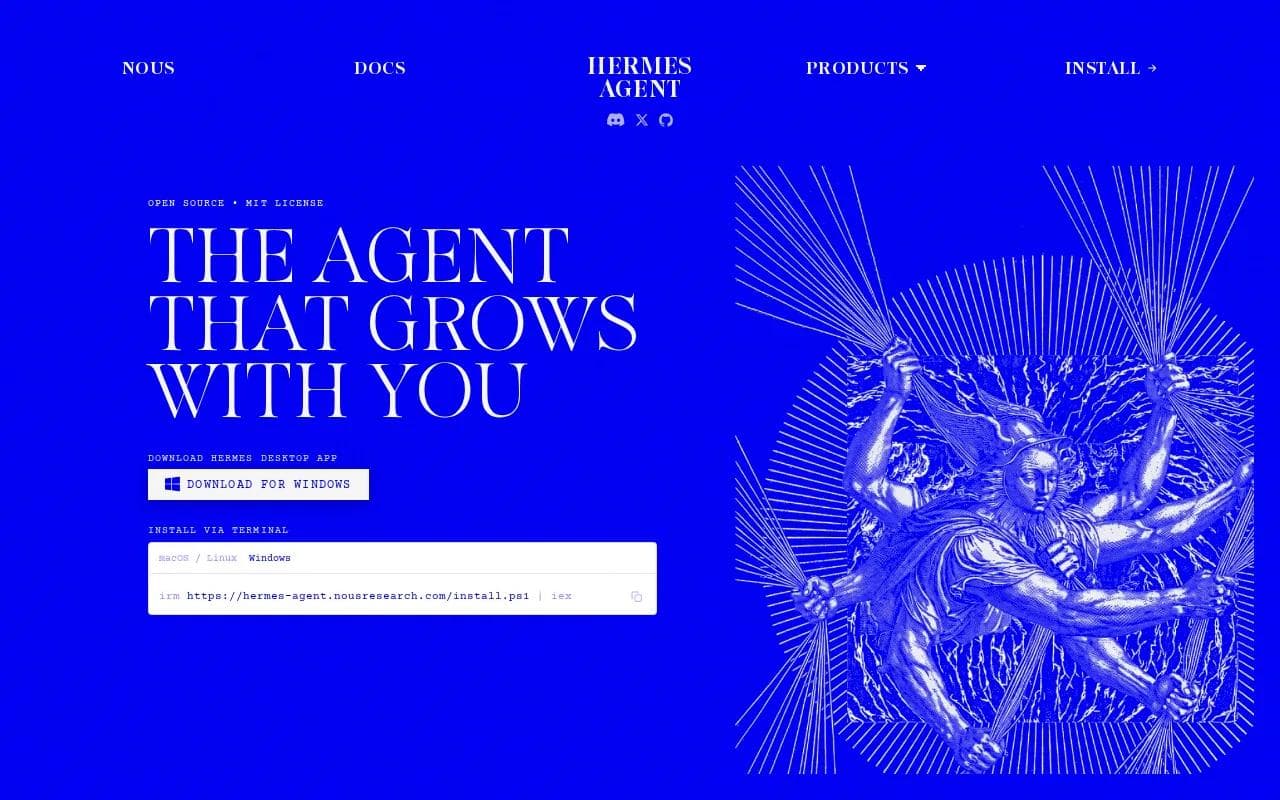
It fits people who want an assistant to build context over time. A daily research task is a good example. The first run may need clear instructions. Later runs can draw on saved preferences, prior work, and skills the agent has built.
Hermes Agent connects with Telegram, Discord, Slack, WhatsApp, Signal, email, and the command line.
Delegation is one of its more useful ideas. For a large research job, Hermes can give a subagent its own conversation and terminal. That keeps the main chat cleaner and lets separate tasks run with their own context.
The caveat is that “learning” needs supervision. A saved skill can repeat a mistake if the original task was vague or wrong. Give the agent clear limits before it sends messages, changes files, or runs a recurring job.
Hermes Agent also works well through PlusAgents. We host it in the cloud, include monthly LLM credits, and keep the setup out of your terminal. That makes it a sensible route for someone who likes the idea of long-term memory but doesn't want to maintain a server.
Pro Tip: Start with one repeat job, such as a Friday report. Review the first few runs before granting permission to send or change anything.
4. Clawdbot: A self-hosted WhatsApp automation option
Clawdbot is a self-hosted AI personal assistant aimed at people who want local control. Its listed tasks include email triage, scheduling, and automation, with WhatsApp as a key access point.
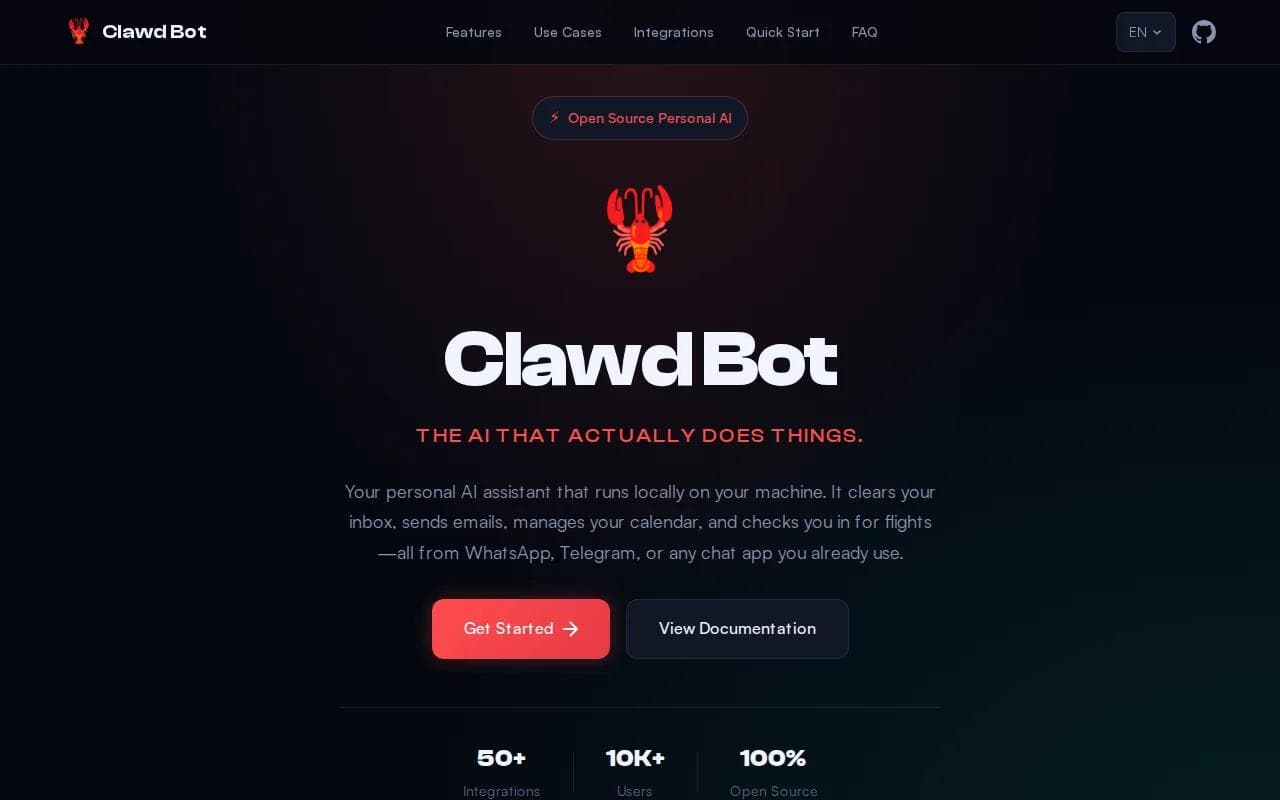
It suits users who care about keeping agent data on their own machine. Those powers make it useful for an inbox workflow or a calendar routine, but they also raise the stakes of a bad permission choice.
Setup is the main cost. You need a supported computer or server, model access, and time to manage the install. You are responsible when an update breaks a connection or a model key runs out.
For example, Clawdbot could sort new email, draft replies, and flag messages that need your review. It can also help schedule meetings. Keep approval in the loop for anything that sends a message or changes a booking.
The privacy case is strong when the software stays on your own machine. The control case is strong too. But local hosting doesn't remove the need to check model providers, chat services, and any outside tool the assistant uses.
Pick Clawdbot when local operation matters more than convenience. Pick managed hosting when you want the assistant reachable while your laptop is closed.
5. Moltbot: An early option for autonomous chat-based assistance
Moltbot is presented as a local open source AI personal assistant that remembers preferences and takes action through chat. Its stated focus is simple: keep the assistant on your hardware while connecting it to apps such as WhatsApp, Telegram, Slack, Discord, Signal, and iMessage.
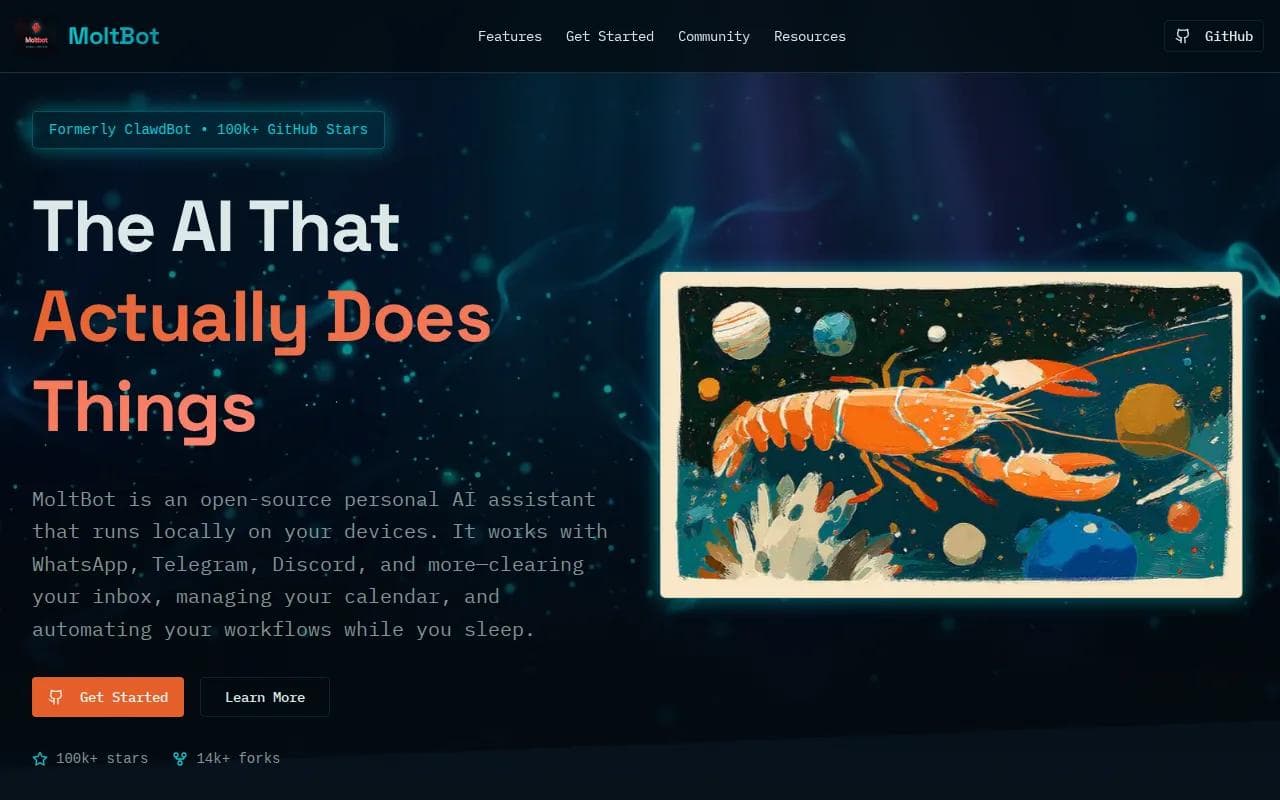
It is aimed at people who want a private assistant with a wide chat reach.
Moltbot also shows why names can be hard to trust in this category. Before installing, check the repository, license, update path, and current maintainer. An “open source” label without a visible license is not enough for a confident software choice.
Local hosting gives you direct control over files and network access. It also gives you the work of setup, updates, model billing, and recovery. If your computer sleeps, your assistant may not be available when you need it.
That makes Moltbot a fit for tinkerers who want to inspect and adjust their own setup. It is less suitable for someone who wants a ready-made assistant for daily work with no server tasks.
Open source AI personal assistant comparison table
The right choice comes down to control versus setup time.
Option | Hosting | Chat reach | Useful fit | Main watch-out |
|---|---|---|---|---|
PlusAgents | Managed cloud | WhatsApp, Telegram, Discord, Slack, and more | No-code deployment | Free plan has one active hour per day |
OpenClaw | Hybrid | Slack, Discord, iMessage, WhatsApp | Broad integrations and automation | Setup and model access may need care |
Hermes Agent | Cloud or self-managed | Telegram, Discord, Slack, WhatsApp, Signal, email, CLI | Memory and repeat tasks | Review learned skills before broad permissions |
Clawdbot | Self-hosted | WhatsApp and other chat apps | Local control | You manage the machine and updates |
Moltbot | Local hardware | WhatsApp, Telegram, Slack, Discord, Signal, iMessage | Private tinkering | Project naming and license need checking |
OpenClaw has the wider integration story. Hermes Agent puts more weight on memory and learning. PlusAgents is the simplest route when you want either agent live without a terminal.
For a side-by-side look at the two hosted agents, the OpenClaw versus Hermes Agent comparison focuses on memory, channels, deployment, and fit. You can also connect supported work apps through OAuth, then revoke access later if a workflow no longer needs it.
Key Takeaway: Before trusting any assistant with email or files, confirm its license, hosting model, model costs, permissions, and recovery path.
FAQ
What is an open source AI personal assistant?
An open source AI personal assistant is software whose code can be inspected, changed, and often self-hosted, depending on its license. It can chat with you while also handling tasks such as research, file work, scheduling, or email triage. Check the published license rather than relying on the label alone.
Which option is easiest for non-technical users?
PlusAgents is the easiest option for non-technical users because it handles hosting and setup in the cloud. You choose OpenClaw or Hermes Agent, select a plan, and deploy from a dashboard. Monthly LLM credits are included, so you don't need to set up a separate model billing account first.
Is OpenClaw self-hosted or cloud-hosted?
OpenClaw can be self-hosted or run through a hosting provider, so it supports a hybrid model. Self-hosting gives you more control over files and updates. Managed hosting removes server work. Your choice depends on whether you want to maintain the system or spend your time using the assistant.
Which assistant has the strongest memory?
Hermes Agent is the clearest memory-focused option in this shortlist. It can search past conversations, remember projects, and write reusable skills after complex tasks. Memory still needs review. Give it narrow permissions first, then expand access after you see how it handles repeat work.
Are these assistants really open source?
Some are presented as open source, but labels alone do not establish licensing. Before installing an open source AI personal assistant, inspect the project repository and license, then check how it handles model calls, chat data, files, and outside integrations.
Conclusion
For most people who want an assistant without server work, PlusAgents is the sensible starting point. Try OpenClaw for broad chat and integration coverage, or Hermes Agent for memory and repeat tasks. Learn how one-click deployment works, start on the free plan, and test one small workflow before handing over more access.
Ready to meet your agent?
Deploy OpenClaw or Hermes Agent in one click. Free to start.
Deploy my agent for free