Table of contents

A self hosted AI assistant can live in your chat apps, run tasks on a schedule, and keep control of your data closer to home. But the setup gap is wide. Here are five named options and the type of user each one fits.
1. PlusAgents: One-click hosting without server setup
PlusAgents is managed hosting for open-source AI agents. It suits freelancers, remote workers, and small business owners who want a self hosted AI assistant without renting a server or opening a terminal.
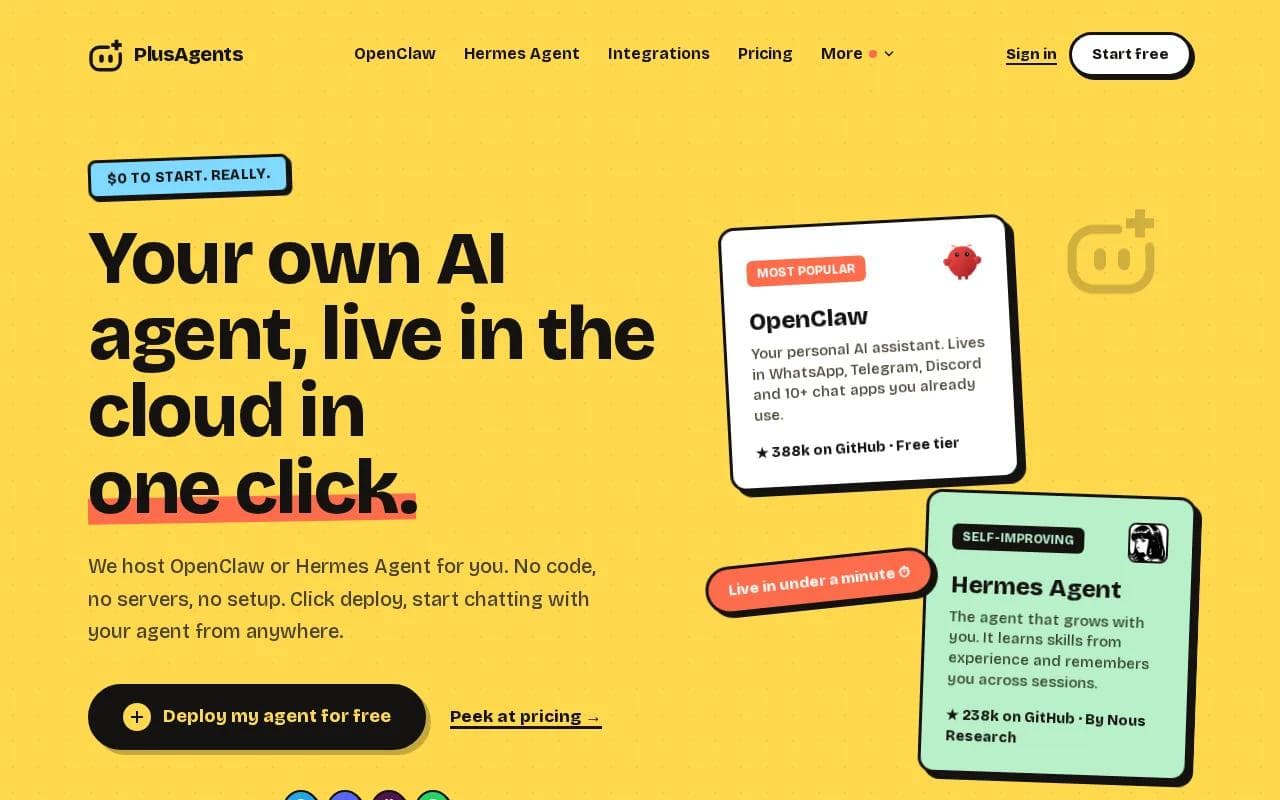
We host OpenClaw and Hermes Agent in our cloud. You choose an agent, pick a plan, and click deploy. Your agent can be ready in under a minute. The dashboard handles updates, monitoring, restarts, logs, files, and the basic controls you need to keep things moving.
OpenClaw fits people who want an assistant inside WhatsApp, Telegram, Discord, Slack, and other chat apps. It can research, browse pages, work with files, triage email, and run scheduled tasks. Hermes Agent is the better fit if you want a built-in learning loop. It can write reusable skills after complex tasks and search past conversations for useful context.
Every plan includes monthly LLM credits, so you don't need to set up an AI billing account first. The Free plan is $0, with 1 active hour per day. Paid plans stay on all the time and start at $19 per month per agent. You can also bring your own API keys.
There are limits. The free plan has capped credits and limited active time. Plans are per agent, and you can't switch an agent's plan in place yet. You deploy a new one when you need a different tier.
You can explore the OpenClaw cloud hosting page. No server hobby required. Really.
Key Takeaway: Choose PlusAgents when you want open-source agent software with the setup and server work handled for you.
2. OneClaw: Simple deployment with monitoring and updates
OneClaw is a self hosted AI assistant option built around one-click deployment. It fits users who want a short path from account creation to a working agent in Telegram, Discord, or WhatsApp.
Its documented strengths include automatic model routing, automatic restarts, automatic updates, and health monitoring. Those details matter when the assistant needs to keep running while you're away from your desk. A failed process should restart without turning your morning into a repair job.
The tradeoff is price clarity. Research across this category found that one-click services tend to cost more than DIY software because they bundle maintenance. OneClaw's own published range is $12 to $18 per month, while other sources list different figures for related hosting models. Check the current plan page before you commit.
OneClaw is a reasonable fit for a user who wants a hosted assistant but doesn't need a large app ecosystem on day one. Start with one recurring job, such as a daily report or a price check. Then test whether the assistant can complete that job without constant prompts.
Don't confuse simple deployment with zero configuration. You still need to decide which accounts the assistant can access and what it may do without approval. Keep those permissions narrow at first.
3. OpenClaw: Open-source automation across chat apps
OpenClaw is an open-source engine for a self hosted AI assistant. It fits people who want broad chat access and the freedom to run the software on their own machine, a private server, or managed hosting.
Its common workflows include daily reports, price monitoring, inbox triage, page watching, and scheduled runs. That makes it more useful than a chat window that only replies when you ask a question. You can send a task from a supported app and let the agent work through the next steps.
Open-source software gives you more control over the deployment and lets you inspect or change the code. That doesn't remove the work of patching the host, watching logs, managing credentials, or fixing a broken connection. If you enjoy that work, OpenClaw gives you room to tinker. If you don't, hosted OpenClaw is the calmer route.
OpenClaw is often the natural first test for a busy professional. Connect one chat app, give it a small task, and watch how it handles memory and follow-up. The results will tell you more than a feature list.
For a plain-language look at its channels and core design, see what OpenClaw is and how its assistant gateway works.
4. LibreChat: A flexible self-hosted AI workspace
LibreChat is an open-source AI workspace with agents, persistent memory, a built-in code interpreter, and MCP tool support. It suits technical users who want one place to work with different models and extend the system over time.
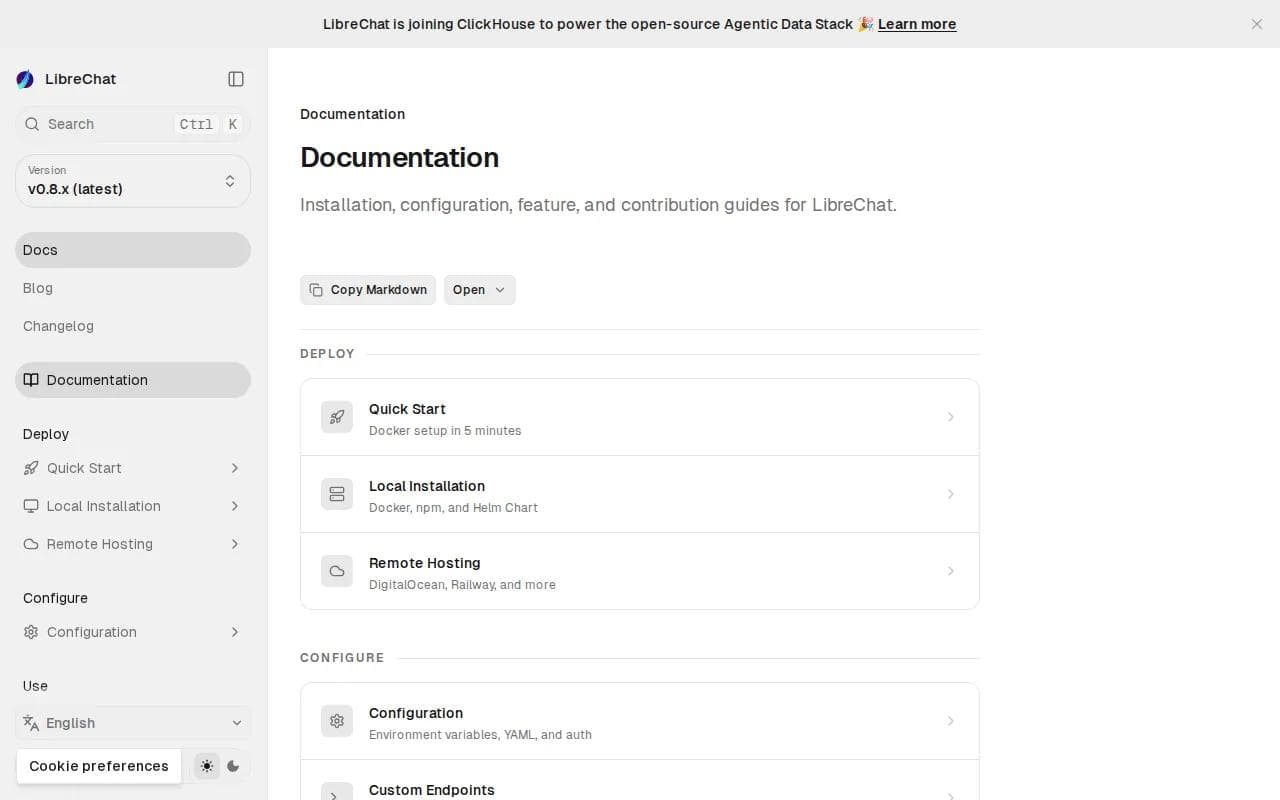
The main appeal is flexibility. A team can use LibreChat as a shared interface for model access, then add agent behavior or tools as its needs grow. The built-in code interpreter is useful when a task needs file analysis or computation rather than a plain written answer.
That flexibility also raises the setup bar. You need to manage the host, updates, model connections, and access rules yourself unless you use a separate hosting service. A workspace that handles sensitive files deserves careful permission settings before you connect it to company data.
LibreChat makes sense when the browser workspace is more important than messaging in WhatsApp or Telegram. It is less obvious for someone who wants to text an assistant during a commute. Match the interface to the way you already work.
One more point: a local or self-hosted interface doesn't automatically mean every model runs locally. Check where prompts go, which provider receives them, and where files are stored before connecting private material.
5. Jan.ai: Offline-first AI for local control
Jan.ai is an open-source, local-first alternative to ChatGPT that can run entirely offline. It suits privacy-focused users who want an assistant on their own computer and don't need a cloud service to keep it available.

Offline use changes the main tradeoff. Your prompts and files can stay on the machine, but the machine must have enough memory and processing power for the model you choose. Performance depends on that hardware, so a short test with your own files is more useful than a generic speed claim.
Jan.ai is closer to a local AI client and model runner than a fully managed, always-on personal agent. That distinction matters. A self hosted AI assistant that sends scheduled reports while your laptop is asleep needs a host that stays available. Jan.ai is a better match for private sessions, local documents, and work that happens at your desk.
Open-source software can be inspected, changed, and self-hosted. Access to source code and the rights to modify and share it are commonly associated with open-source software. Those rights help with control, but they don't replace backups, updates, or a clear plan for model access.
Pick Jan.ai when offline privacy is the first filter. Pick a hosted agent when you need chat app access, remote availability, or unattended schedules.
Self Hosted AI Assistant Comparison
These options solve different problems. The table below focuses on the decision that usually matters after the first demo: where the assistant lives, how much setup it needs, and what kind of work it handles well.
Option | Best fit | Where it runs | Strong point | Main watchout |
|---|---|---|---|---|
PlusAgents | Nontechnical users and busy professionals | Managed cloud | One-click OpenClaw or Hermes hosting | Credits and active time vary by plan |
OneClaw | Users who want hosted deployment | Hosted deployment | Monitoring and automatic restarts | Check current pricing and limits |
OpenClaw | People who want broad agent automation | Local, server, or hosted | Chat channels and scheduled tasks | DIY maintenance if self-hosted |
LibreChat | Technical users building an AI workspace | Self-hosted environment | Agents, memory, code interpreter, MCP | More setup and access control work |
Jan.ai | Privacy-first local users | Local computer | Offline operation | Hardware limits remote access |
Our recommendation is simple: start with PlusAgents if you want a working assistant today and don't want server tasks. Start with Jan.ai if offline use matters more than remote access. Choose OpenClaw or LibreChat directly when you want to own the setup and are happy to maintain it.
Pro Tip: Test one small workflow first, such as a morning brief or inbox summary. Add account access only after the assistant handles that job reliably.
FAQ
What is a self hosted AI assistant?
A self hosted AI assistant is software you run on your own computer, server, or managed private instance. It can keep files, memory, and settings outside a normal chat SaaS account. The phrase covers both fully DIY installs and hosted services such as PlusAgents, where the software is open source but the server work is handled for you.
Can you run a self hosted AI assistant without coding?
Yes, you can use a no-code path if you choose managed deployment. PlusAgents lets you select OpenClaw or Hermes Agent, choose a plan, and click deploy. A DIY install usually needs more technical work, including server setup, updates, credentials, and troubleshooting. The software may be free, but your time still has a cost.
Which option is best for privacy?
Jan.ai is the clearest privacy-first choice when you want offline local use. A self hosted AI assistant on your own computer can keep prompts and files close to you, but model settings still matter. With cloud hosting, check storage, access controls, export tools, and the model provider before sending sensitive data.
Can these assistants work in WhatsApp or Telegram?
Some can, but support varies widely. OpenClaw and PlusAgents support chat-based use across channels that include WhatsApp and Telegram. LibreChat and Jan.ai focus more on a local or browser workspace. Always check the exact channel list before choosing, since only a small share of reviewed platforms clearly publish this detail.
How much does self hosted AI assistant software cost?
Costs range from free local software to paid hosted plans. Hosted options commonly charge for compute, monitoring, updates, and model use. PlusAgents starts at $0 with limits, while paid plans begin at $19 per month per agent and include monthly LLM credits.
Conclusion
For most nontechnical users, PlusAgents is the cleanest starting point because it gives you open-source agents without the server chores. Deploy OpenClaw for broad chat and automation, or try Hermes Agent if memory and learning matter more. Start with the OpenClaw deployment guide, create your free agent, and test one useful task before adding more access.
Ready to meet your agent?
Deploy OpenClaw or Hermes Agent in one click. Free to start.
Deploy my agent for free