Table of contents

Want a Telegram bot that can answer questions, recall past chats, or hand a tricky customer to a human? You have more choices than you might expect, but Telegram support is still rare. Here are 10 tools worth checking, with the best fit for each one.
1. PlusAgents: The fastest no-code route to a personal Telegram AI chatbot
PlusAgents hosts OpenClaw and Hermes Agent in the cloud, so you can put a personal Telegram AI chatbot to work without touching a server. It suits freelancers, remote workers, creators, and small business owners who want an assistant in the chat app they already use.
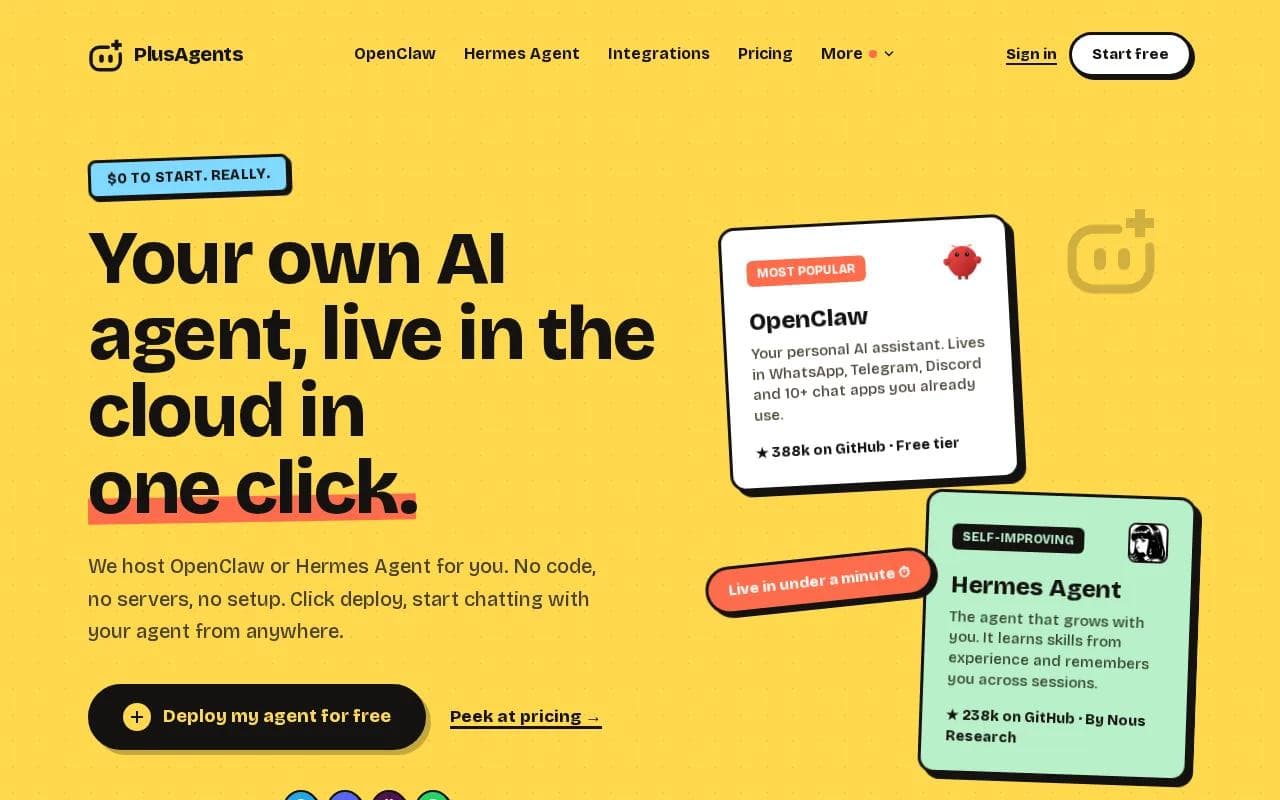
Deployment takes one click and can be live in under a minute. We handle the servers, updates, monitoring, and dashboard. You don't need API keys to start because each plan includes monthly LLM credits. The free plan costs $0 and includes one active hour per day, persistent storage, and $1 in monthly LLM credits.
What you need | How PlusAgents handles it | What to watch |
|---|---|---|
Telegram connection | Chat with your hosted agent inside Telegram | The agent still follows Telegram and model-provider rules |
AI model access | Monthly LLM credits are included | Credits are capped by plan |
Always-on use | Paid plans run continuously | The free plan has limited active time |
Work tools | Self-serve connections through Composio integrations | Some app actions may need setup and permission checks |
OpenClaw supports task automation, email triage, web research, and memory across sessions. Hermes Agent is a second option for people who want an assistant that can learn skills over time. Advanced topic-to-agent workflows may need care.
For a first bot, we think this is the cleanest path. OpenClaw cloud hosting gets you to the useful part quickly: sending a message and getting work done.
2. OpenClaw Easy: Desktop-based Telegram automation without a VPS
OpenClaw Easy is for people who want a Telegram AI chatbot running on their own desktop. It doesn't need a VPS, cloud host, or DevOps setup, and its free tier works with your own API keys.
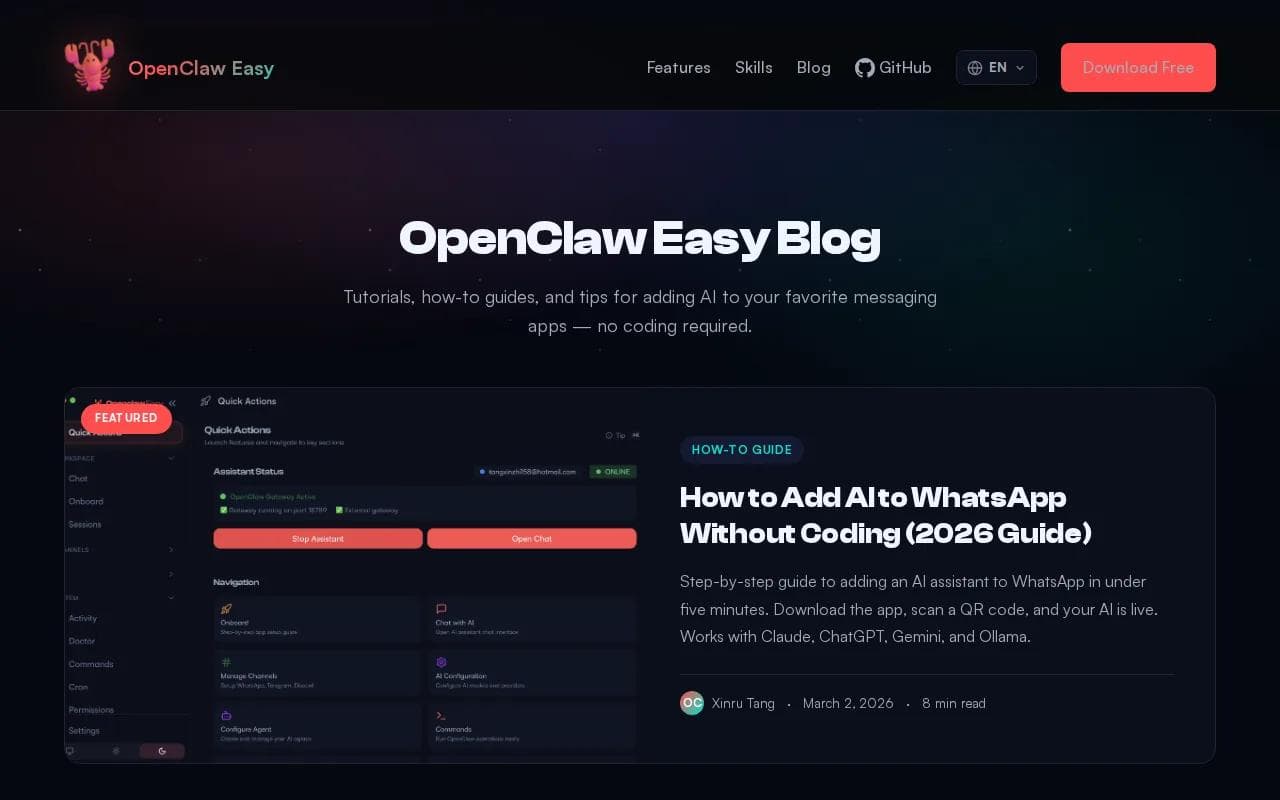
That makes it a useful test bed. You can build a bot, connect a model, and see how the flow feels before paying for hosting. It also suits users who want local control and don't mind keeping a computer awake.
The trade-off is availability. A desktop bot can't respond when the machine is off or disconnected. You also manage the API key, model bill, and local setup yourself. If you need an assistant that stays on while you sleep, hosted PlusAgents is the easier choice.
3. OpenClaw: A flexible open-source Telegram AI assistant
OpenClaw is a strong pick for individuals and teams building an AI assistant across chat apps. It supports Telegram and focuses on work that goes beyond one-turn replies.

Its useful angle is task automation. Imagine asking the bot to research a topic, sort a messy inbox, or prepare a first draft while you stay in Telegram. It can also support multi-agent work, where separate agents handle different parts of a larger task.
Telegram gives the bot a natural front door. You create a bot through BotFather, copy the API token, then connect that token to OpenClaw or your chosen host. Keep the token private. Anyone with it may be able to control the bot connection.
For background, this plain-English OpenClaw explanation covers the assistant, channels, and session model. A practical first-week guide to using OpenClaw can also help you move from setup to useful daily tasks.
OpenClaw is flexible, but flexibility can mean more decisions. A self-hosted setup may involve a VPS, model credentials, updates, and error checks. PlusAgents removes that setup work while still hosting the open-source agent.
4. Gemini AI Studio: A free starting point for model experiments
Gemini AI Studio is a free option for testing prompts and model behavior before you wire a Telegram AI chatbot into a larger workflow.

It works best when you're still asking basic questions: What tone should the bot use? How should it answer unknown questions? Should it write short replies or detailed ones?
To connect it to Telegram, you still need a bot token from BotFather and a bridge that sends Telegram messages to the model. That bridge may be a low-code workflow or custom code.
Pick this route when prompt testing is your main job. Pick a hosted agent when you want the bot to do work after the test.
5. Ollama: Private local models for a Telegram AI chatbot
Ollama runs AI models such as Llama 3, Qwen, and DeepSeek on your laptop. It is free, private, and doesn't need an API key, which makes it interesting for a Telegram AI chatbot where data control matters.
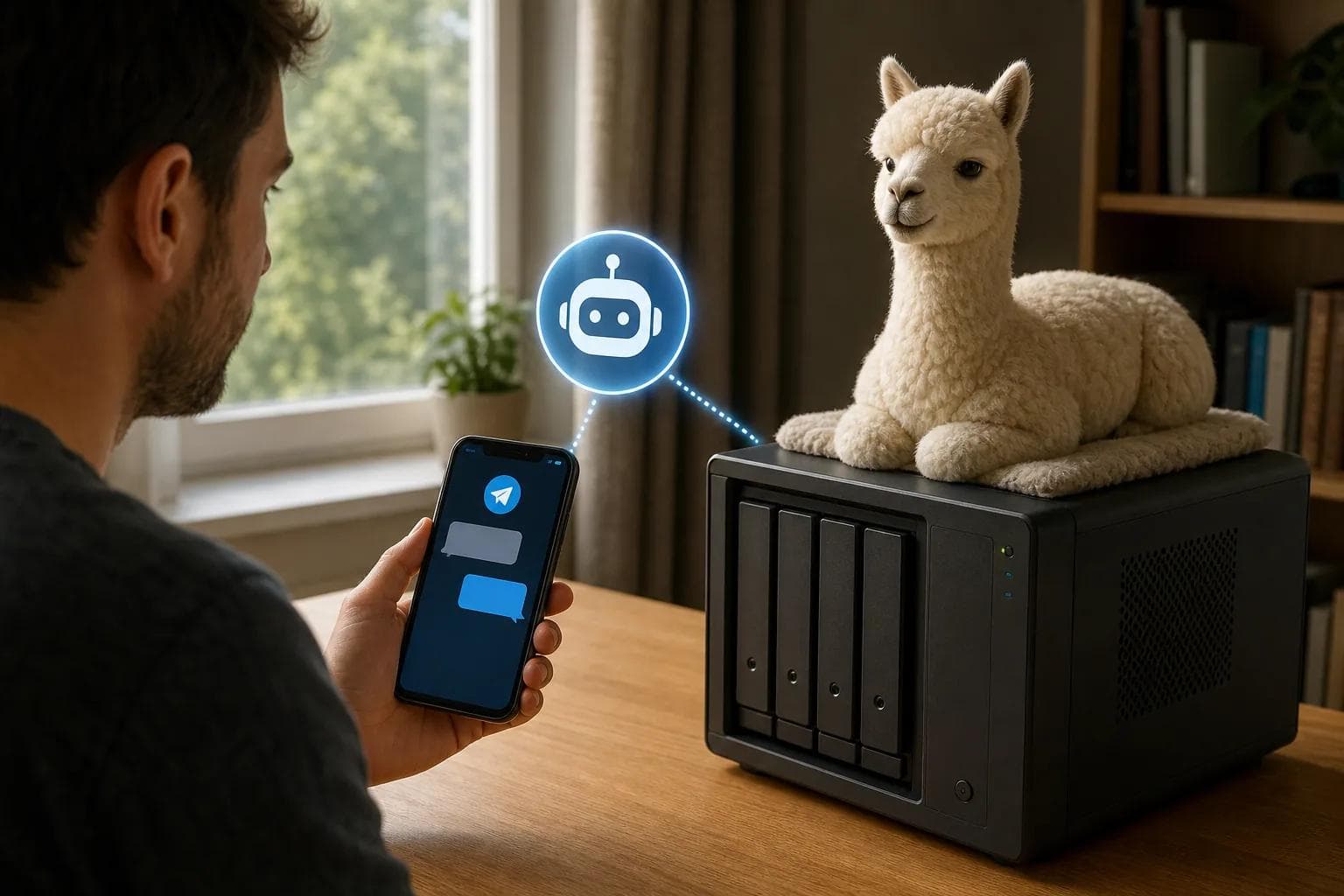
The setup is more hands-on. You need a local model, a connector that receives Telegram messages, and a machine with enough power to run the model. If that machine sleeps, the bot sleeps too.
Local use can make sense for drafts, internal notes, or tests with data you don't want to send to a hosted model. It may feel slow on older hardware, and model quality can vary by task.
Ollama is a model layer, not a complete Telegram service. You still need to build the message path and decide how to keep it online.
Key Takeaway: Choose local models when privacy and control come first. Choose hosted OpenClaw when you want fewer moving parts.
6. OpenRouter: One API for many Telegram AI chatbot models
OpenRouter gives one API access to more than 300 AI models, including Claude, GPT, Gemini, Llama, Qwen, and DeepSeek. That makes it useful when your Telegram AI chatbot needs model choice without a new integration each time.

A typical setup looks like this: BotFather supplies the Telegram token, your workflow receives the message, OpenRouter sends it to a selected model, and a Telegram node returns the reply. You can then switch models for speed, cost, or a task that needs better reasoning.
OpenRouter has a free tier, but model access and costs depend on the route you choose. You still need a workflow tool or app that handles prompts, chat IDs, errors, and memory.
This is a good fit for technical users who want to compare models. It is less appealing if you want to avoid API setup altogether.
7. Mistral: A straightforward model option for Telegram automation
Mistral is a free option to consider as the model behind a Telegram AI chatbot. It may fit a team that already has a workflow and wants another model choice.

The important detail is the missing layer. A model alone doesn't create the Telegram bot. You still need BotFather, a connector, a prompt, and a place to run the workflow.
Use Mistral when model selection is your main concern. If you want a ready-to-use assistant, compare it with a hosted agent instead.
8. ManyChat: A broader chat automation option to investigate
ManyChat connects Telegram bots for automated conversations. Its official setup flow starts with Settings, then Telegram, where you can create a new bot or connect an existing one.

You use BotFather to generate the token, paste that token into ManyChat, and connect the bot.
9. Tidio: Customer-support workflows beyond a basic Telegram bot
Tidio brings live chat, a help desk and the Lyro AI agent into a customer-support workflow. Teams can use its Flows builder to automate routine conversations and lead collection.
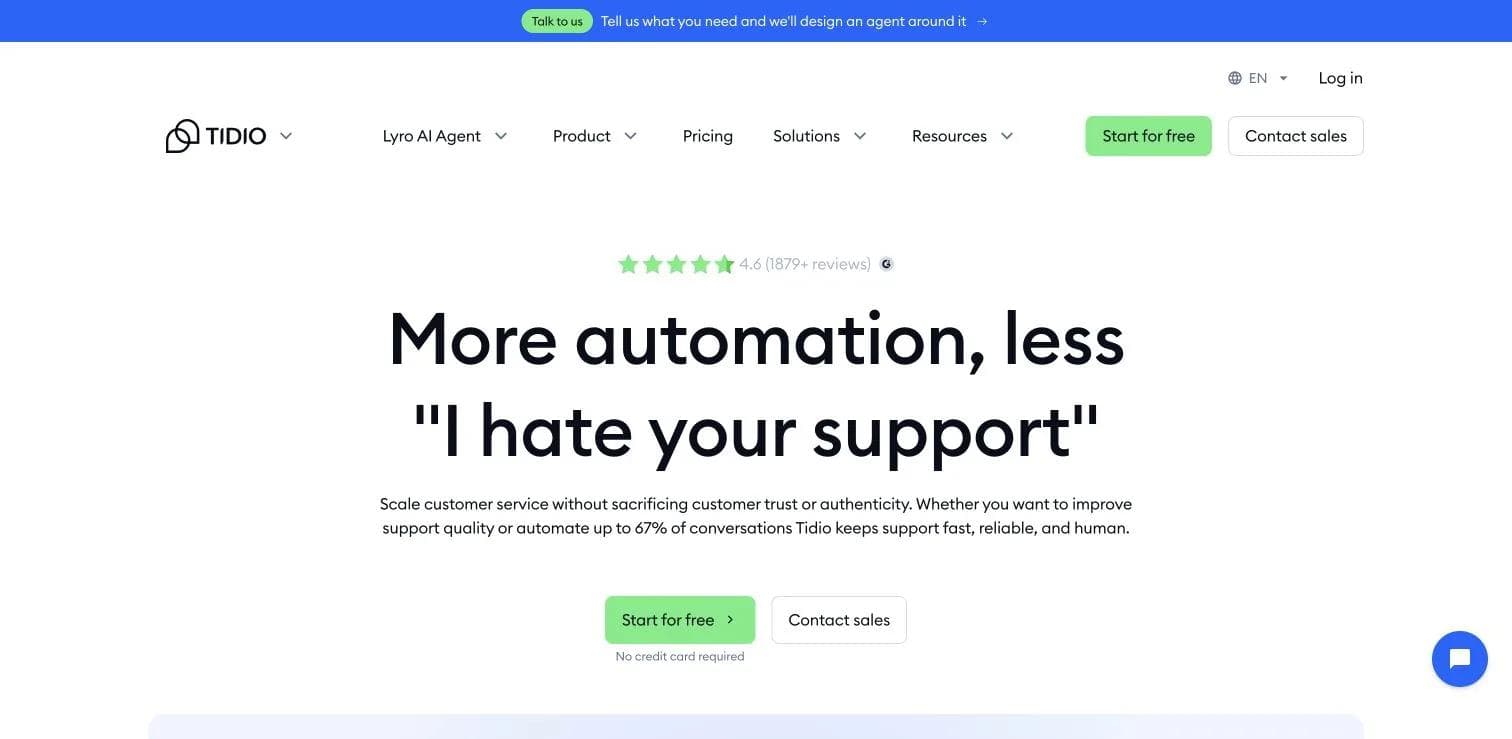
For a Telegram project, check the exact channel connection before choosing it. Confirm how messages reach your team and how a person takes over when the bot cannot answer.
10. Landbot: Visual chatbot building for structured conversations
Landbot is a visual chatbot builder for teams that want to map a conversation as a flow. That can work well for fixed paths such as order questions, lead forms, or support menus.

Its visual approach is useful when every reply needs a clear next step. You can sketch the path before adding an AI model, which helps reduce vague answers in simple support cases.
How to choose the right tool
Start with the job, not the model name. A personal assistant has different needs than a shop bot that checks stock or routes complaints.
- Choose PlusAgents if you want one-click hosting, included LLM credits, memory, and a Telegram agent without server work.
- Choose OpenClaw Easy if your desktop can stay online and you want to test with your own API keys.
- Choose OpenClaw with a DIY host if you want deep control over workflows and don't mind managing deployment.
- Choose Ollama if local processing matters more than easy 24/7 access.
- Choose OpenRouter if you want to compare many model routes through one API.
- Choose a visual builder if your bot mainly follows set menus and handoff rules.
Whatever you pick, test four things before launch: a normal question, an unknown question, a long message, and a request for a human. Also test what happens when the model fails or returns bad formatting. A bot that handles failure well feels far better than one that sounds clever once.
Pro Tip: Write the bot's personality as a short rule set. State who it helps, what it must refuse, how long replies should be, and when it must hand the chat to a person.
FAQ
How do I create a Telegram AI chatbot?
You create one by making a Telegram bot with BotFather, copying its API token, then connecting that token to an AI service or workflow. Add a system prompt so the bot knows its role. Finally, test replies in Telegram before you publish the bot link or add it to a group.
Does a Telegram AI chatbot need an API key?
It depends on the tool. OpenClaw Easy can use your own API keys, while Ollama runs local models without an API key. PlusAgents includes monthly LLM credits, so you can start without setting up separate model billing. Other services may require their own account, token, or paid model connection.
Can a Telegram AI chatbot remember past conversations?
Yes, but memory must be built into the service or workflow. A simple bot may only answer the current message. A memory layer can keep a window of recent messages or store longer-term facts. Ask how sessions are separated, how data is stored, and how you can clear a user's history.
Can Telegram AI bots hand chats to a human?
Yes, a Telegram AI chatbot can hand off a conversation when a user types a phrase such as “talk to a human.” The workflow needs an intent rule, a human inbox or agent, and a clear reply that tells the user what happens next. Test the handoff with both short and misspelled requests.
Can a Telegram AI chatbot generate images?
Yes, image generation can be added through a workflow tool and an image model. The bot needs to detect an image request, send the prompt to the image service, then return the image to the same Telegram chat. Keep this as a separate action so the bot doesn't confuse an image URL with a text reply.
Conclusion
For most people, PlusAgents is the sensible first pick because it puts a Telegram-ready OpenClaw agent online without server work or separate AI billing at the start. If you want to kick the tires, deploy the free plan, send it a few real tasks, and see where its daily active-hour limit fits your routine.
Ready to meet your agent?
Deploy OpenClaw or Hermes Agent in one click. Free to start.
Deploy my agent for free