Table of contents

Most small businesses don't need another AI demo. They need an assistant that can sort email, answer customers, research a question, or move a task forward without a server project. Here are the best AI agents for small business, with the right pick for each kind of work.
1. PlusAgents
PlusAgents hosts OpenClaw and Hermes Agent in the cloud, so you can deploy a personal AI assistant with one click. It's the best fit for solo owners, freelancers, and small teams that want one assistant across their daily work.
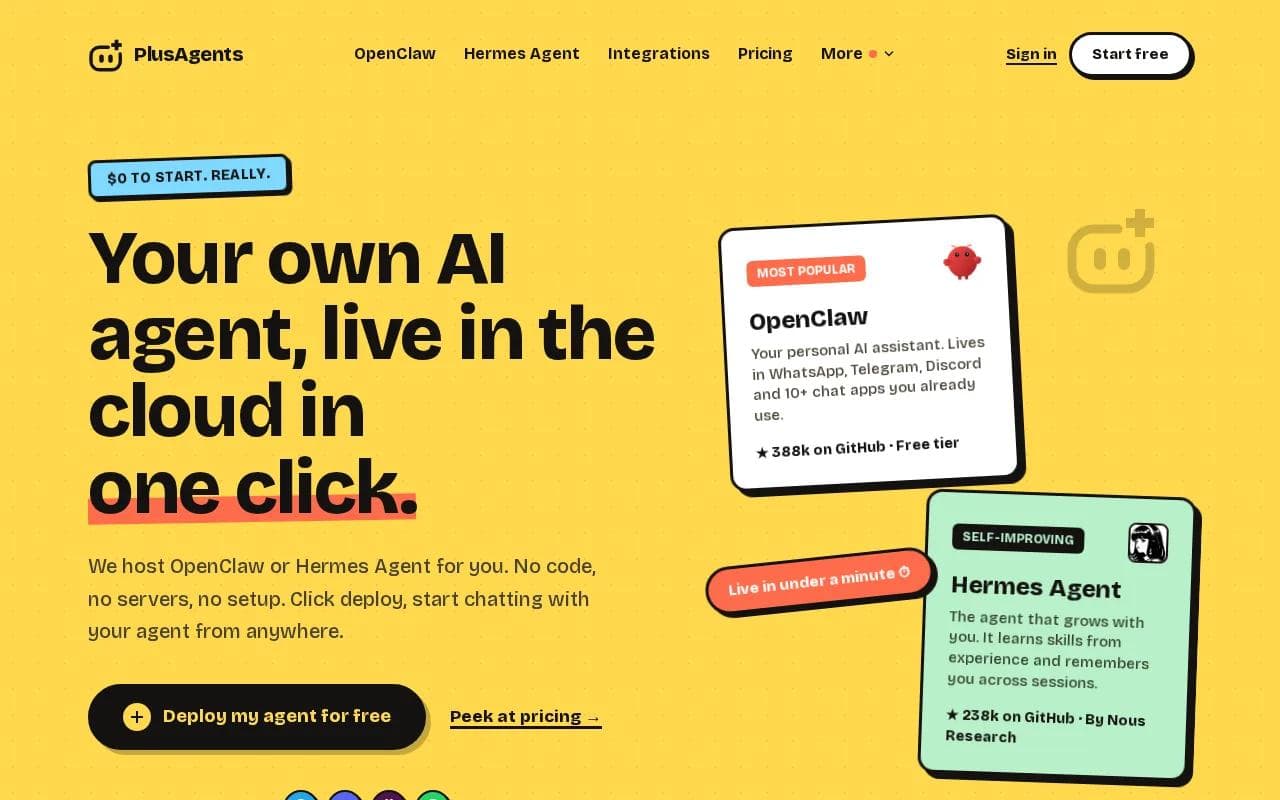
The agent lives in the chat apps you already use, including WhatsApp, Telegram, Discord, and Slack. You can ask it to triage email, research the web, remember past work, or run a repeat task. That matters when your workday is split between a phone, an inbox, and a team chat.
We handle the servers, updates, monitoring, and dashboard. You don't need API keys to get started because each plan includes monthly LLM credits. The free plan costs $0 and includes 1 active hour per day, 2 vCPU, 4 GB of memory, and $1 in monthly LLM credits. Paid plans stay on all day and start at $19 per agent each month.
PlusAgents is also a good match for business owners who want an open-source path without touching a terminal. OpenClaw and Hermes Agent are MIT-licensed open source projects. We host them, but we don't claim to have built either one.
PlusAgents supports integrations and memory that persists across sessions. With Composio connections, you can connect tools such as Gmail, Notion, Slack, and hundreds of other apps through a guided setup. See the no code AI agent platform if you want the short version of that setup.
Best for | Useful first task | Watch out for |
|---|---|---|
Solo owners | Morning inbox triage | Free usage has a daily active-hour limit |
Freelancers | Research and client prep | LLM credits are capped |
Small teams | Shared task follow-up | Check each app connection before giving write access |
Key Takeaway: Pick PlusAgents when you want one chat-based assistant that can remember context and work across several business tools.
The main limit is control. An agent that can act across apps needs clear rules and human review. Start with drafts and read-only research. Grant permission to send, edit, or delete only after the workflow behaves as expected.
2. OpenClaw Easy: A Flexible Messaging-Based Assistant
OpenClaw Easy is a free-to-download assistant that runs inside messaging apps. It's best for people who want an AI helper in WhatsApp, Telegram, Slack, Discord, Feishu, or Line instead of another dashboard.
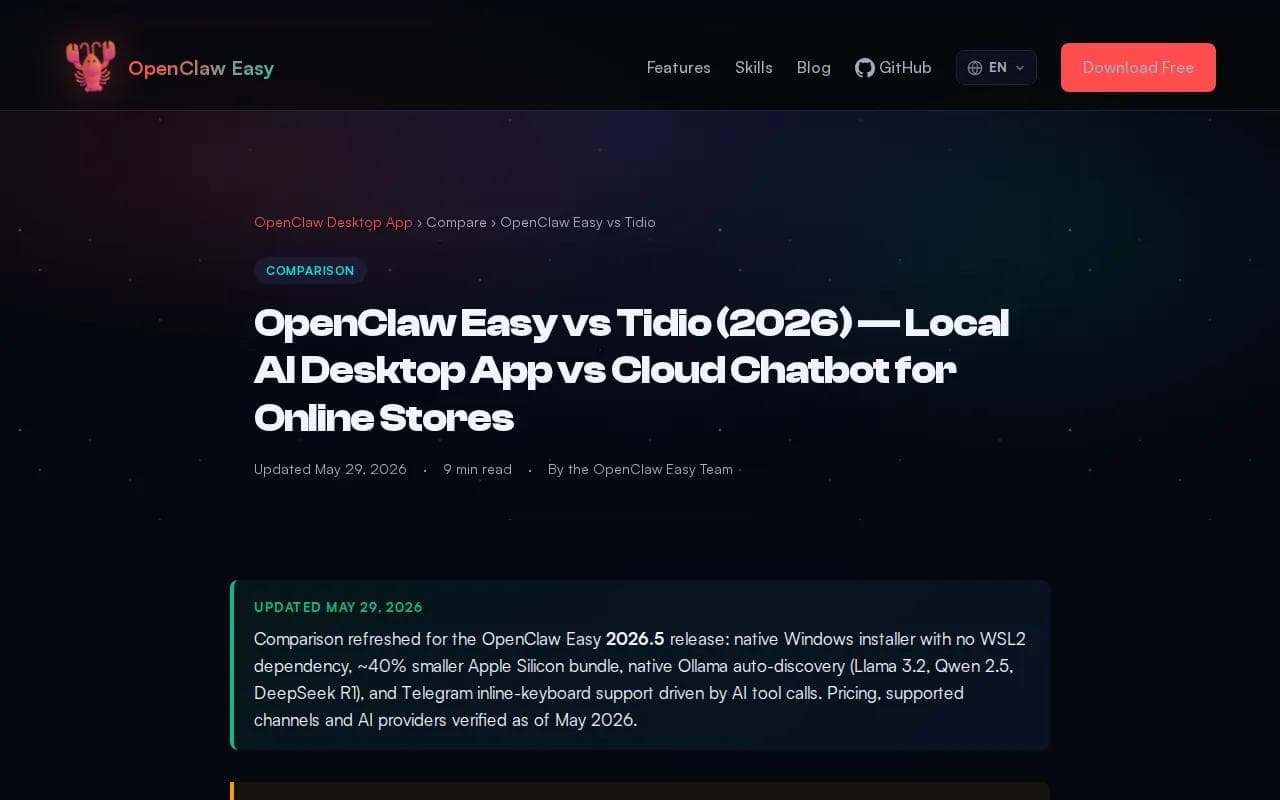
The appeal is simple. You message the assistant where work already happens. It can answer messages and make tool calls, which gives it more range than a basic question-and-answer bot. A freelancer could ask for a web brief in the morning, then return to the same chat for a follow-up task.
Its listed free use has no usage caps, which is unusual beside tools that limit free accounts by chats or interactions. That makes it attractive for testing, though “free” doesn't remove the work of running and maintaining the setup.
The trade-off is deployment. If you want a managed setup, PlusAgents removes that server work and gives you a hosted path. You can compare the available OpenClaw deployment options before choosing between a hosted agent and a do-it-yourself route.
OpenClaw Easy makes sense when your team already works in chat and wants a flexible assistant. It makes less sense if your first need is a polished website support widget with a visual flow builder.
For small firms, the decision rule is clear: choose a messaging assistant when the work starts in conversation. Choose a dedicated support tool when the work starts with website visitors.
Researchers often describe an agent as software that can act toward a goal, rather than only return a reply. Wikipedia's overview of intelligent agents gives useful background on that distinction, but the business test is simpler: can the tool take the next safe action?
3. Tidio: Customer Support and Lead Capture
Tidio is a customer support tool with AI conversations and live chat. It's best for a small ecommerce shop or service business that needs a website chat box to answer common questions and capture leads.
Its listed integrations include WhatsApp Business API, Instagram, Messenger, Shopify, WooCommerce, and BigCommerce. That makes it more focused than a personal assistant. A store can use it to answer product questions while a human handles unusual orders or complaints.
The free plan lists 50 AI conversations and 100 live chats per month. The Starter plan is listed at $29 per month. Those limits are easy to understand, but they can arrive fast during a sale or busy season.
Tidio is also a better fit than a general AI agent when your main goal is front-line support. You can shape the answers around store policies and route harder questions to a person. The catch is scope. It isn't the same kind of broad assistant as PlusAgents, which can work with email, research, and personal tasks in chat.
Use Tidio for questions such as “Do you ship to my area?” or “How do I change my order?” Keep a human in the loop for refunds, legal claims, angry customers, and any answer that depends on account records.
A support agent should not invent stock levels or promise a delivery date it can't verify. Set those boundaries before you send traffic to the widget.
4-vellum">4. Vellum: For Teams Building Custom Agent Workflows
Vellum is a personal AI assistant that can handle scheduling as part of wider business work. It's best for a team that wants a custom workflow around appointments, email, calendars, and follow-up.
Its scheduling use case goes beyond a booking link. The listed workflow can handle booking, reminders, rescheduling, and calendar context. That helps when a client changes plans and someone must find a new time, update the calendar, and send a clear reply.
Vellum lists a free Base plan. Its Pro plan starts at $50 per month with pay-as-you-go credits. The cost model needs a close look because agent work can grow with usage, especially when the workflow sends messages or performs several actions for each customer.
This is the pick for a business that has a defined process and wants to shape it. Think of a consultant who needs an assistant to manage intake, schedule a call, prepare notes, and draft the follow-up. The more custom the process, the more time you should spend on rules, access rights, and review points.
Microsoft describes agent systems as ranging from simple prompt-and-response tools to more autonomous systems that execute business processes. Its official explanation of autonomous agents also stresses controls around data and actions. That is the right mindset for a small business: autonomy should grow only when the workflow earns trust.
Vellum is a strong choice for custom operations, but it may be too much if you only need a basic booking link. Start with one workflow. Measure how often it needs human correction. Then decide if more autonomy is worth the added setup.
5. ChatGPT: A Familiar Starting Point for Everyday Tasks
ChatGPT is a familiar starting point for drafting, research, and repetitive office work. It's best for an owner who wants help now and isn't ready to set up a persistent agent.

Common uses include drafting emails, summarizing notes, preparing research, and turning rough ideas into a plan. A shop owner could paste a customer complaint and ask for a calm reply. A recruiter could turn interview notes into a clean scorecard. A bookkeeper could ask for questions to take into a client review.
The strength is ease. You can begin with a prompt and improve the result through conversation. That makes ChatGPT useful for marketing drafts, finance checklists, hiring notes, reporting summaries, and productivity work.
The limit is workflow ownership. A chat assistant may help you complete a task, but it won't automatically become the system that watches your inbox, remembers every client preference, and moves work between apps. You still need to start the conversation and check the answer.
That distinction matters when choosing between chat and an agent. Use chat for work that happens now and then. Use an agent when the task repeats, follows clear rules, and saves more time than it takes to set up.
For a small business, the best path is often gradual. Start with drafts. Add a saved process. Then connect the agent to a tool only when the business case is clear. You can use an AI assistant for Gmail as a focused first project before expanding into other workflows.
Pro Tip: Write the desired result in one sentence before you configure any agent. If “done” is vague, the agent won't know when to stop or when to ask for help.
What to Look For in an AI Agent for Small Business
The right level of autonomy depends on the task. A customer FAQ bot sits near the simple end. A research assistant that gathers sources and drafts a report sits in the middle. An agent that edits records or sends messages needs stronger controls.
Match the agent to the work
- Lead capture: ask questions, record the lead, and alert a person.
- Customer support: answer known questions and hand off exceptions.
- Marketing: draft posts, campaign ideas, and email copy for review.
- Finance: sort receipts or prepare questions, but require approval for payments.
- Recruitment: organize notes and draft outreach, while people make hiring decisions.
- Reporting: gather data and explain changes without hiding the source.
- Workflow automation: move a task only after each trigger and permission are clear.
Look for integrations first. A no-code promise means little if the agent can't reach the inbox, store, calendar, or support channel where the work lives.
Then check memory. Memory can help with repeat clients and long projects, but it also raises privacy questions. Store only what the agent needs, set access rules, and review old information.
Include usage credits, setup time, human review, and the cost of fixing a wrong action. PlusAgents is free to start, but its free plan still has a daily active-hour limit and capped LLM credits.
Finally, test with ten real tasks. Give the agent old email threads, product notes, or policy files. Watch where it guesses. Those failures tell you what rules, examples, or approval steps it needs.
Key Takeaway: Start with a repeat task that has a clear finish line, then add tools and autonomy one permission at a time.
Ready to cut inbox work without managing a server? Use PlusAgents for a small task first, such as morning email triage or a weekly research brief.
FAQ
What are the best AI agents for small business?
The best choice depends on the workflow. PlusAgents fits owners who want a persistent assistant across chat apps. Tidio fits website support and lead capture. Vellum fits custom scheduling and business workflows. ChatGPT fits one-off drafting and research. Start with the task that repeats most often.
Can a small business use an AI agent without coding?
Yes, many AI agents for small business support no-code setup. You still need to define the goal, provide business rules, connect approved tools, and test the output. A managed option such as PlusAgents removes server work, API key setup, and much of the technical upkeep.
What can an AI agent do for a small business?
An AI agent can help with lead capture, customer replies, email triage, research, marketing drafts, finance prep, recruiting notes, reporting, and repeat workflows. It should not make high-risk choices alone. Keep people involved when money, private data, legal issues, or customer complaints are involved.
Are free AI agents really free?
Free AI agents usually come with limits, even when the starting price is zero. The limit may cover active time, messages, credits, or connected features. PlusAgents has a $0 plan with daily active-hour and LLM credit limits. Check usage rules before you build a workflow around a free tier.
How much autonomy should a small business give an AI agent?
A small business should begin with suggestions and drafts, then add action rights after testing. Let the agent read before you let it write. Require approval for refunds, payments, hiring decisions, public posts, and customer promises. More autonomy is useful only when the task has clear rules and a safe way to undo mistakes.
Conclusion
For most solo owners and small teams, PlusAgents is the strongest first pick because it puts OpenClaw or Hermes Agent in the chat apps you already use. Start with one repeat task, review the results for a week, and expand only when the agent earns more access.
Ready to meet your agent?
Deploy OpenClaw or Hermes Agent in one click. Free to start.
Deploy my agent for free