Table of contents

Still copying AI answers into email, spreadsheets, and project boards by hand? The best AI workflow automation tools can plan a task, use connected apps, and return a finished result. Here are 10 named options, with the right fit and the catch for each.
1. PlusAgents: A no-code AI assistant in your chat apps
PlusAgents is a hosted AI assistant that lives in WhatsApp, Telegram, Discord, Slack, and other chat apps. It’s the best fit for individuals, freelancers, remote workers, and small business owners who want an agent without touching a server.
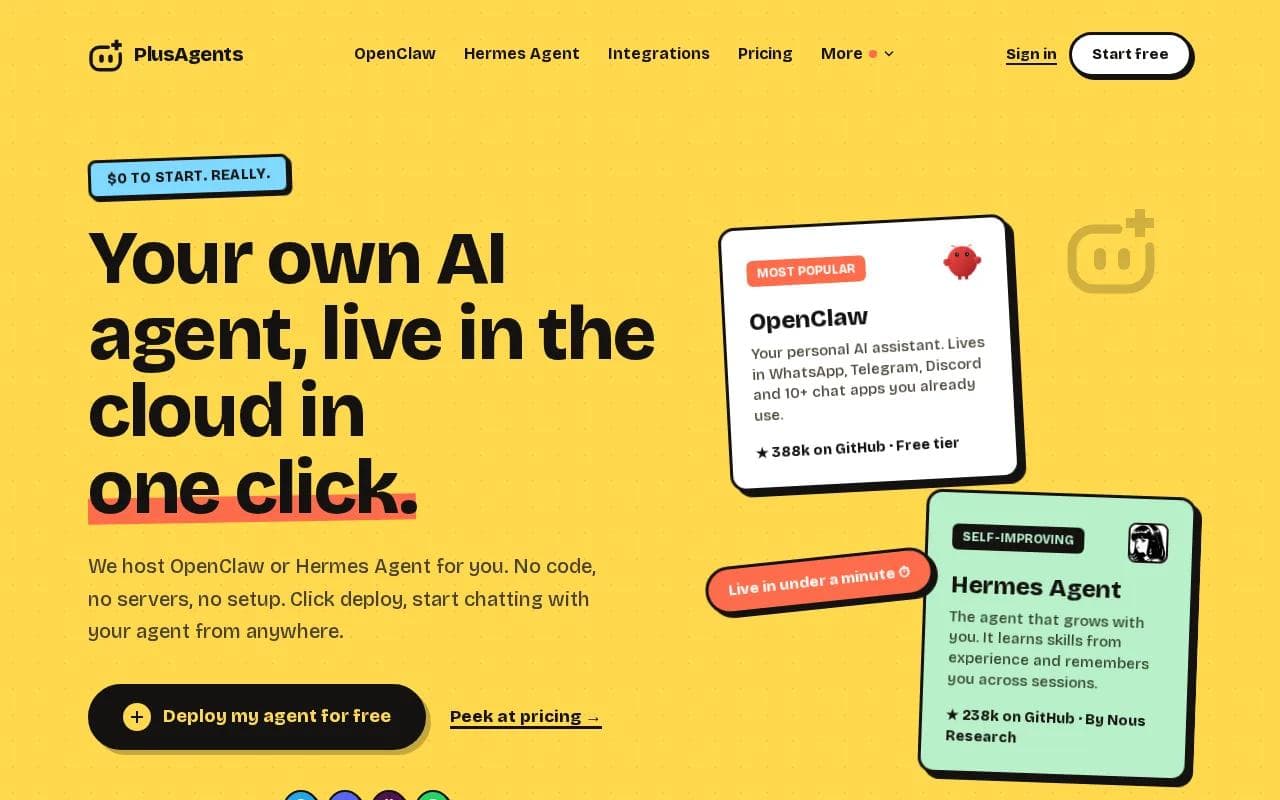
We host OpenClaw and Hermes Agent. Both are open-source agents, and you can deploy either one with a single click. The agent can help with email triage, web research, task automation, and recurring work. Hermes Agent can also remember you across sessions, so you don’t need to repeat the same preferences every morning.
That chat-first setup is the big difference. A normal automation tool waits inside a dashboard. PlusAgents meets you where the conversation already happens. You can ask for a research brief in Telegram, review an inbox summary in Slack, or send a task from WhatsApp while you’re away from your desk.
The free plan starts at $0. It includes one active hour per day, 2 vCPU, 4 GB of memory, and $1 in monthly LLM credits. Paid plans keep the agent running all the time. We handle the servers, updates, monitoring, and dashboard, so you can focus on the task.
There are limits. Free usage is capped, and LLM credits are limited. You can top up credits or bring your own API keys when you need more room. That’s a fair trade for people who want a personal agent without a terminal window.
Key Takeaway: Choose PlusAgents when the assistant needs to live inside your chat apps, remember past sessions, and start without code.
If you’re comparing the wider category, our no-code AI agent platform guide focuses on memory, integrations, privacy, and setup effort.
2. Zapier: The familiar choice for SaaS task automation
Zapier is a no-code workflow tool for moving data between popular SaaS apps. It’s best for teams that need to automate clear, repeatable tasks across tools they already use.
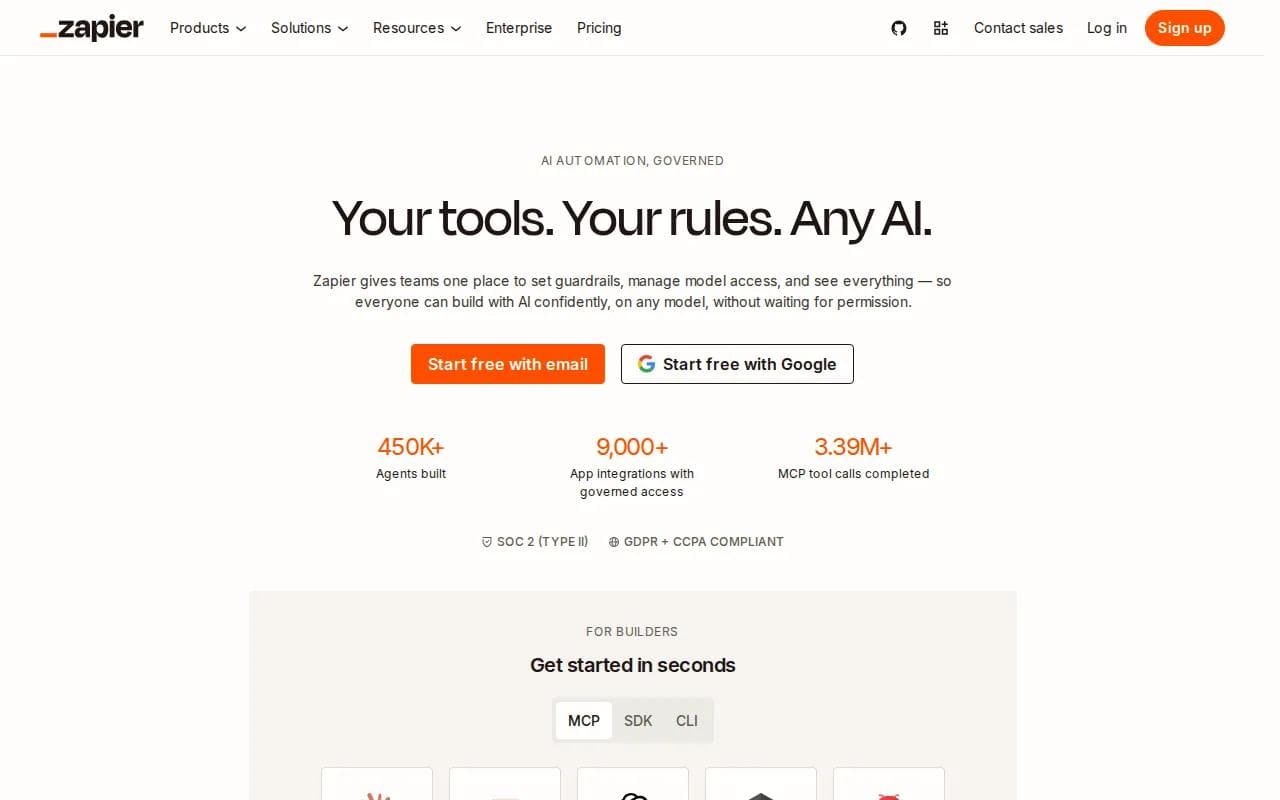
A basic Zap might watch for a new lead, add the record to another app, and alert a team member. AI can sit inside that path to classify text, summarize a message, or draft a response. The key point is that the workflow still follows rules you define.
That makes Zapier easy to explain to a team. A sales manager can see the trigger, the action, and the handoff. A support lead can trace what happened when a ticket failed. The large integration library also helps when your stack includes many common business apps.
Zapier is less suited to open-ended agent work. If the task needs judgment about which path to take, repeated research, or long-term memory, you may spend time adding more branches. Complex flows can become hard to test and maintain.
Use it for dependable handoffs. A new form entry can trigger an alert. A completed deal can start an onboarding task. A support note can be sent to the right queue. For those jobs, familiar beats fancy.
Pricing changes by plan and task volume. A free tier is available, but advanced AI work and larger workflows may require a paid plan. Check the current limits before you build a process your team can’t run at its needed volume.
Zapier is a sensible first stop when your pain is app-to-app busywork. It’s less compelling when the assistant itself needs to make a plan.
3. Lindy AI: Multi-step AI agents without coding
Lindy AI focuses on AI agents that can handle multi-step tasks. It’s best for non-coders who want an agent to carry out work across a set of connected tools.

The difference from a simple rule flow is the agent layer. You can describe a goal, give the agent access to selected tools, and let it work through several actions. A lead qualification task might read an inquiry, decide what information is missing, draft a reply, and send the result for review.
Templates can reduce the blank-page problem. Instead of building every action from scratch, a team can start with a common operation and adjust the instructions. That suits sales, customer support, and admin work where the same broad task repeats but the details change.
The trade-off is breadth. Deployment flexibility can also matter once an agent becomes part of a key business process.
Set clear limits before giving an agent access to email, calendars, or customer records. Start with read access. Add approval gates before sending messages or changing records. An agent that can act is useful, but an agent that acts without a review path can make a small mistake expensive.
Lindy AI makes sense when you want agent behavior but don’t want to write code. It may be more than you need for a single trigger-and-action task.
4. Gumloop: Visual AI flows for quick team experiments
Gumloop is a visual AI workflow builder for teams that want to test repeatable AI tasks quickly. It’s best for marketing, operations, and content teams that need a fast path from an idea to a working flow.
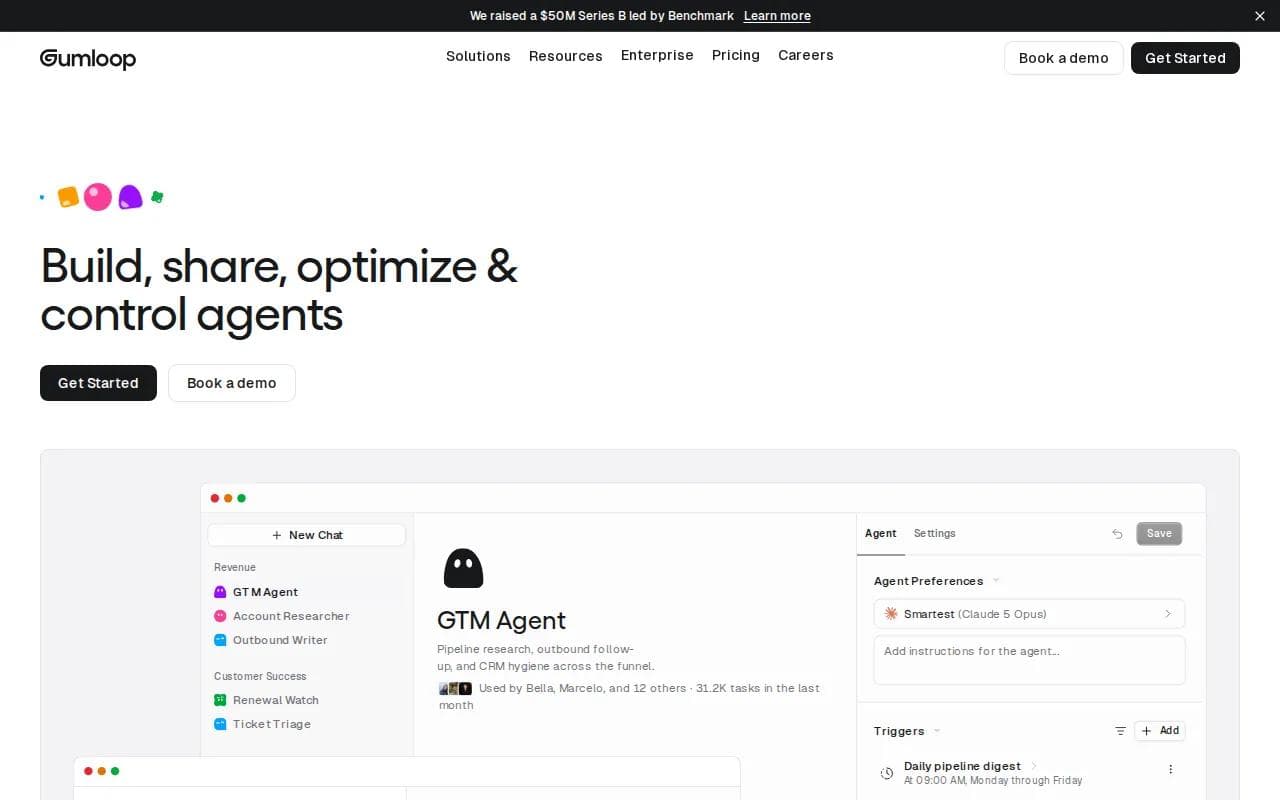
The visual approach helps people see the work as a chain of actions. A flow can take source material, ask an AI model to process it, then send the result to another step.
Gumloop’s appeal is speed. A team can test a small workflow before asking engineering to build a full system. That lowers the cost of a bad idea. If the output is weak, you can change the prompt or remove the flow before it becomes part of daily operations.
Research on the platform also points to built-in AI connectors and a visual interface for non-technical users. It’s a good match for simple repeatable flows, but advanced controls and enterprise governance may be limited.
That caveat matters for sensitive work. A flow that summarizes public articles is low risk. A flow that reads employee records or customer complaints needs stronger access rules, review steps, and logs.
Pick Gumloop when your team values quick experiments. Pick a more controlled system when the workflow touches regulated data or makes decisions that need a formal audit.
5. Stack AI: Visual orchestration across multiple AI models
Stack AI helps teams design and deploy AI workflows through a visual canvas. It’s best for teams that need to combine more than one AI model with business data.

Multiple models can help when one model is better at a certain task than another. A workflow might use one model to extract fields from a document, then use another to check the result against a policy. The visual layer gives the team a place to map those handoffs.
Stack AI also fits teams that want to build a custom data-informed AI application without starting with a large engineering project. A product group could test a document question tool. An operations group could prototype an internal review assistant.
The weak spot is governance at scale.
Keep the first version narrow. Give it a defined data set and a clear success test. Track wrong answers, review time, and failed runs before expanding its access.
Stack AI is a strong fit for visual model orchestration. It’s less attractive if your main goal is a personal assistant in the chat app you already use.
6. Make: Flexible logic for complex app workflows
Make connects apps, data sources, APIs, and AI models through visual scenarios. It’s best for teams that need branches, data transforms, and multi-step logic.

Compared with a simple automation builder, Make gives you more room to shape what happens between the trigger and the result. A sales process can check a lead, route it by region, enrich the record, and notify different owners. A finance process can move data between systems while applying rules along the way.
Make supports API, database, and SaaS integration with advanced logic and data transformations.
Make can support an AI agent, but many workflows still depend on human-written control logic. That’s useful when you need predictability. It’s less useful when you want an agent to choose its own plan after inspecting new information.
The learning curve rises with each branch and transformation. Name each step clearly. Add test data that includes empty fields and unusual cases. Otherwise, a flow can look fine in a demo and fail on the first messy record.
Pro Tip: Measure cycle time and error rate before adding AI. If the old process is unclear, automation will only make the confusion run faster.
Choose Make when control over the path matters. Choose a chat-based agent when the work changes from request to request.
7. n8n: Open-source automation for maximum customization
n8n is an open-source, node-based automation tool with self-hosting options. It’s best for technical teams that want control over their automation stack.

You build workflows by connecting nodes. Those nodes can handle app events, API calls, data changes, and AI steps. Self-hosting gives a team more control over where the system runs and how it fits with internal infrastructure.
That flexibility comes with work. Someone must handle setup, updates, security, monitoring, and recovery. The free open-source option can reduce license cost, but it does not remove the cost of ownership.
n8n suits a team with developers who want to extend workflows beyond standard app connectors. It can also help when a business has unusual systems that need custom API calls. A technical team can inspect the workflow rather than wait for a vendor to add a connector.
Governance needs planning. Set rules for credentials. Keep production workflows separate from experiments. Log important actions and decide which steps require a human approval.
n8n is the pick for maximum customization. It’s not the pick for someone who wants to click once and start chatting with a hosted assistant.
8. Vellum: Personal AI assistance with persistent memory
Vellum is a personal AI assistant built for individuals and small teams.
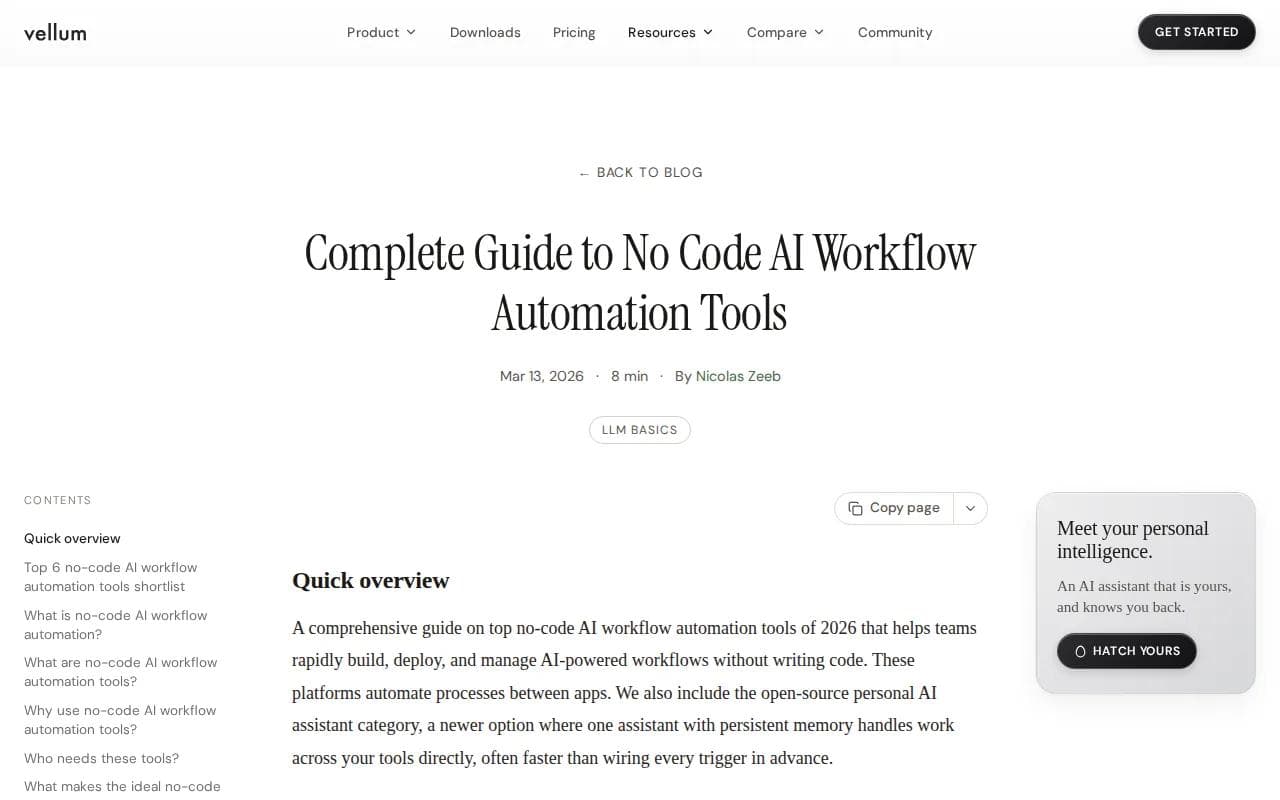
Traditional workflow automation waits for an event. A personal assistant can respond to a request that doesn’t fit a preset path. You might ask it to review a set of notes, find an answer in connected tools, or help shape a plan.
Vellum supports Telegram and Slack and offers a free Base plan.
The platform is a better match for people who want one assistant across their work than for teams that need a strict approval graph. A marketing lead may value ad-hoc help. A finance team may prefer a fixed process that records every decision.
Persistent memory also needs care. Decide what the assistant should remember. Review stored context. Remove data that no longer has a purpose. Memory can reduce repeated instructions, but it can also carry an old assumption into a new task.
Vellum is worth a look if you want a personal operator rather than a collection of triggers. For a hosted agent that works across more chat apps, PlusAgents is the more direct fit.
9. Medius: AI workflow automation for accounts payable
Medius applies AI workflow automation to accounts payable. It’s best for mid-market and enterprise finance teams with complex invoice-to-pay processes.

The system focuses on invoice capture, matching, approvals, payments, supplier conversations, and risk checks. AI can extract invoice data, match details against purchase orders or receipts, and flag unusual activity for review.
This is a focused business system, not a general personal assistant. That focus is its strength. Finance teams need records, controls, approval paths, and clear visibility into what is pending or paid.
Medius also describes an AI assistant for approver questions and supplier conversations that can read supplier emails and respond within governed workflows. The company says its platform supports pre-built ERP connectors, which can reduce integration effort when the relevant system is supported.
The trade-off is scope. You wouldn’t choose Medius to manage a personal inbox or research a market brief. You choose it when accounts payable is the bottleneck and finance needs a purpose-built system.
Before buying, map your invoice formats, approval rules, ERP setup, and fraud controls. A polished demo won’t answer whether the system handles your exceptions.
Medius belongs on this list because AI workflow automation is not only about general-purpose assistants. In finance, the best tool may be the one built around the process.
10. Tipalti: Global payment workflows with AI-assisted processing
Tipalti is a finance operations platform for AP, mass payments, procurement, expenses, and treasury. It’s best for global organizations that manage payments across entities, countries, and currencies.
Its global payment coverage is the main reason to consider it. Tipalti says it supports payments across more than 200 countries and territories, 120 currencies, and 50 payment methods. It also provides API and ERP integrations for extending finance workflows.
AI features cover invoice capture, coding, matching, approval suggestions, supplier tax data, expenses, and help with ERP sync issues. Natural language reports can help finance users ask questions without building every report by hand.
Results vary by company size, process volume, and usage. The right test is your own invoice cycle time, exception rate, and payment workload.
Tipalti is more specialized than a general AI agent. It makes sense when global finance operations are the problem. It’s a poor fit if you simply want an assistant to summarize email and research topics in a chat app.
For cross-border payment work, that specialization is the point. For everyday productivity, choose a tool with a wider personal workflow surface.
Compare the 10 AI workflow automation tools
The right choice depends on where the work happens. A fixed SaaS handoff needs a different tool than a personal assistant that plans tasks inside chat.
Tool | Best fit | Main strength | Watch for |
|---|---|---|---|
PlusAgents | Individuals and small businesses | One-click agents in chat apps | Usage and LLM credit caps |
Zapier | Common SaaS handoffs | Familiar no-code app automation | Complex flows need upkeep |
Lindy AI | Multi-step AI agents | Agent-led task execution | Fewer integrations than older tools |
Gumloop | Fast AI experiments | Visual flow building | Limited advanced governance |
Stack AI | Multi-model AI apps | Visual model orchestration | Role and audit controls may be limited |
Make | Complex app processes | Branches and data transforms | Learning curve rises with complexity |
n8n | Technical teams | Open-source customization | Self-hosting needs maintenance |
Vellum | Personal AI assistance | Persistent memory and ad-hoc work | Extensions may need coding |
Medius | Complex AP operations | Invoice-to-pay controls | Focused finance scope |
Tipalti | Global finance teams | Cross-border payment workflows | Built for finance, not general tasks |
How to judge the shortlist
Start with the work, not the feature list. Write down the request, the data it needs, the action it should take, and the point where a human must approve it.
Then check four things:
- Surface: Does the assistant live in chat, a dashboard, or a workflow canvas?
- Control: Can you review actions, limit access, and trace failures?
- Fit: Does it handle your apps and your data type?
- Value: Will it cut cycle time or errors enough to justify its cost?
For example, a content team might track research-to-draft time. An HR team might track onboarding cycle time. A finance team might track invoice exceptions. Time saved is useful, but fewer errors and faster handoffs often tell the better story.
One more warning: tool sprawl can erase the benefit. Give each system a clear job. Don’t build the same approval flow in three places because each tool has a tempting AI button.
If your main need is a personal agent in the apps where you already talk, start with a free PlusAgents account and test one narrow task.
FAQ
What is AI workflow automation?
AI workflow automation uses an AI model inside a process so the system can interpret information and choose an action. Traditional automation follows fixed rules. An AI agent can plan, reason about context, use tools, and repeat a step when the result needs work.
What is the best AI workflow automation tool?
PlusAgents is the best fit when you want a no-code personal AI agent inside chat apps. Zapier and Make suit fixed app workflows. n8n suits technical teams that want control. Medius and Tipalti fit finance teams with specialized payment and AP needs.
What is the difference between an AI agent and a workflow?
An AI workflow usually follows a path that a person designed in advance. An AI agent can decide which tool or step to use after it receives a goal. Agents still need limits, permissions, and review points, especially when they can send messages or change records.
Can non-technical people use AI workflow automation?
Yes, many tools have no-code builders. PlusAgents takes a simpler route by hosting the agent for you, so you don’t need a server or terminal commands. Visual builders such as Zapier, Gumloop, and Make can work well when you’re comfortable mapping triggers and actions.
How do you measure the value of AI automation?
Track the metric tied to the task. Measure cycle time for approvals, error rate for data entry, and hours spent on inbox triage. Also track failed runs and human review time. A workflow that runs fast but needs constant correction may not save much.
Conclusion
Choose PlusAgents if you want a personal AI assistant that starts in one click and works inside your chat apps. Pick a specialist when the process is finance, payments, or a tightly controlled SaaS handoff. The next move is simple: see how the no-code AI agent platform works, then test one repeatable task before giving it broader access.
Ready to meet your agent?
Deploy OpenClaw or Hermes Agent in one click. Free to start.
Deploy my agent for free