Table of contents

Your inbox can eat the morning before the real work starts. The best email triage software sorts incoming messages, flags urgent work, and drafts routine replies before you open every thread. Here are nine named options, with the right fit and the trade-offs for each.
Most tools stay inside Gmail or Outlook. PlusAgents takes a different route: its hosted OpenClaw agent can triage email through chat apps such as WhatsApp, Telegram, Discord, and Slack, with no server work on your side.
1. PlusAgents: A Chat-Based AI Assistant for Email Triage
PlusAgents is best for solo workers, freelancers, and small teams who want email help without living inside an inbox. We host OpenClaw and Hermes Agent in our cloud, so you can deploy an assistant with one click.

OpenClaw can read and sort email, draft replies, research questions, and pass updates into the chat app you already use. That matters when you are away from Gmail but still need to know whether a client request needs action.
PlusAgents also keeps the setup plain. You do not need a terminal, config files, or API keys. Plans include monthly LLM credits, automatic updates, monitoring, and persistent storage. The free plan starts at $0, with one active hour per day and capped credits. Paid plans stay on, starting at $19 per month per agent.
The trade-off is that this is an AI agent, not a classic shared inbox with a floor-wide SLA dashboard. You should also review drafts before sending them, especially for refunds, contracts, or sensitive customer data.
OpenClaw cloud hosting is the clearest pick when Gmail lock-in is your main pain. Click deploy, connect the tools you need, and kick the tires.
2. Jotform's Gmail Agent: Simple AI Sorting and Draft Replies
Jotform's Gmail Agent is best for busy professionals who want a free Gmail-based way to sort messages and prepare replies. It focuses on a narrow job, which can be a good thing when you want less setup. For more options, compare these AI assistant for Gmail tools by inbox triage, drafting, and automation features.

The agent can auto-sort email and draft replies. Those drafts stay under your control, so you can edit them before sending. A recurring customer question might get a prepared response, while a new lead can receive a label for later review.
Jotform describes the Gmail Agent as completely free to use. Its Gmail connection also makes the first test fairly simple for teams already working in Google Workspace. It can auto-sort messages and draft replies as part of its triage workflow.
The limit is scope. Gmail is the center of the workflow, and the tool is less suited to teams that need a shared queue across several channels. If you need chat-based access outside the inbox, PlusAgents has the wider reach.
Pick this one when your inbox is the problem and Gmail is where you want the fix to live.
3. Gmelius: Collaborative Triage Inside Gmail
Gmelius is best for teams that want collaborative email work to stay inside Gmail. It turns conversations into shared work instead of leaving each person to guess who owns the next reply.
Its workflow tools can route conversations to teammates, trigger actions based on email details, and send custom auto-replies. The product also supports project-style views, so a team can treat email as a task queue rather than a pile of unread threads.
That fits a support or sales inbox where ownership matters. A message can move to the right person without a manager forwarding it by hand.
The caveat is platform fit. Gmelius lives inside Gmail, so it makes the most sense when every person already works in Google Workspace. Teams that use Outlook or want Slack as the main control surface may find the boundary tight.
Choose Gmelius when shared Gmail ownership matters more than cross-channel access.
4. Fyxer: Automating the Full Email Workflow
Fyxer is aimed at people who want help across the full email lifecycle, not only at the sorting stage. It is a fit for professionals who want the system to learn their usual email habits.
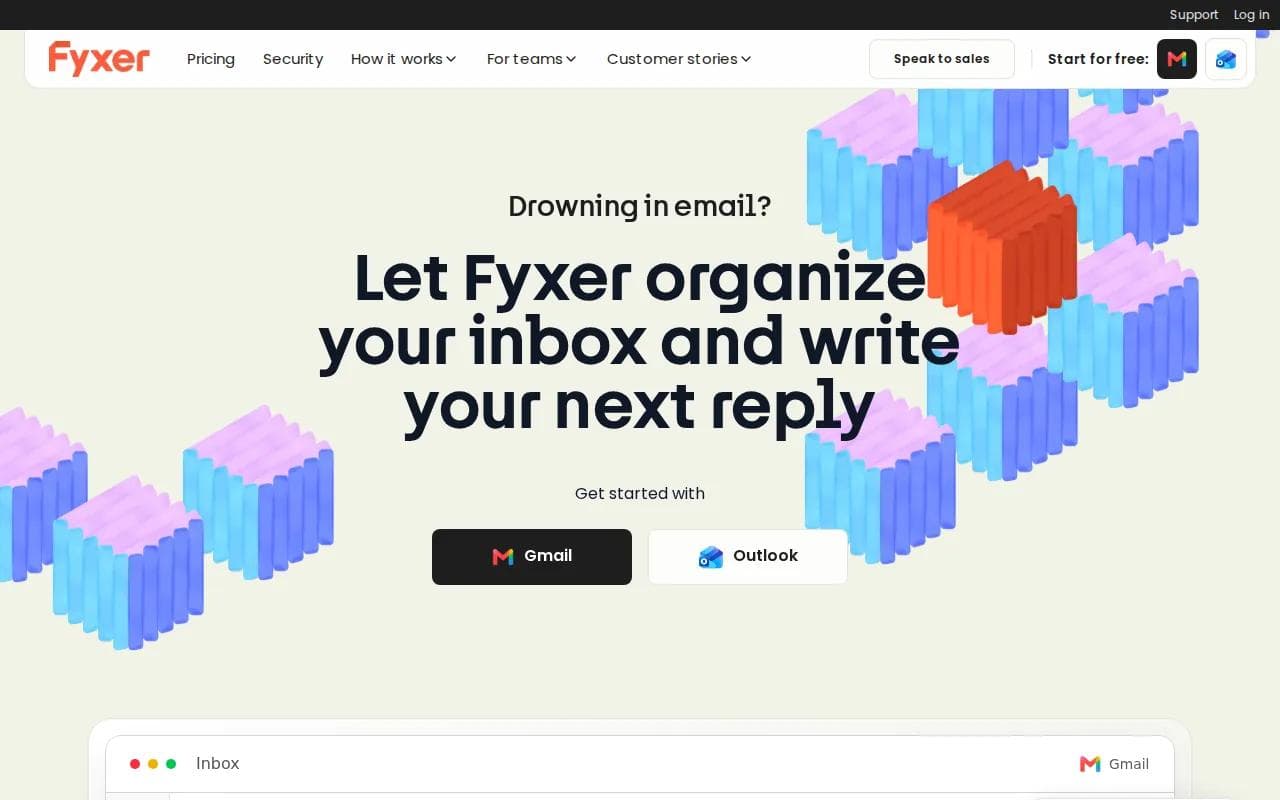
Fyxer can automate the email workflow by learning personal preferences. That makes it useful for repeated work such as drafting familiar replies, keeping follow-ups moving, or reducing the number of messages that need a first-pass read.
This style suits a busy operator with a steady pattern of client email. Once the system knows what a normal reply looks like, it can prepare more of the routine work for review. That can reduce the mental cost of deciding what to do with each message.
Do not treat learned preferences as permission to send anything blindly. A draft that works for a meeting confirmation may be wrong for a complaint or a pricing request. Test it on low-risk threads first.
Fyxer is a sensible pick when automation depth matters more than a chat-first interface.
5. Missive: Shared Mailbox Triage for Teams
Missive is best for teams that need a shared mailbox with discussion, task ownership, and internal context. It turns email into a team space instead of a private queue.

Team members can comment inside an email, create tasks from a conversation, and see who owns the next action. Internal statuses help others see what is happening without touching the reply. Rules can also handle repeated manual work.
That model works well for support, operations, or a small service team. Imagine a customer asking for an account change while finance needs to confirm the details. The team can discuss the case in the thread before anyone sends the final response.
Missive is a collaborative hub for bringing internal and external conversations into one organized place. The limitation is focus: teams that need formal SLA reporting, deep approval logs, or a full help desk may need another layer.
Pick Missive when the hard part is team handoff, not simply inbox volume.
6. Superhuman: Fast Inbox Processing for Gmail and Outlook
Superhuman is best for professionals who treat the inbox like a task list and want to process messages quickly. Its design centers on speed, shortcuts, and fast AI help.

The product supports Gmail and Outlook. Its minimalist interface and command-driven workflow can help a high-volume user move through messages with fewer clicks. It is also positioned for fast drafting and response work.
That narrow focus is useful for a person who already has good email habits. Speed tools cannot fix unclear ownership or a broken support process. They simply make the individual workflow quicker.
The main caution is cost. If your team needs Slack awareness, shared mailbox control, or another mail provider, look elsewhere.
7. Shortwave: Focused Email AI for Google Workspace
Shortwave is best for Google Workspace users who want focused email AI at a lower price point than Superhuman. It keeps the work centered on Gmail rather than trying to become a broad operations system.
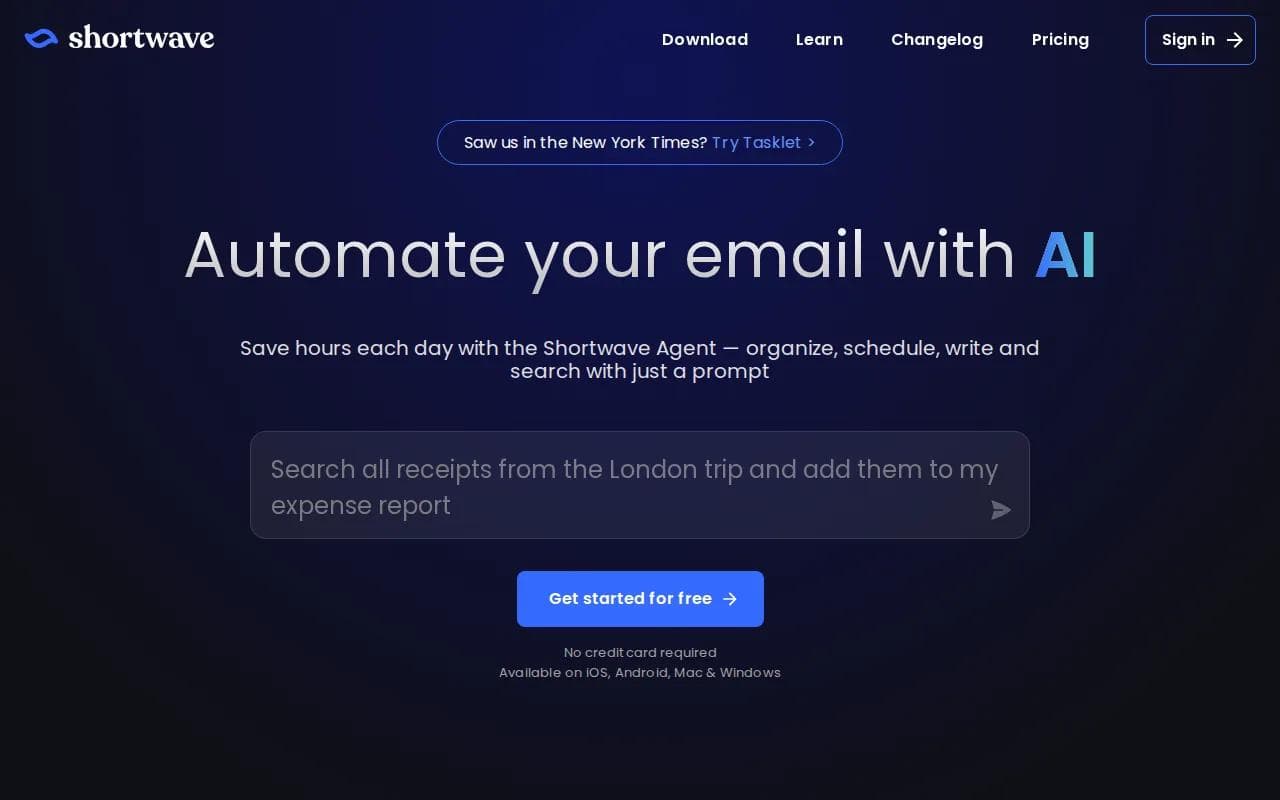
Its free tier has limited features and includes a “Sent with Shortwave” signature. That gives you a way to test the workflow before making a paid commitment. The product is a better fit for personal inbox work than for a multi-channel support desk.
Shortwave can help users find and process messages faster, which matters when the main issue is an overloaded personal inbox. It does not remove the need for clear labels, reply rules, or a review step for sensitive drafts.
Choose it when you want a Gmail-first experience and do not need your email assistant to follow you into several chat apps.
8. Microsoft Copilot for Microsoft 365: Outlook-Based Enterprise Triage
Microsoft Copilot for Microsoft 365 is best for organizations committed to Outlook and the wider Microsoft stack. It adds AI help where employees already read and write email.

In Outlook, Copilot can draft a message from a prompt, adjust tone or length, summarize a thread, and help improve a message before you send it.
That approval step matters. A sales manager can ask for a short follow-up draft, review it, then send it after checking the facts. A support lead can summarize a long thread before deciding who should own it.
Copilot also works across Microsoft 365 apps, including Outlook and Calendar. But the stack is the point. Organizations that rely on Slack or Google Workspace will face a platform boundary.
9. Google Gemini for Workspace: Gmail and Calendar-Aware Assistance
Google Gemini for Workspace is best for Google Workspace users who want AI across Gmail and Calendar. It is a strong fit when email decisions depend on meetings, documents, and other Google data.

Gemini's value comes from the shared Workspace setting. A user can work with Gmail while staying close to Calendar, Docs, Meet, and other Google tools. That can reduce the need to copy context between separate apps.
The limitation is the same one seen across many inbox tools: platform lock-in. Research on the category found Gmail or Outlook limits in most entries, while missing Slack support appeared often in the recorded limitations.
Use Gemini when your company already runs on Google Workspace and wants one vendor's AI layer. If you want an assistant you can reach from several chat apps, PlusAgents is the more flexible choice.
Email Triage Software Comparison: Platforms, Automation, and Best Uses
The right email triage software depends on where your work happens. A personal Gmail user needs speed and draft help. A support team needs ownership, approval, and a record of what happened.
Option | Best fit | Platform angle | Watch for |
|---|---|---|---|
PlusAgents | Individuals and small teams | Chat apps plus email agents | Review sensitive drafts |
Jotform's Gmail Agent | Simple Gmail triage | Gmail | Limited channel reach |
Gmelius | Collaborative Gmail teams | Gmail | Google Workspace focus |
Fyxer | Full email workflow automation | Email workflow | Test learned preferences |
Missive | Shared inbox collaboration | Multi-channel team inbox | May not replace a full help desk |
Superhuman | High-volume personal processing | Gmail and Outlook | Higher cost |
Shortwave | Focused Google Workspace email | Gmail | Free tier has limits |
Microsoft Copilot | Microsoft 365 organizations | Outlook and Calendar | Microsoft stack required |
Google Gemini | Google Workspace organizations | Gmail, Calendar, Docs | Google stack required |
Before you buy, test one real queue. Measure whether messages get a clear owner, whether drafts need heavy edits, and whether urgent work reaches the right person. For regulated teams, ask about approval gates, audit history, retention, and data handling before connecting a mailbox.
Free access is uneven across this category. A free tier can help you test the workflow, but check limits on usage, integrations, signatures, and AI credits. A cheap plan that cannot reach your work tools is not cheap for long.
Key Takeaway: Pick PlusAgents for cross-chat access, Gmail Agent or Shortwave for focused Gmail work, Missive or Gmelius for team handoffs, and Microsoft Copilot or Gemini when your company is already committed to that office suite.
Pro Tip: Start with labels and draft-only replies. Add automatic routing after you have checked enough examples to trust the categories.
If your main goal is a personal assistant that can handle email along with research and tasks, our AI email assistant comparison gives you another way to judge the trade-offs.
FAQ
What is email triage software?
Email triage software sorts incoming messages by priority, topic, sender, or intent. It may add labels, draft replies, route work to a teammate, or summarize long threads. The best choice depends on whether you manage a personal inbox, a shared mailbox, or a support queue with approval needs.
What is the best email triage software for Gmail?
The best Gmail option depends on your workflow. Jotform's Gmail Agent suits simple sorting and draft replies. Gmelius fits team collaboration inside Gmail. Shortwave fits focused personal use. PlusAgents is better when you want to reach an email agent through chat apps too.
Can email triage software draft replies automatically?
Yes, many email triage tools can prepare reply drafts from the message and earlier context. Keep a human approval step for complaints, refunds, legal matters, and pricing. Draft automation saves time without giving the system permission to speak for you in every case.
Does email triage software work with Outlook?
Yes, some email triage software works with Outlook. Superhuman supports Gmail and Outlook, while Microsoft Copilot is built for Outlook within Microsoft 365. Check whether the product can also reach your other work channels, since Outlook support alone may not cover a shared team workflow.
How should you compare email triage tools?
Compare each tool by platform support, sorting accuracy, draft quality, human approval, team ownership, integrations, privacy terms, and total cost. Watch for missed urgent mail, duplicate assignments, and drafts that need more editing than they save.
Conclusion
For most busy professionals, PlusAgents is the strongest first test because it puts an email-capable AI agent in the chat apps you already use. Start free, connect one mailbox, and test draft-only triage for a week. If it fits, see PlusAgents pricing and choose whether you need an always-on plan.
Ready to meet your agent?
Deploy OpenClaw or Hermes Agent in one click. Free to start.
Deploy my agent for free