Table of contents

Most customer service AI tools talk about automation. Far fewer explain which channels they support, what happens when the AI gets stuck, or what the free plan includes. This shortlist covers five named options, with a clear fit and a clear catch for each.
1. PlusAgents
PlusAgents is a no-code AI agent platform for customer service tasks that lives in the chat apps your team already uses. It fits solo operators, small teams, and busy business owners who need help with inbox work without running a server.
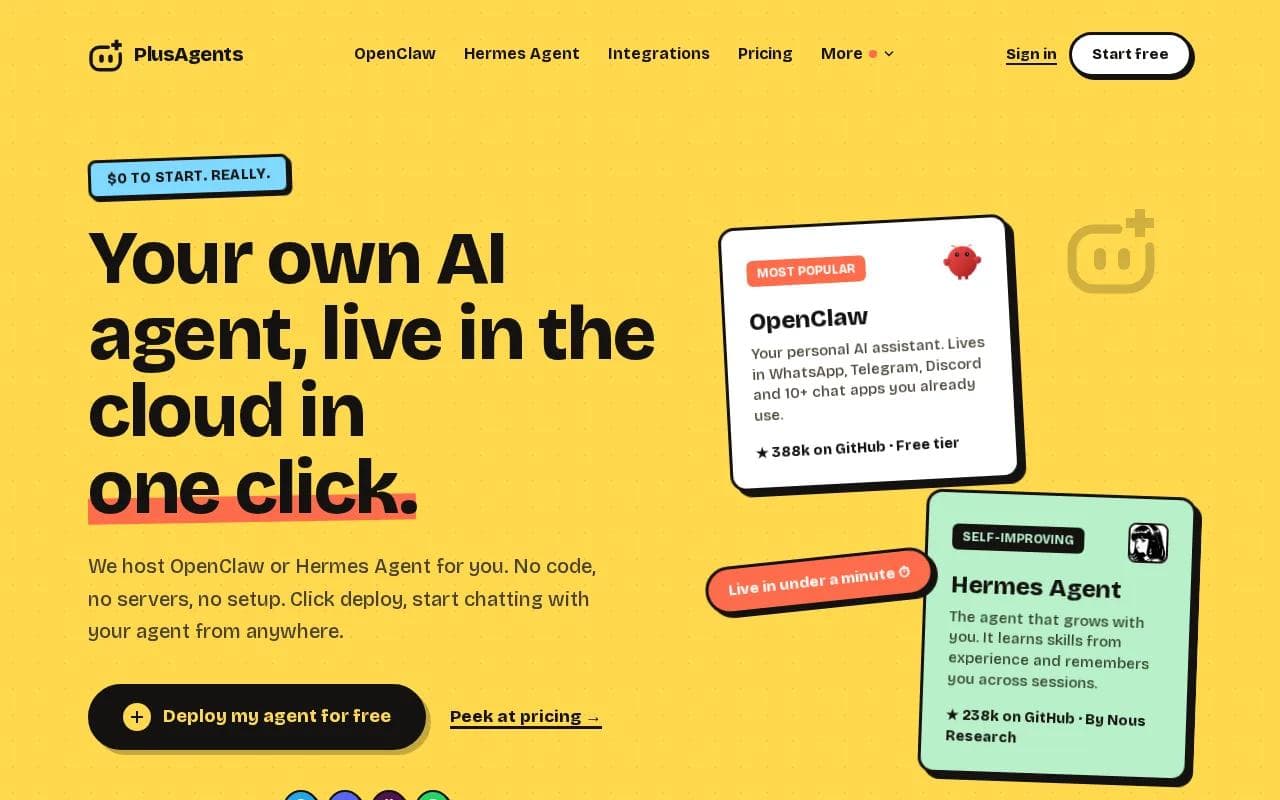
We host OpenClaw and Hermes Agent in our cloud. You click deploy, and the agent is live in under a minute. It can help with email triage, web research, file work, message drafts, and repeat workflow automation. OpenClaw connects with WhatsApp, Telegram, Discord, Slack, and other chat apps. Hermes Agent adds scheduled tasks and can learn skills from experience.
That makes PlusAgents useful when customer service happens in several places. You might ask the agent to sort a Gmail inbox, draft a reply, check a product detail, or post an answer in a community channel. App connections use OAuth, so you approve access without handing over a password. The app integration setup also works through chat, which keeps the setup light.
PlusAgents includes monthly LLM credits, automatic updates, monitoring, auto-restart, persistent storage, and a dashboard with logs. The free plan costs $0, includes $1 in monthly LLM credits, and allows one active hour each day. Paid plans stay on around the clock, starting at $19 per month per agent.
Key Takeaway: PlusAgents fits support work that crosses chat apps, email, research, and task automation. It isn't a ticketing system, so teams that need queues, SLAs, or deep helpdesk reports should look at the next options.
You can start with one agent and test the workflow before paying. If you can click a button, you can deploy one. Really.
2. Zendesk: A mature support platform with autonomous AI agents
Zendesk is a fit for teams that need a full service desk with an AI agent for customer service built into the same system. It brings tickets, knowledge content, routing, analytics, quality checks, and human handoffs into one workspace.
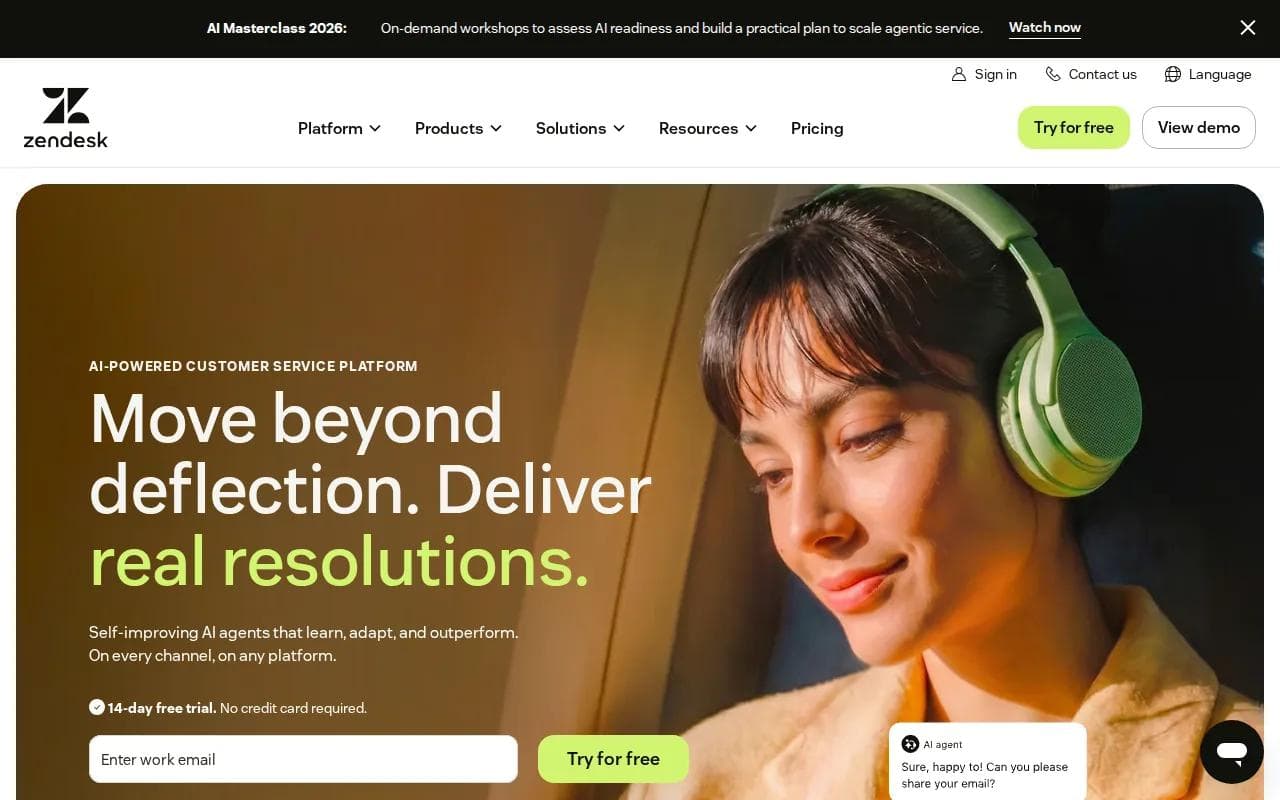
Its AI agents can work across email, messaging, live chat, phone, social channels, and a help center. Zendesk says its agents can handle requests end to end, while human staff take over when a case needs judgment. The system also uses a feedback process. Each resolved interaction can inform later automation, provided the underlying support content stays current.
The platform makes sense when support volume is high and work needs structure. A manager can set routing rules, review AI interactions, and track where automation helps or fails. Teams can start with suggested replies or simple self-service, then expand into more autonomous work as they gain trust.
Zendesk presents its AI agents as capable of handling requests end to end, but the result depends on the setup. Automation depends on the kind of request, the quality of the knowledge base, and the rules around human review. The product also takes time to learn, especially when a team has complex workflows.
Pricing and access depend on the wider Zendesk setup, so small teams should map their ticket volume before they commit.
Choose Zendesk when you need a service operation first and an AI layer second. It is a poor fit if all you want is a lightweight assistant in a few chat apps.
3. HubSpot: Customer service AI inside a broader CRM
HubSpot puts its customer agent inside a broader CRM, so it suits teams that want support, sales context, and customer history in one place. The agent can answer questions, qualify leads, and resolve tickets while a human team controls when it steps in.

HubSpot says the customer agent resolves more than 65% of conversations automatically, while its strongest teams reach higher results. That claim is more useful when you inspect the setup behind it. The agent can draw from approved pages, documents, and knowledge content. It can also cite those sources in replies, which gives a support lead something to check before a response goes live.
Teams can test replies before launch, set working hours, and begin with a small share of conversations. The agent works across chat, email, voice, and social channels. It can also spot when a request needs a person and transfer the conversation.
HubSpot charges per resolved conversation. Its definition matters: a conversation counts as resolved when the agent provides support and the case is not handed to a human for 72 hours. The agent is also tied to HubSpot subscriptions and credits, so the cost can rise with volume.
Check your intake flow before moving a support form into automation.
HubSpot is a strong match when your support team already lives in HubSpot. If your helpdesk sits elsewhere, the CRM connection may add more work than it removes.
4. Tidio: A lightweight option for website support
Tidio is a lighter AI agent for customer service, built around website chat, live support, and sales conversations. It works well for small teams that want to add automation without adopting a large service desk.
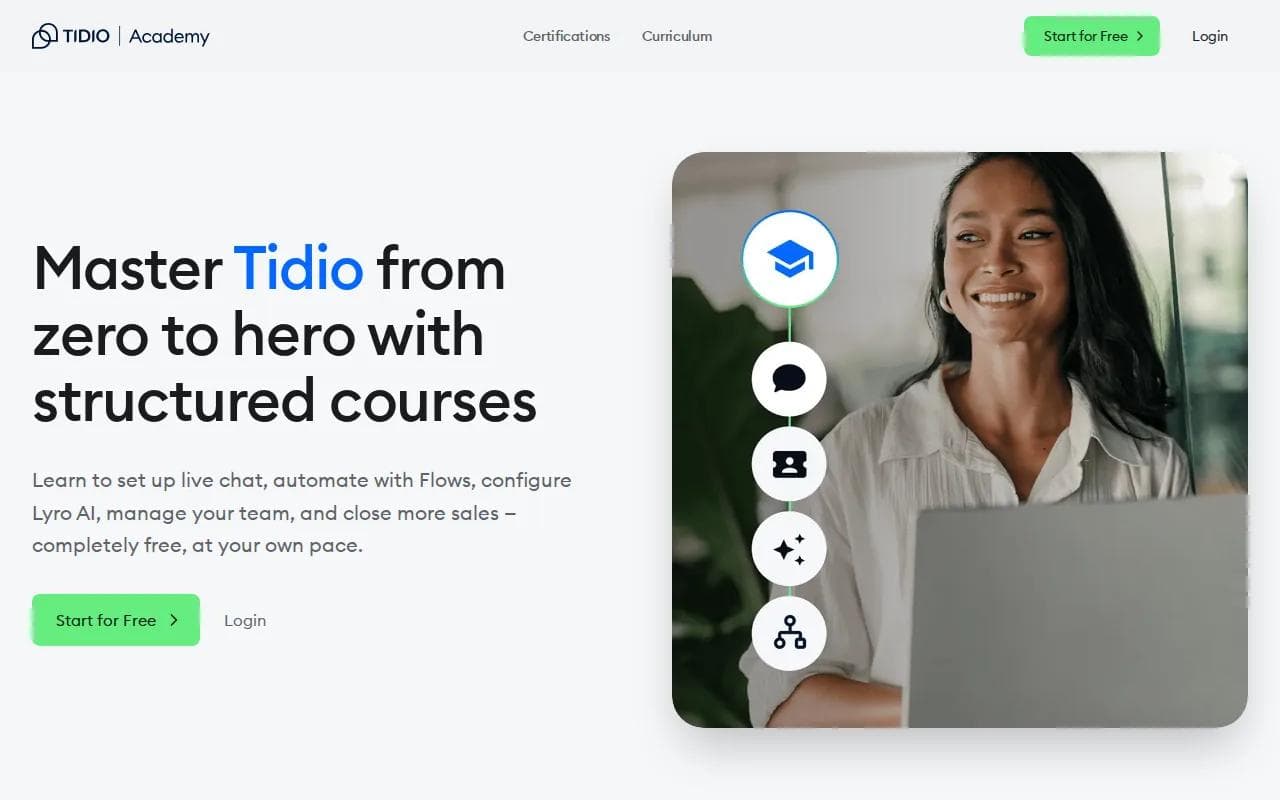
Its Lyro AI Agent learns from verified data sources and aims to answer in the business's voice. Tidio says Lyro can automate up to 67% of conversations. Those figures come from different claims and contexts, so don't treat them as a guaranteed result for your own site.
The useful part is the control around the number. You can train the agent on approved answers, review suggestions, and add actions for common requests. Tidio also lists more than 120 integrations and supports deeper connections through REST APIs, webhooks, JavaScript actions, and MCP. That gives a technical team room to extend the tool later.
Tidio's support focus is clear. A visitor asks about a product, delivery detail, booking, or basic account issue. Lyro answers from the approved source. A human takes over when the question falls outside that scope. That handoff matters more than a shiny automation percentage.
The tradeoff is breadth. Tidio is centered on web support and customer conversations. It may feel narrow if your team needs a full ticket operation across phone, email, internal service requests, and complex routing.
Pick Tidio when your main queue starts on your website. Start with a small set of verified answers, then watch the handoffs before adding more freedom.
5. Gorgias: E-commerce support with shopping and service agents
Gorgias is built for e-commerce teams that want separate AI help for shopping questions and support work. Its two-agent model gives the tool a clear retail focus.
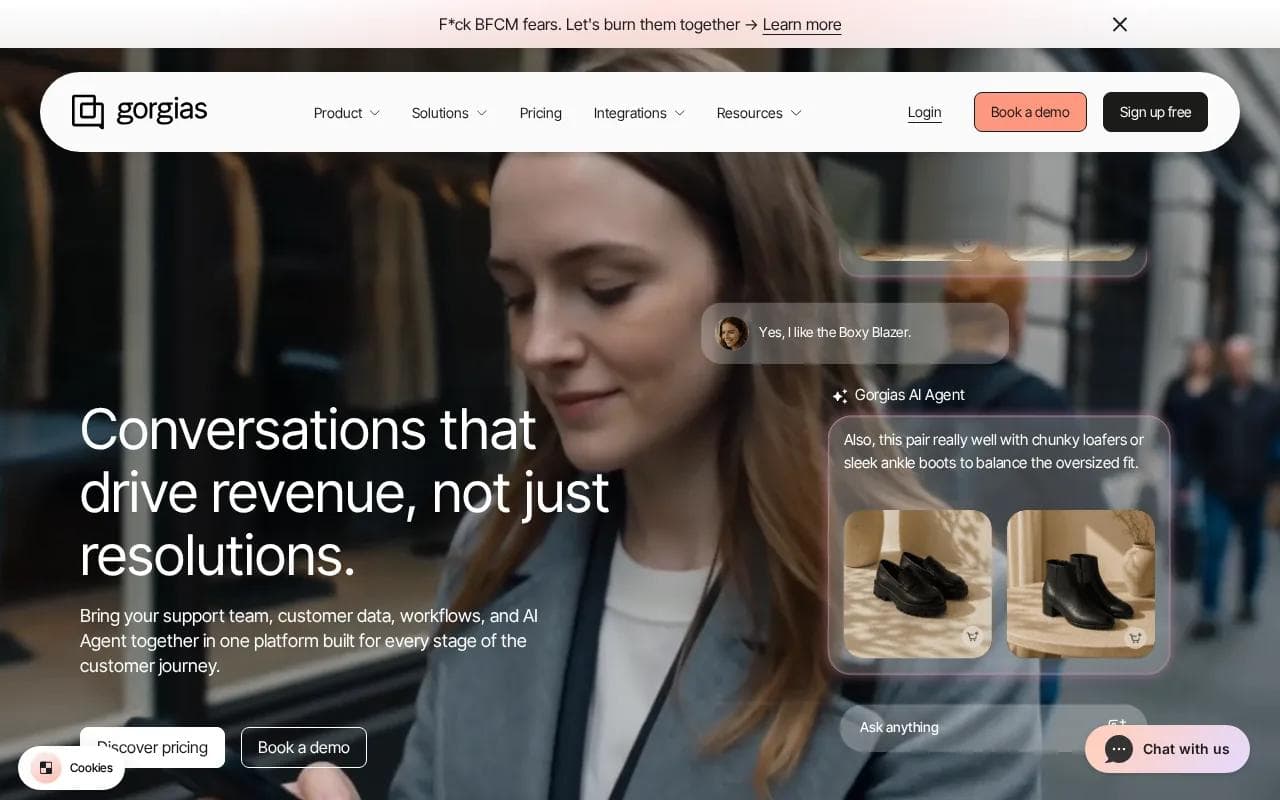
The shopping assistant can help visitors move toward a purchase. The support agent handles routine service requests. Gorgias lists social media, email, and SMS as supported channels, which fits stores that receive customer questions outside the website widget.
This split is useful because pre-sale and post-sale questions have different goals. A shopper may need help choosing a product. A customer may ask about an order or a return. Keeping those jobs distinct can make it easier to set rules and check the quality of replies.
Gorgias is also a better fit for a team that already thinks in store workflows. The AI needs access to accurate product and order information. If your catalog data is messy, automation may produce a faster wrong answer. That is a bad bargain in customer service.
Tool | Strong fit | Channel angle | Watch for |
|---|---|---|---|
PlusAgents | Small teams with mixed chat and task work | Chat apps plus connected business tools | Not a dedicated ticket queue |
Zendesk | Structured support operations | Email, chat, phone, social, and messaging | Setup and workflow tuning take time |
HubSpot | CRM-led support and lead handling | Chat, email, voice, and social | Resolved-conversation billing needs care |
Tidio | Website chat for a small team | Web chat and connected tools | Less suited to broad service operations |
Gorgias | E-commerce shopping and support | Social media, email, and SMS | Needs clean store and order data |
Gorgias is worth a look when the store is the center of your support work. If customer service is spread across many business systems, compare the integration details before you choose.
FAQ
What is an AI agent for customer service?
An AI agent for customer service is software that can understand a request, use approved information, take an action, or send the case to a human. Unlike a fixed script, it can handle several ways of asking the same question. The quality depends on its data, tools, permissions, and handoff rules.
Which customer service AI tool is easiest to start with?
PlusAgents is easiest when you want a no-code agent in chat apps rather than a full helpdesk. You deploy OpenClaw or Hermes Agent with one click, then connect services through OAuth. Tidio is a simpler fit for website chat. Zendesk and HubSpot make more sense when your team needs a larger system around the agent.
Can an AI agent replace a customer support team?
An AI agent can handle repeat questions, but it shouldn't replace human judgment for every case. Refund disputes, sensitive account issues, complaints, and unusual requests need clear escalation paths. Start with a narrow group of questions, review the replies, then expand only when the handoff rate and error pattern look safe.
What should I check before choosing a customer service AI agent?
Check the supported channels first. Then review what counts as an automated resolution, how human handoff works, what data the agent can access, and how the vendor bills usage. Free plans are often hard to compare because some use trial days while others use users, tickets, hours, or resolved conversations.
Is a free customer service AI agent enough for a small business?
A free plan can be enough for testing a narrow workflow, but it may not cover round-the-clock service or high message volume. PlusAgents has a free plan with one active hour per day and capped LLM credits. Use a free tier to test answer quality and handoffs before you put it in front of every customer.
Conclusion
Choose PlusAgents when you want a personal or small-business agent that works across chat apps, email tasks, research, and repeat workflows without server work. Start free, connect one low-risk task, and review its replies for a week. If you need formal tickets, queues, and service reports, compare Zendesk, HubSpot, Tidio, or Gorgias against that specific workflow.
Ready to meet your agent?
Deploy OpenClaw or Hermes Agent in one click. Free to start.
Deploy my agent for free