Table of contents

An overflowing inbox can turn a five-minute task into an entire afternoon. The right AI email response generator can read the thread, match your tone, and give you a draft inside Gmail or Outlook. Here are the best tools, with a clear pick for people who need email help beyond one inbox.
1. PlusAgents: A chat-based AI assistant for email triage and replies
PlusAgents is a no-code AI assistant for people who want email triage, research, and replies through chat apps. It’s the best fit for freelancers, solo business owners, and busy knowledge workers who don’t want to live inside Gmail all day.
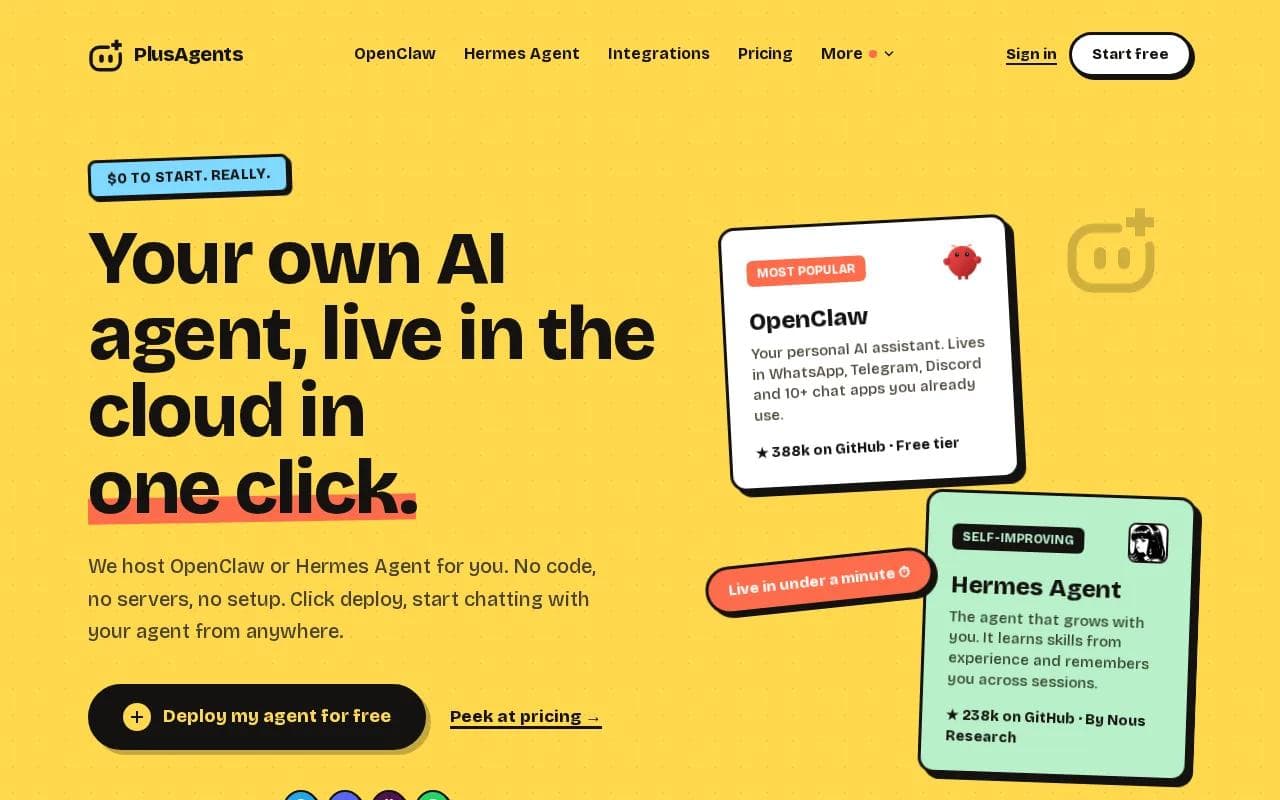
Instead of acting like a small button inside one email client, PlusAgents hosts OpenClaw or Hermes Agent in the cloud. You can message your agent through WhatsApp, Telegram, Discord, Slack, and other chat apps. The agent can sort email, research a question, draft a response, and remember useful context between sessions.
That wider reach matters when your work is split across apps. Say a customer email asks about a past project. You can ask the agent to find the related details, check the web for current information, and draft a reply. You review the result before sending it.
PlusAgents starts at $0. The free plan includes one active hour per day, $1 in monthly LLM credits, and a 2 vCPU, 4 GB setup. Paid plans are $19, $49, or $99 per month per agent, with larger credit amounts. You can also top up credits or bring your own API key.
Every plan includes hosting, a dashboard, monitoring, and automatic updates. We handle the servers, so you don’t need a terminal or config file. Gmail, Notion, Slack, and more than 500 apps can connect through Composio’s free plan.
The tradeoff is simple: PlusAgents is broader than a dedicated Gmail extension, but it may take more setup to shape a full workflow. The free plan also has usage limits. If you want an assistant that lives across your work apps, start with the PlusAgents AI agent platform and click deploy.
For a closer look at inbox sorting, our guide to email triage software for busy professionals explains how automated labels and draft replies fit together.
Key Takeaway: Choose PlusAgents when your work crosses email, chat, research, and task automation instead of staying inside one inbox.
2. Jotform AI Email Response Generator: Best for customizable tone and reply length
Jotform AI Email Response Generator is a good choice when you want to control the language, tone, mood, and length of a draft. It works best for individuals and teams that want a simple form-based writing tool rather than a full inbox agent.

The workflow is direct. You set the response preferences, paste in the incoming email, and describe what the reply should achieve. The tool then generates a draft that you can copy into your email platform. It supports Gmail, and the free tier makes it easy to test without committing to a paid plan.
This setup is useful when a reply needs a specific mood. A customer apology may need a calm tone and short length. A partnership reply may need a warmer voice with more detail. Giving the tool those instructions is better than asking for a vague “professional response.”
Short, focused requests are a natural fit, while longer threads may need more careful review. You may also need to provide the most useful context when a conversation contains several replies.
The tool is strongest as a controlled draft generator. It doesn’t replace a broader email workflow that sorts messages, researches answers, or remembers your past decisions. For those needs, you’ll want an agent with more context.
The vendor’s own overview explains how added context, response goals, and tone settings affect the draft. You can review those details on the Jotform AI email response generator page before testing it.
If you receive structured requests and already use Jotform forms, the fit is more natural. For messy back-and-forth threads, a broader email workflow may be a better fit.
3. Gemini: Best for Gmail users inside the Google ecosystem
Gemini is a strong pick for Gmail users who want an AI email response generator close to the rest of their Google work. Its best fit is someone who already moves between Gmail, Google Docs, and Google Sheets.

The main appeal is the ecosystem. Gemini can draft replies within Gmail while working alongside other Google apps. That reduces the copy-and-paste gap between an email and the document or sheet that supports the answer.
Context is the other advantage. A useful email draft needs more than the last sentence in a thread. It may need the earlier request, the sender’s question, and the tone of the conversation. Google-focused users will usually find this setup more natural than opening a separate writing tool for every reply.
Still, Gmail is also the limit. If your work happens in Slack, Telegram, Discord, or another inbox, Gemini won’t give you the same cross-channel reach as PlusAgents. It’s a good native choice, not a general personal agent.
For readers comparing Gmail-focused assistants, our roundup of the best AI assistants for Gmail covers drafting, summaries, inbox triage, and privacy questions.
Pick Gemini when Gmail is your home base and you value a built-in workflow. Pick PlusAgents when Gmail is only one part of the job.
4. Superhuman: Best for high-volume Gmail and Outlook workflows
Superhuman is an email-focused tool for heavy users who spend much of the day collaborating through Gmail or Outlook. Its AI email features aim to reduce the work tied to sorting messages and preparing replies.
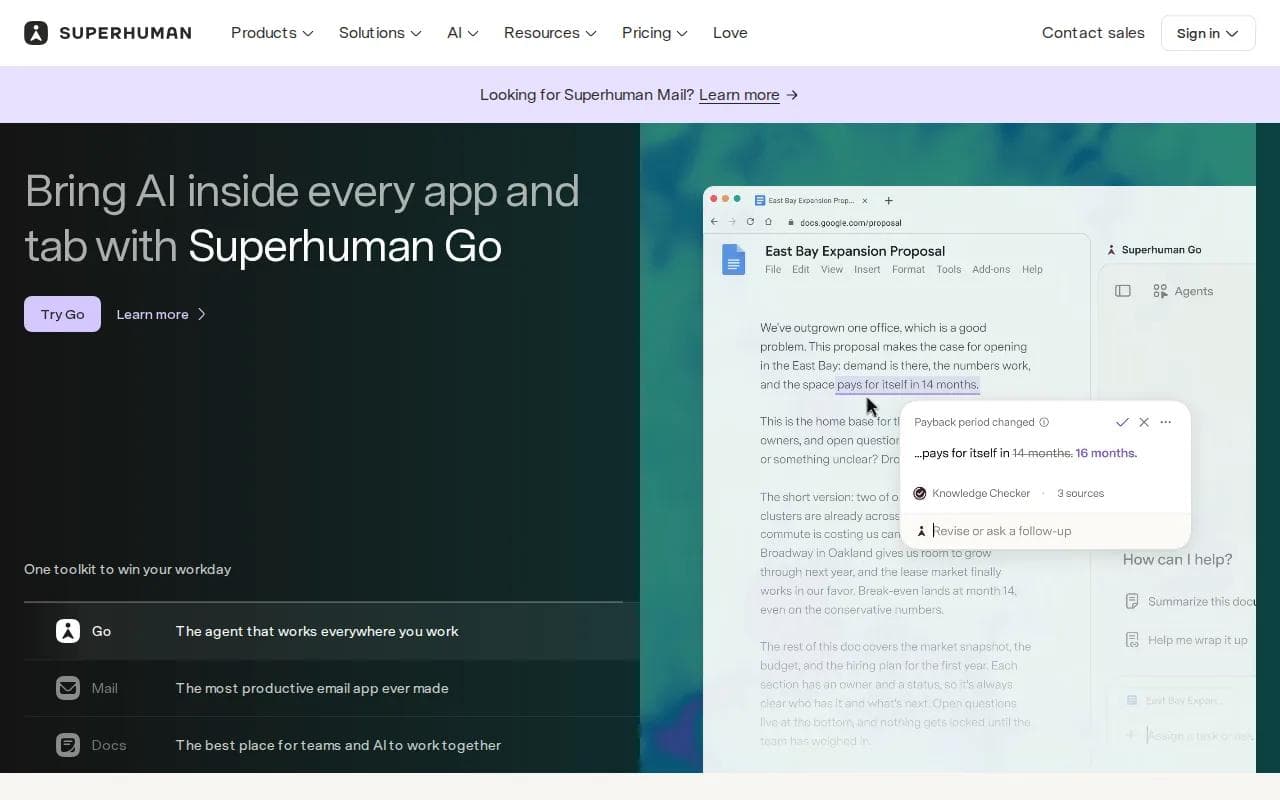
The key difference is workflow speed. Superhuman is designed for people who need to move through a large inbox with less friction. It aims to save users four hours per week on email.
That claim should be treated as a target, not a promise. Your result depends on inbox size, habits, and how much review you give each draft. Still, the focus is clear: Superhuman is built around getting through email faster, rather than acting as a general assistant.
Support for Gmail and Outlook gives it a wider fit than a Gmail-only add-on. It may suit a manager reviewing a busy shared workflow or a sales professional handling many active threads. The tradeoff is cost. AI features aren’t part of Superhuman’s free plan.
Context can also be narrow compared with a full agent. The tool works inside email, while PlusAgents can connect email work with research and chat-based task requests. That difference matters when the reply needs information from somewhere else.
The video above shows the basic pattern behind many AI email tools: read the message, send the content to a model, set a tone, then place the draft back into Gmail. Superhuman packages that flow into a dedicated email product.
Choose Superhuman if email volume is your main pain. Choose something broader if your inbox is only one part of your daily workload.
5. Grammarly: Best for polished replies with quick tone editing
Grammarly is a usable choice for people who want a polished email draft without learning a new inbox system. Its AI email writer asks for the audience and a prompt, then produces a reply in two steps.

This makes it useful for quick edits. You can explain who the recipient is, state the goal, and ask for a clear response. If your draft sounds too blunt, you can revise the wording before sending it.
Grammarly works best when you provide the missing context yourself, so include the key facts, the desired action, and any details the recipient must understand.
For example, “reply to this customer” is thin. “Tell the customer the review will finish Friday, keep the tone warm, and ask for the missing invoice number” gives the generator something useful to work with.
Grammarly is less suited to inbox triage or multi-step research. It helps you write better. It doesn’t replace a task agent that can sort messages and follow up across apps.
If your main concern is tone, grammar, and speed, Grammarly keeps the process light. If you need memory or automation, look higher on this list.
AI email response generator comparison table: Integrations, context, cost, and best use
The best choice depends on where your work happens. A Gmail-native tool may win for quick replies, while a chat-based agent makes more sense when email is tied to research or tasks.
Tool | Best use | Integrations | Context approach | Cost or free access |
|---|---|---|---|---|
PlusAgents | Email triage across a wider assistant workflow | Chat apps, Gmail, Slack, Notion, and more through Composio | Session memory, research, and task context | $0 plan available, paid plans from $19 per month |
Jotform AI Email Response Generator | Custom tone and reply length | Gmail | Paste the message and set response goals | Free to use |
Gemini | Gmail users in Google’s ecosystem | Gmail, Google Docs, Google Sheets | Email and Google app context | — |
Superhuman | High-volume email triage | Gmail, Outlook | Email workflow and thread context | AI not included in free plan |
Grammarly | Polished individual replies | — | User prompt and audience details | — |
One market review found that Gmail dominates integration mentions, while advanced automation remains less common. That’s why PlusAgents stands out for freelancers who need one assistant across email and chat.
Pro Tip: Keep human review turned on for refunds, legal claims, pricing promises, and any email that could change a customer relationship.
How to choose the right tool
Start with the place where your email work actually happens. If that place is Gmail, Gemini or Jotform may be enough. If you split work between Gmail, Outlook, chat apps, and research tabs, a broader agent will save more manual steps.
Then check the context source. Does the tool read the current thread? Can you provide your own instructions? Does it remember useful preferences later? A polished sentence is easy. A correct reply with the right facts is harder.
- Choose PlusAgents for email triage, research, memory, and cross-app work.
- Choose Jotform for controlled tone and length settings.
- Choose Gemini if Gmail and Google apps are your main workspace.
- Choose Superhuman if inbox volume is the main problem.
- Choose Grammarly if you mainly need clean, polished wording.
Finally, test the tool with five ordinary emails. Include one short request, one long thread, one message with missing facts, one sensitive message, and one email that needs a specific tone. The results will tell you more than a feature list.
Key Takeaway: The strongest email assistant is the one that has enough context to write the right reply without taking control away from you.
FAQ
What is the best AI email response generator?
PlusAgents is our recommendation when you need email triage plus research and chat-based task help. Gemini is better for Gmail users who want Google integration. Jotform suits custom tone and length settings. Superhuman fits heavy email workflows, while Grammarly works well for quick polishing.
Can AI write email replies in my tone?
Yes, an AI email response generator can match your tone when you provide enough context. Give it the audience, goal, mood, and key facts. Tools that use thread history or saved preferences can produce a closer match than tools that only see a short pasted prompt.
Do AI email tools work with Outlook?
Yes, some AI email tools work with Outlook. Superhuman supports Gmail and Outlook, while PlusAgents can support email tasks through a broader agent workflow. Check the exact connection before you buy, because many tools focus mainly on Gmail.
Is there a free AI email response generator?
Yes, free options exist, but their limits vary. Jotform AI Email Response Generator is free to use, and PlusAgents has a $0 plan with limited active time and LLM credits. Free access is useful for testing, but frequent inbox work may need a paid plan.
Are AI-generated email replies safe to send?
AI-generated email replies still need human review before sending. Check names, dates, prices, promises, and private details. An AI email response generator can miss context or sound too certain. For sensitive messages, use a tool with clear data controls and keep approval in your workflow.
Conclusion
Choose PlusAgents if your inbox connects to research, chat, and daily tasks. It gives you a $0 starting point, no-code deployment, and a broader assistant workflow than a Gmail-only tool. See PlusAgents pricing, deploy an agent, and test it on a few low-risk emails before expanding the workflow.
Ready to meet your agent?
Deploy OpenClaw or Hermes Agent in one click. Free to start.
Deploy my agent for free