Table of contents

Your calendar can do more than hold meetings. The best AI calendar apps now protect focus time, move tasks around deadlines, and help handle the back-and-forth of scheduling. We recommend PlusAgents for people who want a personal AI assistant that works inside their chat apps.
1. PlusAgents
PlusAgents hosts open-source AI agents in the cloud, so you can put a personal assistant to work without touching a server. It is best for freelancers, remote workers, small business owners, and anyone who wants scheduling help through chat instead of another crowded calendar screen, especially when comparing it with other AI productivity tools.

We host OpenClaw and Hermes Agent with one-click deployment. Your assistant can live in WhatsApp, Telegram, Discord, Slack, and other chat apps. You can ask it to sort email, research a topic with AI research tools, manage tasks, or remember useful context across sessions. That matters when a calendar task starts in a message rather than inside a calendar.
PlusAgents is a broader choice than a dedicated time-blocking app. It can help you turn a message into a task, find information before a meeting, or prepare follow-up work after one. OpenClaw connects across many chat channels, while Hermes Agent learns skills from experience and remembers you across sessions. Both agents are open source and MIT licensed. We charge for hosting, not for the software itself.
The free plan costs $0 and includes one active hour per day, $1 in monthly LLM credits, and a 2 vCPU, 4 GB setup. Paid plans start at $19 per month per agent. Each plan includes monthly LLM credits, so you can start without finding an API key or setting up a second AI bill. You can also bring your own key or add credits when needed.
The limit is clear: PlusAgents is not a polished calendar grid built around automatic time blocks. It is an assistant that can work around your calendar and your wider workflow. If you want one place for strict visual planning, choose a specialist below. If you want a chat-based helper that can handle more than meetings, click deploy and kick the tires.
2. Reclaim.ai: Protect Focus Time and Habits
Reclaim.ai is one of the best AI calendar apps for defending focus time, habits, and recurring routines. It suits people whose days fill with meetings before their important work gets a chance.
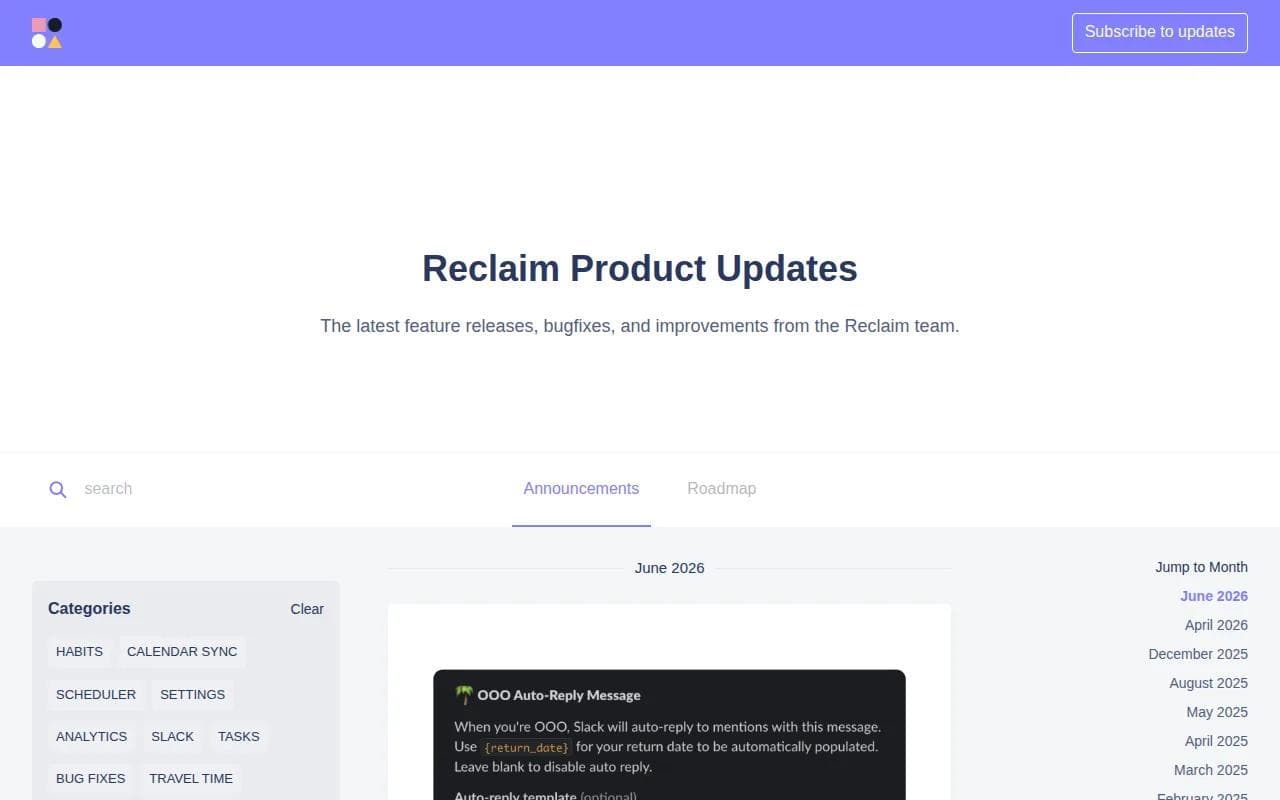
Reclaim works with Google Calendar and Slack. You can add habits such as exercise, lunch, or a daily writing block. The app then tries to keep those blocks in your schedule while still making room for meetings and urgent tasks.
Its strongest use case is a shifting workday. Say a client moves a meeting into your planned writing time. Reclaim can look for another suitable slot rather than quietly deleting the habit. It also helps coordinate recurring meetings, which cuts down on the small email chains that waste time.
The free Lite tier makes it easier to test the basic idea. Paid plans add more calendars, habits, integrations, and advanced features.
Reclaim is narrower than PlusAgents. It is focused on calendar protection, not email triage or broad chat-based automation. You should also expect to spend time setting work hours, priorities, and flexibility rules. That setup pays off when your week has repeat patterns. It may feel like too much if you only need a booking link.
3. Motion: Automatic Day Planning Around Deadlines
Motion is built for automatic day planning. It is best for people who want tasks placed on a calendar based on deadlines, priorities, and existing commitments.
Motion creates a daily schedule that changes when meetings move or new tasks arrive. Add a project task with a deadline, and the system can find room for it around the events already on your calendar. That gives Motion a stronger task-planning angle than most calendar assistants.
The useful part is the link between task priority and available time. A hard deadline needs a different plan than a task that can move. Motion also supports booking links with availability logic, so external meetings can fit into the plan instead of landing wherever an empty slot appears.
Motion works best when you are willing to keep your task list clean. If every task is urgent, the schedule will still feel crowded. It also does not bring the full context of your email and Slack into each plan. That makes it strong for internal work, but less suited to an assistant that handles your whole communication layer.
Watch the embedded comparison below if you want to see how conversational planning differs from strict auto-scheduling.
Choose Motion when missed deadlines are your main pain. Choose PlusAgents when those tasks begin in chat, email, or research requests rather than in a formal project board.
4. Clockwise: AI Calendar Optimization for Teams
Clockwise focuses on AI calendar optimization for teams. It is best for groups that need more shared focus time and fewer scattered meeting blocks.

The app looks at team calendars and tries to arrange meeting time in a way that leaves larger blocks for focused work. That is a different goal from Motion's personal task plan. Clockwise cares more about how a group schedule fits together.
It can suit a team that has many recurring meetings and a shared need for quiet work.
There are trade-offs. Clockwise works best when many people on the team use it. If only one person connects a calendar, the gains may be smaller. External scheduling can also be less clear when guests do not use the same system.
Clockwise is a team scheduling layer, not a general AI agent. It will not replace a chat assistant that researches a question, sorts an inbox, or remembers a long-running task. Pick it when calendar coordination is the group problem. Skip it if your main issue is personal task overload.
5. Microsoft Copilot for Microsoft 365: Best for Outlook Users
Microsoft Copilot for Microsoft 365 is the natural choice for organizations already committed to Outlook, Teams, and the rest of Microsoft 365.
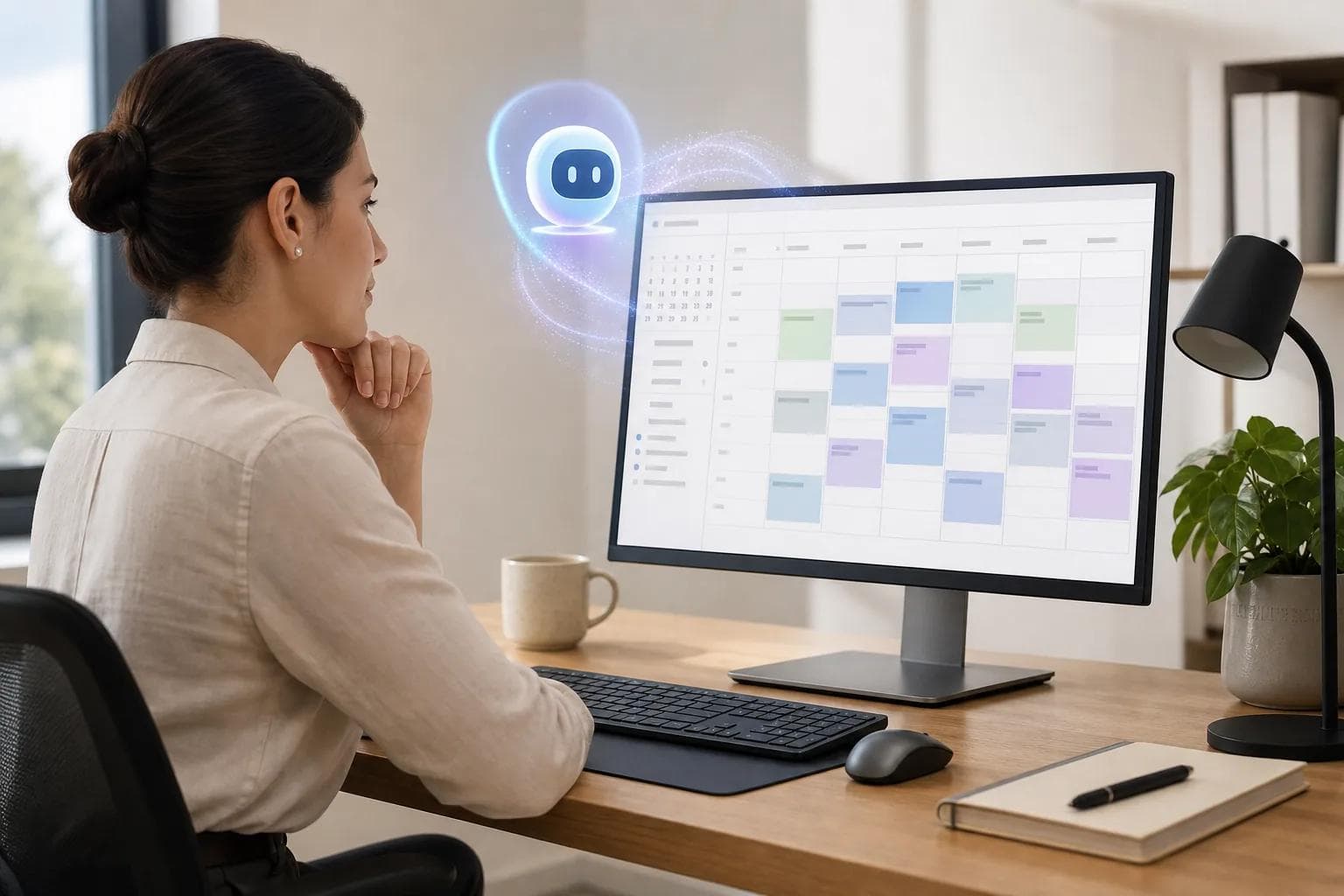
Its calendar work sits inside a wider work suite. Its features include email drafting, meeting notes, and calendar event creation. That makes Copilot useful when the schedule is tied closely to Outlook messages and Teams calls.
For example, you might receive an email with a proposed meeting time. Copilot can help draft a reply or turn details into a calendar event. After the meeting, it can help with notes and follow-up work. The benefit comes from staying in the tools your organization already pays for.
Copilot is a broad assistant that includes calendar work. It is not a calendar-first planner.
Microsoft users should also review access rules before connecting work data. Copilot works inside a business identity system, so your organization's admin settings matter.
Choose Copilot when switching ecosystems would cause more trouble than it solves. Choose a specialist when protecting deep work is the main goal.
6. Google Gemini for Workspace: Best for Google Calendar Users
Google Gemini for Workspace is best for people who already live in Gmail, Google Calendar, documents, and Meet.

Gemini can help schedule meetings in Gmail by using email context and calendar availability. Google also lets Calendar detect event details in email and add them to a new event. That removes a common bit of copy and paste work.
Google Calendar also connects tasks with dates, reservations in Gmail, Meet links, shared calendars, and booking pages. These are useful pieces for a freelancer who books clients or a small team that shares working hours.
Some booking features also depend on the plan you have. Check the current account requirements before planning a team rollout.
Like Copilot, Gemini is a broad workspace assistant rather than a dedicated calendar optimizer. Its strongest AI angles are email help and event creation. It does not focus on the habit protection or live day reshuffling that define Reclaim and Motion.
For a Google-first user, that trade-off may be worth it. You avoid a new calendar layer and keep permissions inside your existing workspace. For a person who wants a calendar to fight for deep work, look at the specialist tools first.
7. Otter.ai: Best for Meeting Notes and Follow-Up
Otter.ai is best for people whose calendar problem starts after a meeting. It transcribes calls, makes summaries, and helps turn spoken decisions into follow-up work.

Otter connects with Google Calendar and Microsoft Calendar. It can detect scheduled Google Meet calls, identify attendees, match notes to the right event, and share transcripts or summaries with invitees. That makes the calendar connection useful without turning Otter into a full scheduling planner.
Imagine leaving a meeting with three decisions and two owners. Otter gives you a searchable record of what was said. You still need to review the notes and decide what belongs on your calendar, but the first draft is already there.
Otter.ai has a free tier with limited monthly minutes. Paid plans add more room for frequent meetings. Limits matter here because a team with daily calls can use a free allowance quickly.
Otter is not the pick for automatic time blocking. It will not plan your whole day around task deadlines. Choose it when missed details and weak handoffs cost more than calendar clutter. It can also pair well with PlusAgents, which can help turn meeting outputs into later research or task work through chat.
8. Lindy-ai: Configurable Calendar and Email Workflows
Lindy.ai uses configurable AI agents for email, calendar, and Slack workflows. It is best for people who want repeatable actions across those services.

Common workflows include email triage, meeting scheduling, and calendar updates. The appeal is control. You can shape an agent around a rule such as sorting a type of request or sending a scheduling reply when certain conditions are met.
Lindy is cloud-only and has a starting price of $49 per month. That is a meaningful cost for a solo worker who only needs simple calendar help. It may make more sense for a business where repeated inbox and meeting work has a clear dollar value.
The tool's strength is workflow design, not a visual weekly planner. You will need to think through permissions and failure cases. What should happen when two people reply? What if a message has no clear time zone? A good agent needs rules for those edge cases.
Lindy is a good fit for automation-minded users. PlusAgents is the easier route if you want a hosted personal assistant with OpenClaw or Hermes Agent and no code on your side. In both cases, start with one low-risk workflow before giving an agent broad write access.
9. Vellum: Best for Slack-Based Teams
Vellum is a personal AI assistant built around email, calendar, and Slack context. It is best for Slack-based teams that want one assistant to remember information across those work surfaces.
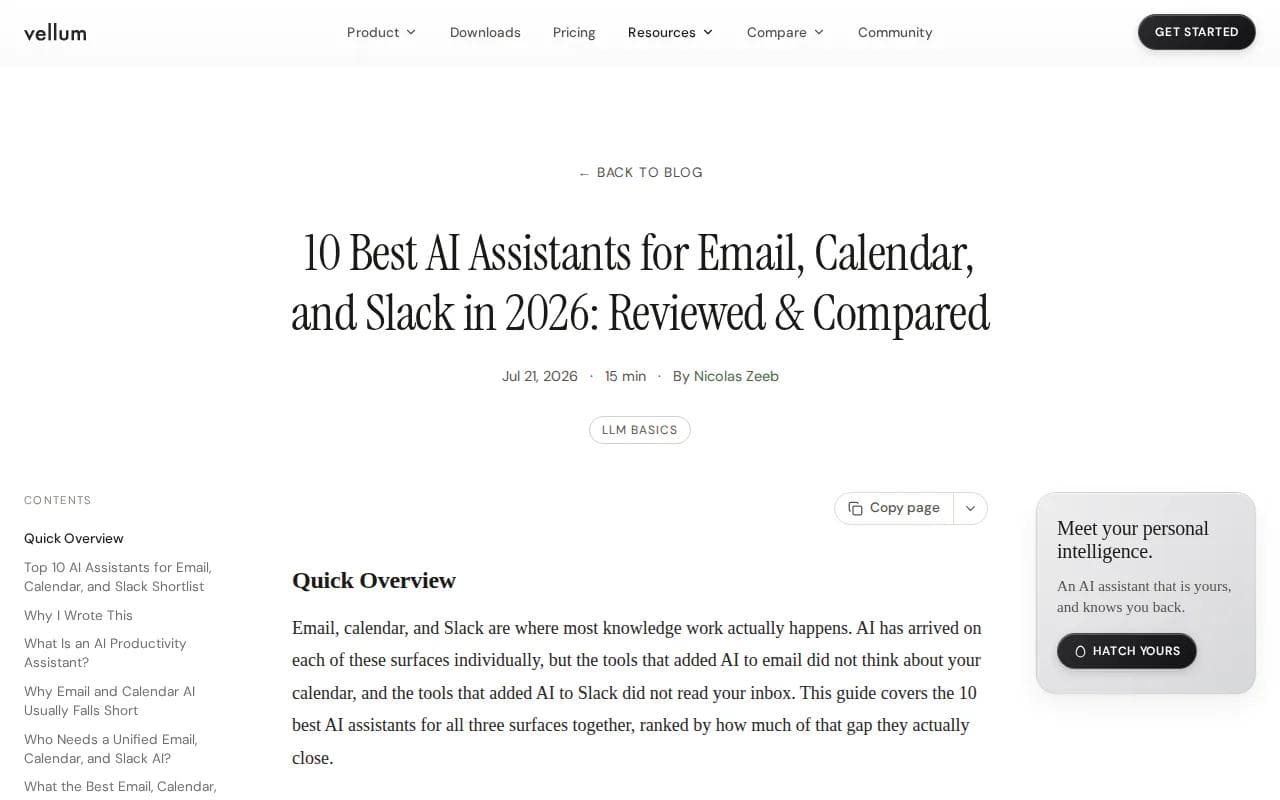
Vellum has persistent memory across email, calendar, and Slack. Vellum can read a calendar, flag conflicts, and create events. Vellum integrates with Slack and Telegram. That combination gives it a stronger cross-channel angle than a calendar app that only sees events.
Think about a Slack thread that ends with, “Let's review this next week.” A cross-channel assistant can connect that thread to a calendar action. That is the seam many tools leave to you. The value is less about a prettier calendar and more about fewer dropped handoffs.
Vellum has a free download, with cloud hosting available. The exact setup and hosting terms should be checked before a team rollout. Persistent memory also raises a privacy question. Decide what the assistant may remember and which channels it can access.
Vellum is strong for teams that live in Slack. It is less focused on personal habits than Reclaim and less focused on deadline-driven task planning than Motion. It also overlaps with the wider assistant category where PlusAgents sits. Pick based on the system you already use and how much control you want over hosting and agent setup.
AI Calendar Apps at a Glance
The best AI calendar apps split into three groups. Some protect time. Some plan tasks. Others connect calendar work to email, chat, or meeting notes. The right choice depends on where your scheduling pain starts.
App | Best fit | Strongest angle | Main trade-off |
|---|---|---|---|
PlusAgents | Chat-based personal assistance | OpenClaw and Hermes Agent across chat apps | Not a dedicated visual calendar planner |
Reclaim.ai | Focus time and habits | Protects recurring blocks | More calendar-focused than general assistant tools |
Motion | Deadline-driven work | Plans the day around priorities | Check plan availability before committing |
Clockwise | Teams | Group calendar optimization | Works best when many coworkers use it |
Microsoft Copilot | Outlook users | Email and meeting support inside Microsoft 365 | Less calendar-specialized |
Google Gemini | Google Workspace users | Email context and event creation | Needs a Workspace plan for Gemini |
Otter.ai | Meeting-heavy workers | Transcripts and follow-up notes | Does not plan your whole day |
Lindy.ai | Workflow builders | Configurable email and calendar agents | Cloud-only and costly for light use |
Vellum | Slack-based teams | Persistent memory across work surfaces | Requires careful access decisions |
How to choose an AI calendar app
Start with the failure you want to fix. If focus blocks vanish, test Reclaim. If deadlines slip, test Motion. If meetings create messy follow-up, test Otter. If work begins in chat, PlusAgents deserves the first trial.
Then check the ecosystem. Google users should inspect Calendar and Gmail access. Outlook teams should review Microsoft 365 permissions. Slack teams need to know whether the assistant can read messages, create events, or only show availability.
Finally, test one week with real work. Watch for moved meetings, lost habits, duplicate events, and tasks that land at bad times. An AI calendar is useful only when its choices match your rules.
Key Takeaway: Specialist apps usually go deeper on scheduling, while broader assistants connect scheduling to more of your daily work.
FAQ
What is the best AI calendar app for time blocking?
Reclaim.ai is a strong choice for time blocking because it protects focus periods, habits, and recurring routines. Motion is better when those blocks must fit around task deadlines and changing priorities. PlusAgents is better when you want to ask an assistant for scheduling help through chat rather than manage a dedicated calendar planner.
Which AI calendar app is best for Google Calendar?
Google Gemini for Workspace is the most natural choice for Google Calendar users because it works with Gmail, Calendar, and Meet. Reclaim.ai is worth testing if you want to check account requirements first.
Which AI calendar app works best with Outlook?
Microsoft Copilot for Microsoft 365 is the clearest choice for Outlook users because it stays inside the Microsoft ecosystem. It can help draft emails, create calendar events, and support meeting notes. Choose Motion or Reclaim instead when automatic task planning or focus-time defense matters more than native Outlook context.
Are there free AI calendar apps?
Yes, some options have a free tier, but free access usually limits time, calendars, features, or AI credits. Reclaim.ai lists a free Lite tier, Otter.ai has limited monthly minutes, and PlusAgents starts at $0 with one active hour per day and $1 in monthly LLM credits. Check current limits before moving work into a free plan.
Can an AI calendar app schedule meetings automatically?
Yes, several AI calendar apps can help find times, create events, or coordinate meetings. Gemini can use email context, Reclaim can help with recurring meeting coordination, and Lindy.ai can run scheduling workflows. Automatic booking still needs clear working hours, time zones, and approval rules. Otherwise, the assistant may optimize an empty slot that you wanted to protect.
Is it safe to give an AI assistant access to my calendar?
Calendar access can be safe when you limit permissions and review the app's data rules. Start with read access if possible. Then decide whether the assistant may create, move, or cancel events. For email and chat access, test a narrow workflow first. Do not grant broad write access until you trust the assistant's decisions.
Conclusion
If your main problem is lost focus time, start with Reclaim.ai. If deadlines drive your day, try Motion. For a broader assistant that works across chat, email triage, research, and tasks, start with PlusAgents free. Deploy OpenClaw or Hermes Agent, connect one channel, and test a single scheduling workflow before expanding.
Ready to meet your agent?
Deploy OpenClaw or Hermes Agent in one click. Free to start.
Deploy my agent for free