Table of contents

Research can eat your whole day before you reach the work that matters. The right AI tool can search faster, clean up a draft, or keep a task moving inside the chat app you already use. Here are the best AI tools for research, with the honest pick for each kind of workflow.
1. PlusAgents
PlusAgents is best for researchers who want an AI assistant that works inside WhatsApp, Telegram, Discord, Slack, and other chat apps. It hosts OpenClaw and Hermes Agent in our cloud, so you can deploy a no-code AI agent platform with one click instead of setting up a server.
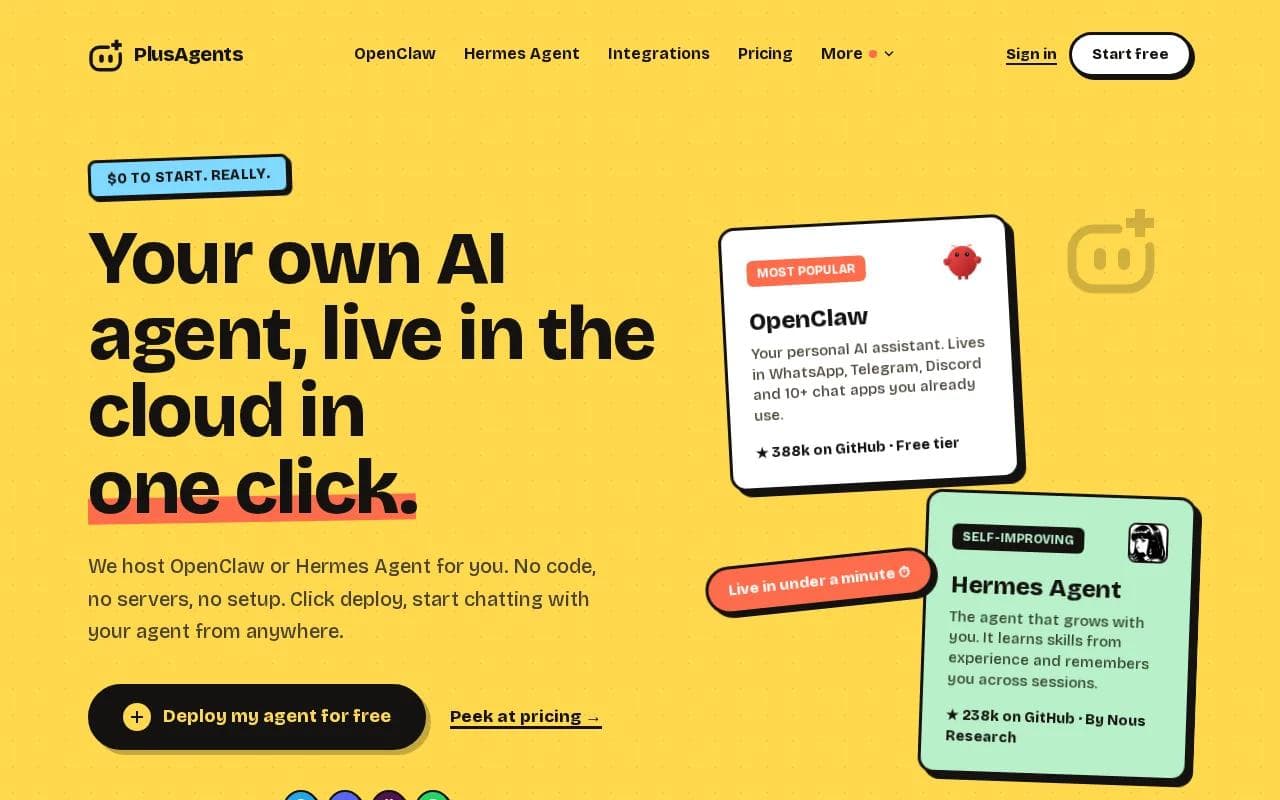
OpenClaw is the stronger fit for daily research work. It can handle web research, email triage, task automation, and memory across sessions. That means you can ask for a source check in Slack, return to the task later, and keep the same thread of work alive. For a researcher who lives in group chats, that is a better fit than a tool locked inside a separate browser tab. If you are new to it, the practical OpenClaw first-week guide explains how to get started.
Hermes Agent takes a different route. It learns skills from experience and remembers you across sessions. You can to Hermes Agent and its self-improving workflow.
PlusAgents starts at $0. Really. The free plan includes one active hour per day, 2 vCPU, 4 GB of memory, and $1 in monthly LLM credits. Paid plans are $19, $49, or $99 per month, with larger credit allowances. You can also top up credits or bring your own API keys.
The trade-off is clear. The free plan has a daily time limit, and credits are capped. Paid plans keep an agent running, but usage still depends on the included credits. For a no-code research assistant that works where your team already talks, click deploy and kick the tires.
Key Takeaway: PlusAgents hosts OpenClaw and Hermes Agent in the cloud.
2. ChatGPT
ChatGPT is best for broad research tasks that move between questions, files, web pages, analysis, and polished deliverables. It is the most flexible general-purpose choice in this shortlist.

Its free tier includes GPT-4o mini, limited GPT-4o access, image analysis, web browsing, and file uploads. That makes it a sensible starting point for a literature scan or a first pass over a spreadsheet. Paid access adds more room for heavier work, but exact limits and pricing can change, so check the current plan page before you buy.
ChatGPT also has an agent mode for users on eligible plans. The agent can use a visual browser, a text browser, a terminal, and connected apps. OpenAI describes workflows such as researching competitors and producing an editable slide deck. It asks for permission before actions that have consequences, and you can pause or stop the task. See the official description of ChatGPT agent workflows for the current scope.
ChatGPT works well at the start of a project. Ask it to turn a research question into search terms, compare claims across files, or draft a data collection plan. Then check every citation against the original paper. A fluent answer can still contain a wrong source or a claim that the uploaded material does not support.
Its main weakness is choice overload. You may need to select the right mode, connector, or file workflow. It is also easy to mistake a neat summary for a verified result. Use it as a research aide, not as the final reviewer of your own evidence.
3. Claude
Claude is best for researchers who need a strong long-form draft, careful editing, or help with code. It often fits the final stage of a project, when rough notes need to become a clear report.
The free tier includes Claude Sonnet 4.5 with a daily message limit. Paid access varies by plan. Claude has a good fit for a long manuscript because it can work through a large body of supplied text and keep the writing style steady across revisions.
Try it after you have gathered your sources. Give it a short research brief, the papers you trust, and a list of claims that need support. Ask it to mark gaps instead of filling them. That small change matters. It shifts the job from “write a convincing answer” to “show me what the evidence does not prove.”
Claude also works well for code tied to research. For example, you can describe a data-cleaning task and ask for a script plus a plain-language explanation. Run the code yourself and inspect the output. Never treat generated code as tested code.
You may need to collect current papers or pages first, then upload them. That extra step is fine for writing and analysis. It is less useful when your question depends on what changed this morning.
Use Claude when quality of the first draft matters more than a wide set of built-in connections. Keep a human researcher in charge of facts, methods, and final wording.
4. Gemini
Gemini is best for researchers who work in Google Workspace or need current web research with mixed media. Its free tier includes Gemini Flash with Google Search integration, image generation, Workspace connections, and Gemini Live.
That mix makes Gemini useful during the discovery phase. You can ask it to build a reading list, group papers by theme, or turn notes into a rough outline. You can also work with images and other media when the research question depends on a chart, diagram, recording, or slide deck.
A useful workflow is to start with a narrow question. Ask Gemini to list its sources and separate direct evidence from its own summary. Open the most important sources yourself. For a literature review, export the notes into a document or sheet, then add your own decision about which papers belong in the final set.
Gemini is also a good choice for visual research communication. It can help turn an abstract into a graphical concept or suggest a figure layout. But small errors in labels, placement, or scientific meaning can slip through. Check every axis, unit, name, and relationship before you use the figure.
The free tier is appealing, but access limits can change. Its broad media support can also distract from the main task. If your job is only citation checking, a simpler paper-focused process may be safer.
Pro Tip: Ask any research model to show the source passage behind each important claim. If it cannot point to the passage, treat the claim as unverified.
5. PaperVizAgent
PaperVizAgent is best for academic researchers who need help turning manuscript text into figures. It is a specialist tool, not a general chat assistant.

PaperVizAgent uses a team of five agents: a retriever, planner, stylist, visualizer, and critic. The system gathers relevant examples, plans the figure, sets a visual style, renders the result, and checks it against the source text. It can produce an image or executable Python code for statistical plots.
That workflow is useful when a methods section is accurate but hard to see. Imagine a paper with several stages, data paths, and control points. PaperVizAgent can turn the text into a first diagram that gives the author something to inspect and revise.
Its published work reports strong evaluation results, including an overall score of 60.2 on a 0 to 100 comparison scale, with a human baseline of 50.0 in that evaluation. Those results are useful evidence about the prototype, but they do not make the output ready for blind publication.
The caveat is important. A figure can look clean while misplacing a relationship or changing the meaning of a method. Check it against the manuscript line by line. Keep the editable source and redraw key figures yourself when exact reproduction matters.
PaperVizAgent earns this spot for a narrow job: getting from dense text to a figure draft. It is not the right pick for inbox work, broad web research, or a production assistant.
6. ScholarPeer
ScholarPeer is best for researchers who want automated help before submitting an academic paper. It focuses on peer-review assistance rather than general research chat.

Its workflow uses search and multiple agents. One part builds a domain narrative from literature. Another looks for missing datasets or comparison baselines. A question-and-answer engine then checks technical claims before a review generator produces a report with strengths, weaknesses, and questions.
This can help during a pre-submission review. Ask ScholarPeer to challenge the paper, then use its questions as a checklist for your own revision. It may spot a missing comparison or a claim that needs a clearer link to prior work.
ScholarPeer is still an experimental prototype. A paper review needs subject knowledge, judgment, and accountability. An automated report can widen your checks, but it cannot replace an expert reviewer.
Privacy also deserves attention. Do not upload a confidential manuscript unless your institution allows it and you understand the tool's data terms. For many researchers, the safest use is a late draft with sensitive details removed.
Pick ScholarPeer when critique is the bottleneck. Pick a broader assistant when you need research retrieval and daily task work in the same place.
Comparison at a Glance
The best choice depends on where the work breaks down. A chat-first researcher needs a different tool from an author preparing a figure or a scholar doing a pre-submission review.
Tool | Best fit | Free access noted | Main caution |
|---|---|---|---|
PlusAgents | Chat-based research and automation | $0 plan | Daily hours and LLM credits are capped |
ChatGPT | Broad research and agent tasks | Yes | Verify sources and actions |
Claude | Long-form writing and code | Yes | No native real-time web access listed |
Gemini | Google Workspace and mixed media | Yes | Check visual and factual details |
PaperVizAgent | Academic figure drafts | Not listed | Experimental prototype |
ScholarPeer | Automated peer-review support | Not listed | Not for final editorial decisions |
For a longer look at assistant-led workflows, our comparison of AI productivity tools covers how research fits beside daily work. In this shortlist, PlusAgents is the clearest choice when the assistant needs to live in your existing chat apps.
How to Choose an AI Research Tool
Start with the task you repeat most. If you spend the day asking questions in Slack, WhatsApp, or Discord, a hosted agent removes more friction than another browser tab. If you write long papers, Claude may fit better. If you work in Google files, Gemini has a natural home.
Then test one small job. Give the tool five trusted sources and ask for a claim table. Include the source title, the exact supporting passage, and a column for uncertainty. A good result should make checking easier, not hide the check behind smooth prose.
- For literature review: ask for search terms and source groups, then open the papers yourself.
- For data analysis: request code with assumptions, then run it on a copy of the data.
- For writing: keep your own outline and ask the model to mark unsupported claims.
- For citations: compare every reference with the original article or database record.
- For automation: require approval before sending mail, changing files, or taking other lasting actions.
Keep your tool stack small. More tools can mean more handoffs, more duplicate notes, and more places for an error to slip through. One general assistant plus one specialist is often enough.
Key Takeaway: The safest research workflow keeps AI on the fast side of the process and keeps human review at the evidence and decision points.
FAQ
What is the best AI tool for research?
PlusAgents is a strong fit for researchers who want web research, email triage, task automation, and memory inside chat apps. ChatGPT is the broader general-purpose option. Claude suits long-form writing. Gemini fits Google Workspace and current web research. PaperVizAgent and ScholarPeer are narrower academic prototypes.
Can AI tools do a full literature review?
AI tools can help with search terms, paper grouping, summaries, and early notes, but they should not replace a full literature review. Ask for source passages and check each paper yourself. A model may miss key work, misread a result, or cite a source that does not support its claim.
Which research AI tool is free?
PlusAgents has a $0 plan with one active hour per day and $1 in monthly LLM credits. The two academic agents, PaperVizAgent and ScholarPeer, do not have a free tier listed here.
How do I stop AI hallucinations in research?
Reduce inaccurate results by giving the model trusted source files, asking for exact evidence, and separating facts from suggestions. Make it say “not found” when the source does not answer the question. Then verify every key claim against the original paper before you publish or submit it.
Is AI-generated academic content ethical?
AI-generated academic content can be ethical when you follow your institution's rules and remain responsible for the work. Use AI for support, such as an outline, figure draft, or critique. Disclose its use when required. Do not submit invented citations, hide generated text, or let an automated reviewer make a final editorial decision.
Conclusion
Choose PlusAgents if your research work happens in chat and includes repeat tasks, inbox cleanup, or follow-up automation. Start with the free plan, deploy OpenClaw, and give it one small research task today. If you need a paper writer, figure assistant, or review checker instead, choose the specialist that matches that single job.
Ready to meet your agent?
Deploy OpenClaw or Hermes Agent in one click. Free to start.
Deploy my agent for free