Table of contents

Email can eat your whole morning before the real work starts. The right inbox management software gives each message a clear next move, whether that's a reply, task, calendar event, or archive. For a closer comparison of sorting, reply drafts, and team workflows, see our guide to the best email triage software. Here are the strongest picks for solo workers, shared inbox teams, and Microsoft-heavy companies.
1. PlusAgents
PlusAgents is inbox management software with a personal AI agent that works inside the chat apps you already use. It's best for freelancers, solopreneurs, remote workers, and busy professionals who want email triage plus action without touching a server.
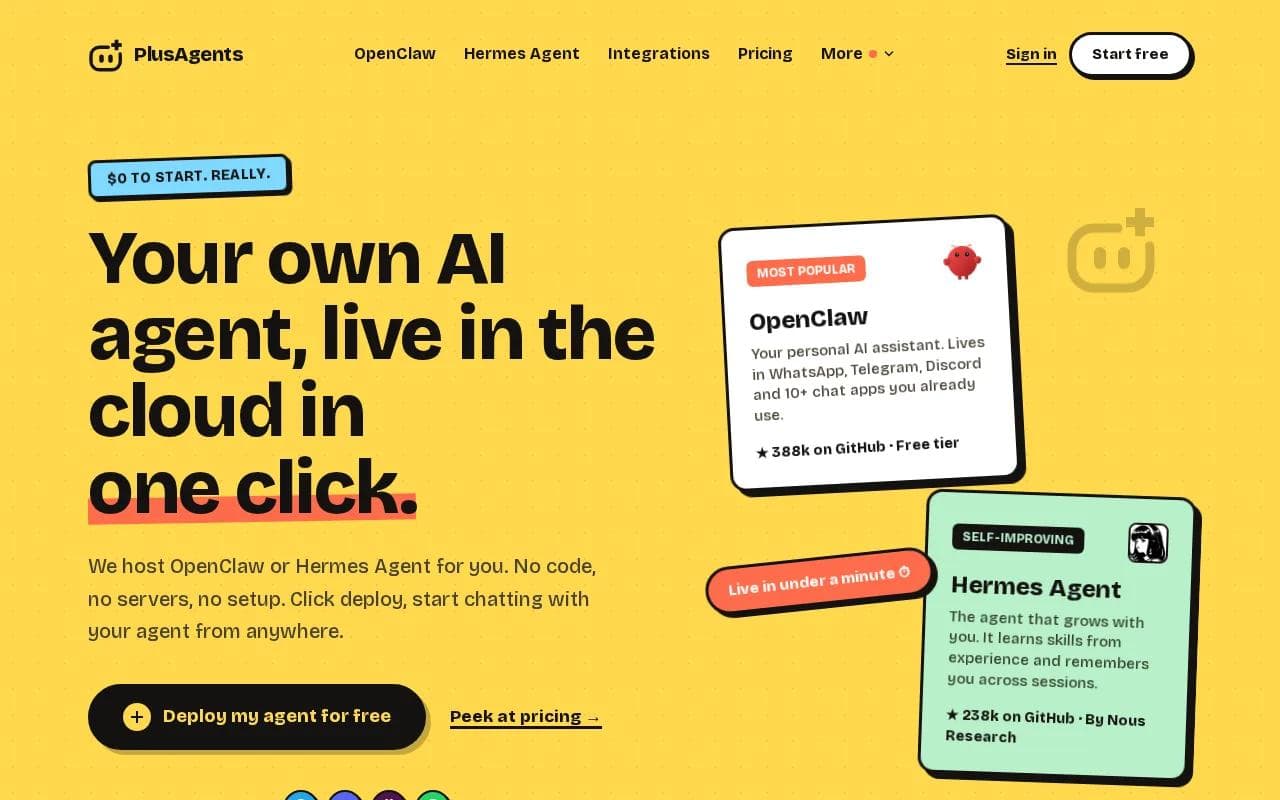
We host OpenClaw and Hermes Agent in our cloud. You deploy one with a click, then talk to it through WhatsApp, Telegram, Discord, Slack, or other supported chat apps. The agent can sort email, research the web, automate tasks, and remember context across sessions.
That chat-first setup fixes a gap in most inbox tools. Only five listed any chat platform support. PlusAgents is the one pick here that combines both in a no-code workflow.
Think about a solo consultant who gets a client email while walking between meetings. They can ask the agent in Telegram to find urgent messages, draft a reply, or turn a request into a task. They don't need to open a full email dashboard first.
PlusAgents also keeps the setup simple. Every plan includes monthly LLM credits, so you don't need to bring an API key or open a second AI billing account. We handle the servers, monitoring, and updates. Gmail, Notion, Slack, and more than 500 other apps can connect through Composio's free plan.
- Free plan:$0, with 2 vCPU, 4 GB memory, $1 in monthly LLM credits, and one active hour per day.
- Starter:$19 per month with $10 in monthly LLM credits.
- Pro:$49 per month with $20 in monthly LLM credits.
- Max:$99 per month with $30 in monthly LLM credits.
The limit is clear. The free plan isn't an always-on assistant, and its LLM credits are capped. Paid plans keep an agent running, but usage still depends on included credits. You can top up or bring your own API key when needed.
Key Takeaway: Choose PlusAgents when your inbox work needs to happen inside chat, not only inside an email tab.
2. Missive, Best for Collaborative Email Handling
Missive is inbox management software for teams that need to discuss email before sending a reply. It's a strong fit for agencies, operations teams, and small support groups that share customer conversations.
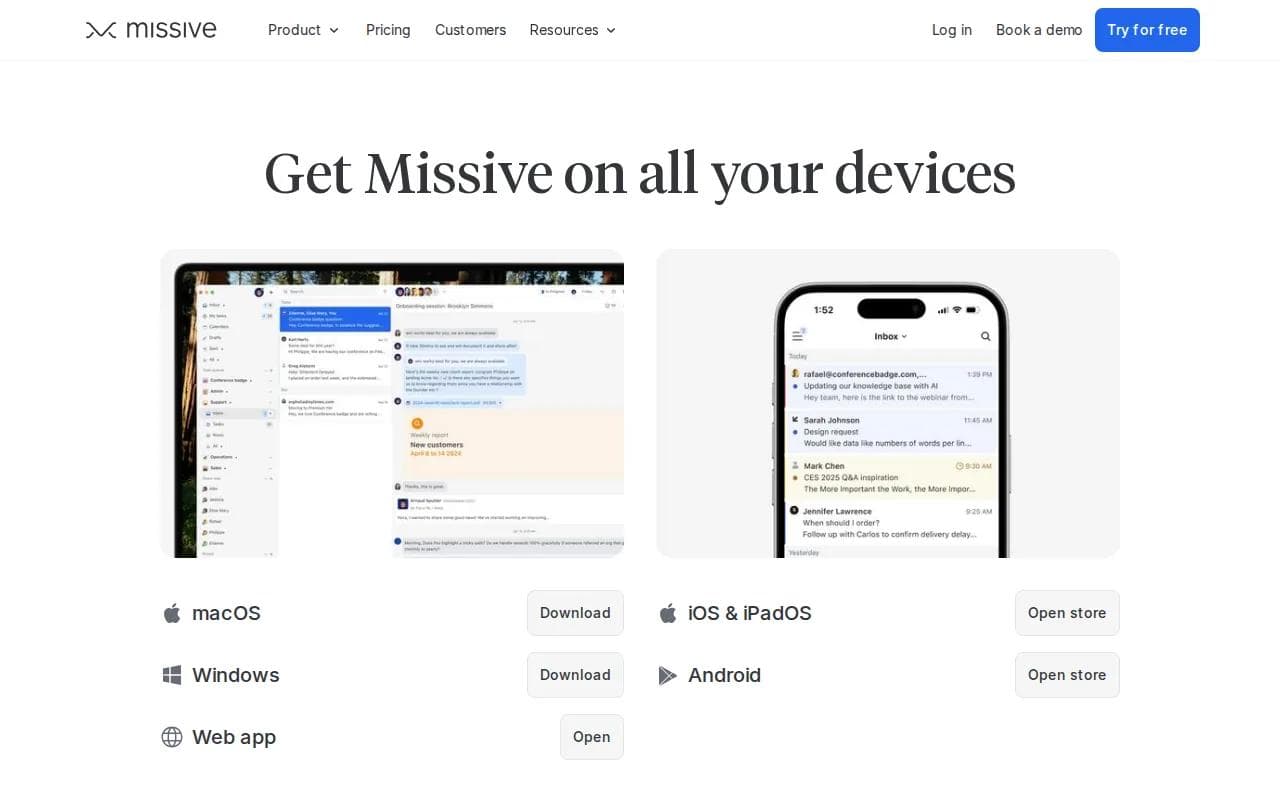
Its standout idea is internal chat inside the email conversation. A teammate can add context behind the scenes while another person owns the customer-facing reply. That cuts down on forwarded threads and the classic “who's handling this?” problem.
Missive also turns an email into a task. Team members can see what needs work today or later, while internal statuses show people who need visibility but don't need to act. Shared inboxes give each group a dedicated space for messages, tasks, and discussion.
Rule-based automation handles repeat work. For example, a team can route messages by sender or content, apply a tag, or move a thread into the right shared space. Templates and shortcuts help agents avoid rewriting the same answer all day.
Missive says it connects with more than 25 apps. That matters when a reply needs context from a CRM, payment tool, or project system. Its AI email triage can help sort work, but the product's main strength remains collaboration inside the thread.
Missive has a 30-day free trial with no credit card. The tradeoff is focus. If you're a solo worker who wants an AI assistant in Telegram or Slack, PlusAgents fits that job better. If several people need to co-own a shared mailbox, Missive is easier to justify.
3. Gmail, Best for Individual Users
Gmail remains a sensible choice for individual users who want familiar inbox management software at no cost for personal use. It's best for people already working inside Google Workspace and those who prefer built-in tools over a separate email client.

Gmail gives you labels, filters, search, and AI email triage features. A filter can move newsletters into a reading label before they crowd the main inbox. A label can mark messages tied to a client, project, or payment task.
Its biggest advantage is the Google Workspace connection. Email can sit beside a calendar, document, meeting, or task workflow. That makes it easier to move a message downstream instead of leaving it as a vague reminder in your inbox.
That downstream move matters. A useful inbox system has somewhere for each message to go. Calendar items belong on a calendar. Work requests belong in a task list. Reference material belongs in notes or a file system. Reading material belongs in a separate queue. If task follow-through is your bigger problem, compare these AI assistants for task management alongside your inbox tool.
Gmail is also a good place to use the one-touch method. Open a message once and decide what happens next. Reply if it takes a minute. Archive if it has no action. Add a task if someone expects work from you.
For a deeper look at AI sorting, drafting, and Gmail workflows, our guide to AI assistants for Gmail breaks down the main use cases.
The weakness is that Gmail alone doesn't act like a personal agent across your chat apps. It can organize the inbox well, but you still need to open Gmail and make most decisions yourself. Add PlusAgents when you want to ask for a briefing or task action from a chat window.
4. Outlook, Best for Microsoft 365 Enterprises
Outlook is inbox management software for companies that already run on Microsoft 365. It's best for teams that need email to sit beside Microsoft's wider work stack instead of adding another main system.
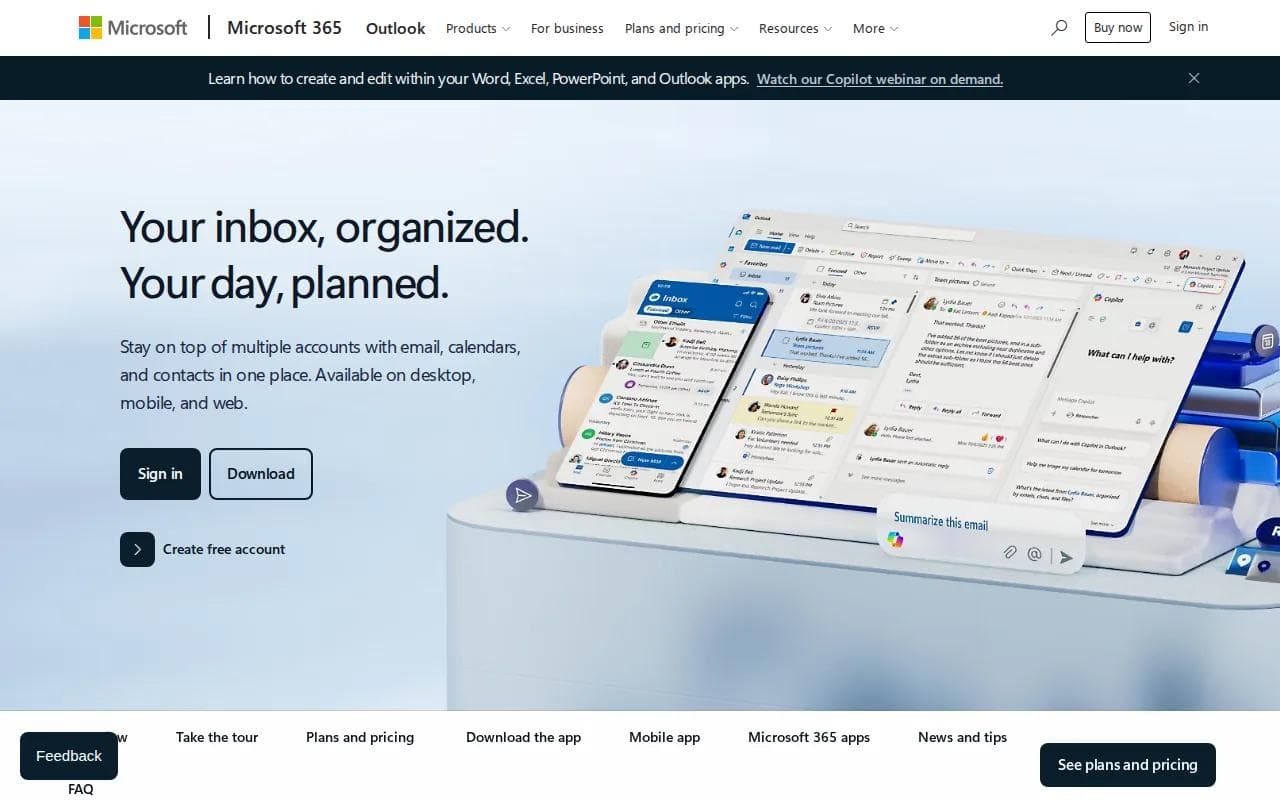
Its key strength is the connection to the rest of Microsoft 365. A company can keep email within an environment employees already know. That reduces the friction of moving a whole team to a new inbox product.
Outlook makes the most sense when admins care about central control. The right questions are less about flashy AI and more about identity, access, retention, device use, and how the mailbox fits with existing company rules.
It can also work for personal users. A free version exists for personal use, though it includes ads. For an enterprise, the value comes from the broader Microsoft setup rather than email triage alone.
Shared work needs a clear owner system. A team should know who handles a request, when a reply is due, and what happens if the owner is out. If Outlook is used as a simple mailbox with no rules, people may still duplicate replies or leave messages buried.
Outlook is a weaker match for a freelancer who wants a lightweight assistant in a chat app. It is built around the Microsoft environment. PlusAgents is built around a personal agent that can meet you in the channels where you already talk.
5. Help Scout, Best for Support Teams
Help Scout is inbox management software for support teams that need shared inboxes plus help desk features. It's best for a customer support group that wants email conversations, a knowledge base, reporting, and ticket work in one place.
A shared inbox gives the team one view of customer requests. Ticketing helps turn loose messages into owned work. SLA tracking gives managers a way to watch time-sensitive requests instead of relying on memory.
Help Scout also includes a knowledge base. That changes the support workflow. Instead of writing the same explanation again, a team can point customers to a useful answer. Over time, repeated questions can show where the help content needs work.
Reporting adds another layer. A manager can review response work and look for queues that keep growing. The point isn't to chase a perfect number. It's to find the handoff where messages stop moving.
AI email triage can help sort incoming requests. Still, Help Scout is a team support product, not a personal assistant for every part of your workday. It may be more system than a one-person business needs.
Templates need care here. Write them around common customer questions, but leave room for the customer's actual situation. A canned answer that ignores the message can save seconds while creating a second reply later.
Pro Tip: Review your five most-used reply templates each month. Delete any that make agents copy large blocks of text without checking the customer's question.
6. SaneBox, Best for AI Email Filtering
SaneBox is inbox management software that works on top of your existing email account. It's best for individuals who want AI filtering without replacing Gmail, Outlook, or their current mail app.
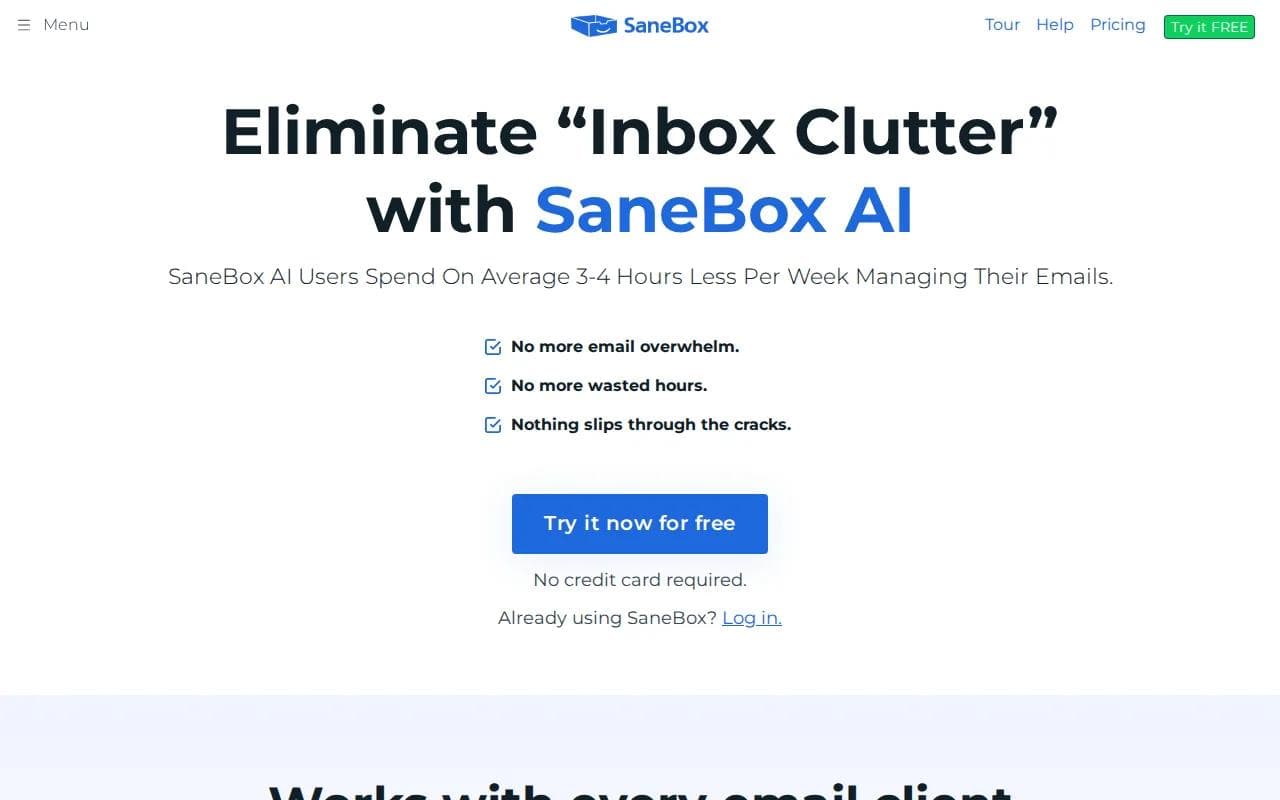
SaneBox sorts lower-priority messages into folders. Its SaneLater and SaneNews folders separate email that can wait from messages that deserve attention now. The system learns from how you handle mail over time.
It also includes tools for follow-up reminders, snoozing, daily digests, and unwanted senders. A BlackHole folder can keep messages from senders you no longer want to see. This is useful when the problem is volume rather than team ownership.
SaneBox says it does not store full emails or attachments. It looks at basics such as the sender, subject line, and date. It also says it does not sell or share user information, and that access uses OAuth.
Security claims still deserve a close read. Any service that scans mailbox data needs clear answers about access, storage, deletion, encryption, and account revocation. SaneBox's approach may suit people who want filtering while keeping their current email app.
The main limitation is action depth. SaneBox sorts incoming mail, but it doesn't aim to become a chat-based agent that researches a request or completes a task. For that, PlusAgents reaches further. For quieting a noisy inbox, SaneBox is more focused.
SaneBox has a seven-day premium trial and no credit card is required. Pick it when your main pain is newsletters and low-priority mail. Pick a broader assistant when email is only one part of the work you want to automate.
How to Compare Inbox Management Software
The best inbox management software depends on where work starts and where it must end. A personal inbox needs fast triage. A support team needs ownership and reporting. A solo operator may need an agent that can take action after the email is found.
Start with the work pattern, not the feature page. Watch what happens during a busy morning. Do messages need a human reply? Do they become calendar events? Do they need research? Do they go to another teammate?
Match the tool to the job
Need | Look for | Best fit from this list | Watch for |
|---|---|---|---|
Personal inbox cleanup | Filters, labels, bulk actions | Gmail or SaneBox | Sorting alone won't complete the work. |
AI triage in chat | No-code agent access through chat apps | PlusAgents | Check active-hour and credit limits. |
Shared customer email | Assignments, internal notes, status views | Missive or Help Scout | Set ownership rules before launch. |
Microsoft-centered work | Microsoft 365 integration and admin control | Outlook | A familiar mailbox can still become cluttered. |
Newsletter overload | AI folders, digest views, sender controls | SaneBox | Review false positives during the trial. |
Check what AI can actually do
“AI triage” can mean several different things. One tool may label messages. Another may draft a reply. A third may search for context and take the next action. Those are different jobs, so ask for a live example.
Automation also varies. Rule-based automation follows a fixed condition. Agent-based automation can use context across several steps. In the comparison behind this shortlist, automation appeared in 15 of 22 tools, or 68%. PlusAgents adds memory-aware task automation and web research to email triage.
Ask these questions before you buy:
- Can it tell urgent mail from low-priority mail?
- Can it draft without sending automatically?
- Can it turn an email into a task or calendar event?
- Can it use information from another app?
- Can you review the action before it changes data?
For a broader look at sorting, drafting, and follow-up workflows, see our comparison of AI email assistants. The useful distinction is simple: does the tool only reduce inbox noise, or does it help finish the work?
Review privacy before connecting mail
Email often contains contracts, customer details, invoices, and private plans. Check what the tool stores. Look for OAuth access, encryption details, deletion controls, admin roles, and audit history when a team needs them.
Security should also match the size of the risk. A personal newsletter filter has a different job than a support platform holding customer conversations. Don't give a new tool broad access before you know what it needs to read and what it can change.
The basic email model explains why inbox tools vary so much: email is a message transport system, not a task manager or shared work queue by default. Good software adds the missing rules around ownership, storage, and next actions.
Test the workflow, not the sales pitch
Free tiers are useful, but read the limits. In the 22-tool comparison, 12 products had some form of free access. Many were trials or limited plans. PlusAgents is unusual because its free plan includes AI access and chat-based deployment, though it limits active time and LLM credits.
During a trial, bring in a small set of real messages. Include one newsletter, one task request, one long thread, and one message that needs a careful reply. See where each item lands. Then test the handoff to a calendar, task list, or teammate.
Onboarding should answer three questions quickly:
- Who owns each kind of message?
- What happens to email that needs more than one step?
- How can a person undo an incorrect AI action?
Don't chase Inbox Zero as a vanity score. The better goal is a small set of trusted places where work can go. When an inbox is empty but tasks still live in unread messages, nothing has been solved.
Key Takeaway: Pick the tool that handles your next action, not the one with the longest feature list.
FAQ
What is the best inbox management software for freelancers?
PlusAgents is a strong fit for freelancers who want AI email triage plus actions through chat apps. It can work through WhatsApp, Telegram, Discord, or Slack without code. Gmail is a better simple choice if you only need labels and filters. SaneBox fits freelancers whose main issue is newsletter and notification clutter.
Does inbox management software use AI?
Many inbox management software products now use AI, but the feature depth varies. Some sort messages into folders. Others draft replies or summarize threads. PlusAgents can triage email and act through chat, while SaneBox focuses on filtering and Missive combines AI help with team rules.
Is free inbox management software good enough?
Free inbox management software can work for basic labels, filters, and personal email. Free plans often limit AI credits, active time, users, or the number of connected accounts. PlusAgents has a free plan with AI credits and chat access, but one active hour per day. Test your busiest workflow before paying.
How do I choose inbox software for a business?
Choose inbox software by mapping each message to its next action. Teams need ownership, internal notes, templates, permissions, and reports. Solo users may need triage plus task automation. Also check privacy, integrations, mobile access, onboarding time, and what happens when AI makes a wrong suggestion.
Conclusion
Choose PlusAgents if you want an AI assistant that can triage email and act from the chat apps you already use. Start with the free plan, deploy OpenClaw or Hermes Agent, and test one daily inbox briefing before moving more work into the system.
Ready to meet your agent?
Deploy OpenClaw or Hermes Agent in one click. Free to start.
Deploy my agent for free