Table of contents

Most AI meeting assistants promise free help, but many free plans cover only a short call. The tools also vary a lot: some only transcribe, while others connect meeting notes to sales systems or wider work data. Here are five named options, plus the key trade-offs to check before you subscribe.
1. PlusAgents
PlusAgents is a hosted AI agent service for people who want help beyond meeting notes. It runs OpenClaw or Hermes Agent in the cloud, so you can chat with your assistant through apps such as WhatsApp, Telegram, Discord, or Slack.
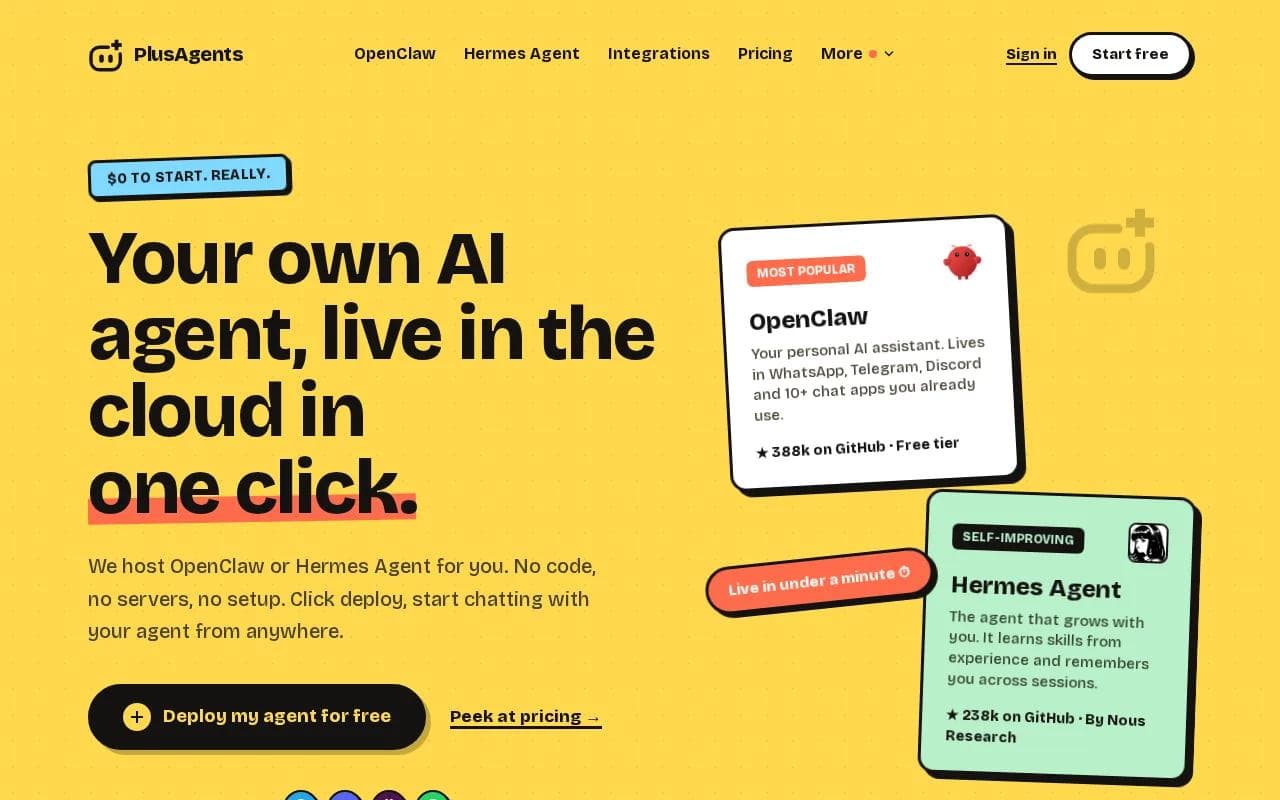
It fits freelancers, remote workers, and small business owners who want one assistant for meeting follow-up, research, email triage, and recurring tasks. You can ask it to turn a meeting summary into a follow-up email, research a question from the call, or remind you about an open task. If turning those action items into a reliable workflow is the priority, compare it with these AI assistants for task management.
We handle deployment, updates, monitoring, and the server work. Each plan includes monthly LLM credits, so you don't need to set up an API key before your agent can respond. Paid plans stay on, while the free plan gives you $1 in monthly credits and one active hour per day.
That distinction matters. PlusAgents is a broad personal AI agent, not a dedicated meeting recorder with a built-in transcript library. You may need to give it a transcript or connect another workflow when precise speaker labels and call capture are the main need.
For a wider look at agent-based workflows, our guide to AI personal assistants compares memory, integrations, and daily work support.
Key Takeaway: Choose PlusAgents when meeting follow-up is one part of a larger assistant workflow, not the whole job.
2. Convo
Convo is built for people who want help during the meeting as well as after it. Its listed features include live support, suggestions during calls, context from past conversations, post-call summaries, action items, and searchable transcripts.
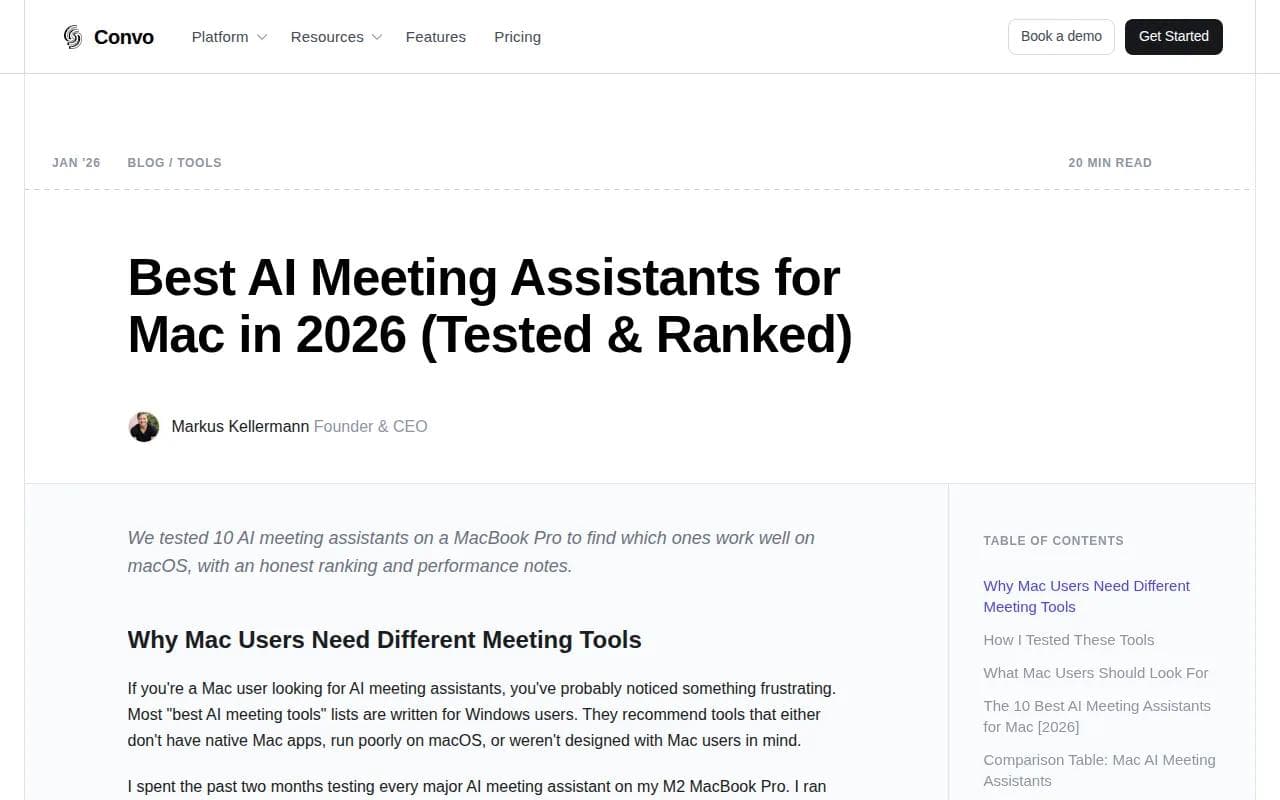
It fits teams that move between Zoom, Google Meet, and Microsoft Teams. That cross-platform scope matters because many meeting assistants still center on Zoom. A tool that works across the services your clients already use can cut down on missed recordings and manual uploads.
Convo is a better match for a team that wants meeting context to carry forward. A customer asks about a decision from last month, for example. Searchable past conversations can help the account owner find the relevant thread before replying.
If your team uses several meeting platforms, test one full week of calls before judging Convo. The key question is simple: does it capture the meetings you actually attend, not just the ones you schedule?
3. Otter.ai
Otter.ai focuses on live transcription, searchable meeting knowledge, summaries, and action items. It suits individuals and small teams that want a familiar note-taking layer across recurring calls.
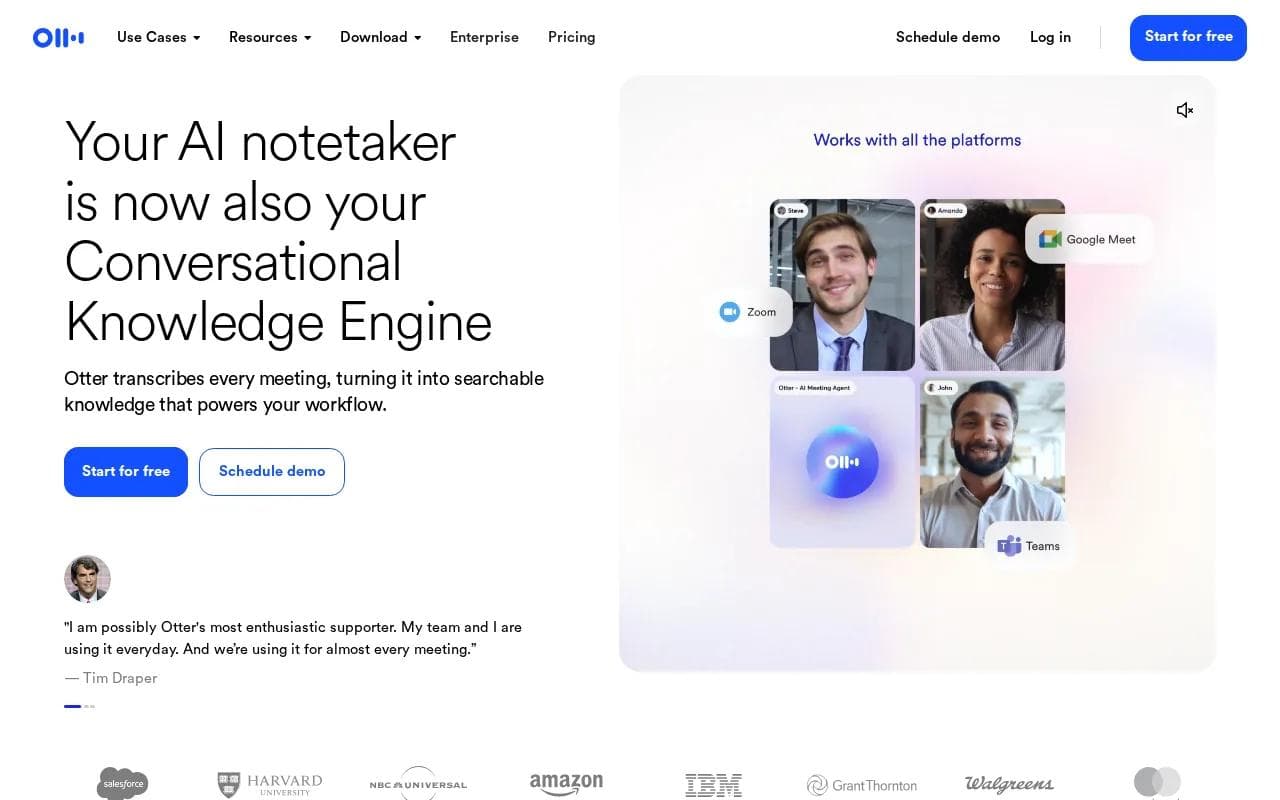
Otter offers live transcription, speaker recognition, meeting search, and automatic capture of decisions and next steps. Its desktop-based capture can work without a visible bot joining the call, depending on the setup.
That makes Otter useful for interviews, lectures, sales calls, and internal reviews. A product researcher can search past conversations instead of opening every transcript. A sales rep can review the action items before sending a follow-up.
Integration details can vary by plan, so check the exact tier before promising a CRM workflow to your sales team.
The main caveat is scope. Otter is strong when the source of truth is the meeting itself. It may feel limited if you need one search layer across email, chat, project work, and transcripts.
For pure capture, though, it remains easy to understand. Record the call, let the transcript build, then review the summary as a first draft rather than treating every generated line as a final record.
4. Fireflies.ai
Fireflies.ai is a transcription and conversation analysis tool with a clear focus on team call data. It can record, transcribe, summarize, search, and analyze conversations across several capture methods.
Fireflies can record and transcribe Zoom meetings and provide AI-powered insights. It fits sales and customer-facing teams that need meeting data to move into another system.
Fireflies fits sales and customer-facing teams that need meeting data to move into another system. That can reduce the gap between a call and the next pipeline update, especially when reps handle many external conversations each week.
It also has AI Skills for tasks such as extracting details, drafting follow-up emails, and scoring candidates. Those features push it past basic transcription, but they also increase the need for access rules and review. Decide who can search recordings and how long your team should keep them.
The free-plan story needs care. Storage limits can differ from active-use limits, so read the current plan terms before comparing free tiers by headline alone.
Pro Tip: If CRM updates matter, test the full path from call capture to record update. A summary in a dashboard isn't the same as a completed sales workflow.
Fireflies makes more sense for a team that wants meeting records to feed a sales or support process. For a person who only needs a clean recap after one weekly call, its wider feature set may be more than necessary.
5. Read AI
Read AI connects meetings with emails, messages, documents, and project tools. It fits teams that need to find the full story behind a decision, rather than searching meeting transcripts in isolation.
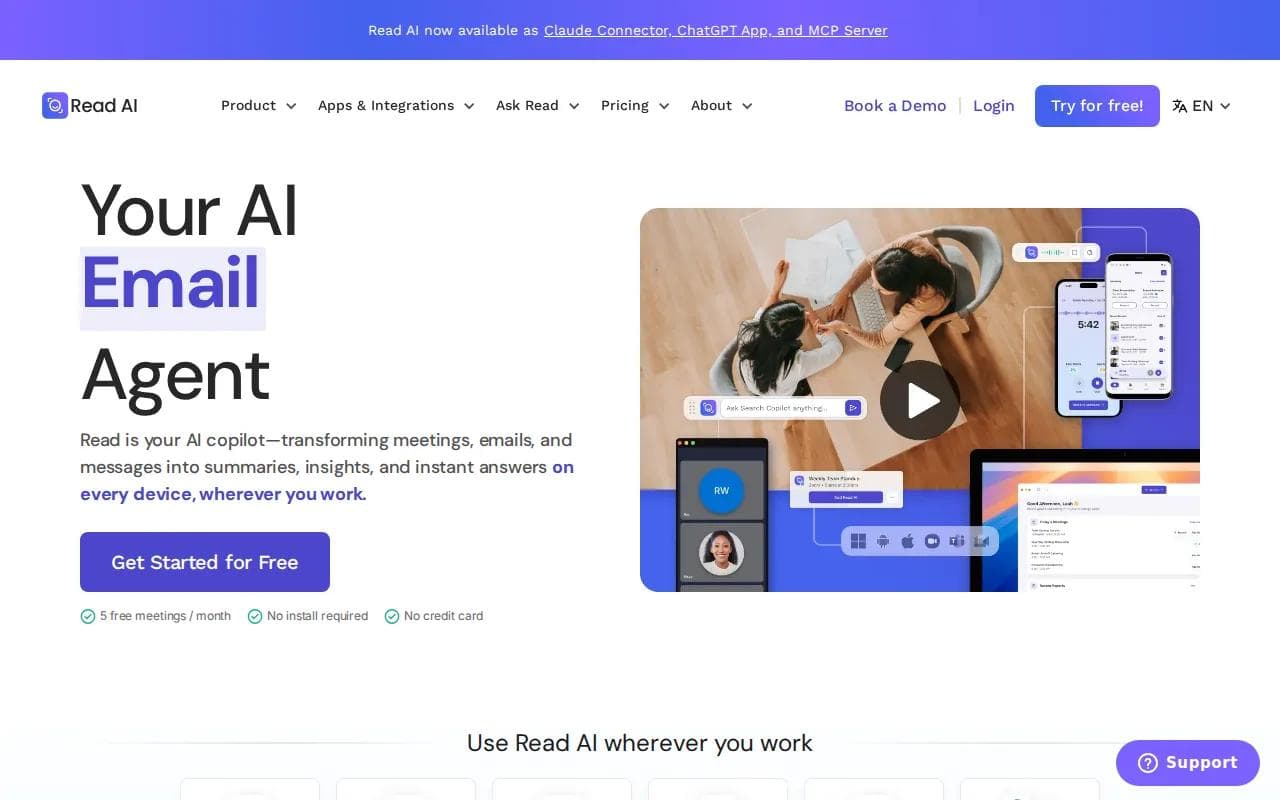
It also tracks action items across channels, provides weekly briefings, and gives real-time speaker coaching. Its documented integrations include Slack, Jira, Salesforce, Notion, and Outlook.
Imagine a launch decision made in a call, refined in Slack, and assigned in Jira. Read AI aims to connect those pieces. That can help a project manager find the latest status without checking each system by hand.
Read AI also supports bot and bot-free capture options, plus meeting recording across web and mobile devices. It offers a free tier with up to five meetings per month, while paid plans start at $19.75 per user each month. Pricing and limits can change, so treat those figures as a comparison point rather than a promise.
Its limitation is fit. If you only need a transcript and a short recap, cross-channel intelligence may add setup and admin work you won't use. If your team loses decisions across email, chat, and calls, that extra layer may earn its place.
Best AI Meeting Assistants Compared
The right option depends on what happens after the call. Note-taking tools focus on capture. Cross-channel tools focus on retrieval. Agent platforms focus on the next task. If scheduling is part of the problem too, these AI calendar apps are worth comparing alongside meeting assistants.
Option | Best fit | Useful strength | Watch for |
|---|---|---|---|
PlusAgents | Personal assistant workflows | Research, chat, and task automation | Not a dedicated meeting recorder |
Convo | Multi-platform meetings | Live support and searchable context | Confirm current pricing and automation |
Otter.ai | Transcription-focused users | Live transcripts and meeting search | CRM access may depend on plan |
Fireflies.ai | Sales and customer teams | CRM automation and conversation analysis | Review data access and retention |
Read AI | Cross-channel teams | Search across meetings and work apps | May exceed basic note-taking needs |
Compare the workflow you need, not only the transcript limit.
If your main goal is a broader personal agent, our guide to no-code AI agent platforms explains where hosted agents fit beside focused workplace tools.
Key Takeaway: Pick the tool that closes your follow-up loop, whether that means a searchable transcript, a CRM update, or an assistant that handles the next task.
FAQ
What do AI meeting assistants do?
AI meeting assistants record or receive meeting audio, turn it into text, and produce summaries or action items. Some also search past calls, coach speakers, or push details into a CRM. The best AI meeting assistants for your needs depend on whether you want simple notes, cross-channel search, or follow-up automation.
Are free AI meeting assistants useful?
Free AI meeting assistants can work for light use, but many cap minutes, meetings, storage, or features. Free plans often have limited allowances. Check whether the limit applies per meeting, per month, or to stored recordings before choosing a free plan.
Which meeting assistant works across Zoom and Google Meet?
Convo, Otter.ai, Fireflies.ai, and Read AI are listed with support beyond a single meeting platform, though the exact scope varies by plan. Confirm Microsoft Teams, Slack, bot-free capture, and mobile recording if those are part of your routine. Integration breadth often matters more than a small price gap.
Can an AI meeting assistant update my CRM?
Yes, some AI meeting assistants can send meeting data into CRM systems. Fireflies.ai emphasizes CRM automation, while Read AI connects meeting context with sales and project tools. Otter.ai also describes CRM workflows, but access may depend on the plan. Test one complete update before rolling out the tool.
Is PlusAgents a meeting note-taking app?
PlusAgents is a broader hosted AI agent service rather than a dedicated meeting note-taking app. It can help with research, email follow-up, recurring tasks, and chat-based work through OpenClaw or Hermes Agent. Use it when meeting follow-up sits inside a larger personal workflow, not when you only need automatic call transcription.
Conclusion
Choose a dedicated note tool when transcripts are the job. Choose Read AI or Fireflies.ai when meeting data must flow into wider team systems. For a broader assistant that can act on meeting follow-up, PlusAgents is the sensible place to start. Deploy a free agent, give it one repeatable task, and see whether it earns a place in your workday.
Ready to meet your agent?
Deploy OpenClaw or Hermes Agent in one click. Free to start.
Deploy my agent for free