Table of contents

Most no-code AI chatbot tools still expect you to think like a developer. That leaves busy people sorting through servers, API keys, and confusing limits before the bot says hello.
To create an AI chatbot, start with one job, pick a hosting path that fits your skills, then add knowledge, tools, rules, and tests. You can build the first useful version without writing code.
We read the 25 most recent Capterra reviews each for three no-code chatbot builders, Landbot, Botpress, and Chatbase, 75 reviews in total. Twenty of those reviews, 27 percent, cited technical hurdles like developer help or API setup before the bot worked as promised. Chatbase reviews alone included 4 reports of the bot answering with information outside its trained material. Builders marketed as no-code still demand real technical patience, which supports narrowing the bot's job and testing it before launch.
Step 1: Define What Your AI Chatbot Should Do
Before you create an AI chatbot, write down the single job it must handle well. A clear job keeps your first version small enough to test.
Good first jobs are easy to spot. Your bot might answer questions from a team handbook, sort incoming email, give a morning briefing, or help members in a community chat. Pick one main user and one clear result.
- User: Who will message the bot?
- Task: What should it do after reading the request?
- Source: Which files, pages, or apps can it use?
- Success: What would a useful answer look like?
Say you want a support bot. Its first job could be, “Answer shipping questions from the current policy and send unusual cases to a human.” That is far easier to build than “handle all customer service.”
Choose the chat channel early. A team that lives in Slack needs a different setup from a creator who works in Telegram. Our guide to a Slack AI assistant covers the kind of search and workflow tasks that fit that channel.
There are three common chatbot shapes. A rule-based bot follows fixed paths. An AI bot handles open questions. A hybrid bot uses rules for sensitive steps and AI for flexible conversation. A chatbot is software that talks with people through text or voice.
Key Takeaway: Write one sentence that names the user, the task, and the result before you choose a tool.
By now, you should have a one-page brief, five to ten sample questions, and a clear line for human help. That brief becomes your build plan.
Step 2: Choose a No-Code Platform or Hosted AI Agent
The platform you choose decides how much technical work sits on your plate. When you create an AI chatbot, compare setup time, hosting, channel access, tool support, and usage limits.
Many products called no-code still aim at developers. Only a small group focused on non-technical users. Read the setup steps before trusting the label.
You have three sensible paths:
- Hosted agent: A service runs the agent for you. You click deploy and start chatting.
- No-code builder: You configure prompts, data, and flows in a web app.
- Self-hosted setup: You run the software on a server. This gives more control but adds maintenance.
For most solo users and small teams, hosted deployment is the cleanest first move, but many tools still charged per agent.
PlusAgents takes the hosted route. We host OpenClaw or Hermes Agent in our cloud, so you don't need a server, terminal, or separate AI billing account to start. The free plan costs $0 and includes $1 in monthly LLM credits, 2 vCPU, 4 GB of memory, and one active hour per day. Paid plans keep an agent active all day.
OpenClaw fits people who want an assistant in familiar chat apps. Hermes Agent fits people who want a learning loop, which means it can turn past work into reusable skills. You can try one first, then add the other when the use case is clear. Our first-week OpenClaw guide shows what that early setup feels like.
Check the limits before you commit. Ask how many active hours you get, whether model credits are included, and what happens when those credits run out. A cheap plan can become awkward when every useful action needs another bill.
By now, you should have one platform and one deployment path. Choose the simplest option that can reach your chosen chat channel.
Step 3: Connect Your Chatbot to Knowledge and Tools
An AI chatbot needs approved information before it can give useful answers. It also needs tools when the job involves action, such as checking a calendar or drafting an email.
Start with a small knowledge set. Gather the current documents that answer your sample questions. Remove old versions, mark sensitive files, and use plain file names. If two documents disagree, decide which one wins before the chatbot sees them.
Then define what the bot may do. Reading a policy is low risk. Sending an email or changing a record is higher risk. Require confirmation before actions that affect money, customers, access rights, or public messages.
PlusAgents supports app connections through OAuth. That means you approve each app in a sign-in window instead of handing your password to the agent. Connections can reach services such as Gmail, Notion, Slack, and many other apps through the integration layer. The free integration allowance comes from Composio, with heavier use billed by Composio directly.
OAuth lets an app receive approved access without exposing your password, which is why it is common for connected tools. Learn more about OAuth.
Connect one tool at a time. For an email assistant, start with read access. Test its summaries. Then add drafting. Only add sending after you have reviewed enough drafts to trust the flow.
Pro Tip: Give your chatbot a test account or a small folder first. A narrow sandbox makes mistakes cheap.
Keep a simple tool map:
- Tool name and purpose
- Data the tool can read
- Actions it can take
- Approval needed before each action
- Owner who can revoke access
For a chatbot that lives in WhatsApp, channel setup deserves its own check. Our guide to WhatsApp AI chatbot tools focuses on support, bookings, and lead tasks that need a clear handoff.
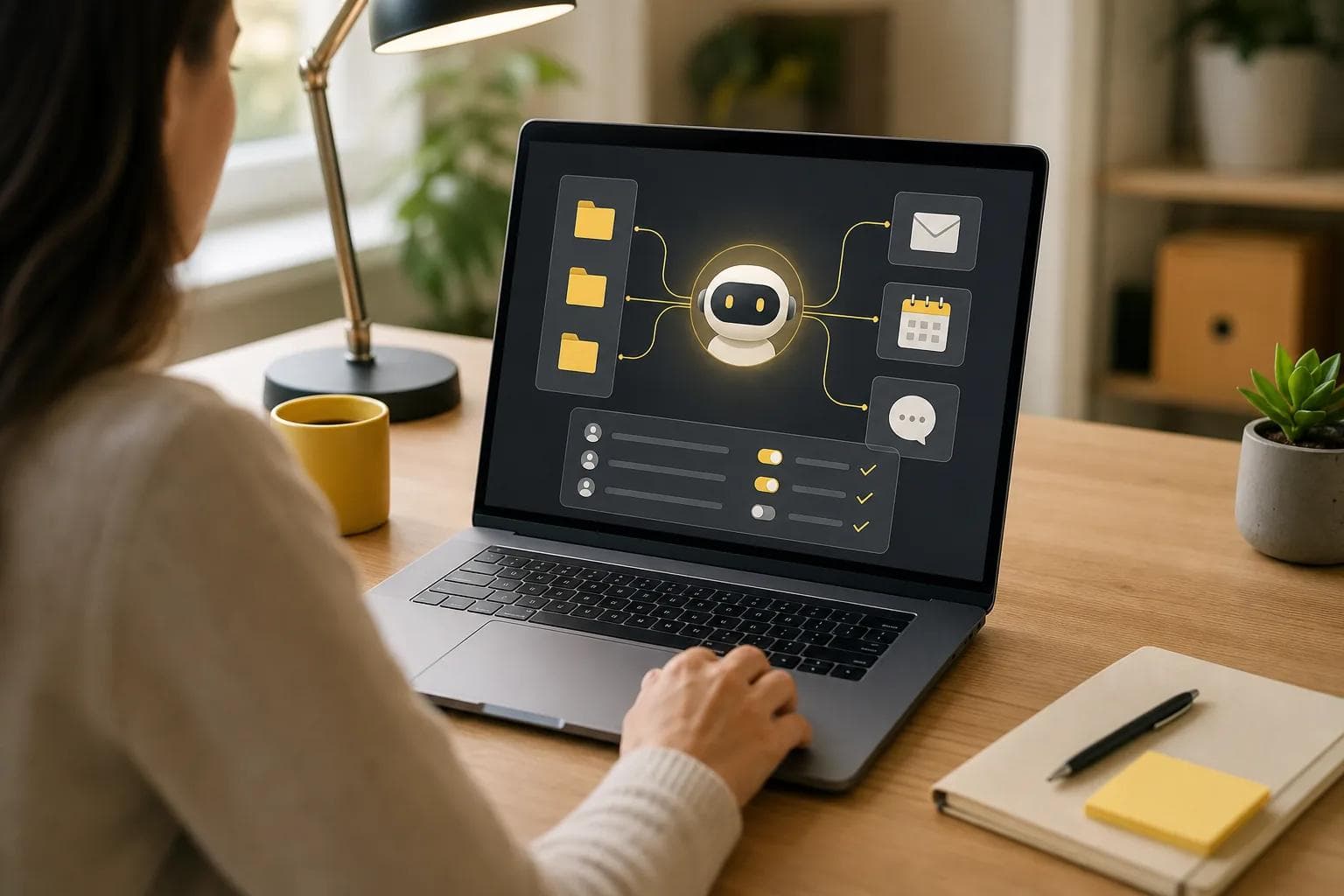
By now, your chatbot should have a small trusted knowledge base and only the tools needed for its first job. More connections can wait.
Step 4: Write Instructions, Conversation Rules, and Safety Limits
Clear instructions tell an AI chatbot how to act when the answer is easy, uncertain, or outside its job. This is where you turn a general model into a useful assistant.
Write the main instruction in plain language. State the bot’s role, audience, source of truth, tone, and limits. Add the response shape you want. For example: “Answer in three short paragraphs. Quote the policy title when you use one. If the policy does not answer the question, say so and send the user to HR.”
Set rules for uncertainty. The chatbot should say when it lacks enough information. It should not fill gaps with a confident guess. For sensitive work, tell it to pause and request human review.
Plan the fallback before launch. A weak fallback says, “I didn't understand.” A useful one names the nearest options and gives the person a next step. This helps people move forward instead of trapping them in a loop.
Use a short recovery pattern:
- Say what the chatbot could not identify.
- Offer two or three likely choices.
- Ask one narrow follow-up question.
- Give a human route when the issue needs judgment.
Write safety limits as actions, not vague warnings. “Never reveal private employee data” is useful. “Be safe” is not. Add rules for passwords, payment details, personal data, legal advice, medical advice, and external messages when those risks apply.
Test prompt injection too. That is when a user tries to make the bot ignore its rules or reveal hidden instructions. Keep system instructions separate from user content, limit tool permissions, and log actions that need review.
For a community assistant, tone matters as much as accuracy. A Discord bot should be brief in a busy channel. Our guide to Discord AI chatbot options is useful when you need to think through Q&A, moderation, or automation in that setting.
By now, you should have a short instruction set, fallback replies, approval rules, and a list of topics the bot must refuse or escalate. Keep the rules short enough to update.
Step 5: Test, Launch, and Improve Your AI Chatbot
Testing shows whether your AI chatbot works outside the happy path. Do not launch after one friendly conversation. Use the awkward questions first.
Build a test sheet with your sample questions. Add misspellings, vague requests, conflicting documents, empty messages, and questions outside the bot’s role. Test each connected tool with safe data. Check the answer, the action, the source used, and the handoff.
Score each result with a simple pass or fail. A pass means the answer is correct, uses the right source, follows the tone rule, and takes no unapproved action. A fail gets a note that points to the fix. Maybe the source needs an update. Maybe the instruction is unclear. Maybe the tool has too much access.
Security testing deserves its own round. Try to make the chatbot reveal its private instructions. Ask it to expose another user’s data. Tell it to skip approval. Try a long prompt that mixes a real request with an unsafe command.
External quality testing services often use hundreds of scenarios across wrong answers, security gaps, inappropriate replies, and broken conversations. You can use the same idea at a smaller scale with 20 focused tests. More tests help, but good coverage matters more than a large number.
Launch to a small group first. Watch real chats for repeated confusion. Track questions that cause a fallback, actions that need correction, and cases that reach a human. Do not judge the bot only by how often it replies. A fast wrong answer is still a failure.
PlusAgents gives you a dashboard with logs, a file browser, and controls to restart or update your agent. We also handle routine hosting work, while you decide what the assistant should know and do. Credits are visible, and the agent pauses when its included allowance runs out instead of silently billing you.
If your main use case is Telegram, our guide to Telegram AI chatbot tools can help you compare channel needs before you connect more apps.
Improve one failure at a time. Change one instruction, source, or permission. Then rerun the failed test. That learning loop keeps you from changing five things and losing track of what fixed the problem.
FAQ
Can I create an AI chatbot without coding?
Yes, you can create an AI chatbot without coding by using a hosted agent or no-code builder. You choose its job, add approved knowledge, set rules, and connect a chat channel. A hosted service such as PlusAgents handles the server setup, updates, and monitoring, so you can focus on the assistant’s behavior.
How much does it cost to make an AI chatbot?
The cost depends on hosting, model use, connected tools, and the number of users. Some platforms charge per agent or per user. PlusAgents has a $0 plan with limited active time and included LLM credits. Paid plans start at $19 per agent each month, with more active time and credit.
What should my chatbot know?
Your chatbot should know the current information needed for its first job. Add a small set of approved documents, then remove old versions and resolve conflicts. If the bot answers policy questions, give it the current policy source. If it handles email, define which messages it may read and what needs approval.
How do I stop an AI chatbot from making things up?
Give the chatbot trusted sources and tell it to admit uncertainty. Ask it to cite the source title when that helps. Limit open-ended claims, require confirmation before risky actions, and test questions with missing information. No setup removes every wrong answer, so review logs and fix repeated failures.
How long does it take to build an AI chatbot?
A small hosted chatbot can be ready in minutes, but useful testing takes longer. PlusAgents agents can deploy in under a minute. Plan extra time for cleaning source files, writing fallback replies, checking permissions, and running test questions. A narrow first version usually reaches a safe launch sooner than a broad one.
Conclusion
Start with one job and a small knowledge set. For a no-code path, deploy an agent through PlusAgents, connect one chat channel, and run your first 20 tests before adding more tools. When you want to see what the agent can do day to day, begin with the OpenClaw first-week guide.
Ready to meet your agent?
Deploy OpenClaw or Hermes Agent in one click. Free to start.
Deploy my agent for free