Table of contents

Slack can answer questions, sum up long threads, and kick off routine work without making you switch tabs. The best Slack AI assistant depends on one thing: do you need workspace search, a task agent, coding help, or a personal assistant across chat apps? Here are 10 named options and who each one actually suits.
1. PlusAgents
PlusAgents hosts no-code AI agents that live in Slack, WhatsApp, Telegram, Discord, and other chat apps. It’s best for people who want one personal assistant across work and personal channels.
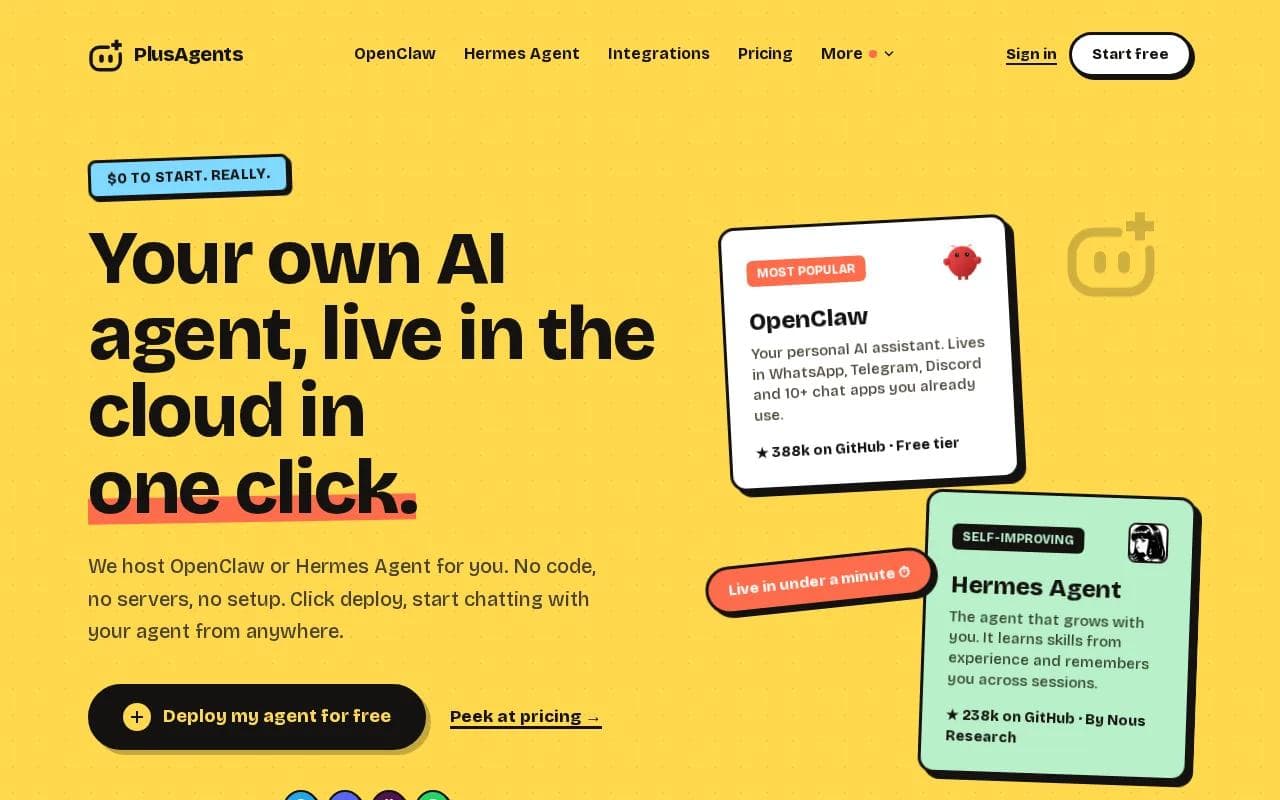
We host OpenClaw and Hermes Agent in our cloud. You can deploy either with one click, then use the agent for email triage, web research, task automation, and memory across sessions. That cross-platform reach is the big difference. Most Slack assistants stop inside Slack.
You get monthly LLM credits, so you don’t need to add API keys before the first task. The free plan starts at $0, with 1 active hour per day and capped credits. Paid plans stay on, and we handle the servers, updates, monitoring, and dashboard.
PlusAgents is a strong fit if you want a personal assistant rather than another team app. It’s less suited to a large company that needs deep Slack admin controls or a tightly governed enterprise rollout.
For a wider look at personal assistants, compare these best AI personal assistants by memory, integrations, privacy, and daily use.
Want the short version? Click deploy. If you can click a button, you can get an agent running. Really.
2. Slackbot: Native Slack search and summaries
Slackbot is Slack’s built-in AI agent for work. It’s best for teams that want answers grounded in their existing Slack workspace.
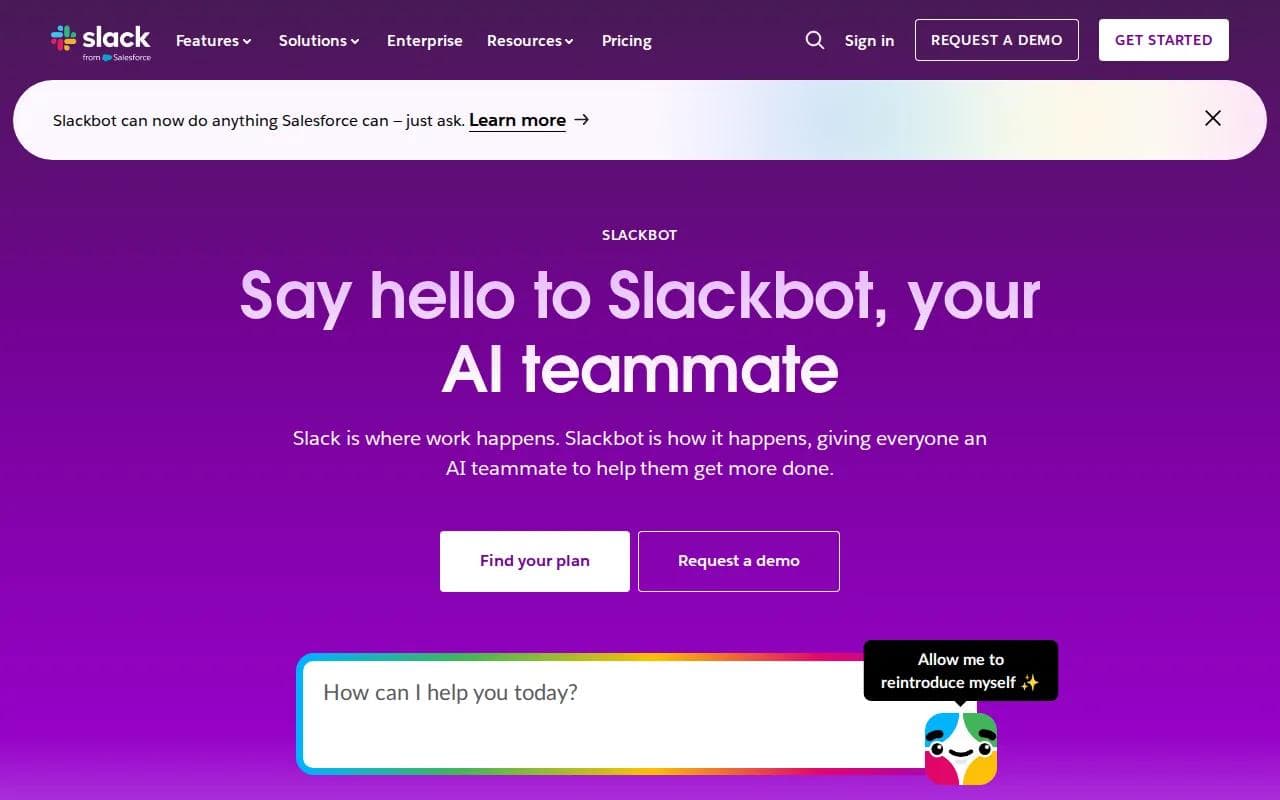
Slackbot can help with search, catch-up summaries, meeting prep, and finding people or files. You can ask a natural question such as, “What changed in the launch plan last week?” instead of guessing the exact channel or phrase.
That context is the main draw. Slack already contains messages, files, people, and work discussions. Slackbot can use the context available to your account, which makes a short prompt more useful. Slackbot works inside the workspace. More about Slackbot.
The caveat is scope. Slackbot is mainly a Slack-first choice. If you want the same assistant in Telegram or WhatsApp, you’ll need another tool. Access also depends on your workspace plan and admin settings.
3. Slack AI: Built-in workspace context
Slack AI adds native search and summaries to Slack. It’s best for teams already using an eligible Business+ or Enterprise Grid plan.

The useful parts are channel catch-up, thread search, and questions about message history. Imagine returning from a day off and asking for the main decisions in a project channel. Slack AI can turn that backlog into a short brief.
It also supports the small actions that save time after meetings. A thread can become a summary or a starting point for a new idea. Meeting notes can capture follow-up points, while workflow tools can turn plain instructions into recurring check-ins or other actions.
Slack AI stays inside Slack’s context. It doesn’t know your inbox, can’t manage your calendar, and doesn’t keep personal memory outside the workspace context. That makes it a clean team choice, but a limited personal assistant.
4. ChatGPT integration for Slack: Drafts and answers in chat
The ChatGPT integration for Slack connects OpenAI’s assistant to permitted Slack messages, threads, and channels. It’s best for people who already use ChatGPT and want answers without leaving their work chat.
Common jobs include summarizing a channel, drafting a reply, preparing a meeting brief, and finding the discussion behind a decision. With admin approval, it can also take actions such as creating reminders or uploading files.
There’s a useful difference between search and action. Search helps you find the answer. An action changes Slack on your behalf. That second step needs careful permission review, especially in private channels or workspaces with strict data rules.
Availability depends on your ChatGPT plan, region, Slack workspace, and administrator settings. If your goal is broader automation beyond Slack, a hosted agent may be easier to manage. For other productivity workflows, these AI productivity tools give you more options.
5. Agentforce: Task-specific Slack agents
Agentforce lets companies build and deploy task-specific AI agents in Slack. It’s best for organizations that need agents tied to defined service or business jobs.

A task-specific agent might handle a narrow support flow, answer questions from approved business data, or guide a staff member through a set process. The point is control. You define what the agent is for instead of giving it a wide personal role.
That approach can work well when different teams need different agents. A sales team may need one kind of helper, while support needs another. The trade-off is setup and governance. This isn’t the pick for someone who wants a personal assistant running in minutes.
Choose Agentforce when the business process comes first. Choose a personal agent when your own inbox, tasks, and chat habits are the main problem.
6. Claude Code: Coding tasks from Slack threads
Claude Code brings coding tasks into chat threads. It’s best for developers who want to turn a Slack request into a code task without losing the discussion around it.

A team can discuss an incident, point to past postmortems, and ask for help with the next code change. One documented project used Claude Code as the agent brain for an incident assistant that searched past incidents and summarized them for support and on-call teams.
This is a strong pattern for technical teams. The thread holds the context, while the coding agent handles a task linked to that context. It can also connect with tools through MCP, a way to give an AI model access to approved services.
The limitation is clear: this is a developer tool, not a general Slack AI assistant for everyone. You’ll still need technical setup, code review, and permission controls before production use.
7. Vellum: A persistent memo for Slack teams
Vellum is a personal assistant that works across Slack, email, and calendar with shared persistent memory. It’s best for Slack-based teams that want one assistant to connect communication with scheduling.
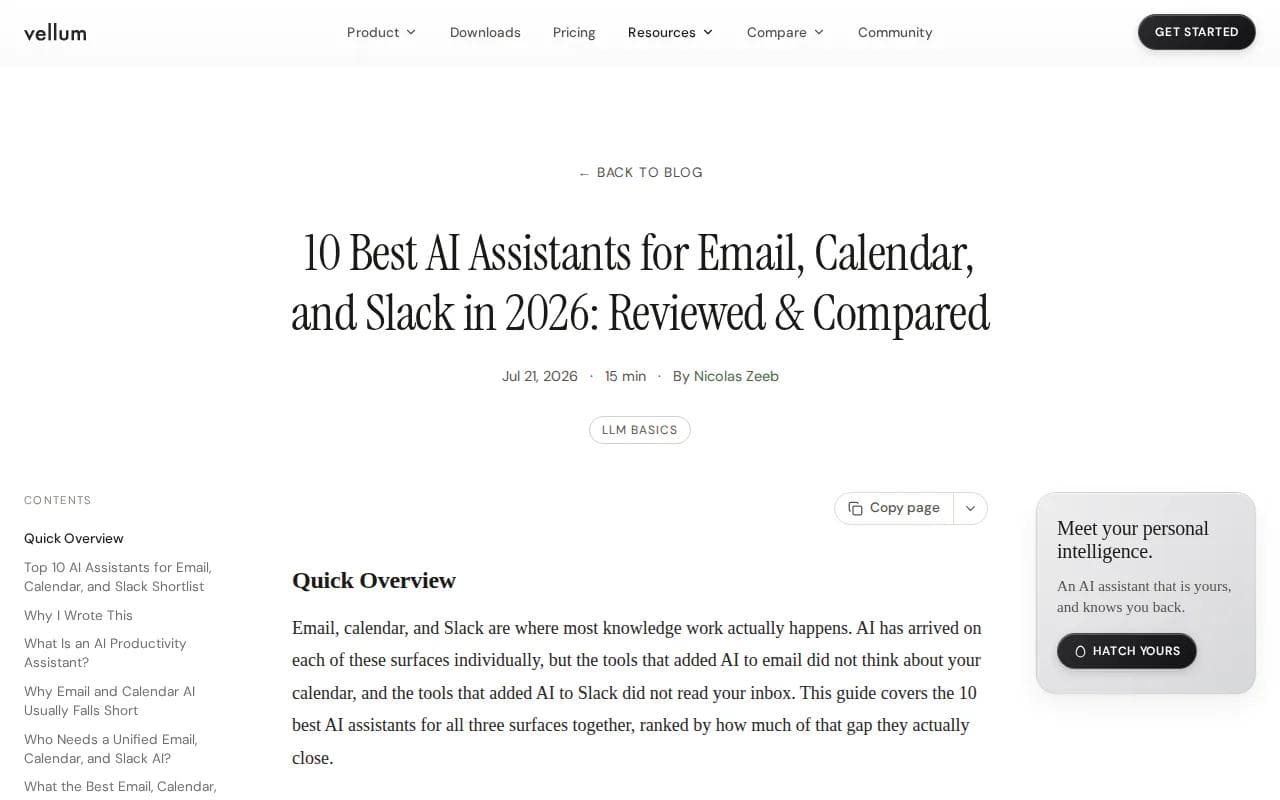
Vellum can read channels, summarize threads, draft messages, help with email, and manage calendar work. Its key idea is a persistent memo. The assistant keeps useful context across surfaces instead of treating every new chat as a blank page.
That matters when a Slack thread leads to an email, then to a calendar block. A Slack-only tool may summarize the first part but miss the follow-up work. Vellum closes more of that gap, and it has a free download option.
The trade-off is that it’s a broader personal assistant with more moving parts. If all you need is a quick channel recap, Slack AI may feel simpler. If the handoff between chat, email, and calendar is the pain, Vellum is more interesting.
8. Lindy.ai: Flexible custom Slack automations
Lindy.ai is a flexible platform for building custom AI agents. It’s best for technically confident users who want to configure their own Slack workflows.

Possible workflows include email triage, meeting scheduling, and posting updates in Slack. The appeal is flexibility. You can shape the agent around the way your team works instead of accepting one fixed assistant.
Lindy has a free tier, but it isn’t an out-of-the-box tool. You’ll need to configure the agent, connect services, and test the rules. That work is fine for a builder. It may be frustrating if you want an assistant that simply starts working.
For a no-code route with hosting included, compare no-code AI agent platforms before spending time on setup.
9. Vellum: Slack-based team assistant
Vellum is best for Slack-based teams and is available as a free download. It can read channels, summarize threads, and draft and send messages.
It also supports email drafting and calendar management. Its key differentiator is a single AI with a persistent memo.
That gives you Slack, email, and calendar capabilities in one assistant. You can use it to catch up on channels, prepare messages, draft emails, and manage calendar tasks.
If you want one assistant for these tasks, Vellum is worth considering. Review its listed capabilities against the work you want it to handle.
10. Vellum: A Slack-based AI assistant
Vellum is best for Slack-based teams and is available as a free download. It brings several work tasks into one AI assistant.
Vellum can read channels, summarize threads, draft and send messages, draft emails, and manage calendars. That gives you one place to handle Slack conversations alongside email and calendar work.
Its key differentiator is a single AI with a persistent memo. That can make it easier to keep your work context together instead of switching between separate tools.
If you’re researching several small AI products alongside open-source projects, a discovery site such as this one can help you find apps and micro-SaaS tools.
Slack AI assistant comparison table
Use this table to match the tool to the job. The key split is between Slack-only helpers, custom workflow builders, and assistants that follow you across chat apps.
Tool | Best fit | Main strength | Main trade-off |
|---|---|---|---|
PlusAgents | Personal cross-app help | One-click hosting across chat apps | Credits and active-time limits on free use |
Slackbot | Slack workspace search | Native context and summaries | Slack-first scope |
Slack AI | Business+ teams | Catch-up and thread search | No inbox or calendar memory |
ChatGPT integration for Slack | ChatGPT users | Answers, drafts, and permitted actions | Plan and admin limits |
Agentforce | Business process agents | Task-specific deployment | Needs business setup |
Claude Code | Developers | Coding from chat context | Technical workflow |
Vellum | Slack, email, and calendar users | Persistent shared memo | Broader setup than Slack search |
Lindy.ai | Custom automation builders | Flexible agent design | Requires configuration |
Prompt-based assistants | Custom workflows | Tailored behavior and actions | Permissions need review |
Open-source AI agents | Technical teams | Code and deployment control | You own maintenance |
What to look for in a Slack AI assistant
Start with the job, not the model name. For thread summaries, native Slack context may be enough. For recurring check-ins, look for triggers and actions. For personal productivity, check memory and support for the other chat apps you already use.
- Context: Can it search only Slack, or can it work across email, calendar, and other apps?
- Permissions: Can an admin limit channels, actions, and connected accounts?
- Memory: Does useful context survive beyond one thread?
- Setup: Do you want one-click hosting, guided configuration, or full self-hosting?
- Cost: Check plan limits, model credits, and paid Slack requirements.
Privacy matters too. Treat every connected account as a real permission grant. Start with low-risk channels, review the scopes, and keep a person in the loop before an agent sends messages or changes records.
Slack AI assistant FAQ
What is the best Slack AI assistant?
PlusAgents is our recommendation if you want a personal Slack AI assistant that also works in WhatsApp, Telegram, Discord, and other chat apps. Slackbot or Slack AI may fit better when you only need workspace search and summaries. The right pick depends on whether your work stays inside Slack or moves across several chat tools.
Does Slack have a built-in AI assistant?
Yes, Slack has built-in AI features through Slackbot and Slack AI. They can help with channel catch-up, thread search, workspace questions, and summaries. Access depends on your Slack plan and admin settings. These tools are strongest when the information you need already lives in Slack.
Can ChatGPT work inside Slack?
Yes, ChatGPT can connect to Slack and search permitted messages, threads, and channels. Depending on account and workspace settings, it may also draft replies or take approved Slack actions. Admin approval, OAuth scopes, region, and plan availability can affect what you can use.
Can a Slack AI assistant summarize a thread?
Yes, a Slack AI assistant can summarize a thread when it has access to that conversation. Native Slack tools are built for this task, while connected assistants may also turn the summary into a brief, reply draft, or follow-up task. Always check names, dates, and action items before sharing the result.
Are Slack AI assistants free?
Some Slack AI assistants have a free tier or free download, while others require a paid Slack plan, a ChatGPT plan, or usage credits. PlusAgents starts at $0 with limits on active time and LLM credits. Custom and open-source options may avoid a software fee but still need setup or hosting.
Conclusion
Pick PlusAgents if you want one hosted assistant that can follow you beyond Slack without server work. Start with the free plan, connect one low-risk workflow, and test whether an agent that remembers your work across chat apps saves you time. For the wider cross-channel use case, compare these WhatsApp AI chatbot tools next.
Ready to meet your agent?
Deploy OpenClaw or Hermes Agent in one click. Free to start.
Deploy my agent for free