Table of contents

A Notion AI assistant can do more than answer a prompt. The right setup can build pages, update databases, sort meeting notes, or work in your chat apps while you focus elsewhere. But there’s a catch: Notion’s own options differ sharply, and persistent memory isn’t clearly promised. Here are the top choices and who each one fits best.
1. PlusAgents
PlusAgents is a no-code personal AI assistant that lives in the chat apps you already use. It’s best for freelancers, remote workers, small business owners, and anyone who wants an assistant without touching a server.

We host OpenClaw and Hermes Agent in our cloud. You can deploy either with one click, then use the agent through WhatsApp, Telegram, Discord, Slack, or other supported chat apps. It can help with email triage, web research, task work, and automation. Hermes Agent can also learn skills from use and remember you across sessions.
That last point matters if you want an assistant that keeps useful context instead of starting cold each time. PlusAgents is a better fit when you want an assistant that keeps useful context.
The free plan starts at $0. It includes one active hour per day, $1 in monthly LLM credits, and a 2 vCPU, 4 GB setup. Paid plans stay on, with monthly credits included. You can also bring your own API keys or top up credits.
There are limits. The free plan won’t run all day, and LLM credits are capped. Still, if you want a Notion-connected assistant without code, PlusAgents is the clearest first pick. You can also see our comparison of no-code AI agent platforms for a wider view.
2. Notion AI
Notion AI is the best Notion AI assistant for teams already working inside Notion. It focuses on search, summaries, writing help, translation, action items, and content work within the workspace.
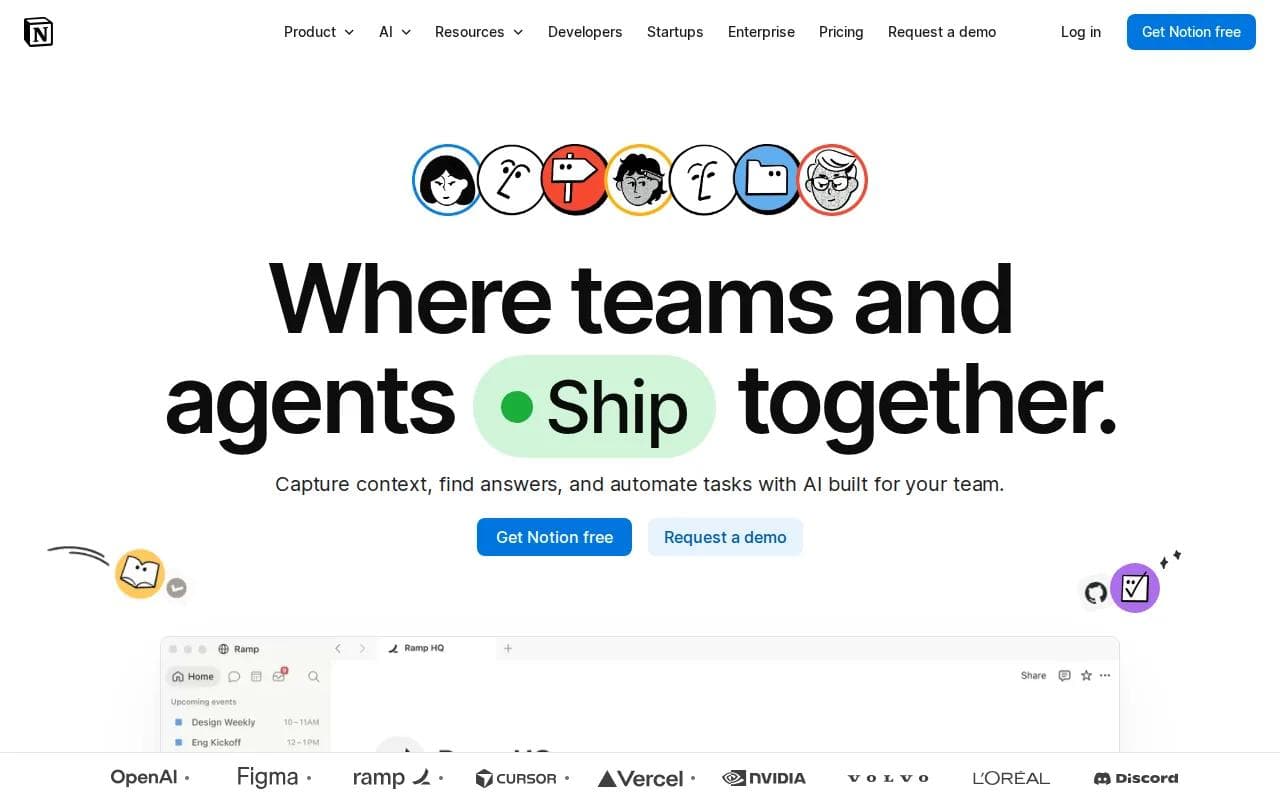
Regular Notion AI chat is useful when you want an answer or a draft. The newer agent-style experience goes further. It can create pages, query databases, edit content, and help set up workspace structures. For example, you could ask it to turn rough meeting notes into a weekly update page instead of copying the answer by hand.
It can also work with connected sources such as Slack, Google Drive, and the web, subject to your access. That makes it useful for a launch review. You might ask it to collect workspace notes, pull related Slack threads, and shape the result into a short report.
Workflows include product-feedback triage, support-ticket work in Slack, security-alert response, and weekly reporting.
Notion AI has broad device support across web, macOS, Windows, iOS, and Android. The bigger caveat is memory. Persistent memory across sessions isn't advertised, so personalization may depend on instructions and workspace context.
3. Notion Custom Agents
Notion Custom Agents are for teams that want background work triggered by schedules or events. They’re best for repeat workflows such as weekly reports, feedback triage, support handling, and security-alert response.

This is the main difference between a regular Notion AI assistant and a custom agent. A chat assistant waits for your request. A custom agent can run on a schedule or react to a trigger. You give it instructions, tools, and access, then let it handle a defined job.
Examples include triaging product feedback, resolving support tickets in Slack, responding to security alerts, automating weekly reporting, and making developer tools. The agent can also work with permissions rather than seeing everything by default. That matters when a team has sensitive pages or private project data.
Custom Agents are much narrower in platform reach than Notion AI. Slack is their integration platform. Treat those details as plan or rollout dependent, and check the current workspace controls before building a key workflow.
Access is another limit. Credit use can also matter when agents run on their own. If your task only needs a quick answer, a background agent may add cost and setup without adding much value.
Custom Agents are tools that do work for teams, rather than only helping with a prompt. That distinction is useful.
4. Personal AI Assistants With Notion Memory
Personal AI assistants with Notion memory are a category for people who want Notion to act as a long-term reference store. They’re best when your assistant needs stable details about your work style, recurring tasks, or preferred output.

A usable setup uses an instructions page. Put your tone, key databases, common workflows, and rules in one place. Each new chat can then use that page as context. You might tell the assistant to turn a pasted Slack link into a task, or to add a topic to your next one-on-one meeting.
This setup feels like memory, but there’s an important distinction. Stored instructions are not the same as an assistant independently remembering every past chat.
Choose this category if you enjoy building a personal workspace system. Choose PlusAgents if you want memory across sessions without designing the whole system yourself.
5. No-Code Notion Task Assistants
No-code Notion task assistants help turn loose requests into structured work. They’re best for people who already keep tasks in a Notion database and want less manual data entry.

A useful workflow starts with a clear database. Give it fields for status, owner, due date, and priority. Then ask the assistant to create a task from a message, mark overdue items, or identify a workload problem.
You still need to review changes, especially when dates or owners affect other people.
These tools fit best when your process already exists. They won’t fix a database that has unclear rules, duplicate fields, or no agreed owner for each task.
For a wider look at email, scheduling, and task workflows, our guide to AI assistants for task management is a useful next read.
6. Notion Meeting-Notes Assistants
Notion meeting-notes assistants turn raw notes into pages, agendas, and follow-up work. They’re best for teams that lose time cleaning up notes after every meeting.

You can ask an assistant to pull out decisions, blockers, and next steps. It can then draft a weekly update or place the result in a new page. In a structured meeting database, it may also add an agenda topic to the right meeting record.
The value comes from the handoff. Instead of leaving notes in a temporary page, you move them into the same system that holds projects and tasks. That gives the team one place to check what was decided.
Be careful with names, dates, and implied commitments. An assistant may produce clean prose while getting one detail wrong. A quick human review still belongs in the process, especially for client meetings.
7. Notion Database Automation Assistants
Notion database automation assistants are built for repeat changes inside structured pages. They’re best for teams that spend too much time editing properties, views, and records by hand.

Common jobs include adding a missing status, grouping work by owner, updating a project page, or building a dashboard from an existing database. A well-written request should name the database, the field to change, and the rule to follow.
For example, “Review the project tracker and mark past-due tasks as overdue” is clearer than “clean up my tasks.” The first request gives the assistant a testable condition. You can inspect the result before accepting wider changes.
The main risk is scale. One wrong instruction can affect many records. Start with a small database or ask for a proposed change before allowing edits.
8. Cross-Workspace Research Assistants for Notion
Cross-workspace research assistants search across Notion, connected tools, and sometimes the web. They’re best for projects where useful facts sit in several places.

Picture a product launch review. The assistant could gather launch pages from Notion, related Slack threads, and recent web material. It could then produce a report with blockers, open questions, and dates that need checking.
This approach saves time because you don’t have to search each source in turn. It also raises a permission question. The assistant should only use sources you’re allowed to access, and the final report should show where important claims came from.
Cross-workspace search is strongest when your pages use clear names and consistent tags. Messy source material still creates messy results, just faster.
Researchers may also want our comparison of AI tools for research, especially when the task extends beyond a Notion workspace.
9. Notion Assistants Connected to Slack and Calendars
Notion assistants connected to Slack and calendars help move work between communication and planning tools. They’re best for teams that repeat the same handoffs each week.
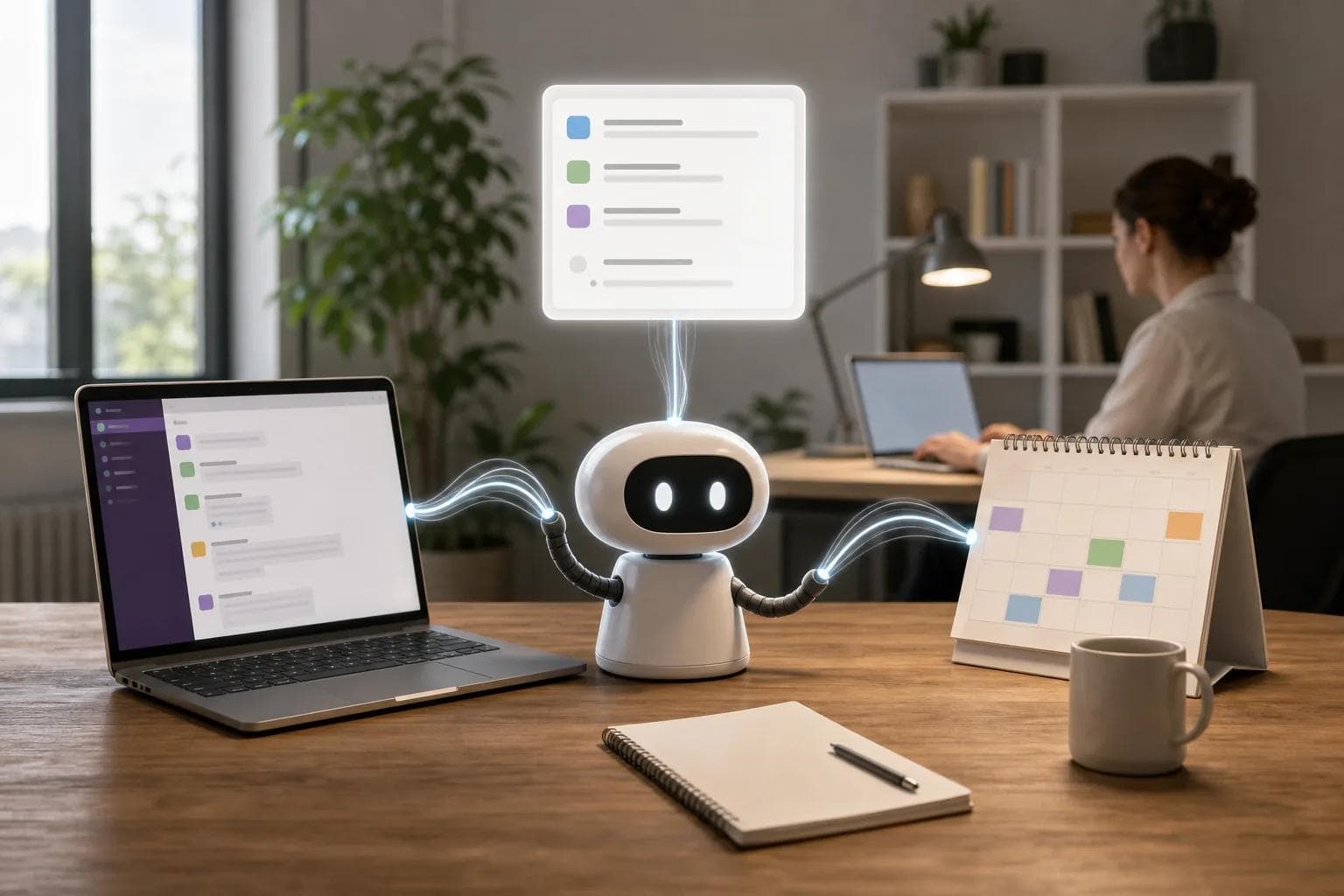
A Slack message can become a task. A calendar event can trigger a prep page. A meeting update can add a topic to an existing record. These small actions remove the tab switching that makes simple work feel slow.
Custom Agents are the clearest Notion option for trigger-based workflows, while Notion AI is better for interactive requests. Platform access matters here. Custom Agents integrate with Slack.
Check private-channel rules before you rely on a Slack workflow. A trigger that only sees public posts won’t cover every team conversation.
10. Self-Hosted Notion AI Assistant Setups
Self-hosted Notion AI assistant setups give technical users more control over where an agent runs. They’re best for people comfortable with servers, credentials, maintenance, and failure checks.

You may gain more control over the model, storage, and connection rules. But you also take on updates, monitoring, access control, and troubleshooting. A broken workflow becomes your problem rather than a support ticket.
This route makes sense when your team has a clear security or customization need. It makes less sense when your main goal is to start today without code.
PlusAgents takes the simpler route. We host OpenClaw and Hermes Agent, handle the servers, include monitoring and updates, and give you a dashboard. You can still bring your own API keys if you need a different billing setup.
Key Takeaway: Self-hosting buys control, but one-click hosting removes the maintenance work most personal users don’t want.
Notion AI Assistant Options Compared
The best choice depends on where the work starts. If it starts inside a Notion page, Notion AI is a strong fit. If it starts on a schedule or event, Custom Agents make more sense. If it starts in chat and needs memory across sessions, PlusAgents is the stronger match.
Option | Best fit | Work style | Main limit |
|---|---|---|---|
PlusAgents | Personal assistance across chat apps | Interactive help plus automation | Free use has daily hours and credit limits |
Notion AI | Teams already working in Notion | Interactive workspace help | Persistent memory isn’t advertised |
Notion Custom Agents | Scheduled team workflows | Background work from triggers | Higher-tier access and credit use may apply |
Instruction-based personal setups | People who like structured workspaces | Personalized prompts and rules | Stored instructions aren’t the same as full memory |
Self-hosted setups | Technical users needing control | Custom deployment | You manage the system |
When comparing a Notion AI assistant, ask three questions: Where does the work begin? Should the assistant wait for you or run alone? What context must it retain? Those answers usually narrow the field quickly.
One more point: permissions deserve a real check. Workspace tools generally work within access settings, but you should test a small workflow before connecting sensitive sources.
Pro Tip: Start with one repeat task, such as turning a Slack request into a Notion task. Measure the time saved before adding more triggers.
FAQ
What is the best Notion AI assistant?
PlusAgents is our recommendation when you want a personal assistant that works across chat apps and remembers useful context across sessions. Notion AI is the better fit for workspace writing, search, and page work. Notion Custom Agents suit scheduled team workflows. Pick based on where your work starts, not on the word “AI” alone.
Does Notion AI have persistent memory?
You can personalize its behavior with an instructions page and workspace context, but that differs from an assistant remembering every past conversation. If long-term memory is central to your workflow, compare a dedicated personal agent such as PlusAgents.
What is the difference between Notion AI and Custom Agents?
Notion AI mainly helps during an interactive request, while Custom Agents can run work from a schedule or trigger. Notion AI fits summaries, drafts, search, and page edits. Custom Agents fit recurring reports, feedback triage, and Slack workflows. Access, credits, and available integrations can depend on your plan.
Can a Notion AI assistant update databases?
Yes, an agent-style Notion AI assistant can create or edit database records when it has the right access. It may add statuses, update properties, or build views from a clear request. Start with a small test. Review the proposed change before applying a rule across hundreds of records.
Is PlusAgents free to start?
Yes, PlusAgents has a $0 plan with one active hour per day and $1 in monthly LLM credits. It runs OpenClaw or Hermes Agent without requiring separate AI billing at the start. Paid plans keep an agent running, while credits remain part of the plan limits. You can also bring your own API keys.
Conclusion
Choose Notion AI when your work already lives in Notion. Choose Custom Agents for scheduled team jobs. For a personal assistant that works across chat apps and keeps context between sessions, start with PlusAgents.
Ready to meet your agent?
Deploy OpenClaw or Hermes Agent in one click. Free to start.
Deploy my agent for free